AWS Application Load Balancer with WAF
AWS Elastic Load Balancing (ELB) automatically distributes incoming application traffic across multiple targets—such as EC2 instances, containers, and IP addresses—to ensure high availability and robust fault tolerance.
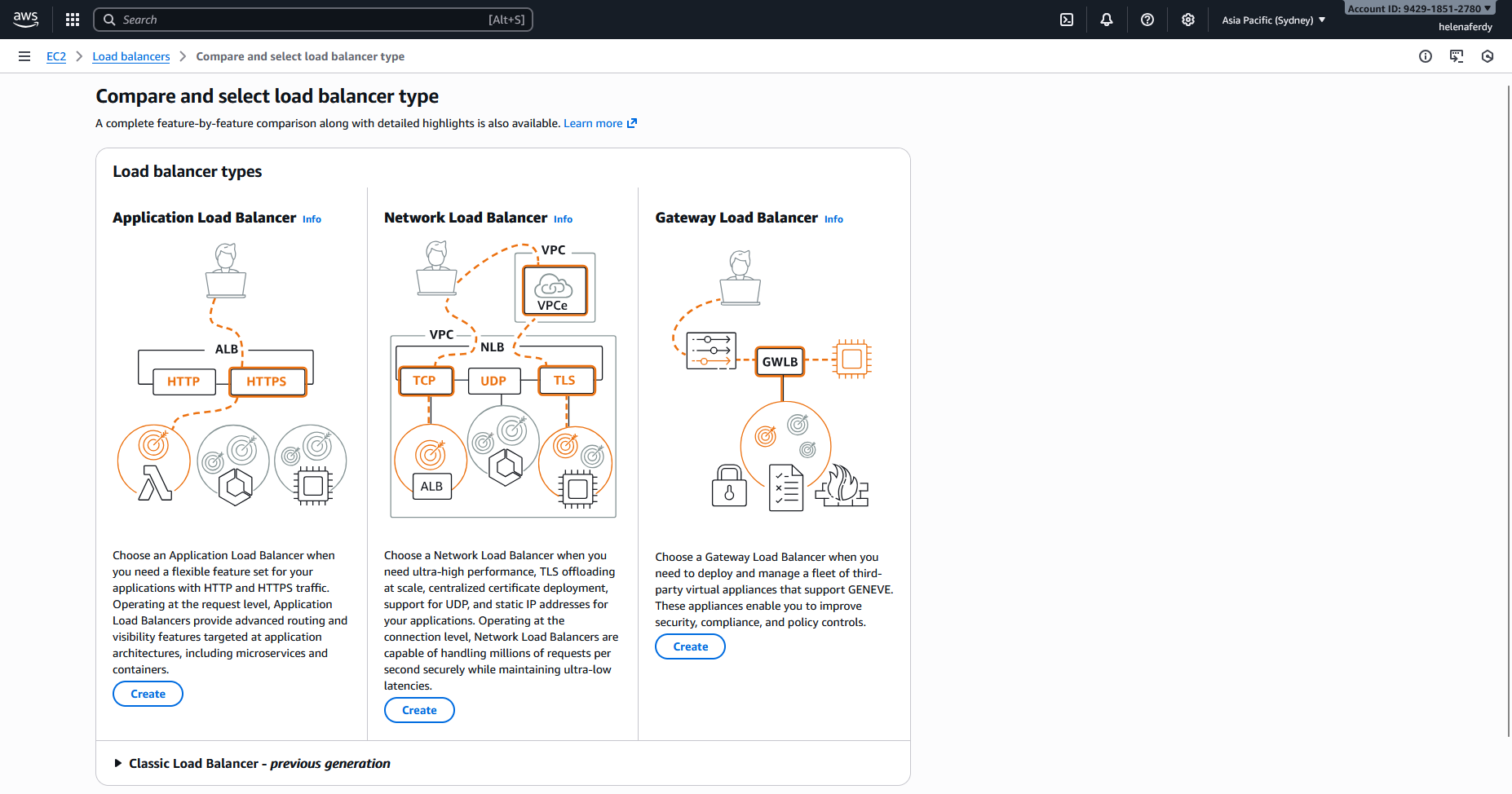
- Application Load Balancer (ALB): Operates at Layer 7 (HTTP/HTTPS) and is best suited for modern web applications, offering advanced request routing based on content like URL paths, headers, or hostnames.
- Network Load Balancer (NLB): Operates at Layer 4 (TCP/UDP) and is designed for extreme performance, capable of handling millions of requests per second with ultra-low latency.
- Gateway Load Balancer (GWLB): Combines a transparent network gateway (Layer 3) with load balancing (Layer 4) to easily deploy, scale, and manage fleets of third-party virtual appliances like firewalls and intrusion detection systems.
Application Load Balancer
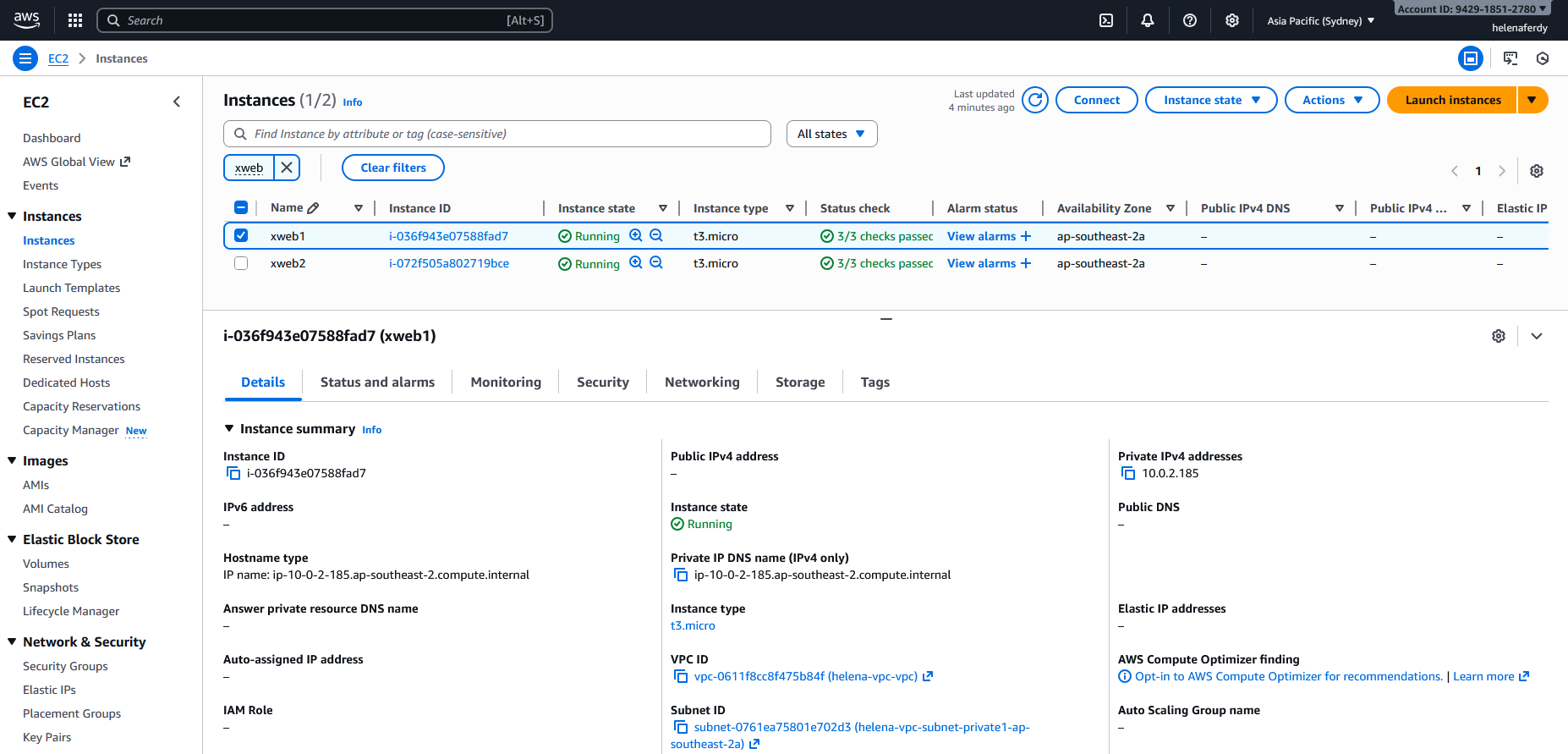
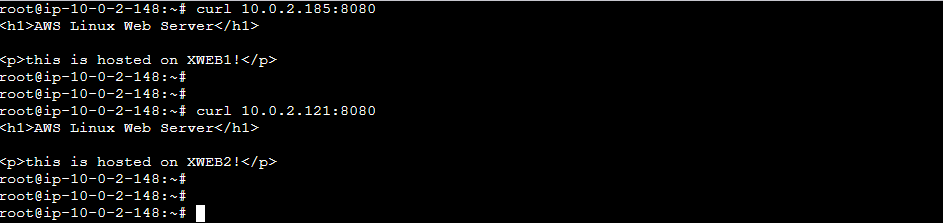
Here we have 2 linux instances serving web on port 8080
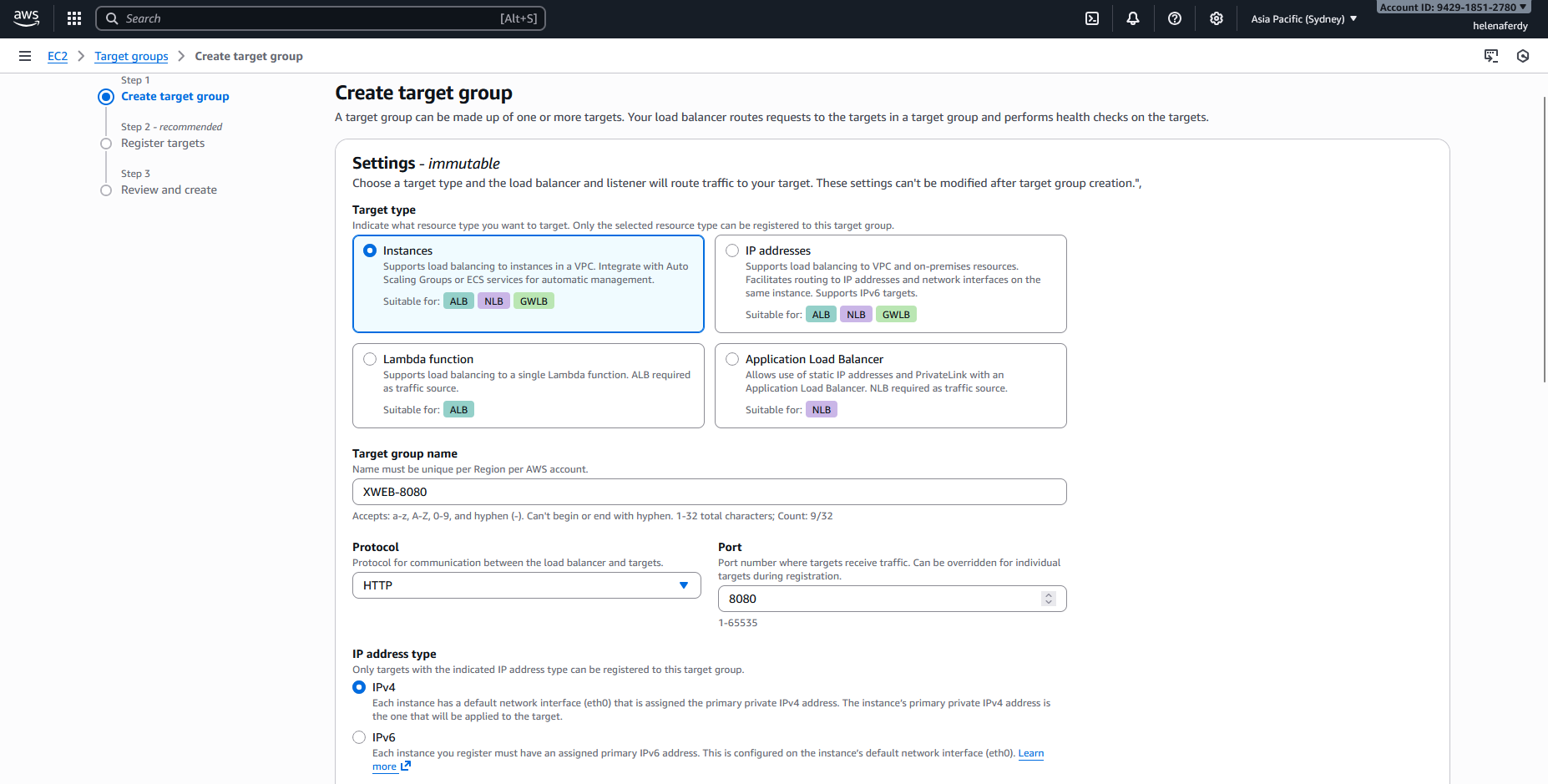
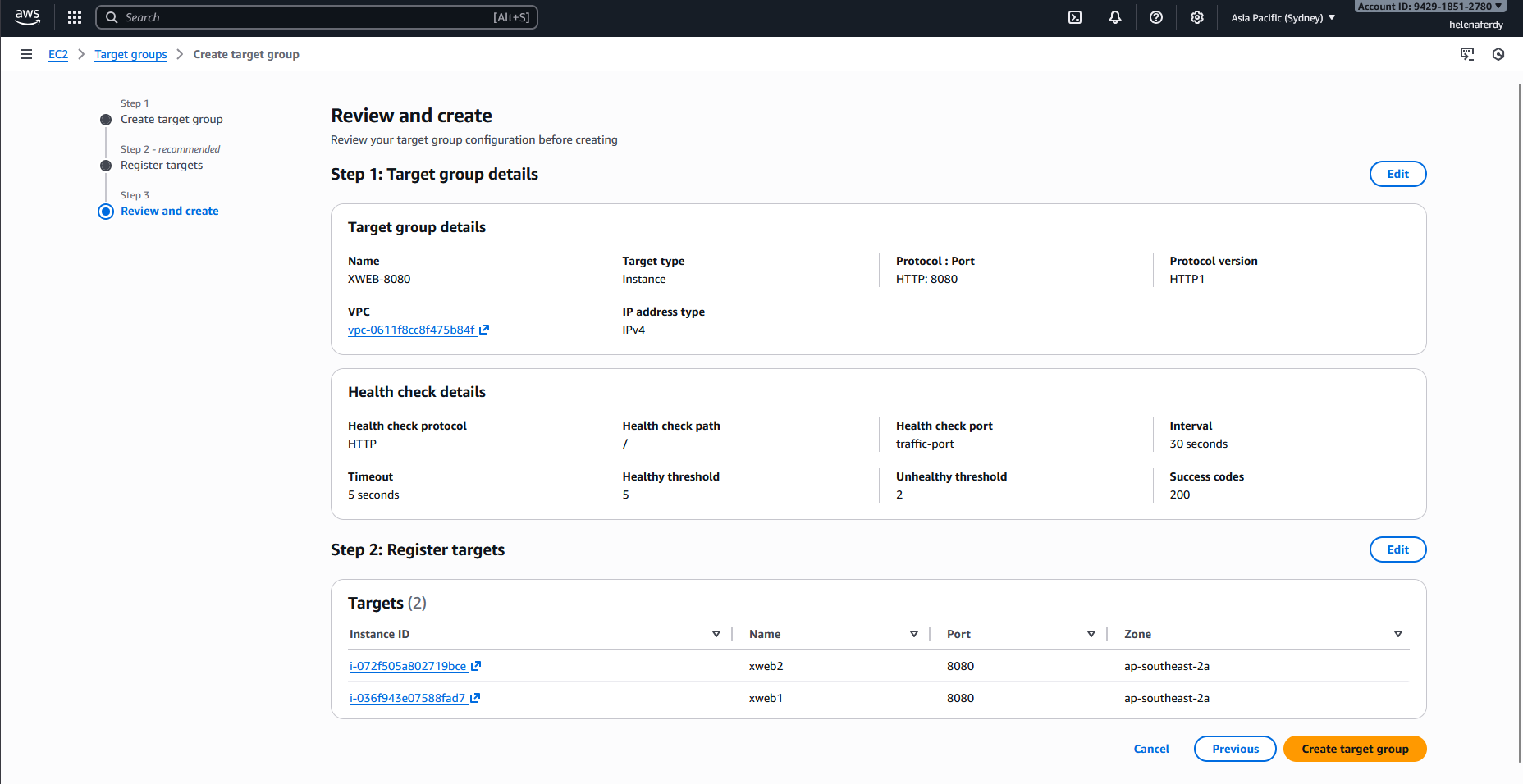
We’ll create a Target Group to contain those 2 instances so we can later use it as load balancing target. Here we select Protocol HTTP on port 8080
Then we select the VPC that the instances are in, and select the health check target protocol & directory
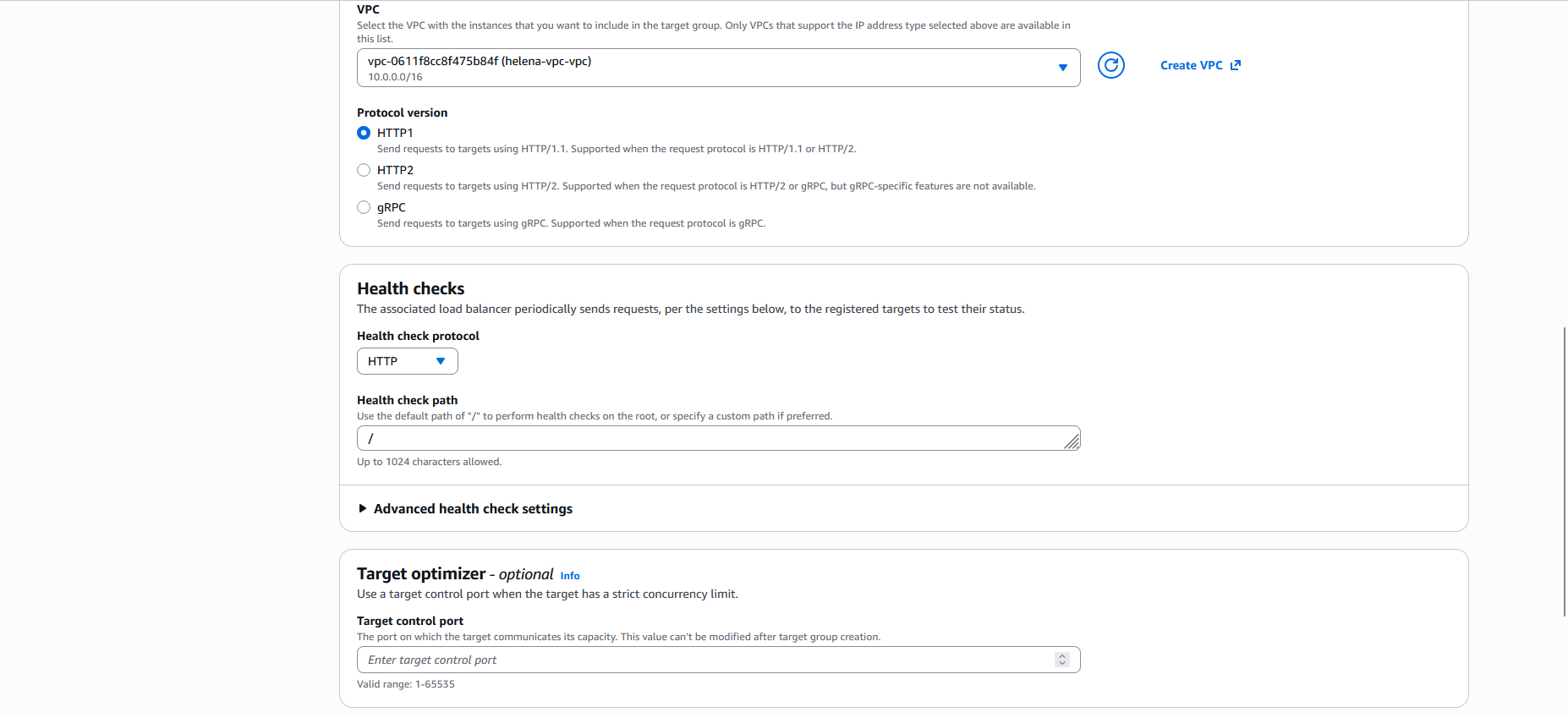
Next we select the 2 linux instances
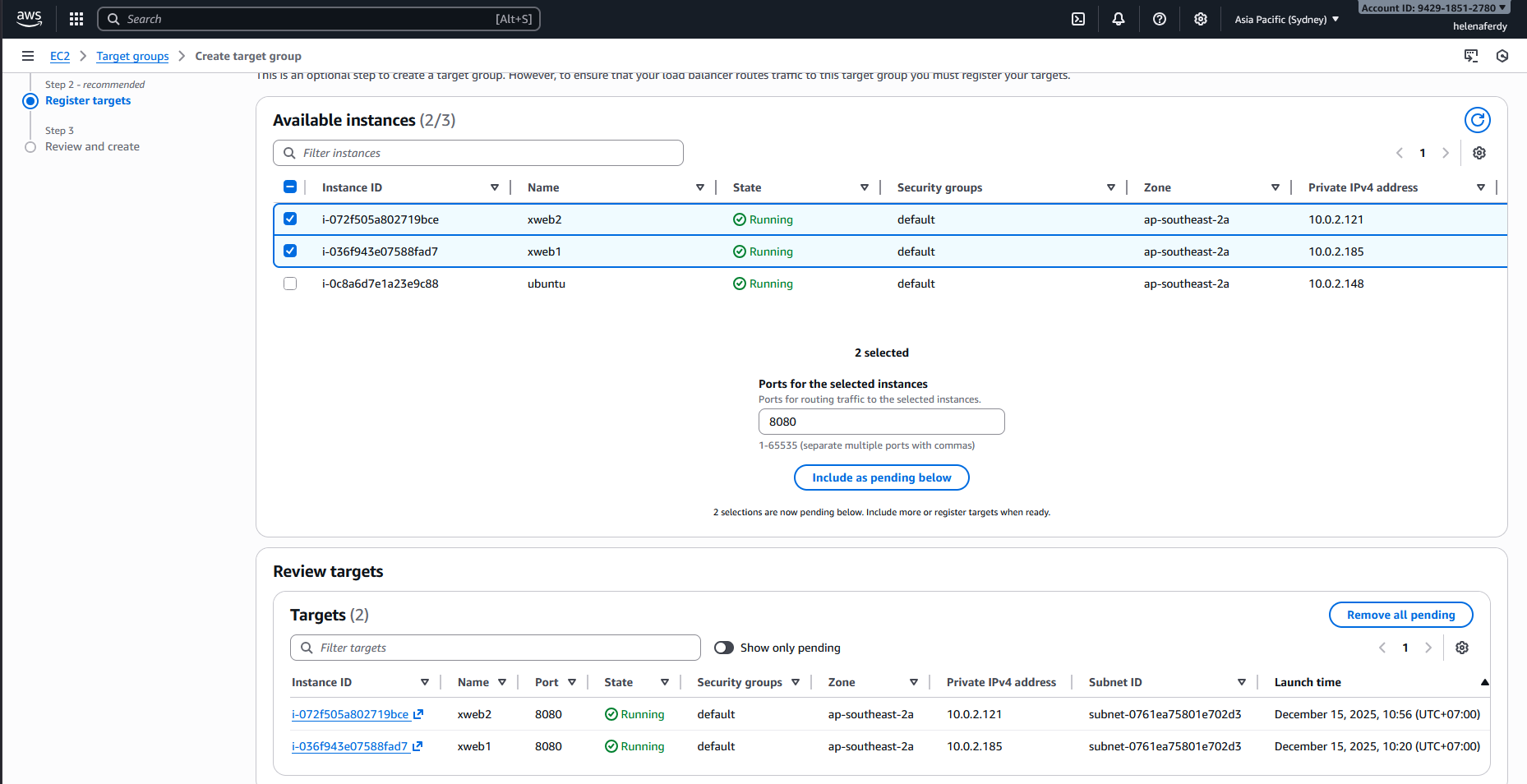
Review and hit Create
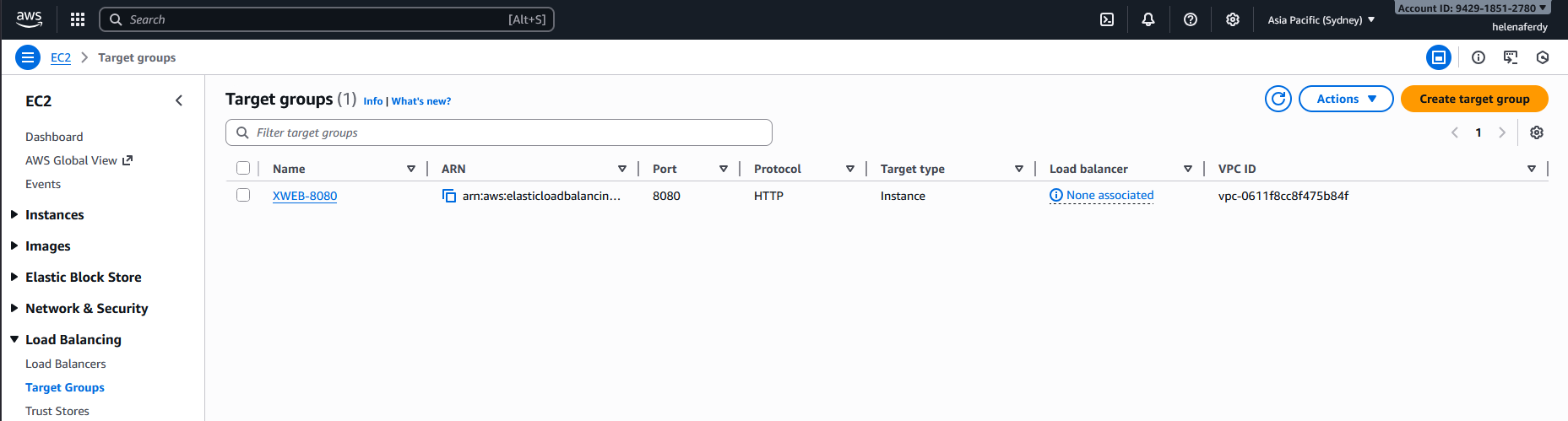
Now we have a Target Group
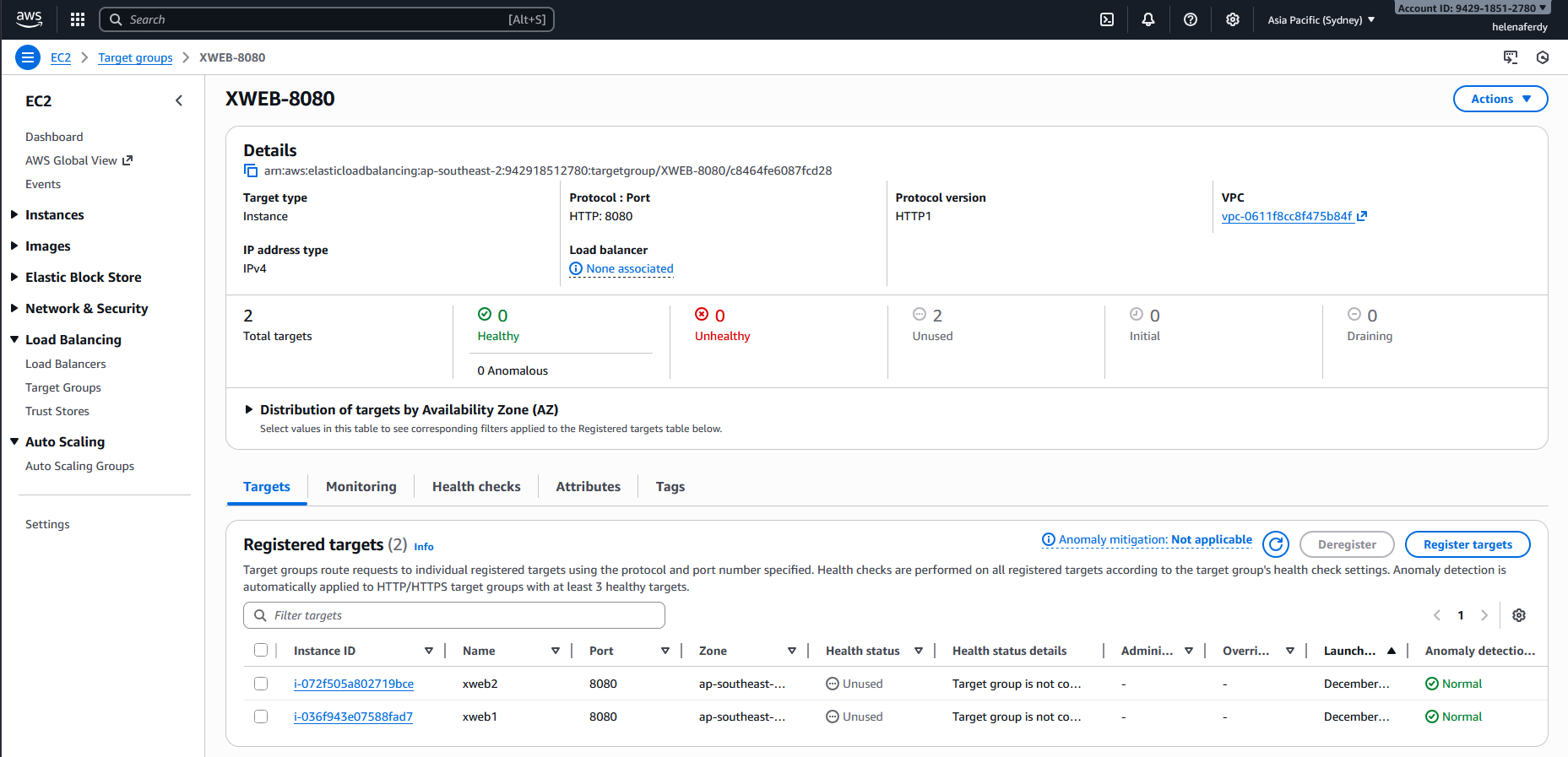
After that, we’ll create the Application Load Balancer
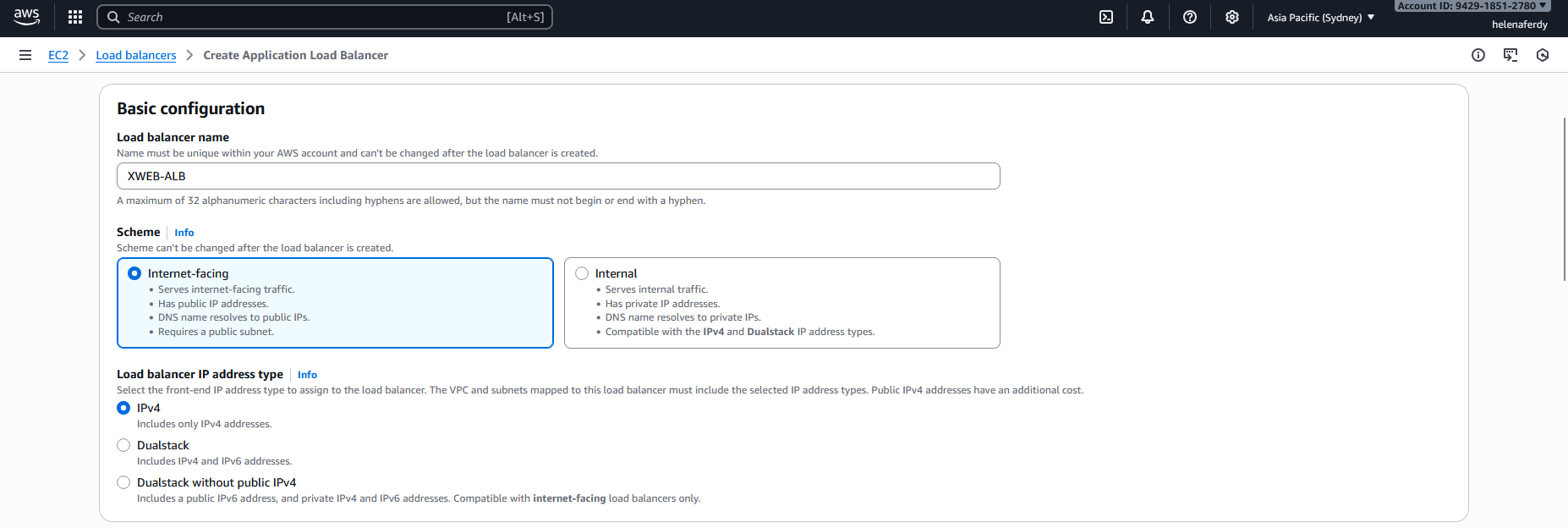
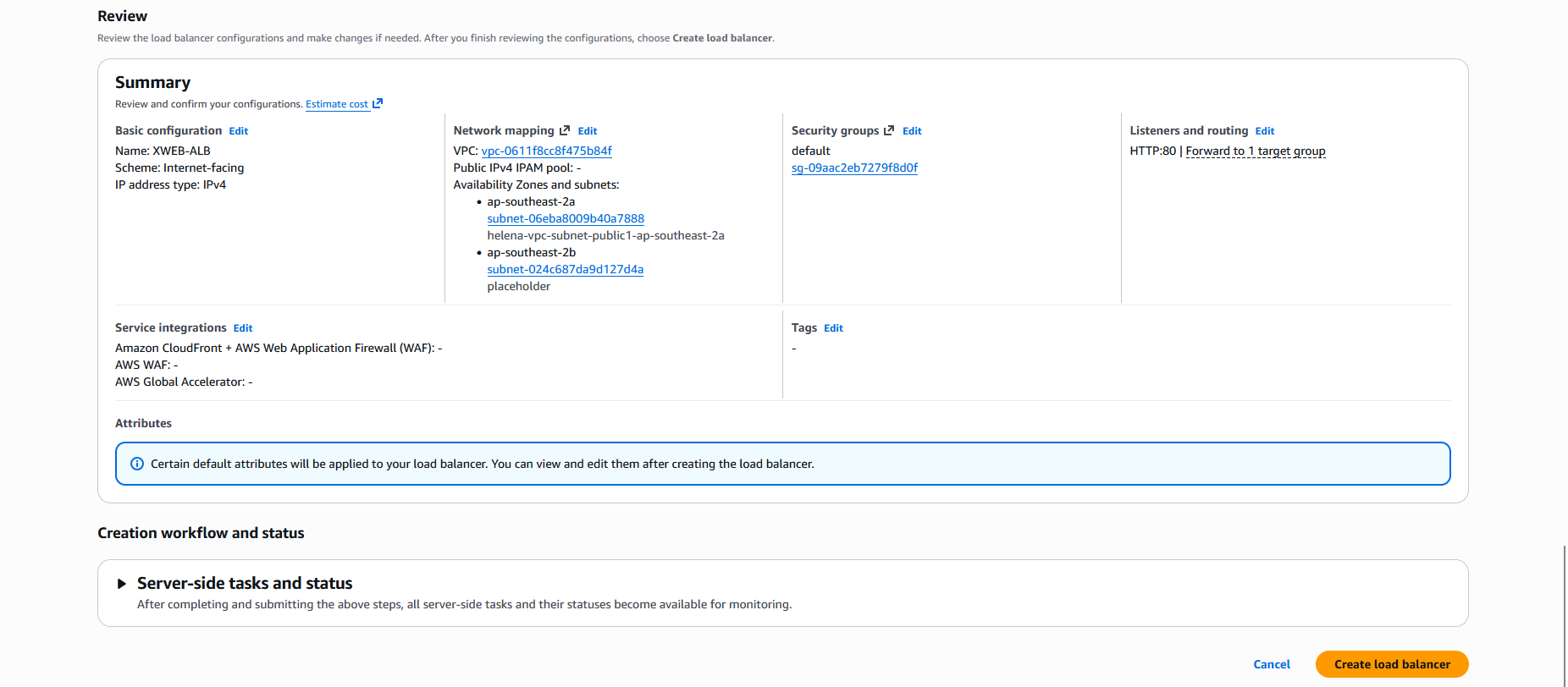
Give it name and select the scheme
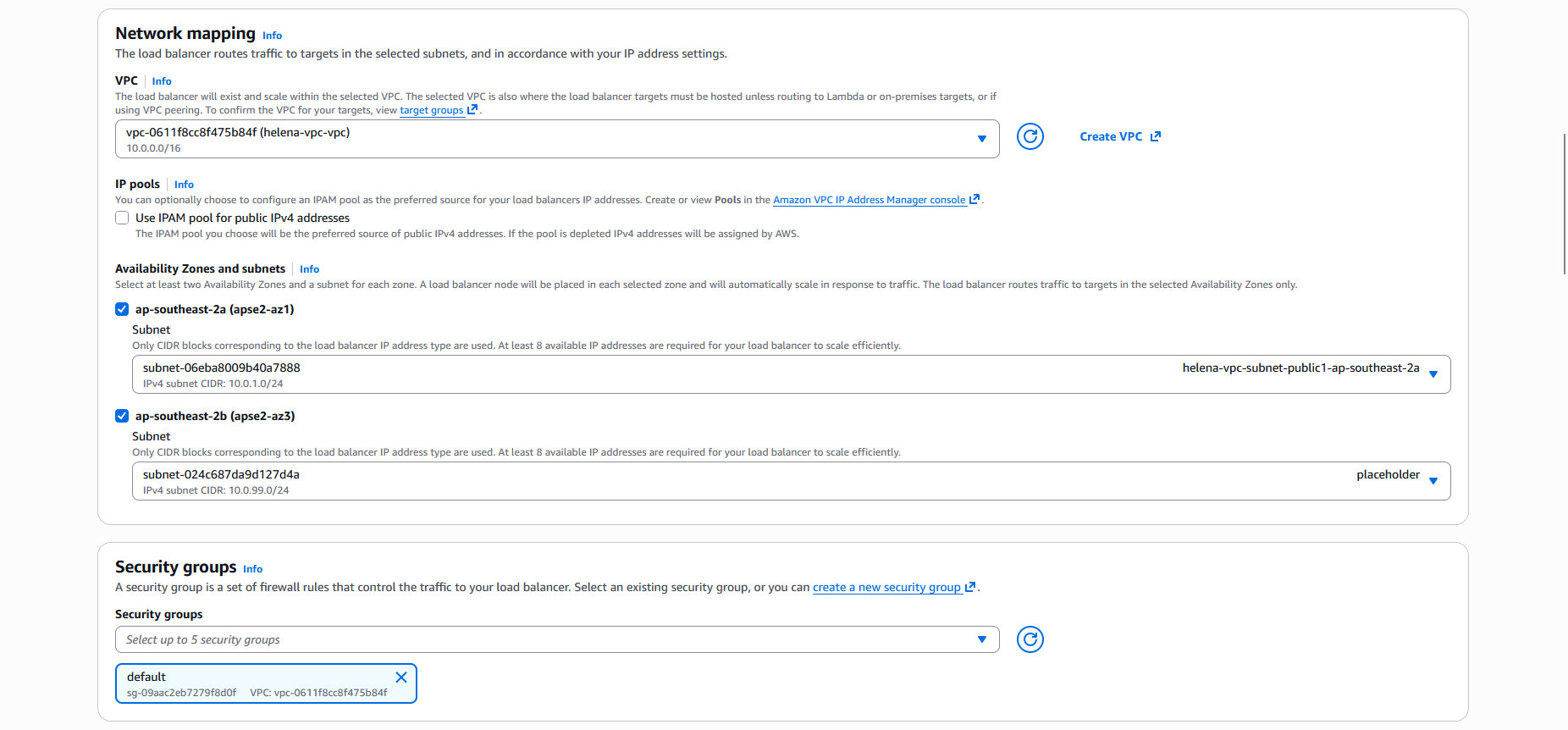
Then select the VPC, btw the load balancer requires us to have at least 2 different subnets on 2 different zones, thats why we added a second ‘placeholder’ subnet
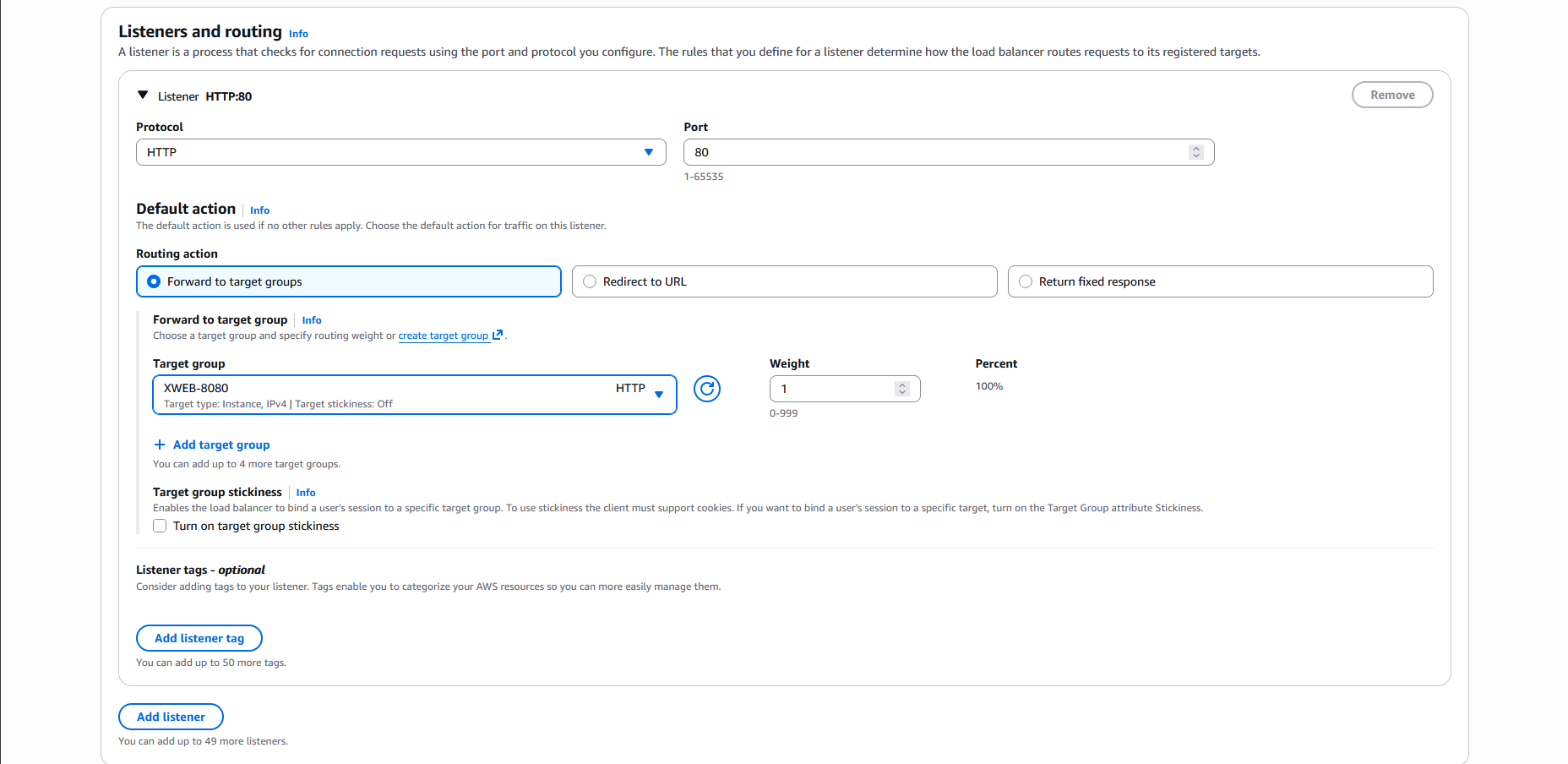
Next on the listener, we’ll select HTTP on port 80 with the target being the Target Group we created earlier
Review and hit Create
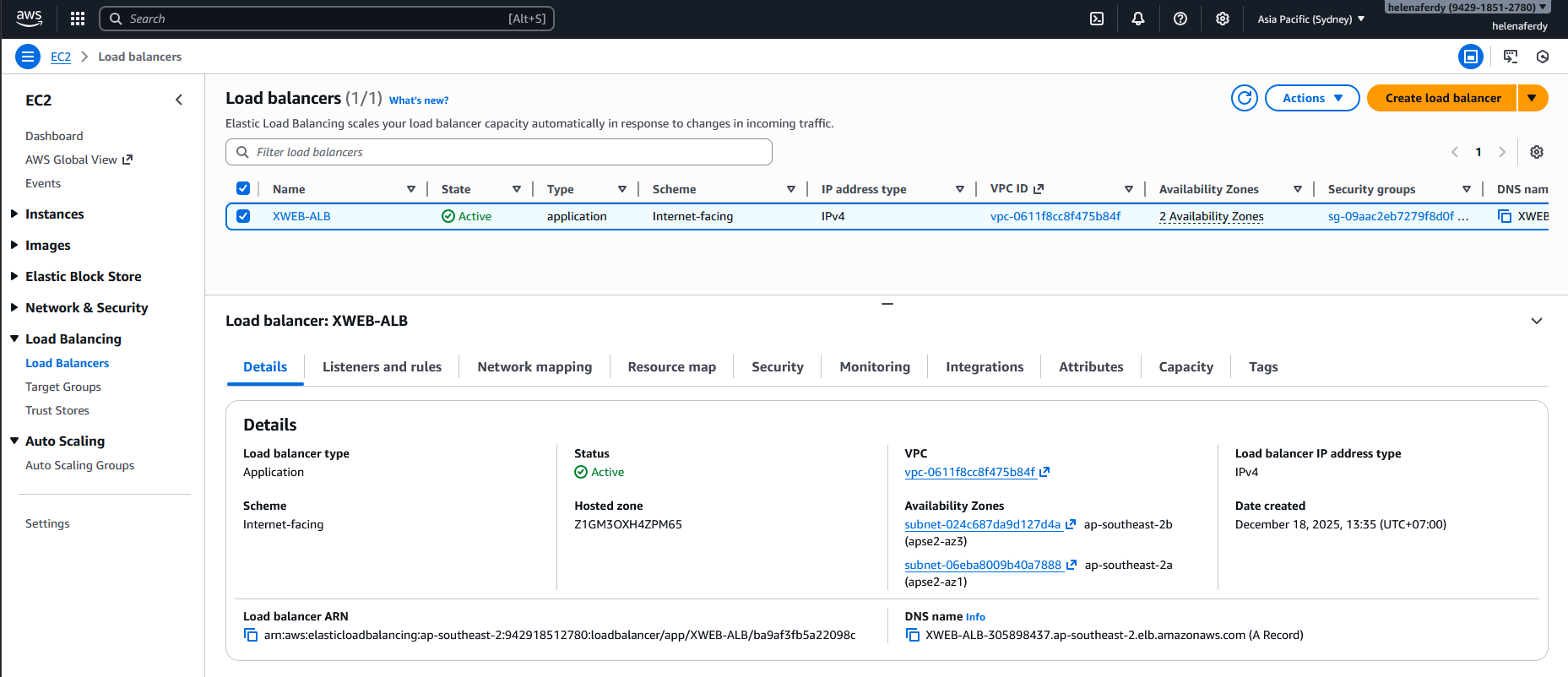
After couple minutes, the ALB is up and running
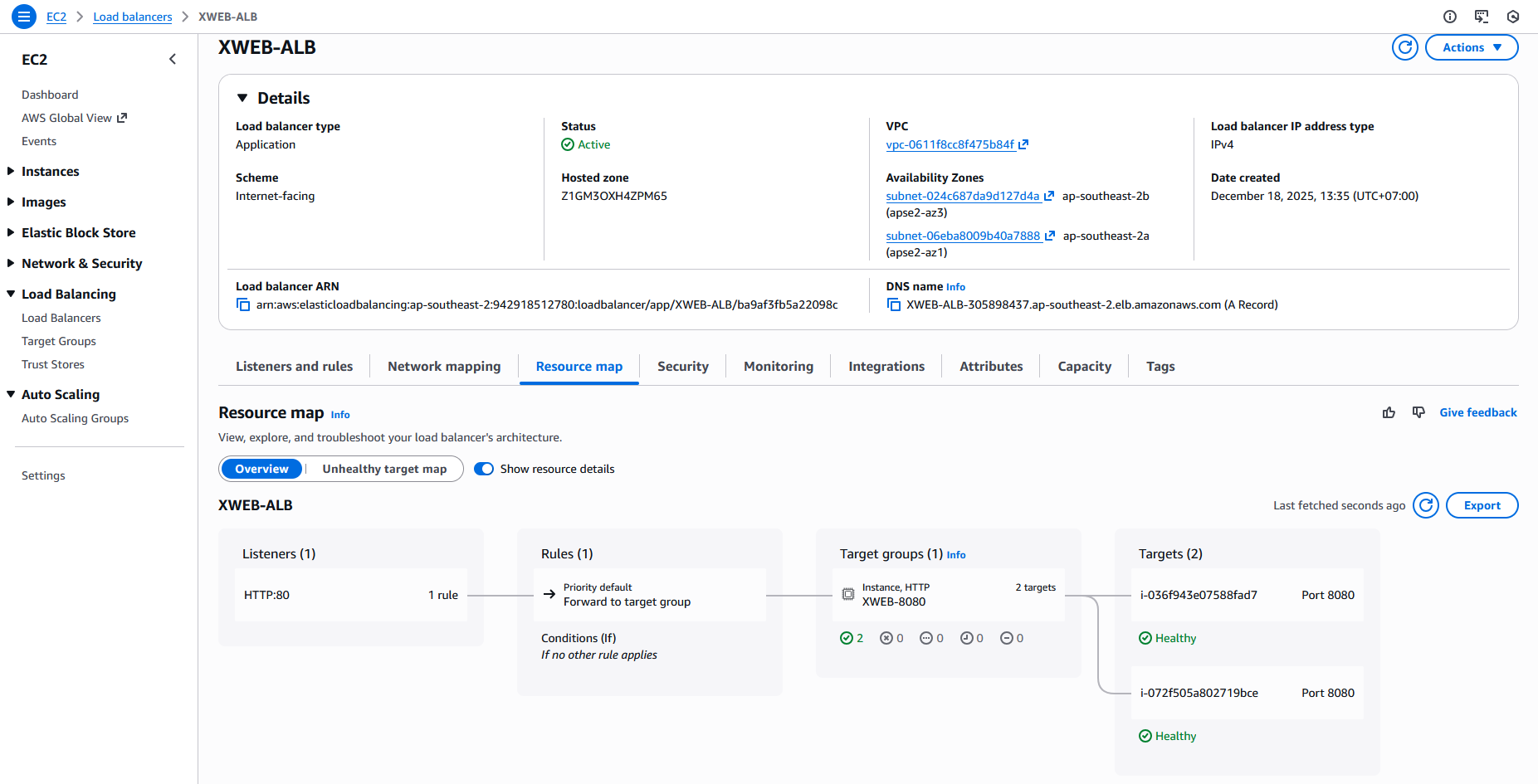
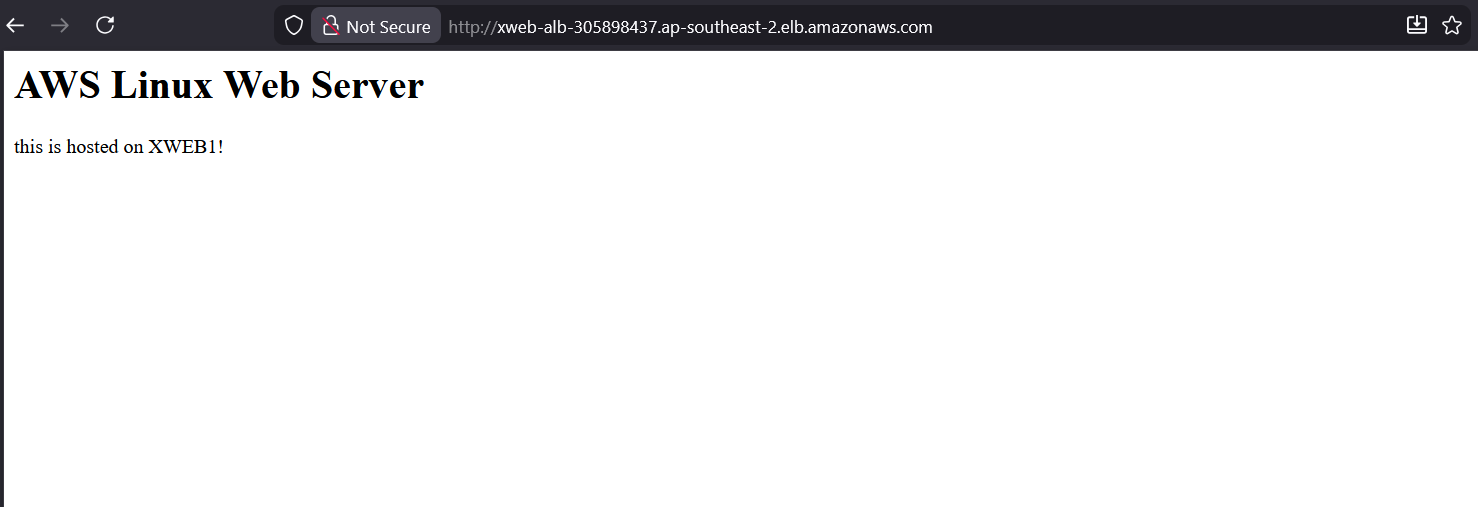
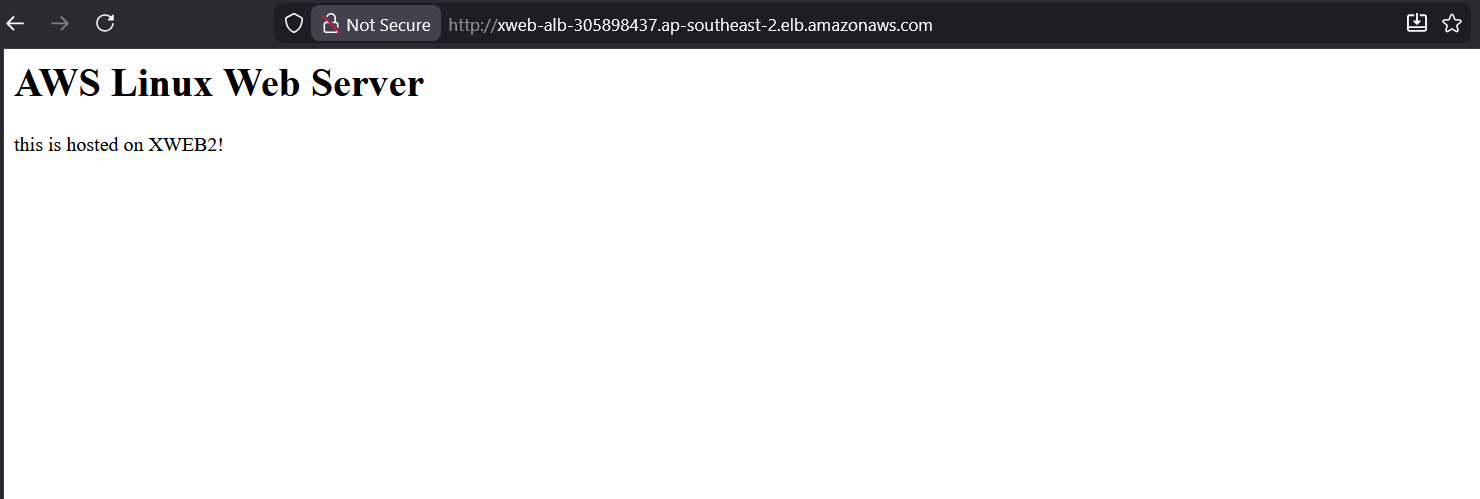
And when we acces the Load Balancer DNS Name, we are being served by both linux instances thats being load balanced
Web Application Firewall
AWS WAF sits on our ALB to filter traffic using customizable rules before it hits our servers. In this lab, we will enforce geo-blocking to deny access from specific countries and rate limiting to automatically ban IPs that send too many requests.
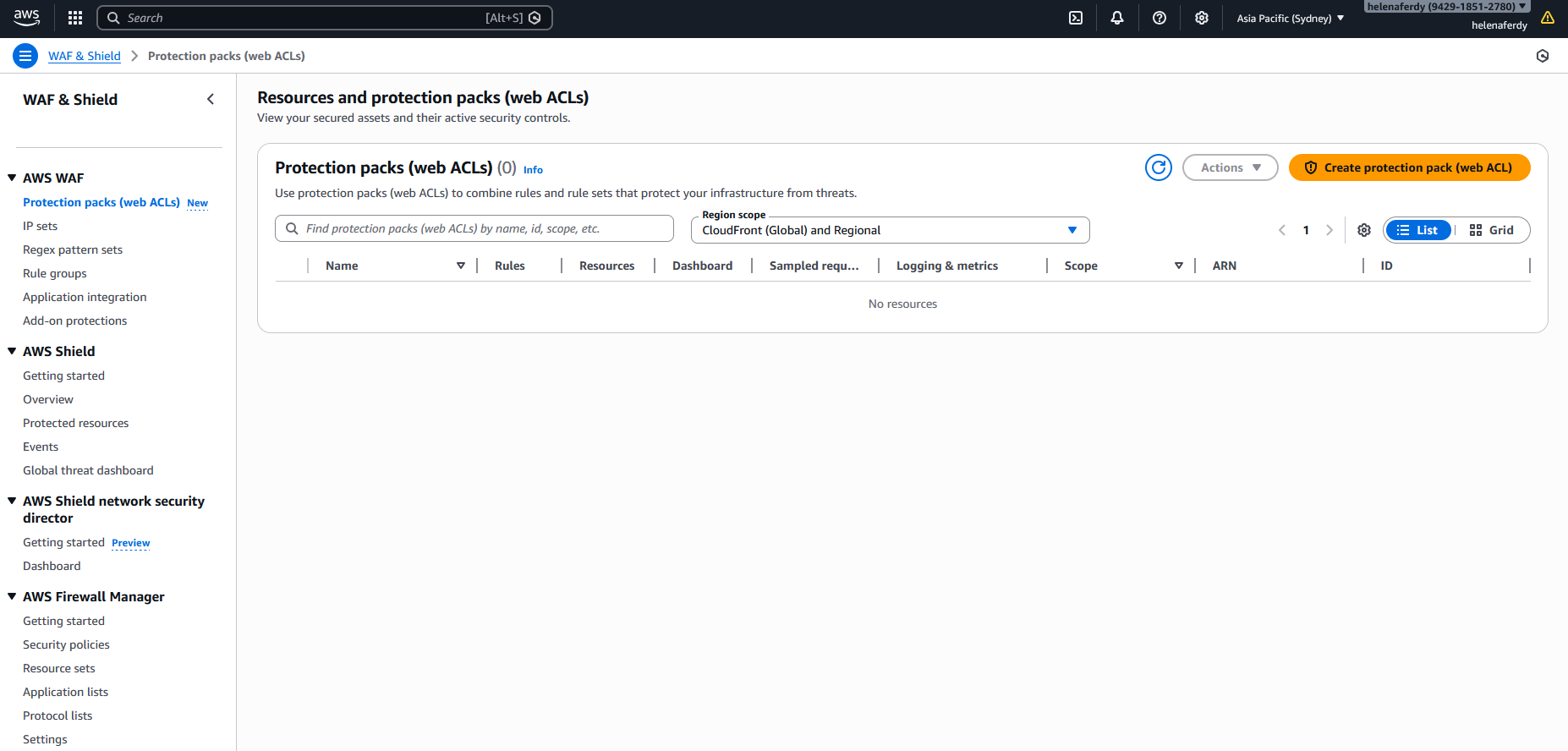
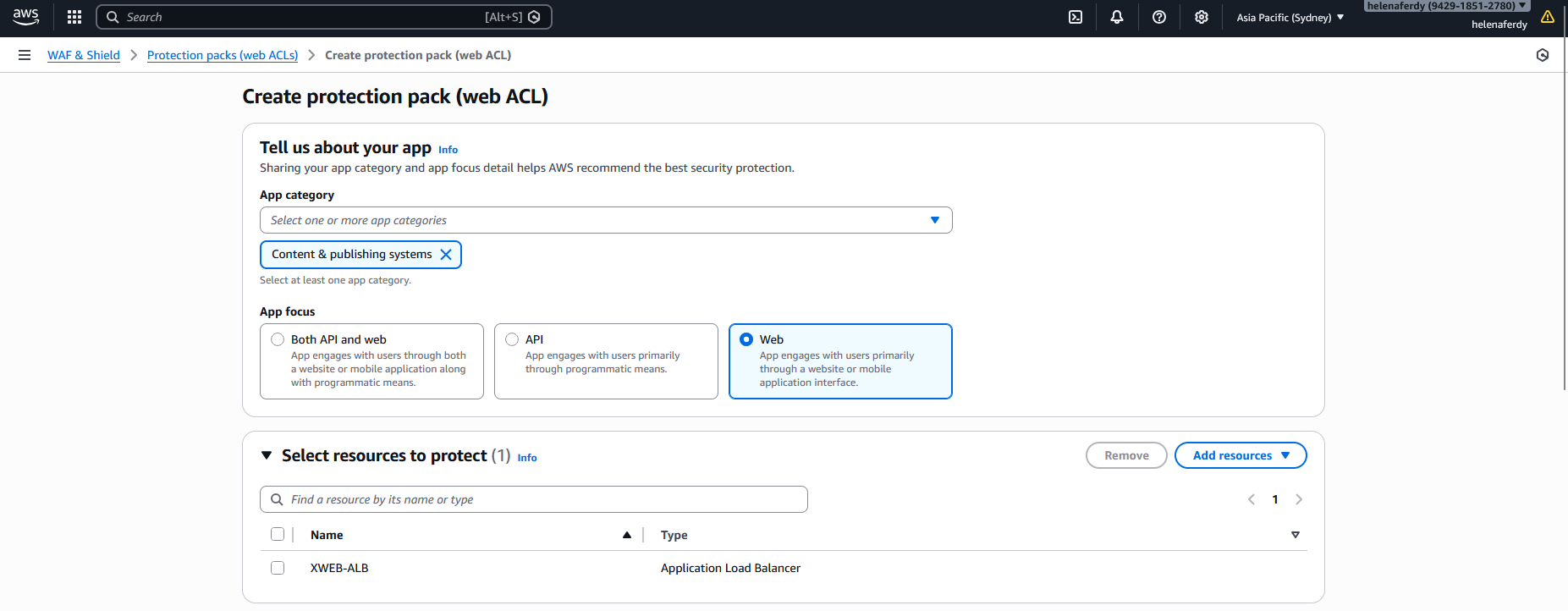
First we will create a new Protection Pack (Web ACL) that protects our ALB
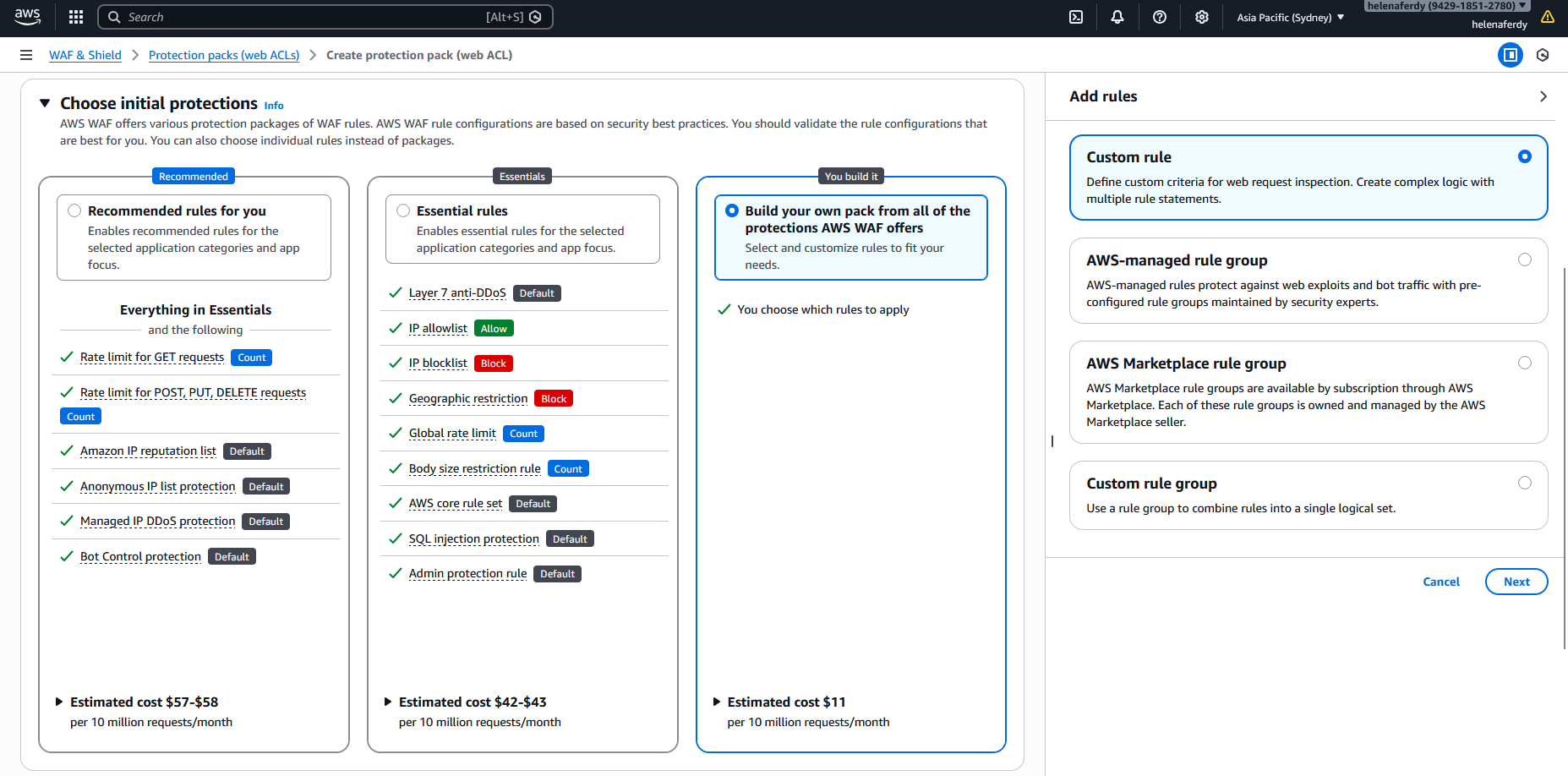
For the first rule, we will select a custom rule and then Geo-based rule
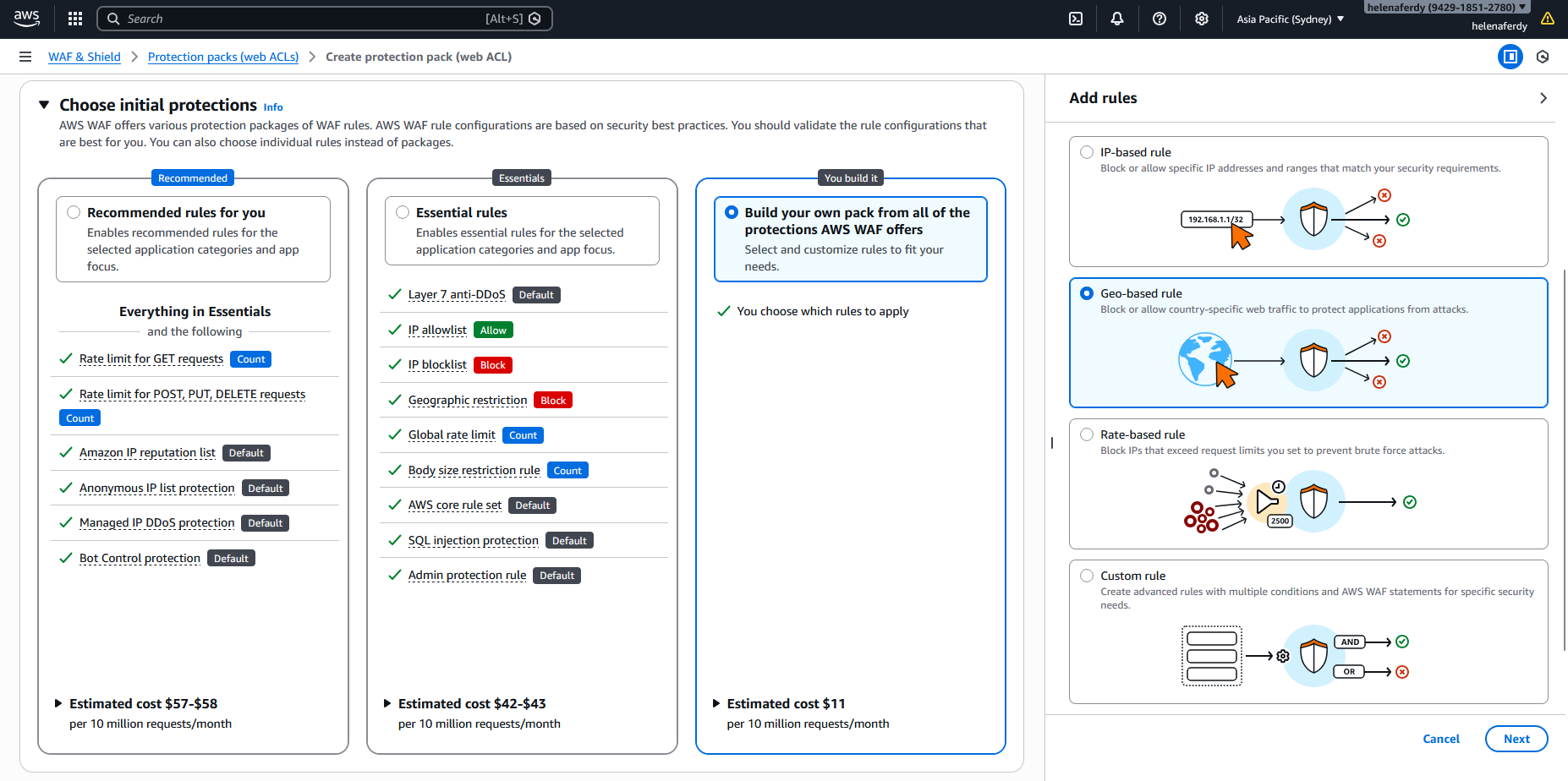
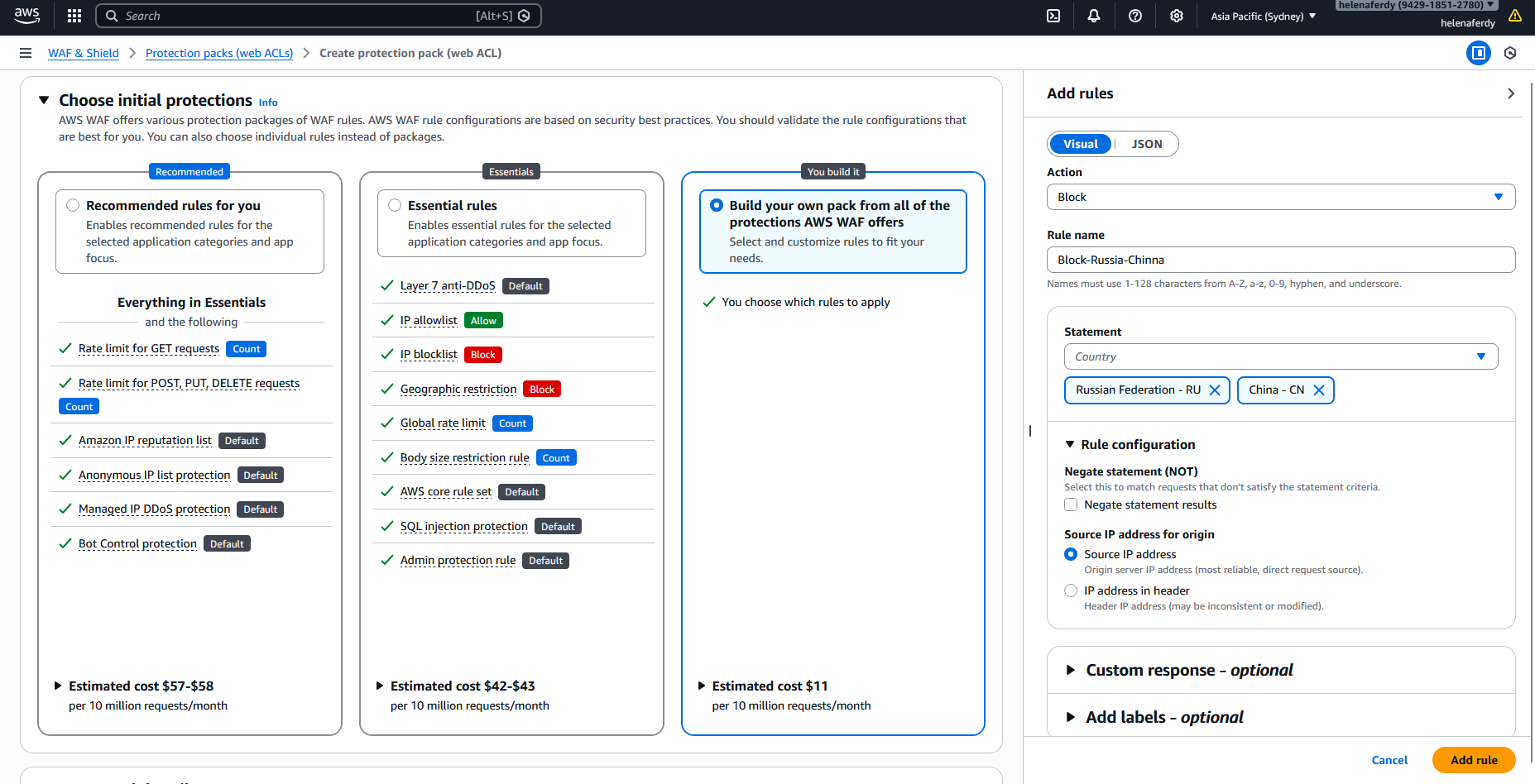
Then we create a rule to block any traffic orignating from Russia & China
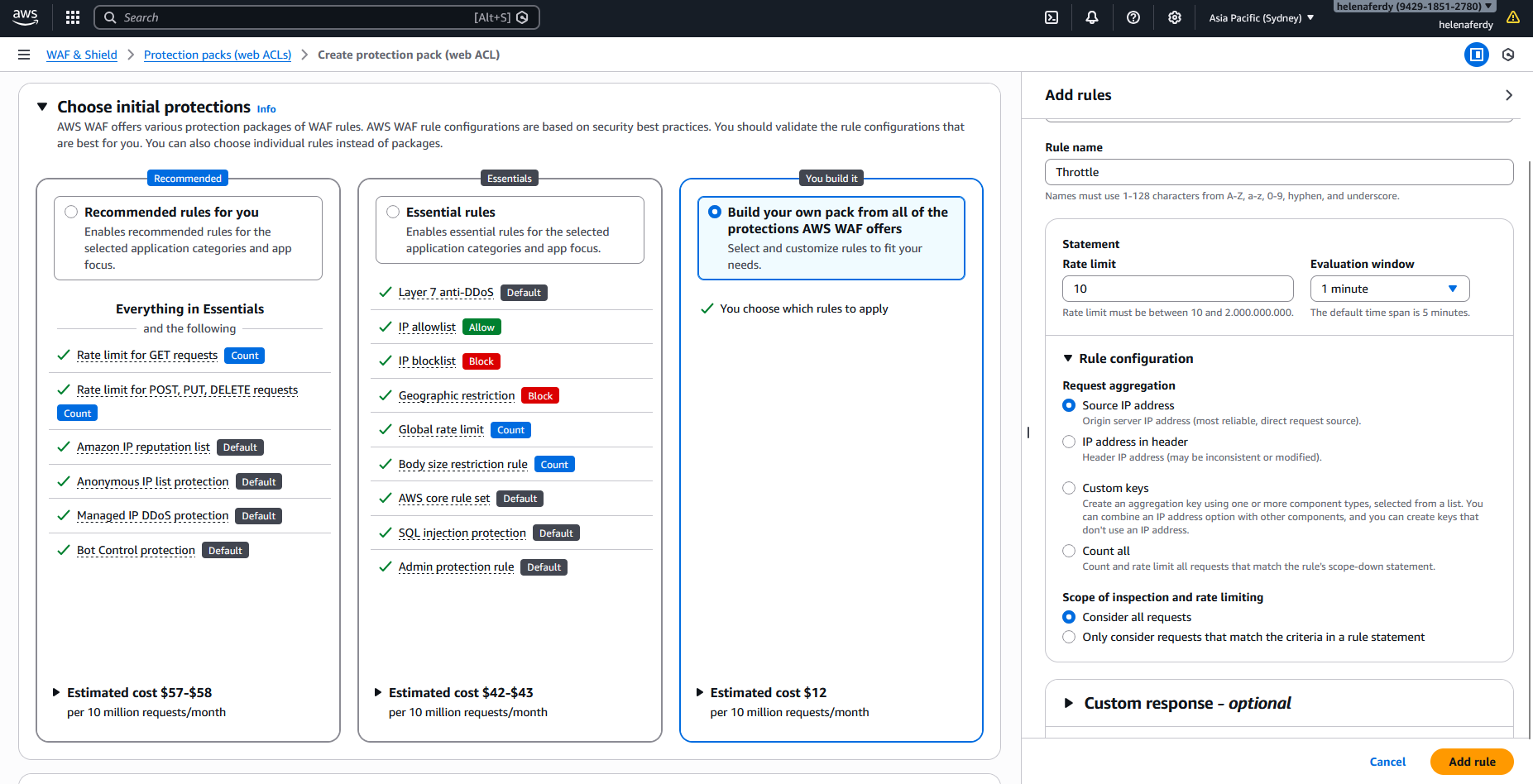
Next for the second rule, we will select Rate-based rule
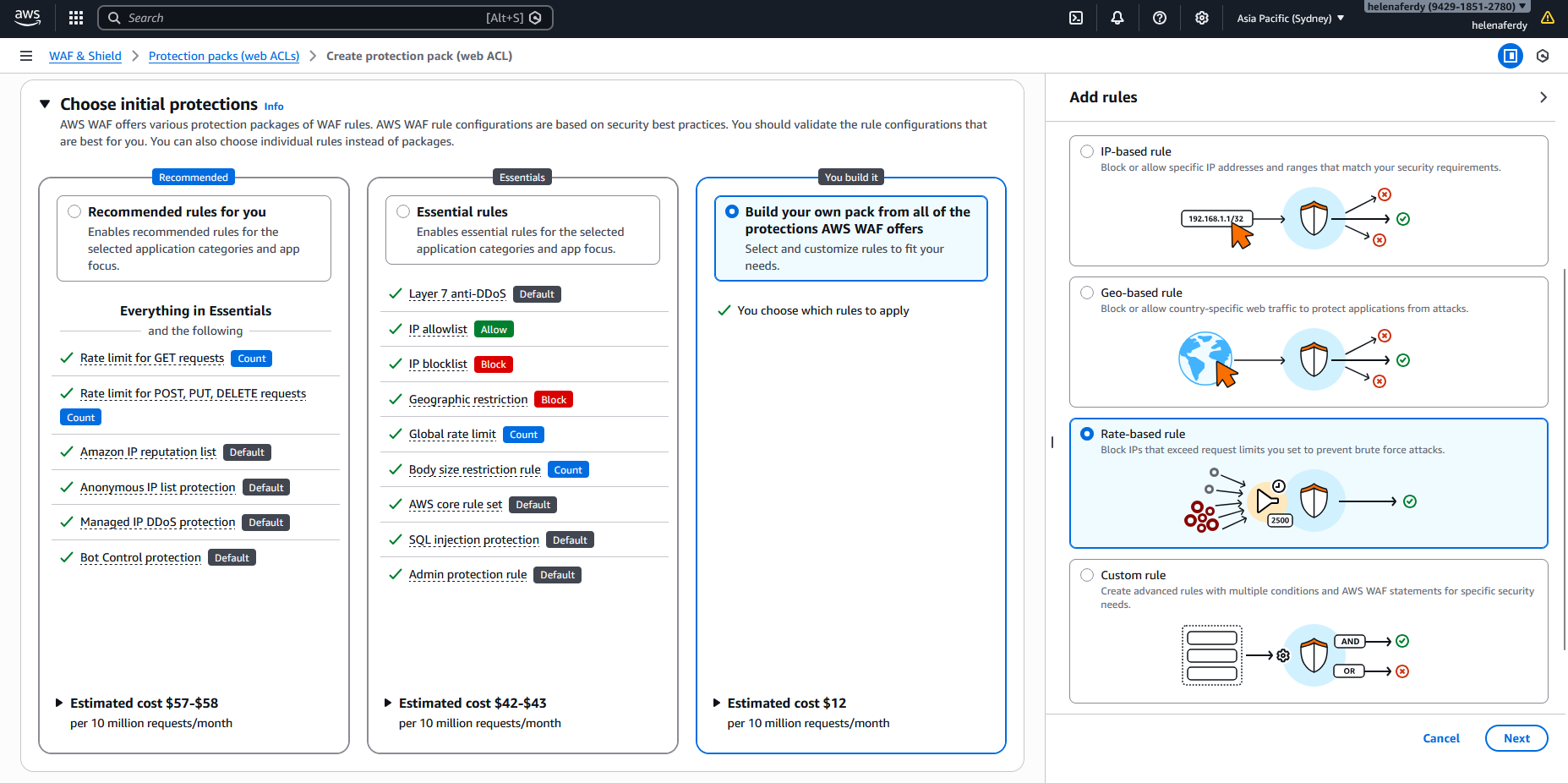
And create throttling rule to limit traffic to have max rate limit of 10 requests per minute
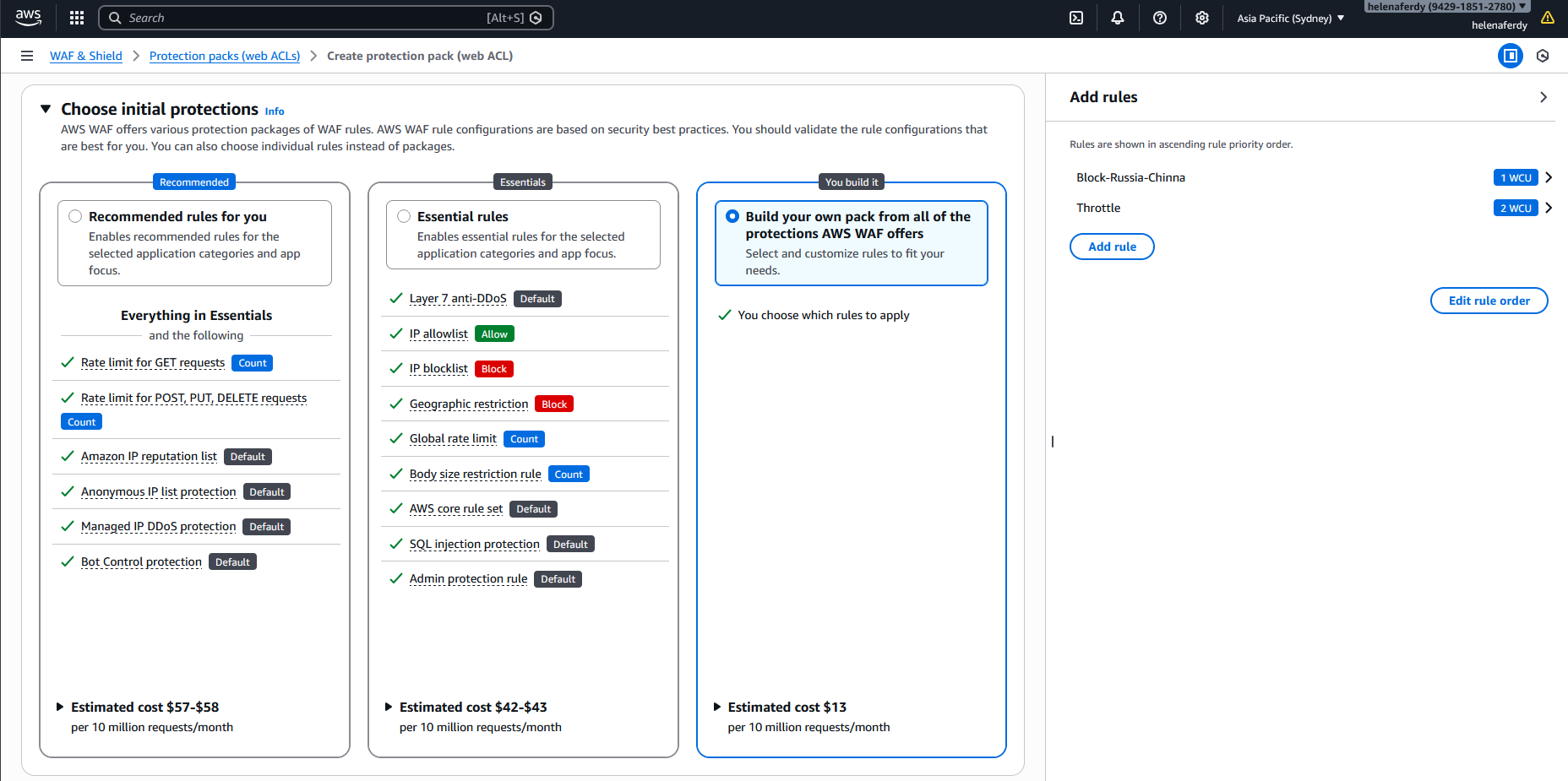
Now we have both our rules configured inside this Web ACL
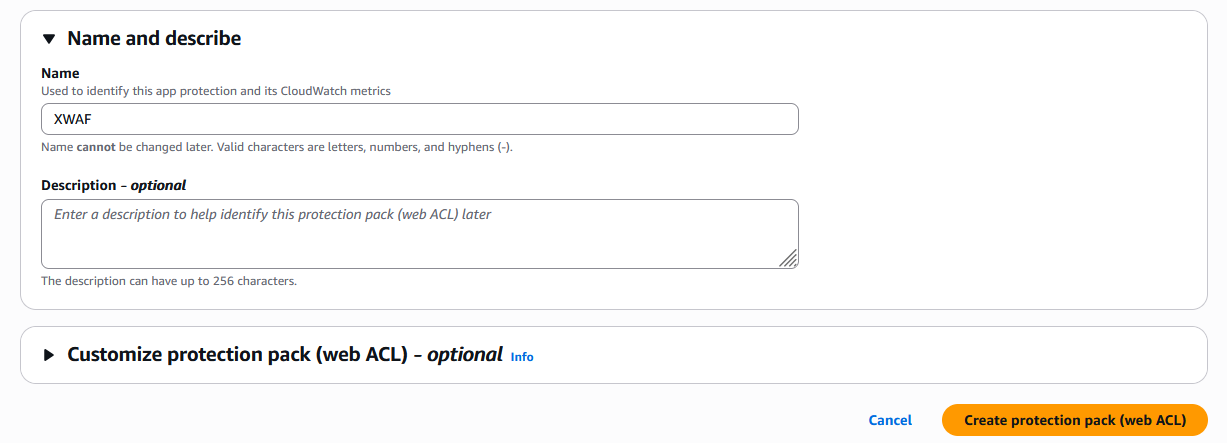
Finally give it name and hit create
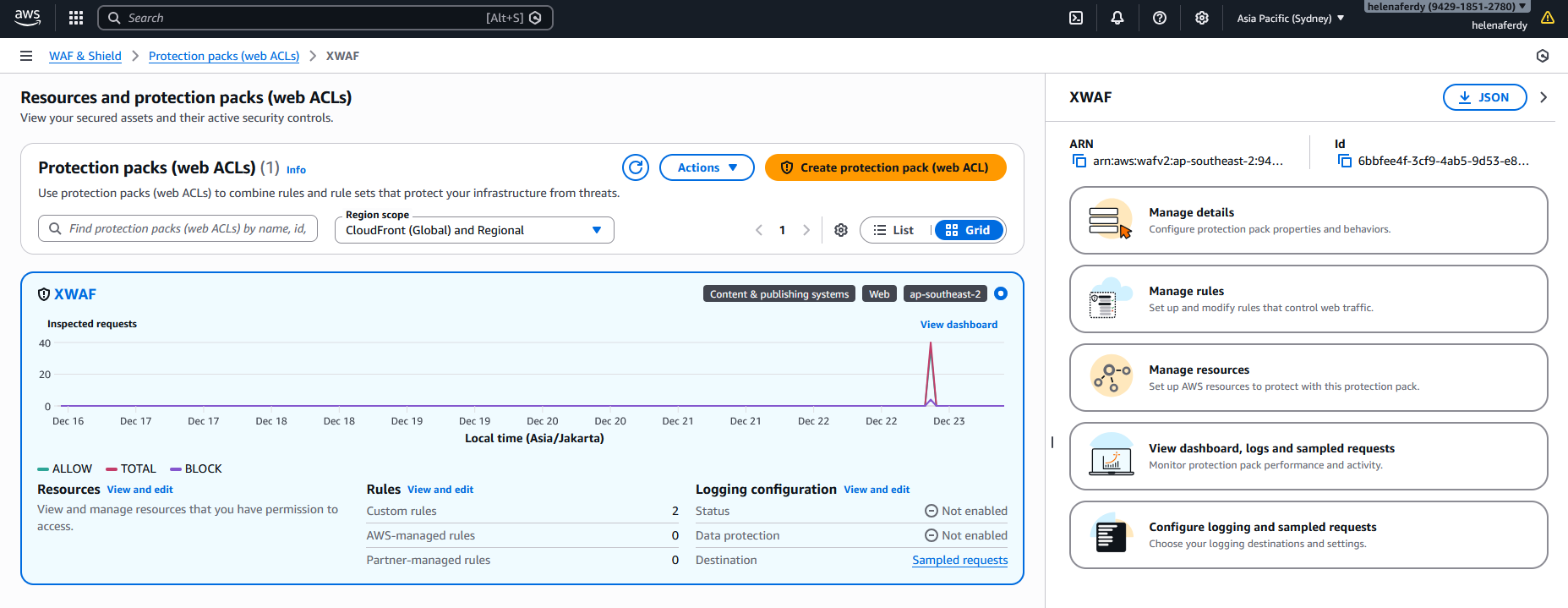
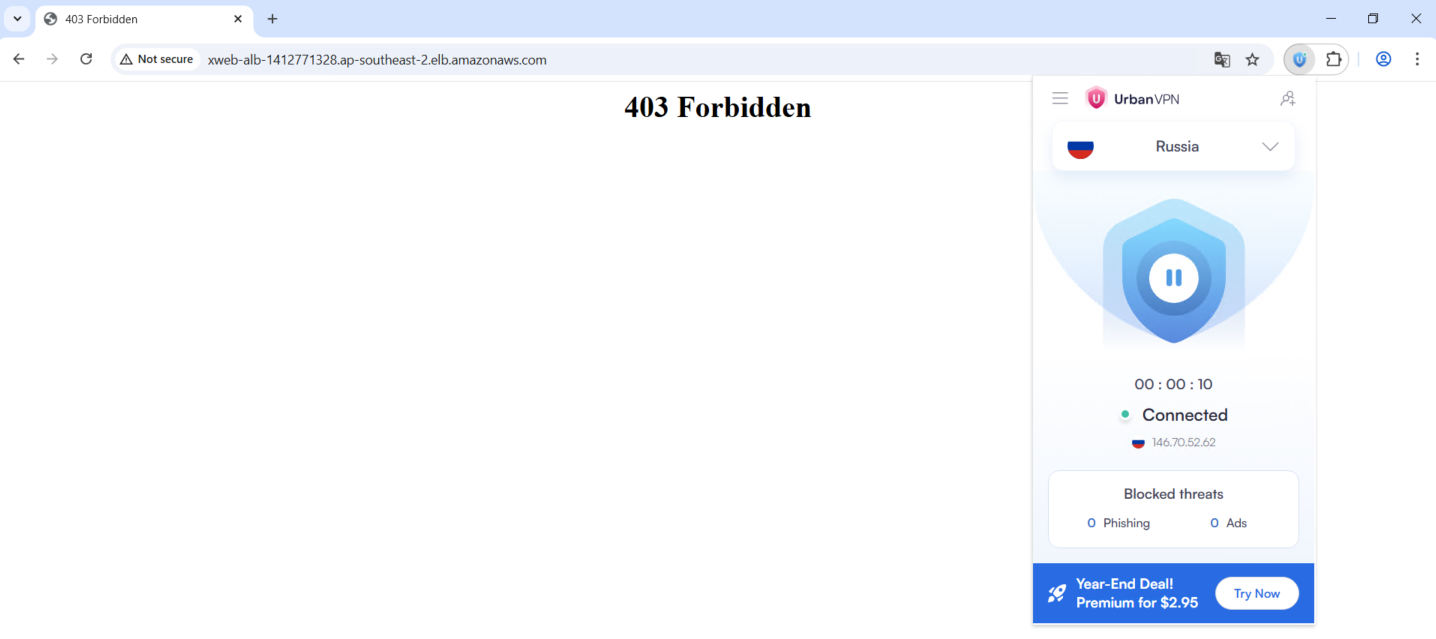
Now if we try accessing the ALB from Russia or China, we will be denied
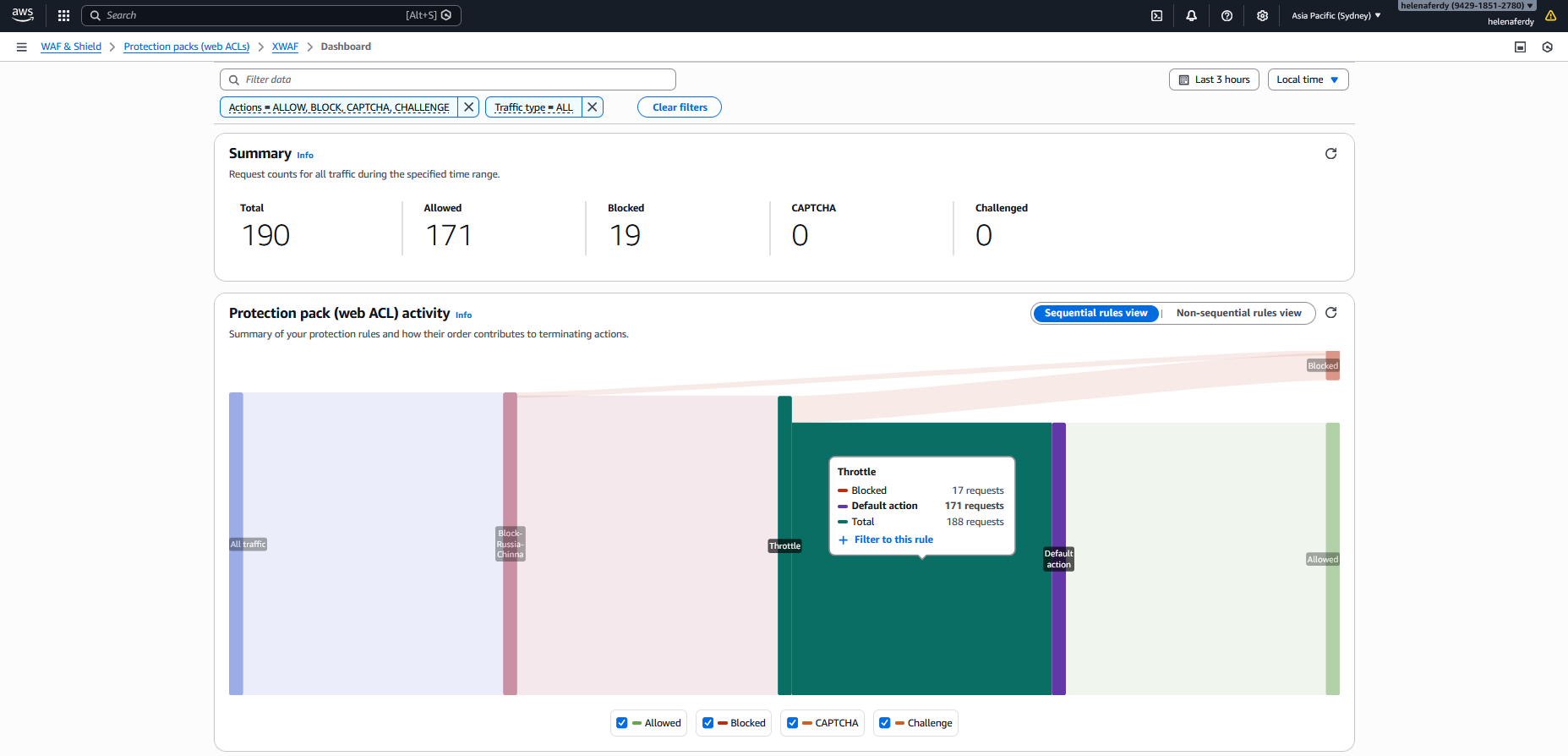
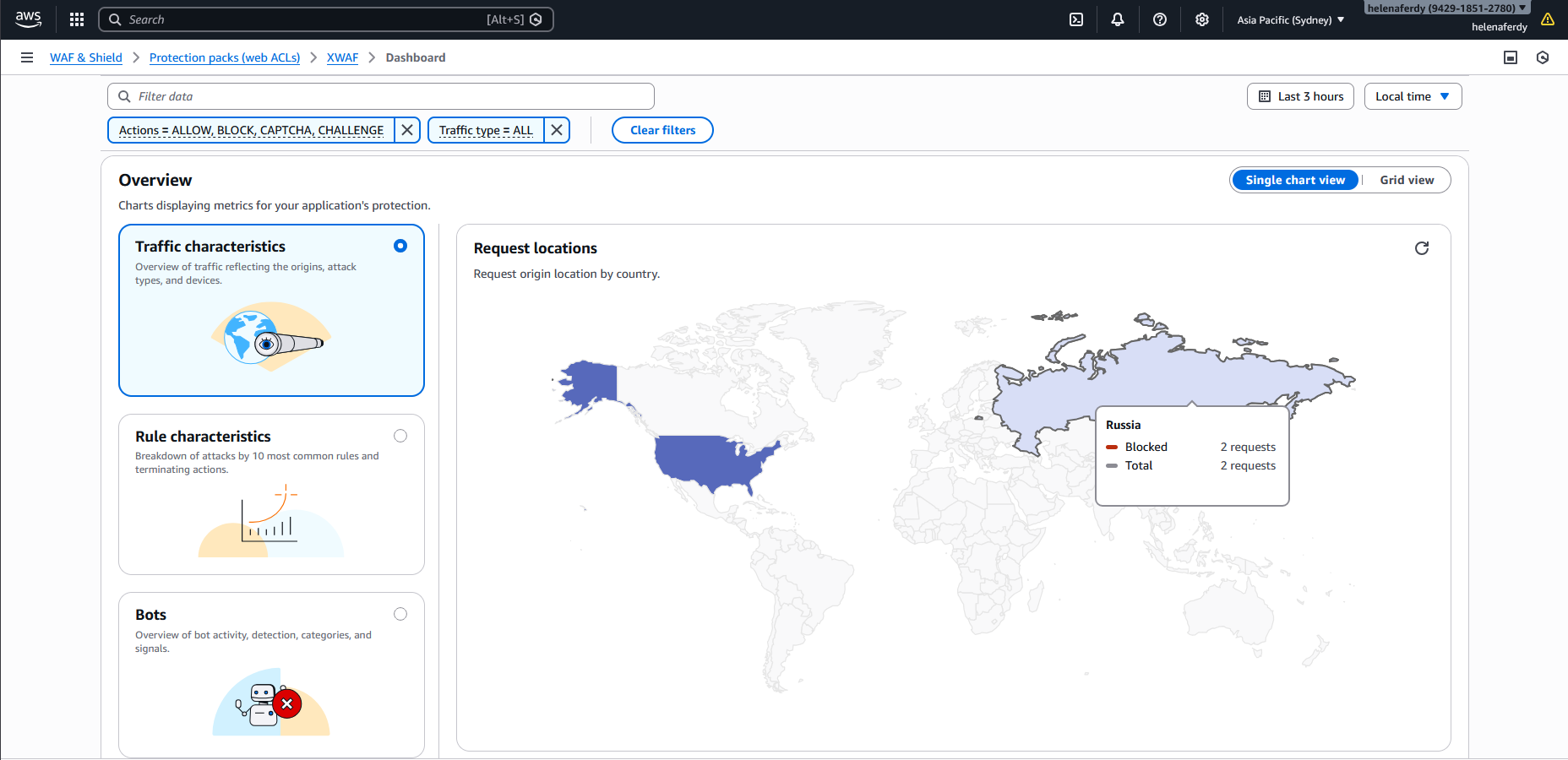
We can see this report on the WAF Dashboard
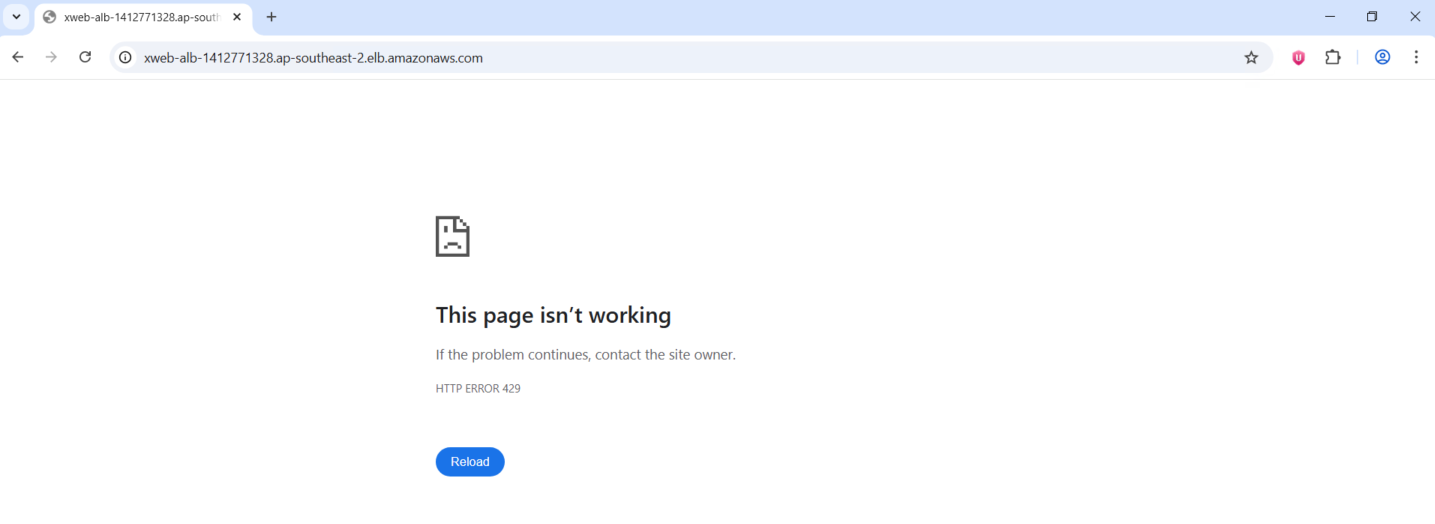
And if we try to brute force the ALB we will get error 429 Too Many Requests
We can also see this report on the dashboard