Azure Application Gateway with WAF
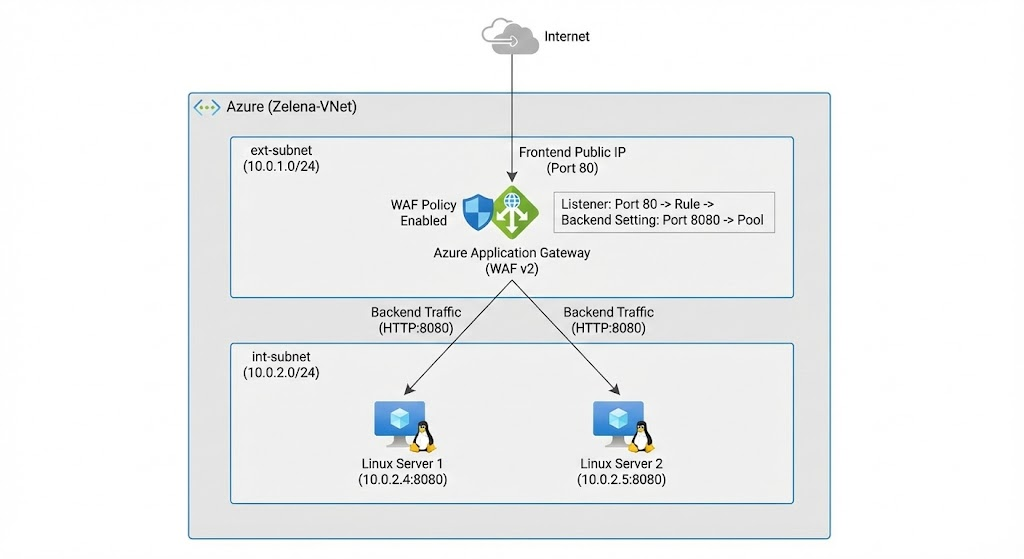
Azure Application Gateway is a Layer 7 (HTTP/HTTPS) load balancer that sits at the front of our application, accepts internet traffic on a public IP, and routes it to backend servers based on listener and routing rules. The Web Application Firewall (WAF) adds security by inspecting requests for common web attacks (SQL injection, XSS, OWASP threats) before forwarding clean traffic to the backend pool.
Application Gateway
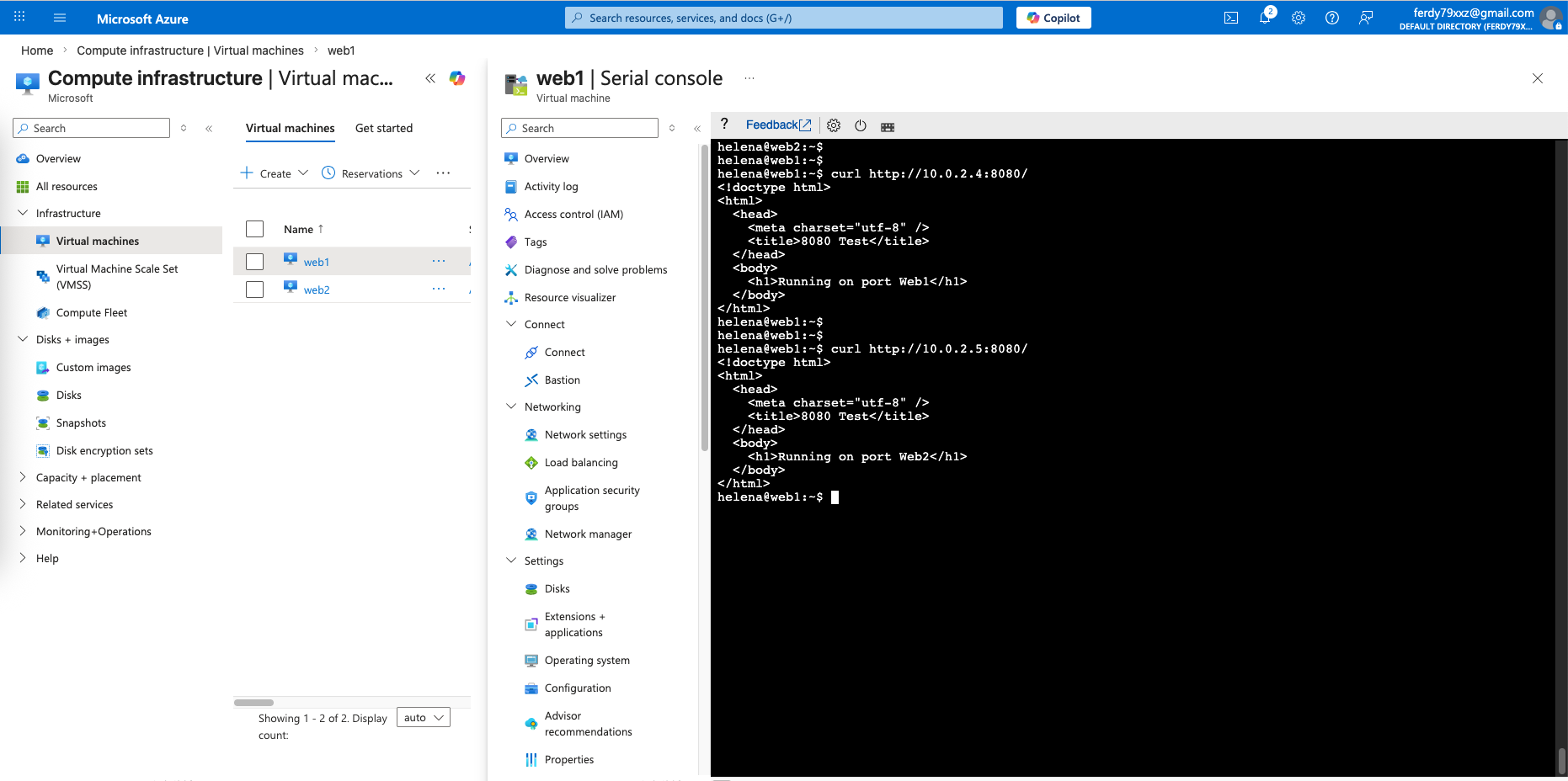
Here we have 2 linux servers on the internal network hosting web on port 8080
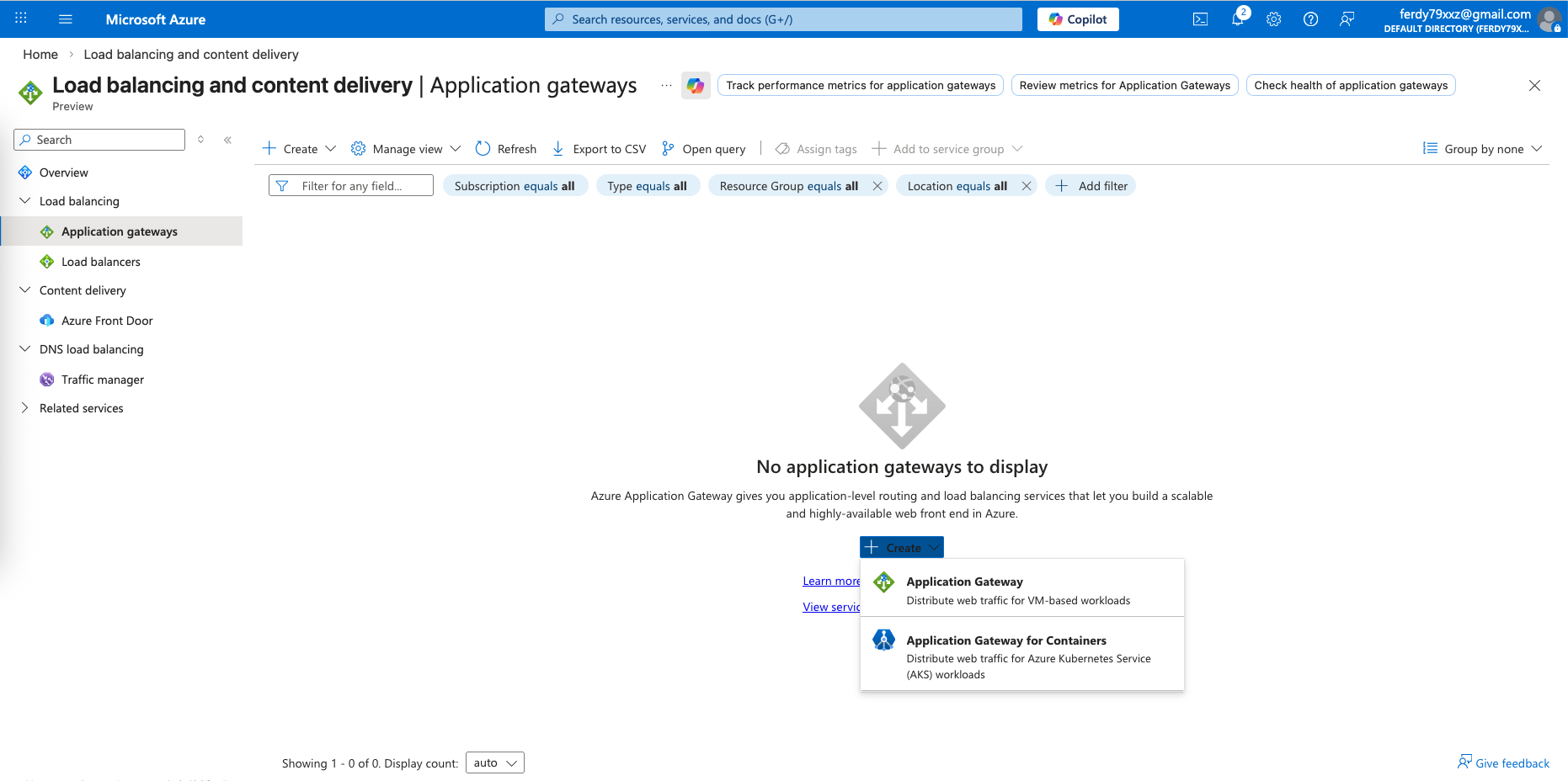
Next on the Application Gateways, create new
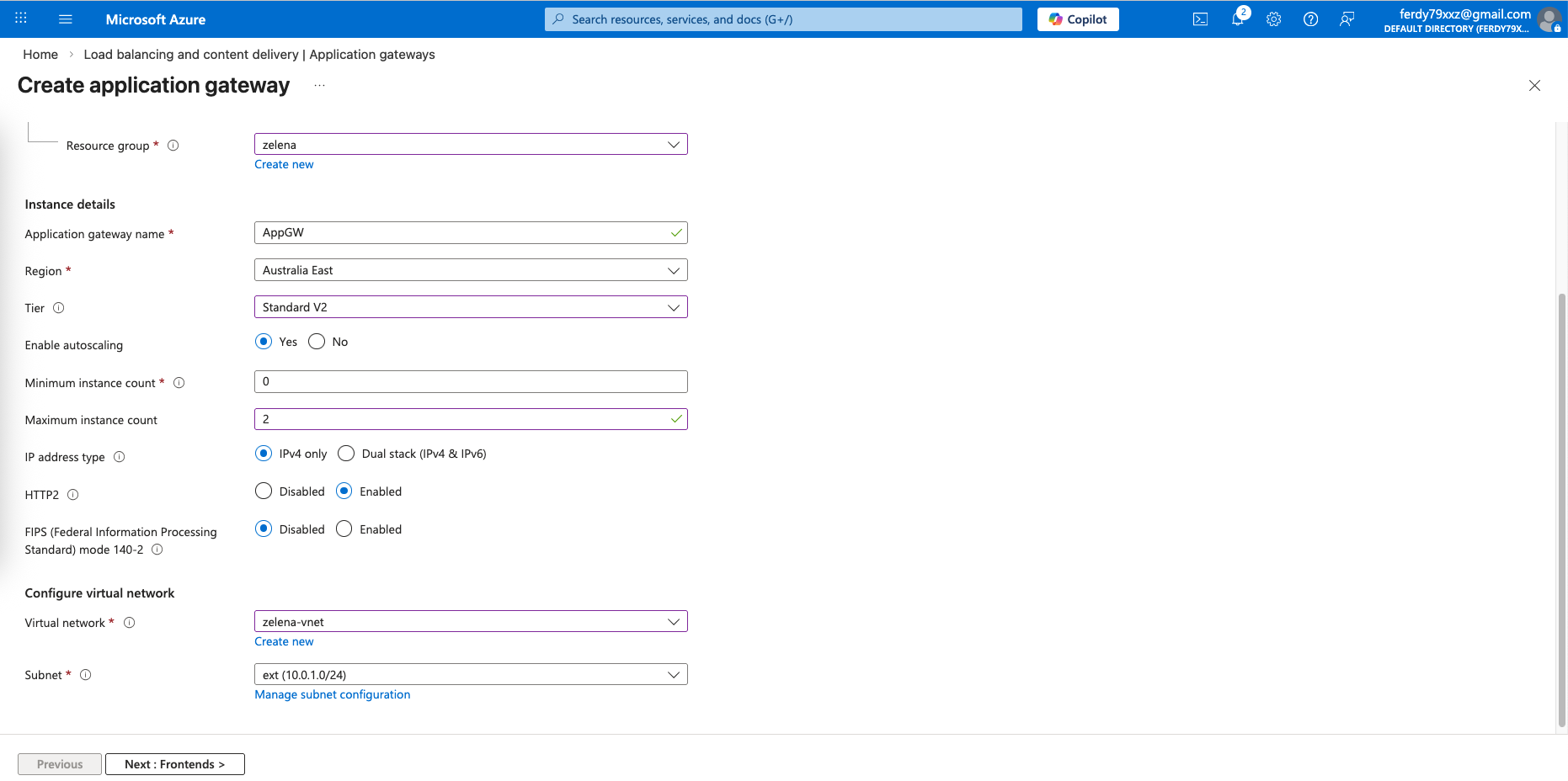
Here we will select Tier Standard first, before changing it later to enable WAF. We also place this App Gateway on the external subnet
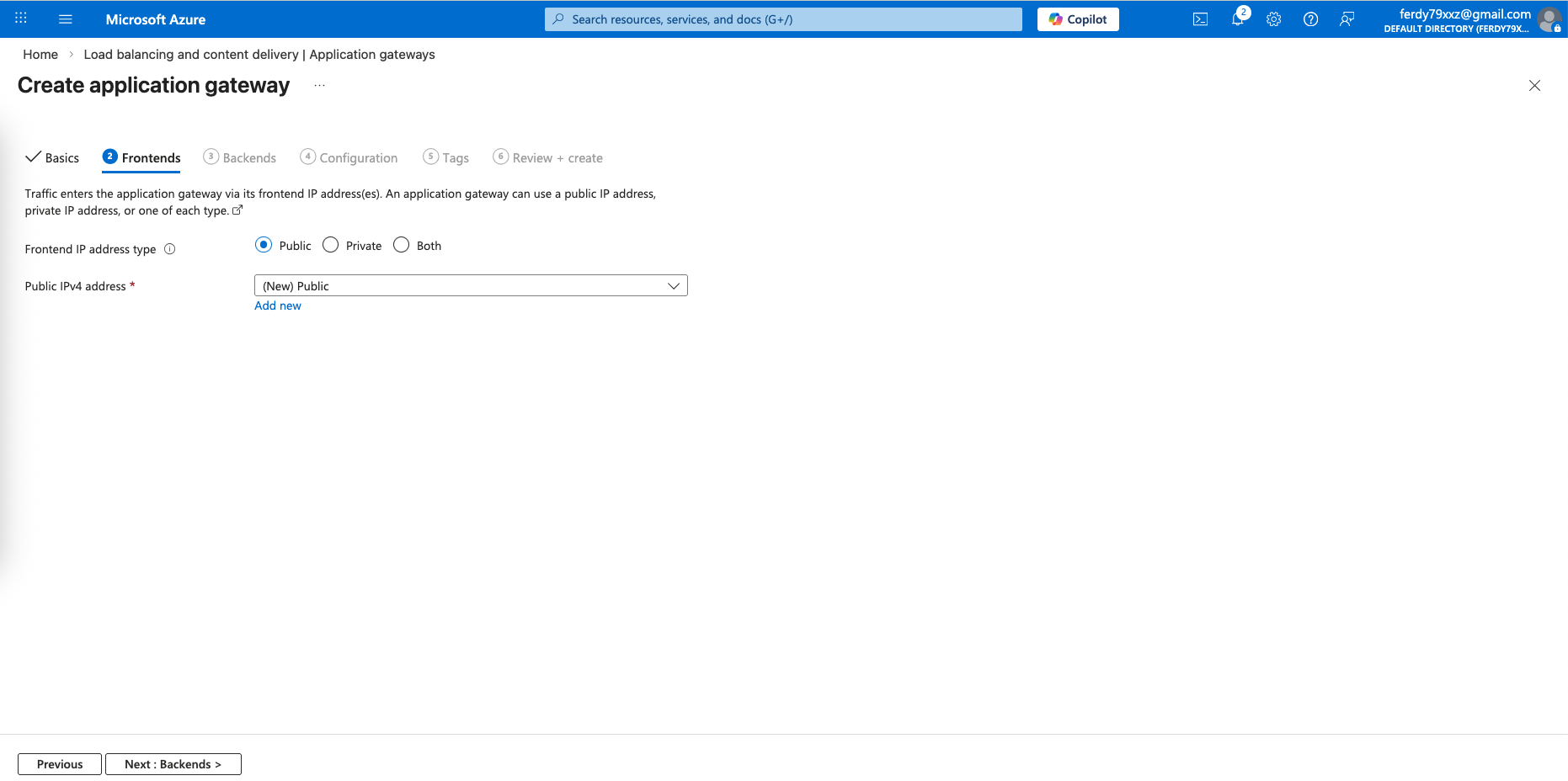
For the frontend, give it a Public IP Address
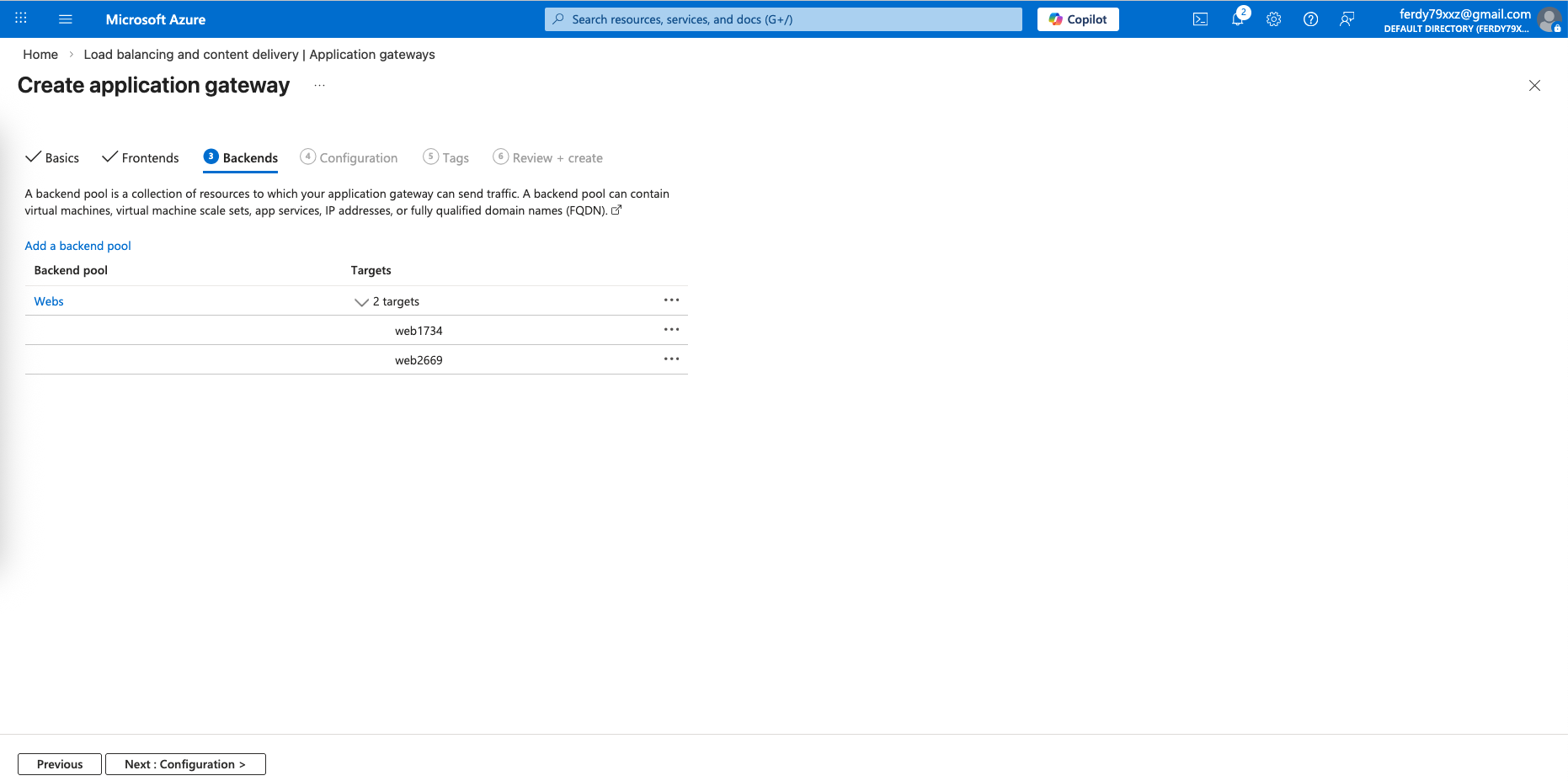
For the backend, point it to both our linux servers
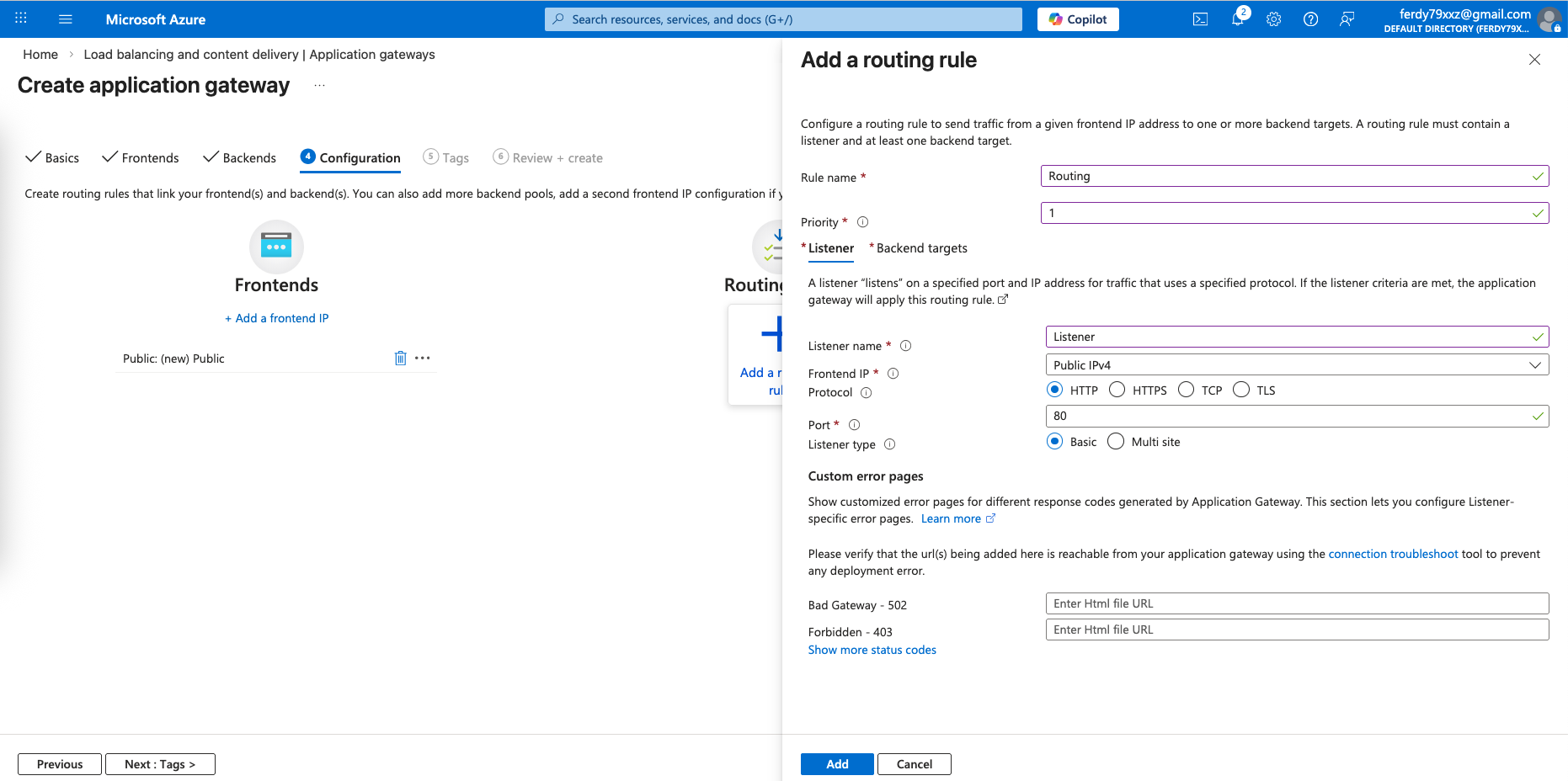
Next add a routing rule that listens on port 80 on frontend
And route it to port 8080 on the backend
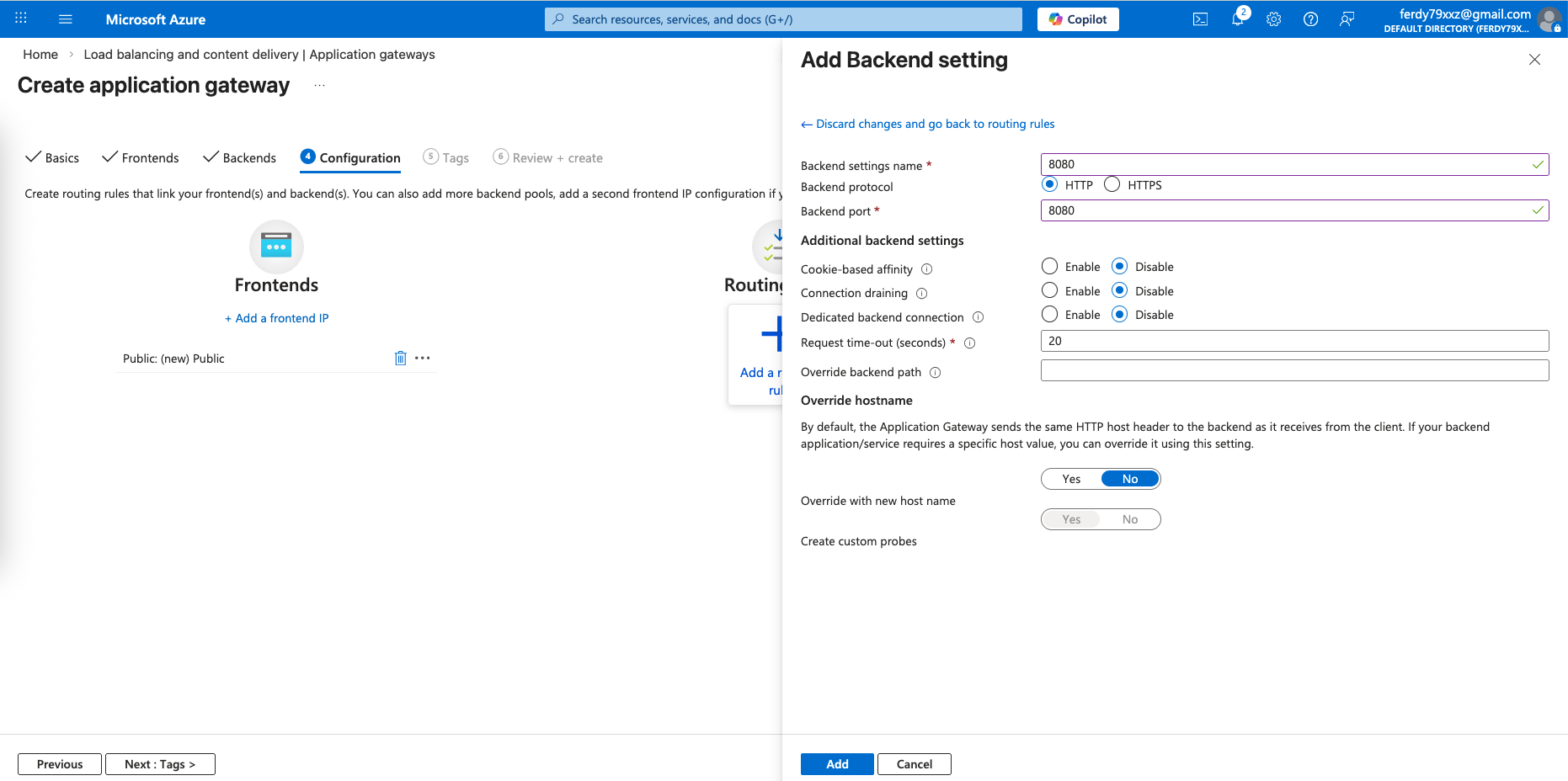
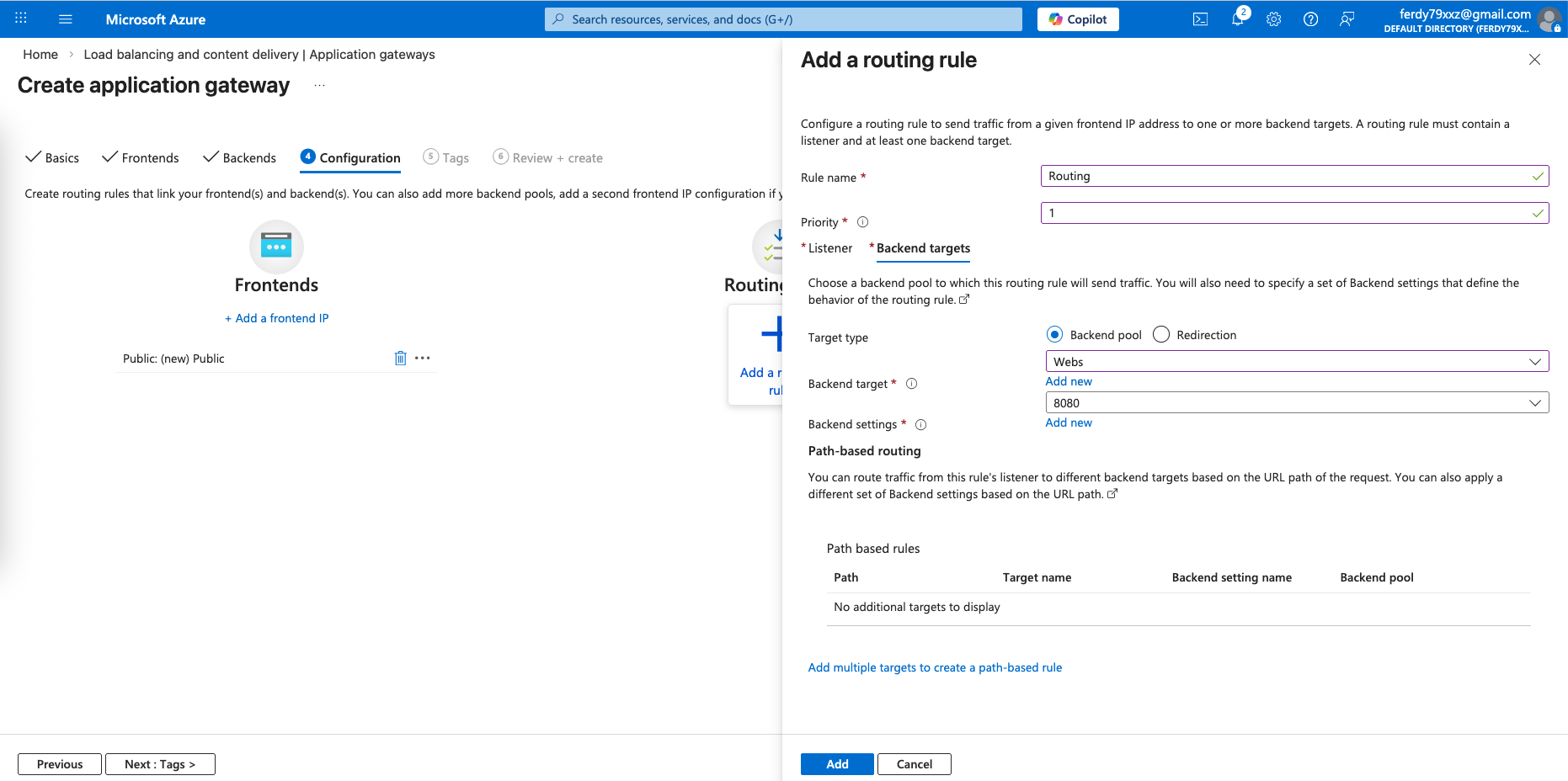
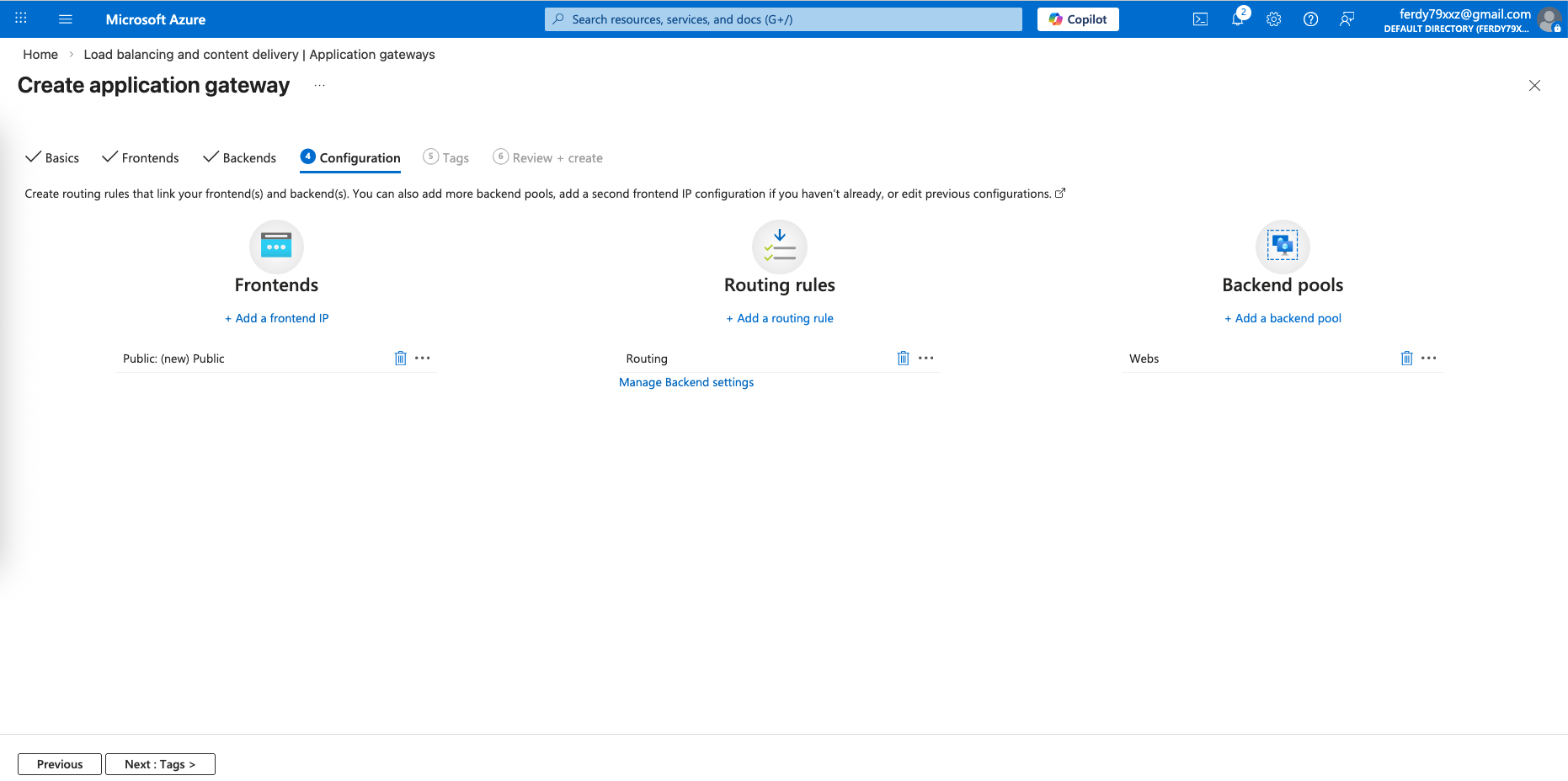
That should finish our Application Gateway configuration
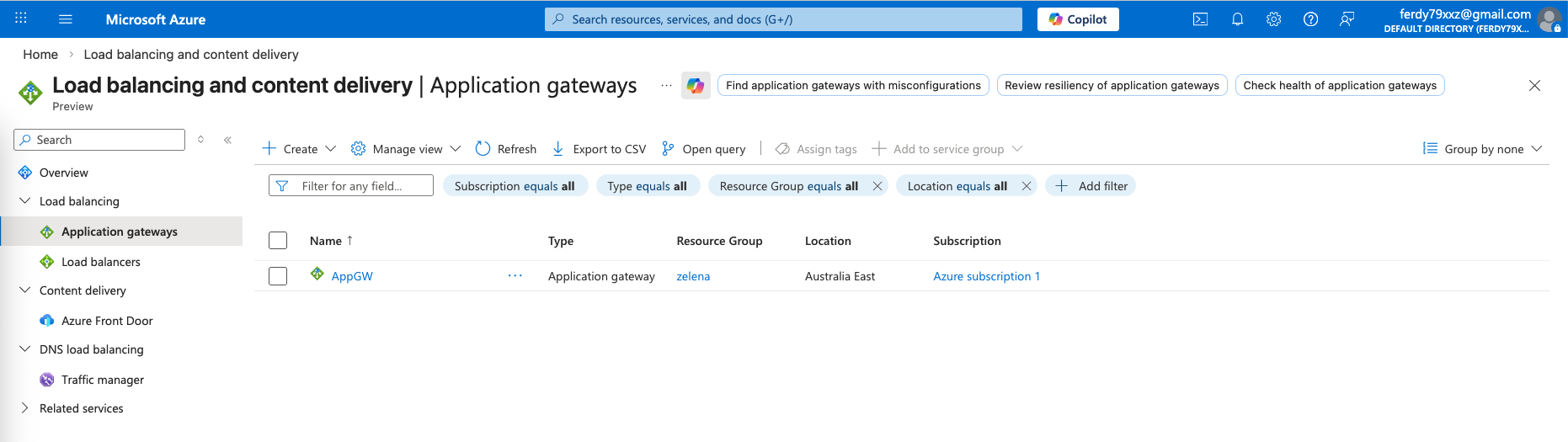
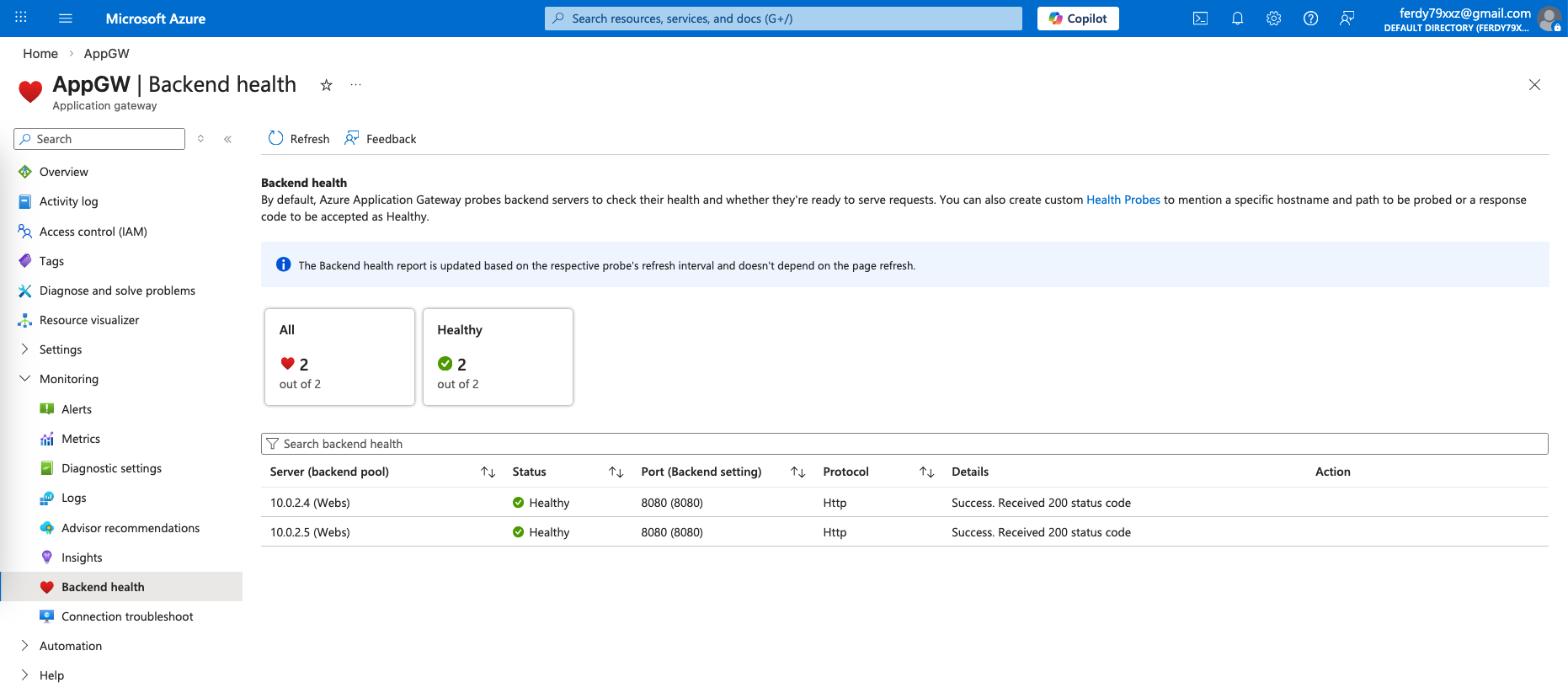
We can open the AppGW to see the health of the backend members
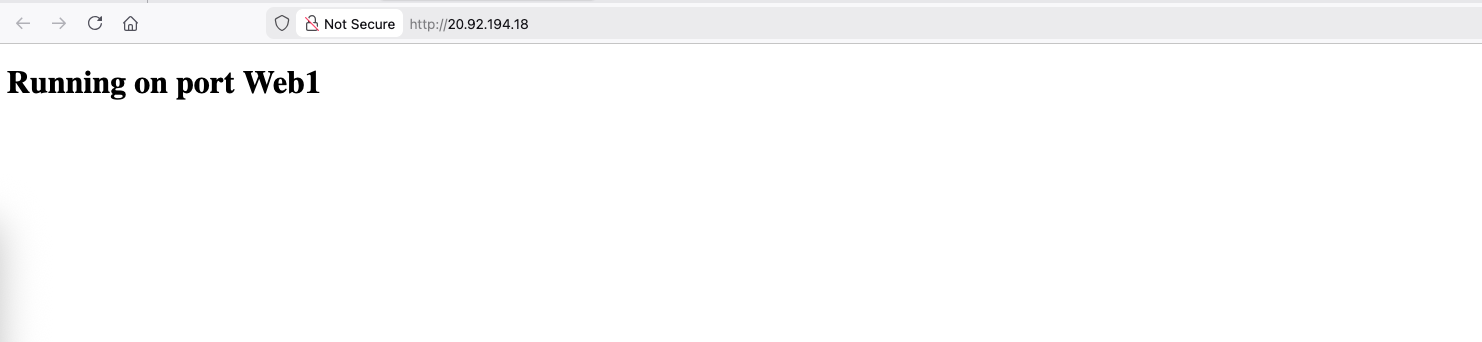
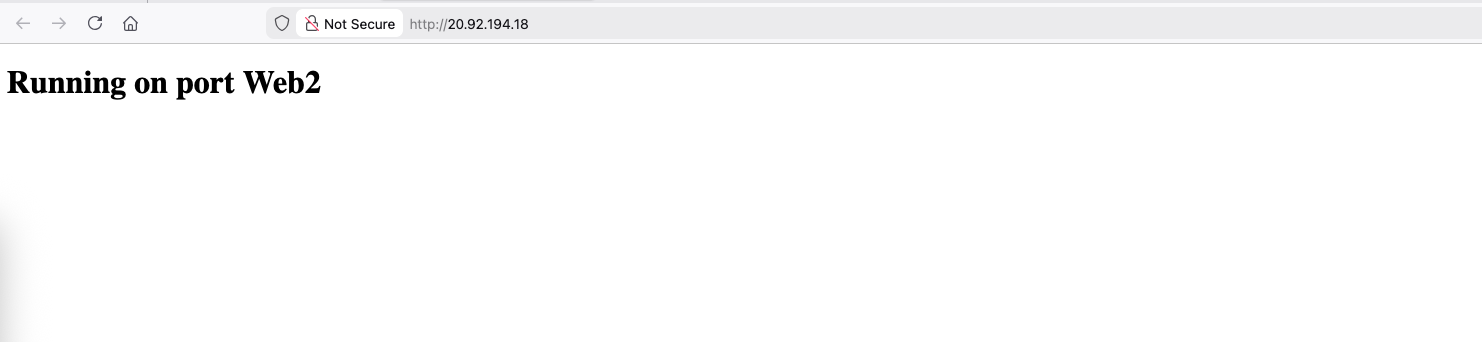
To test this, we visit the public IP on port 80, the traffic should be load balanced to our 2 linux servers
WAF
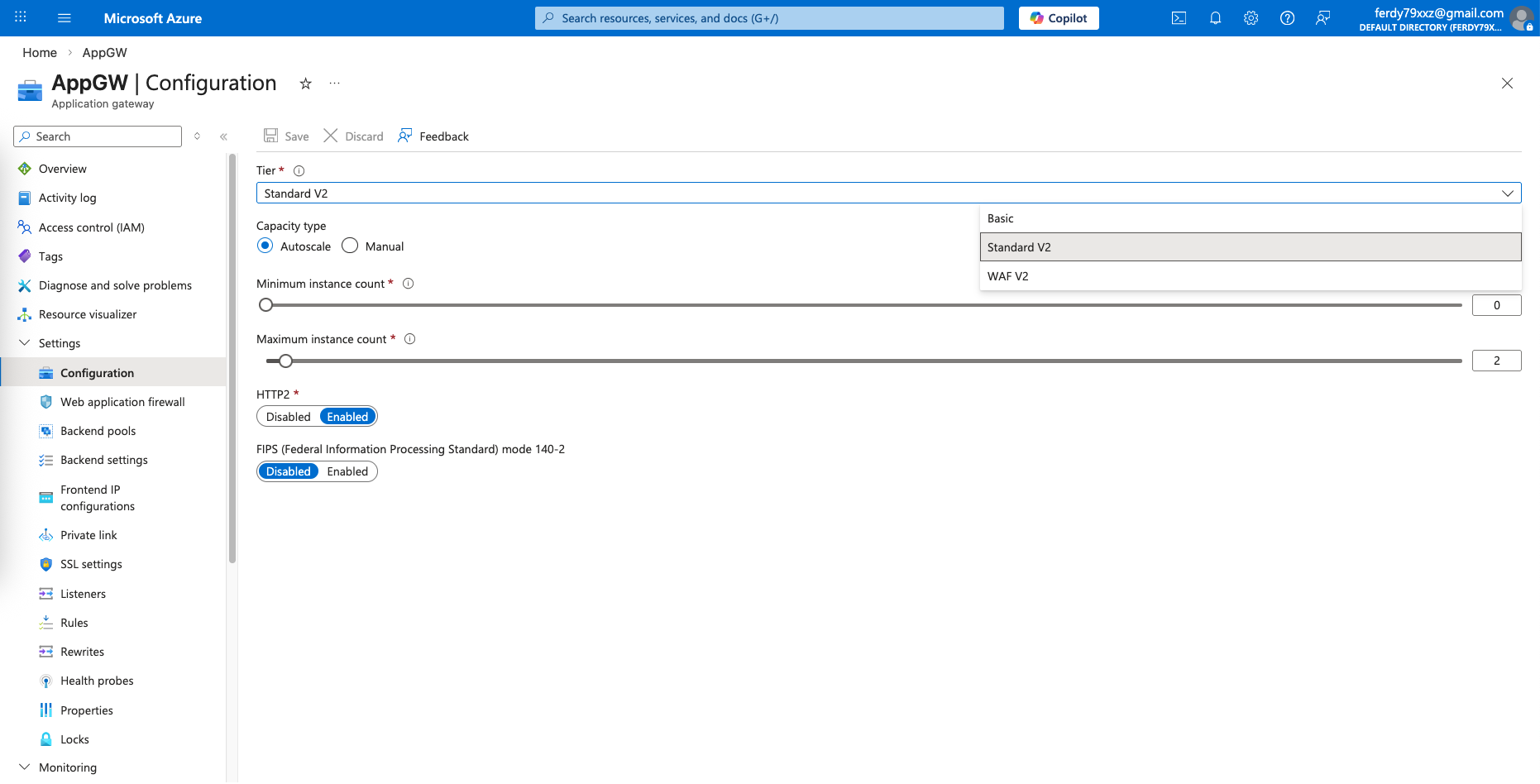
To enable WAF, we change the tier from Standard to WAF
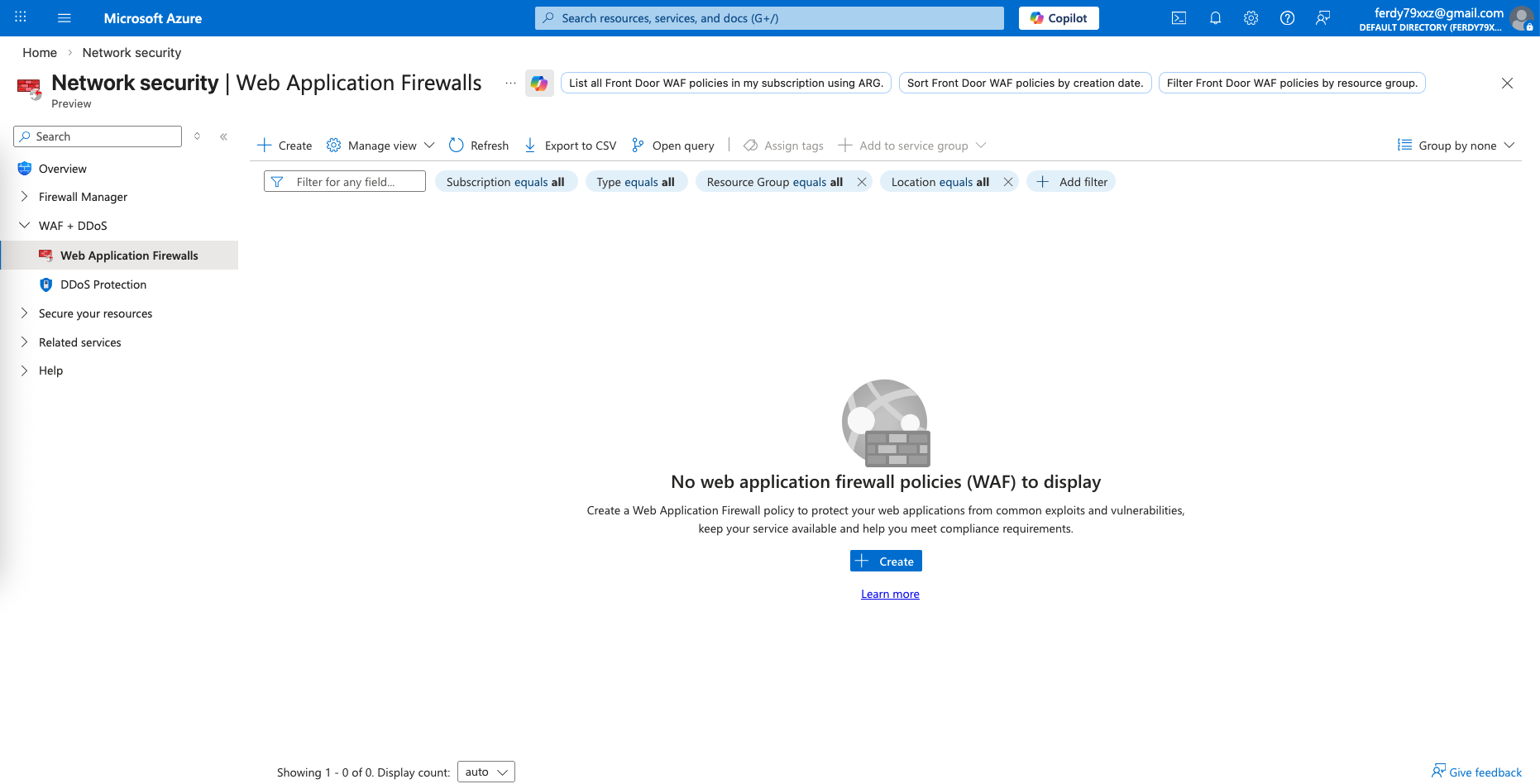
Then on Network Security, open Web Application Firewalls and create new
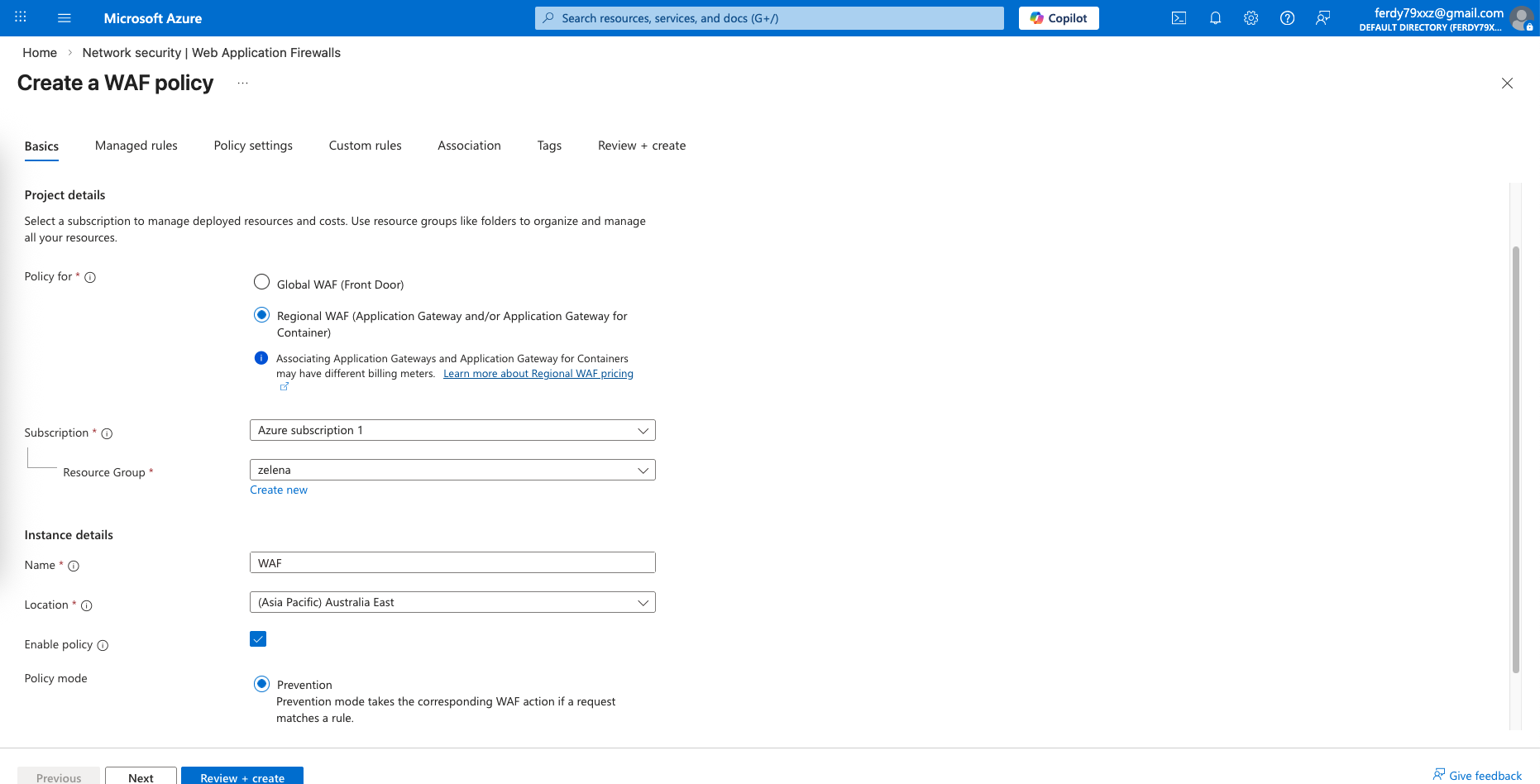
Select regional WAF and use Prevention mode
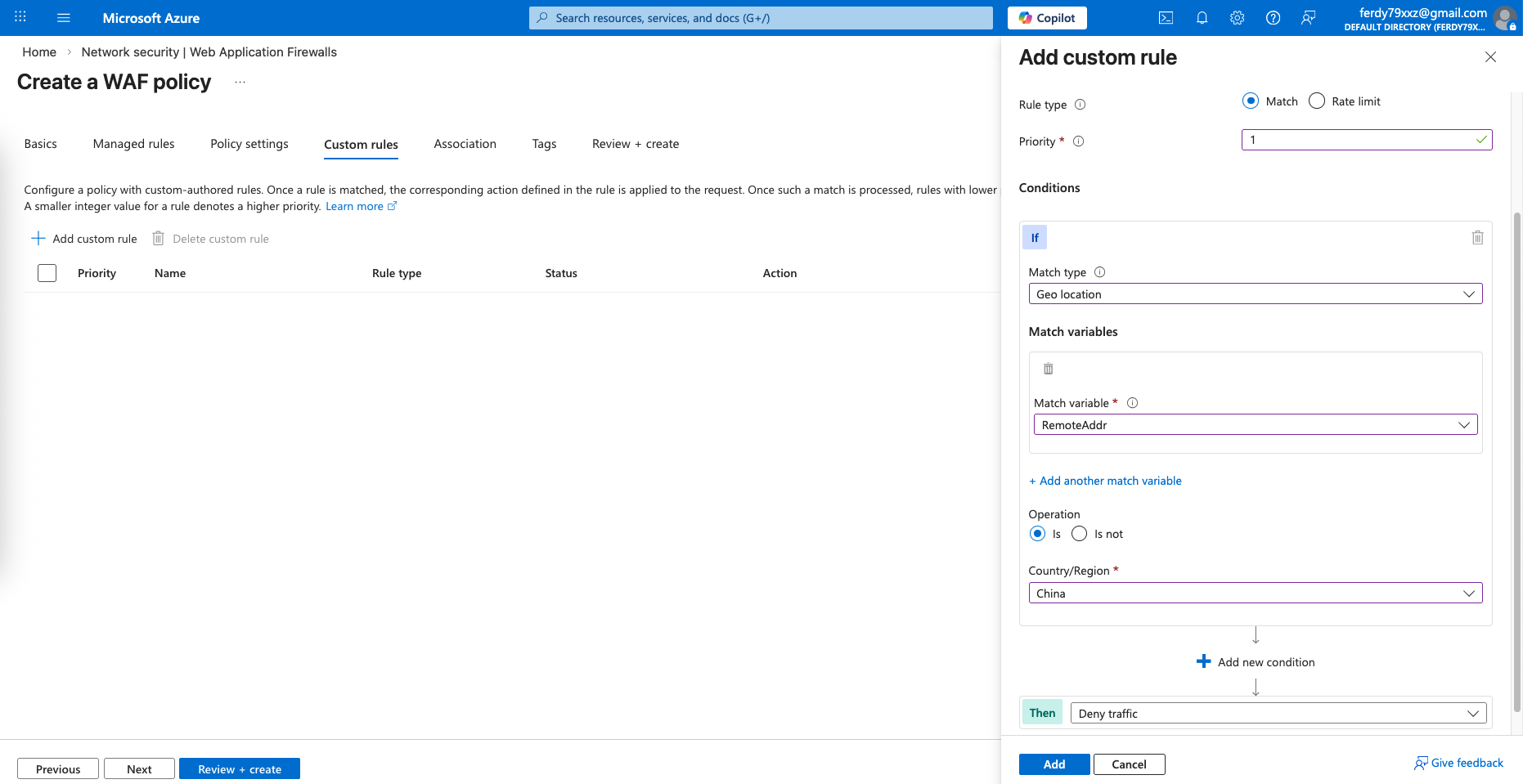
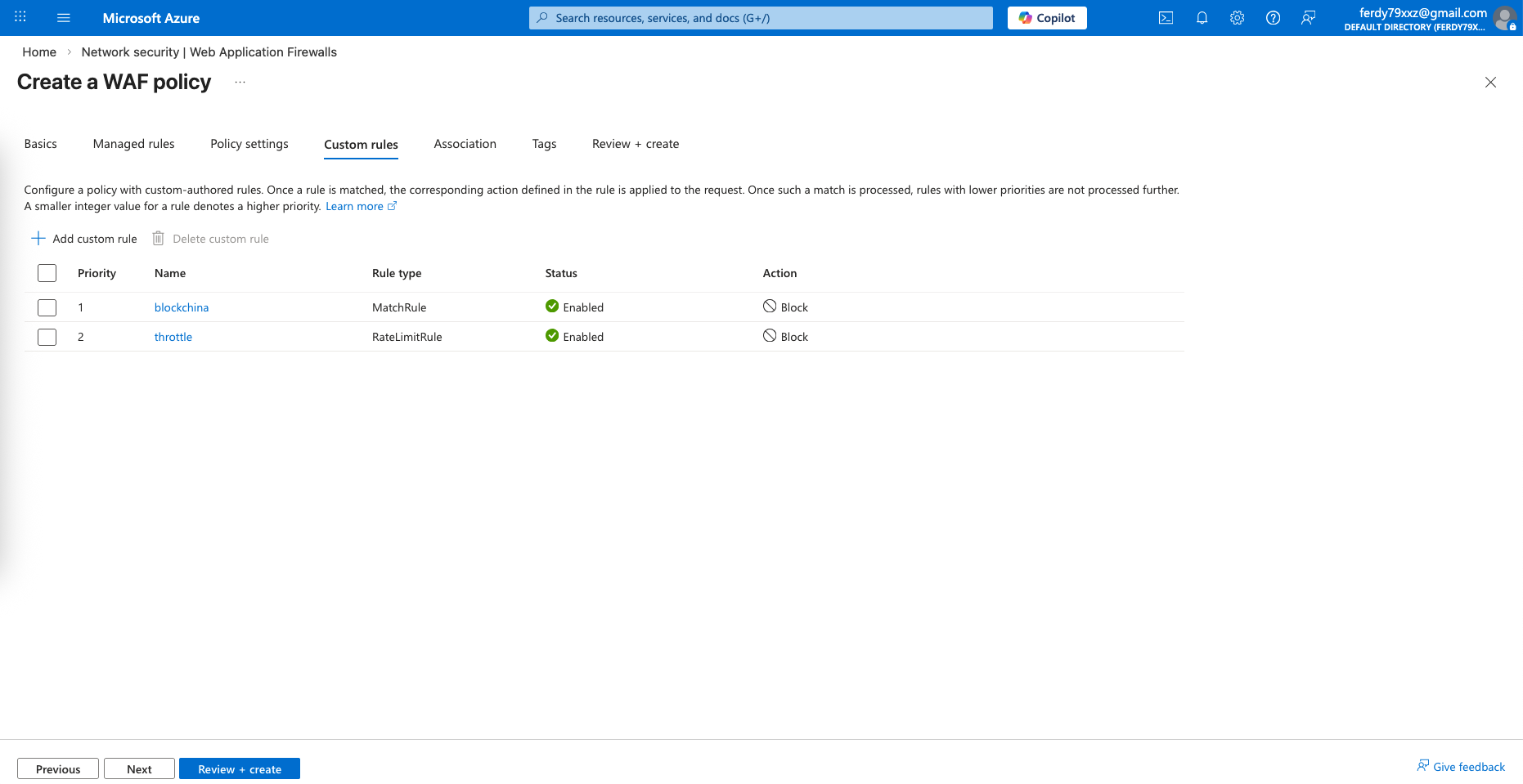
Next we will skip the default policies and create our own custom ones, the first policy is to block traffic from China
And the second one is to throttle limit connections
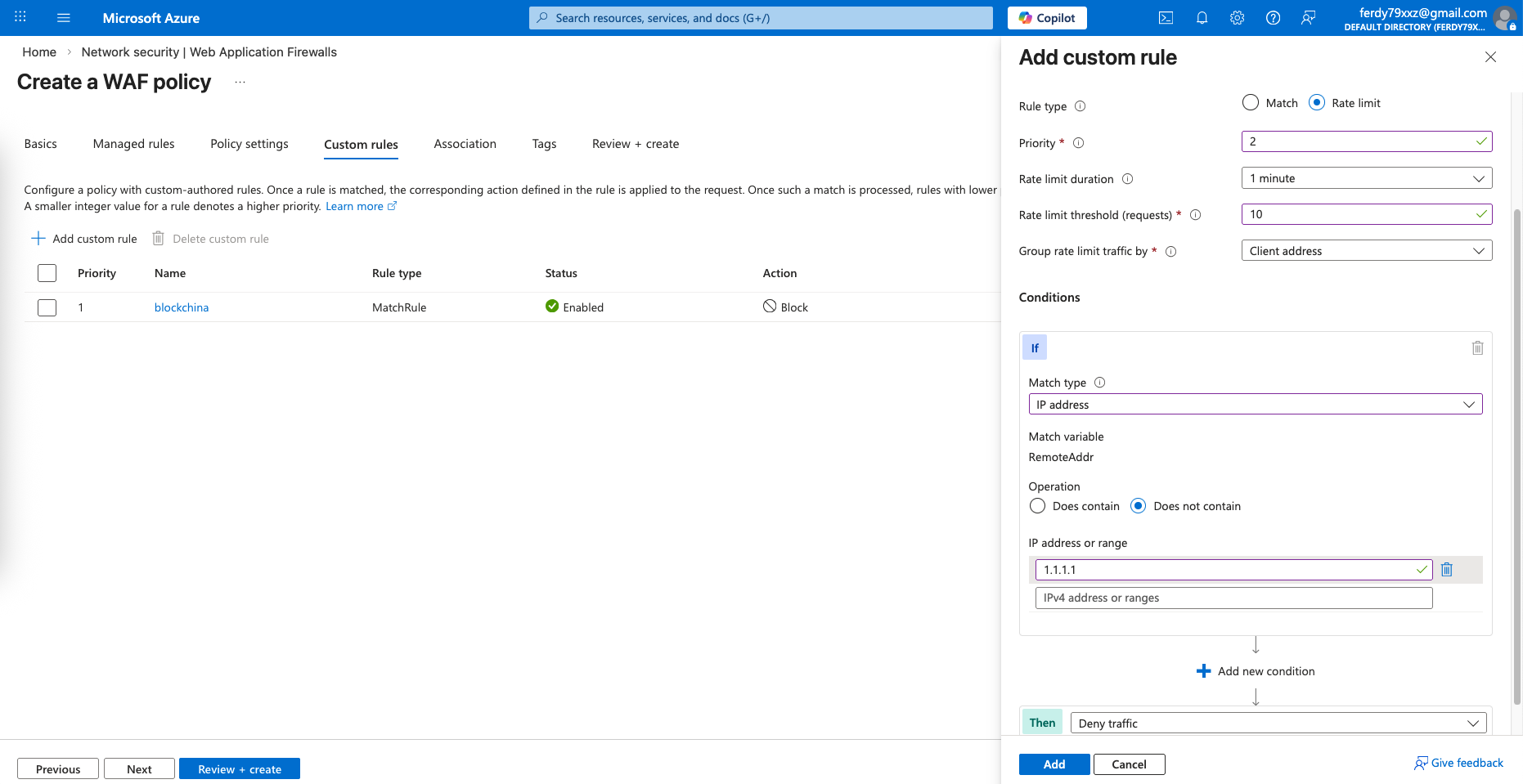
These 2 rules should be enough for this lab test
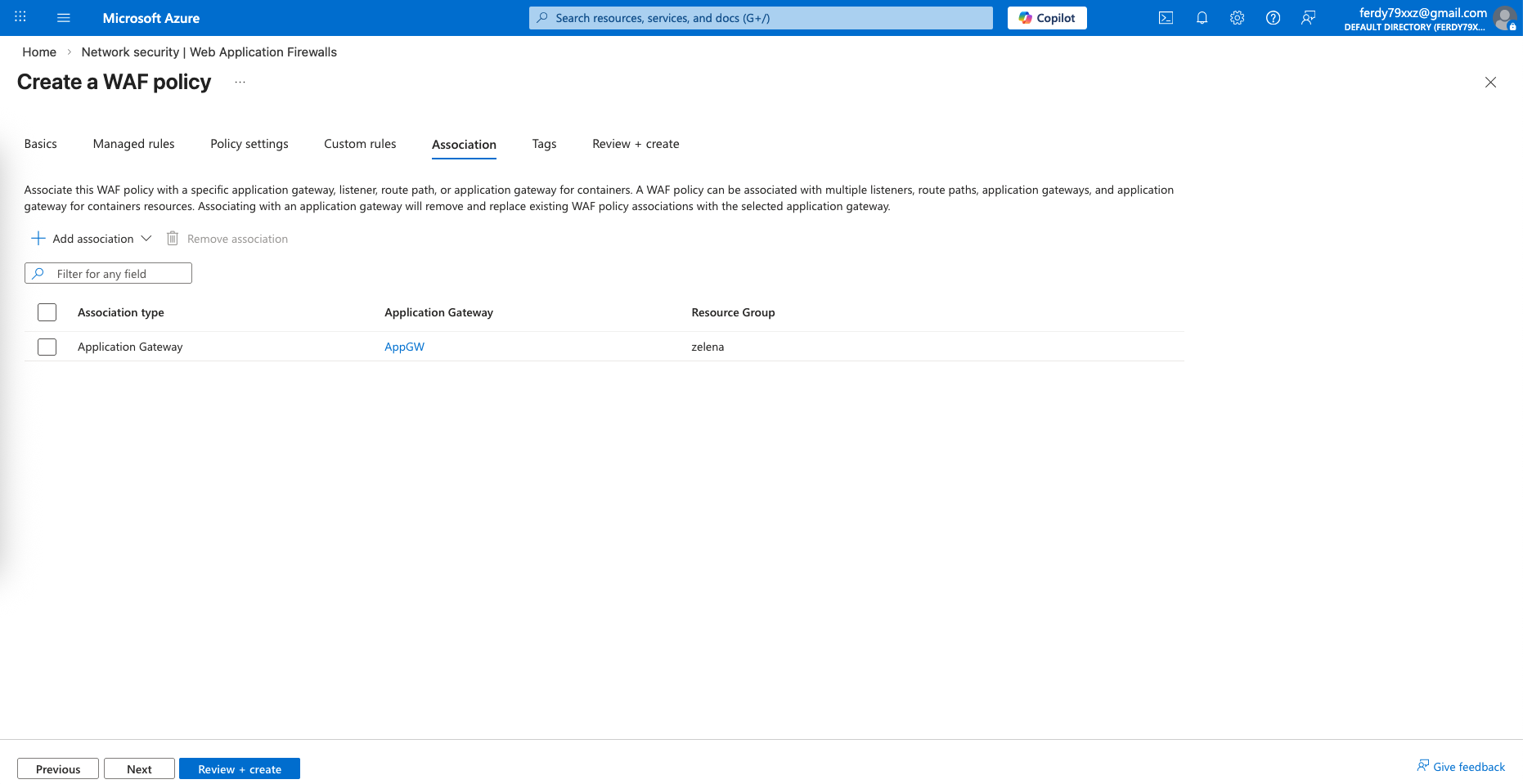
Next associate the WAF to our App Gateway
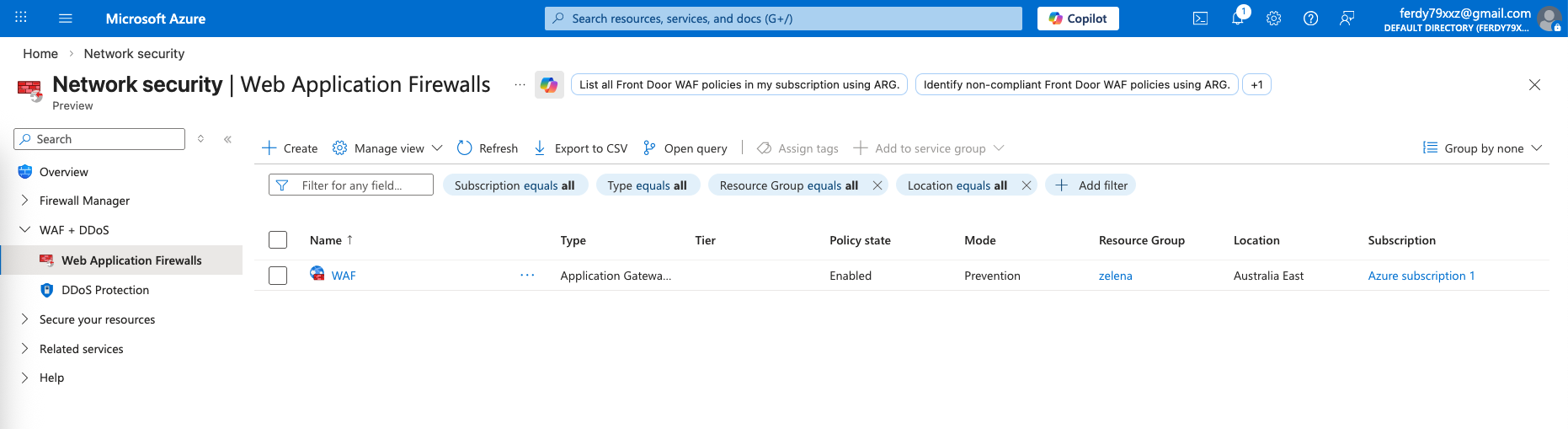
And that should finish our WAF configuration
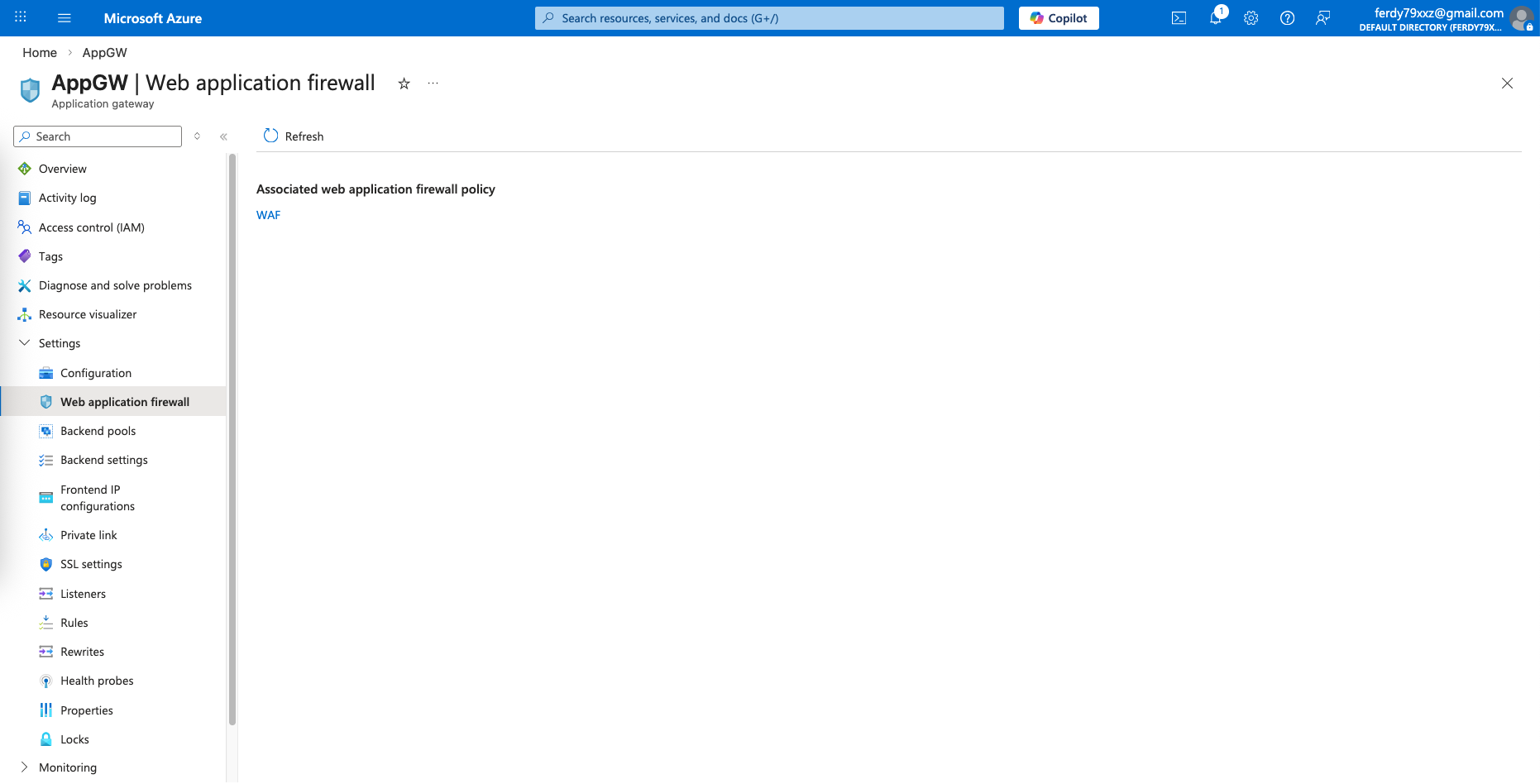
Because we associated it to our AppGW, when we open the AppGW it shows that our WAF is connected
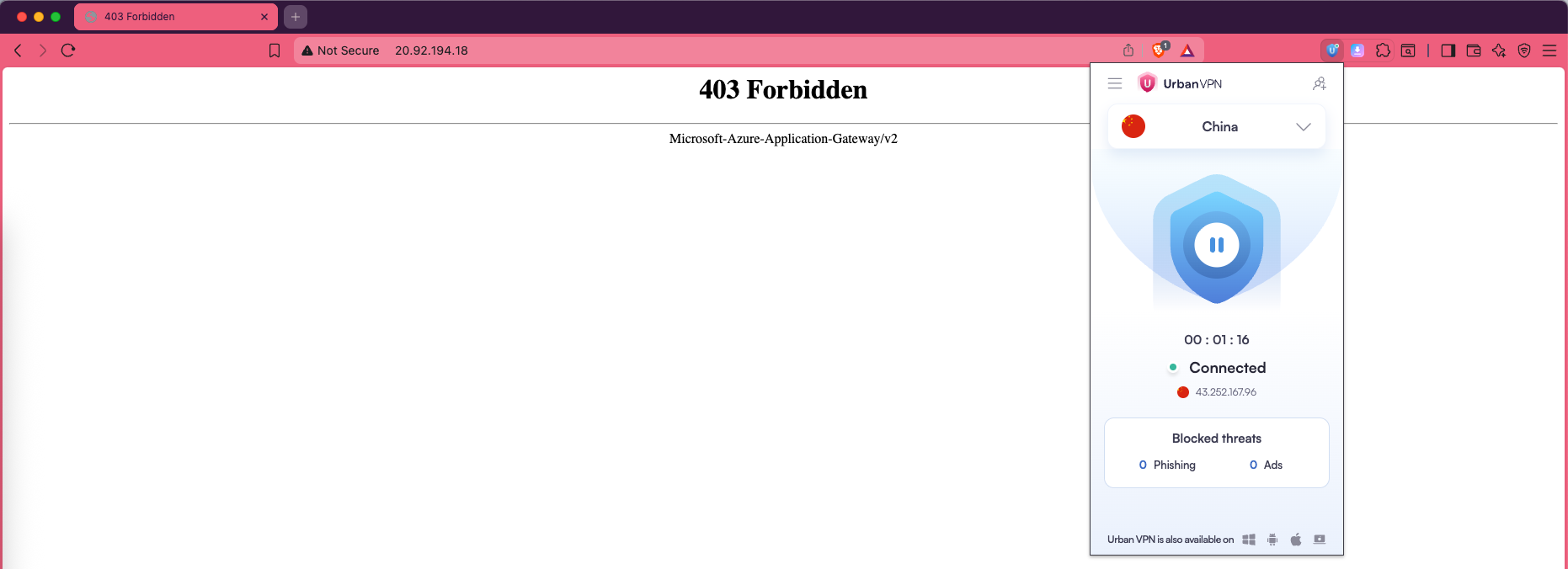
Now when we try accessing our web using China based VPN or when we try to brute force it, we should be denied