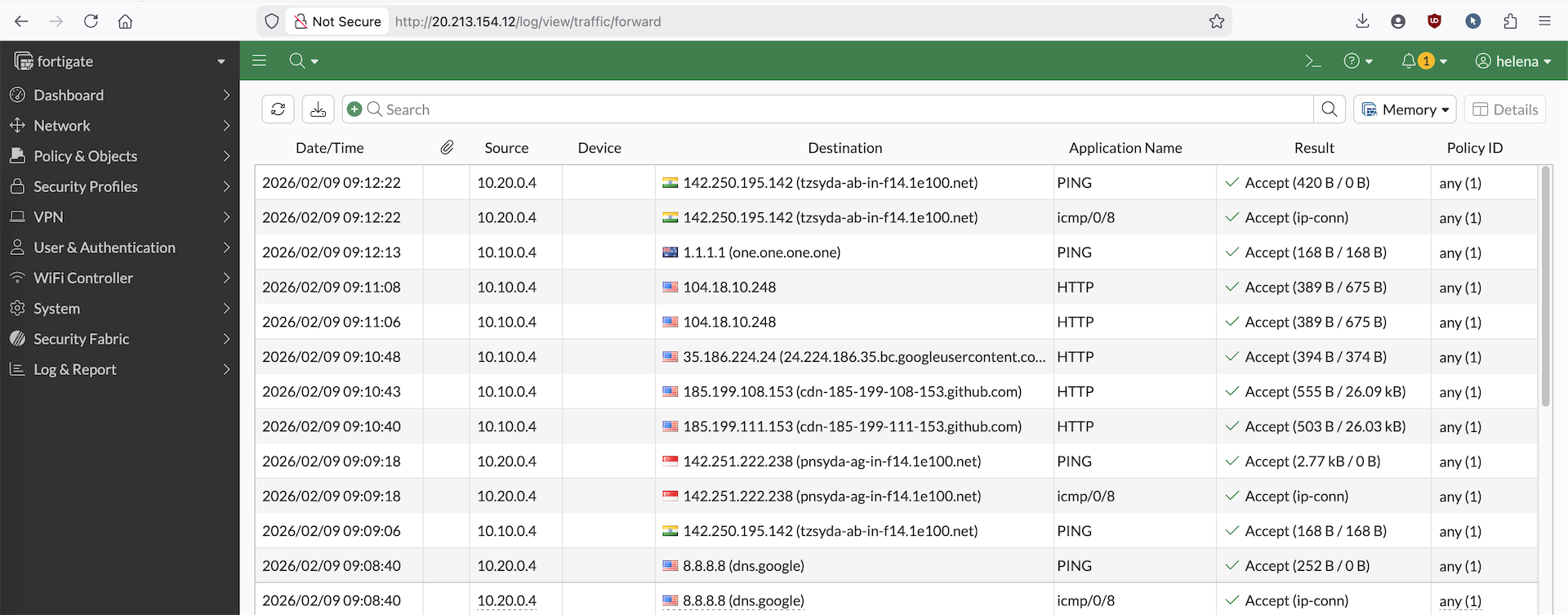
Azure vWAN
Azure Virtual WAN (vWAN) is a networking service that provides a scale-out connectivity to the Azure global backbone. At the heart of this architecture is the Virtual Hub, a Microsoft-managed central router that acts as the transit point for all connected spokes and security services.
In this lab, we leverage this hub-and-spoke relationship to build a centralized security architecture. By connecting multiple application VNets to the Virtual Hub, we transform our FortiGate VM into an Egress Firewall. This setup ensures that every packet destined for the internet from any spoke is steered through the Fortigate firewall.
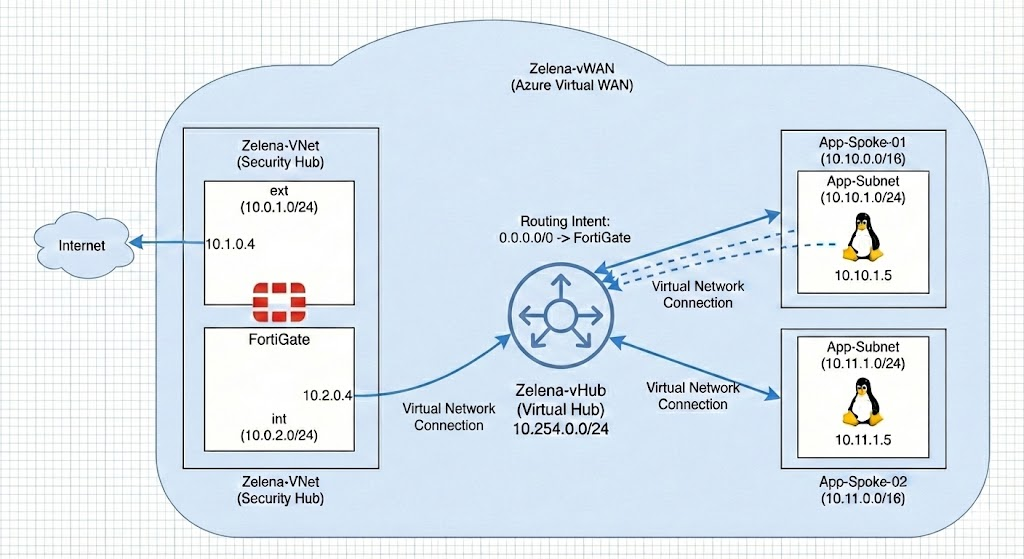
Virtual Networks
Following from previous deployment, we already have zelena-vnet configured with 2 subnets for our Fortigate Firewall. Next we will create 2 additional vnets for our apps
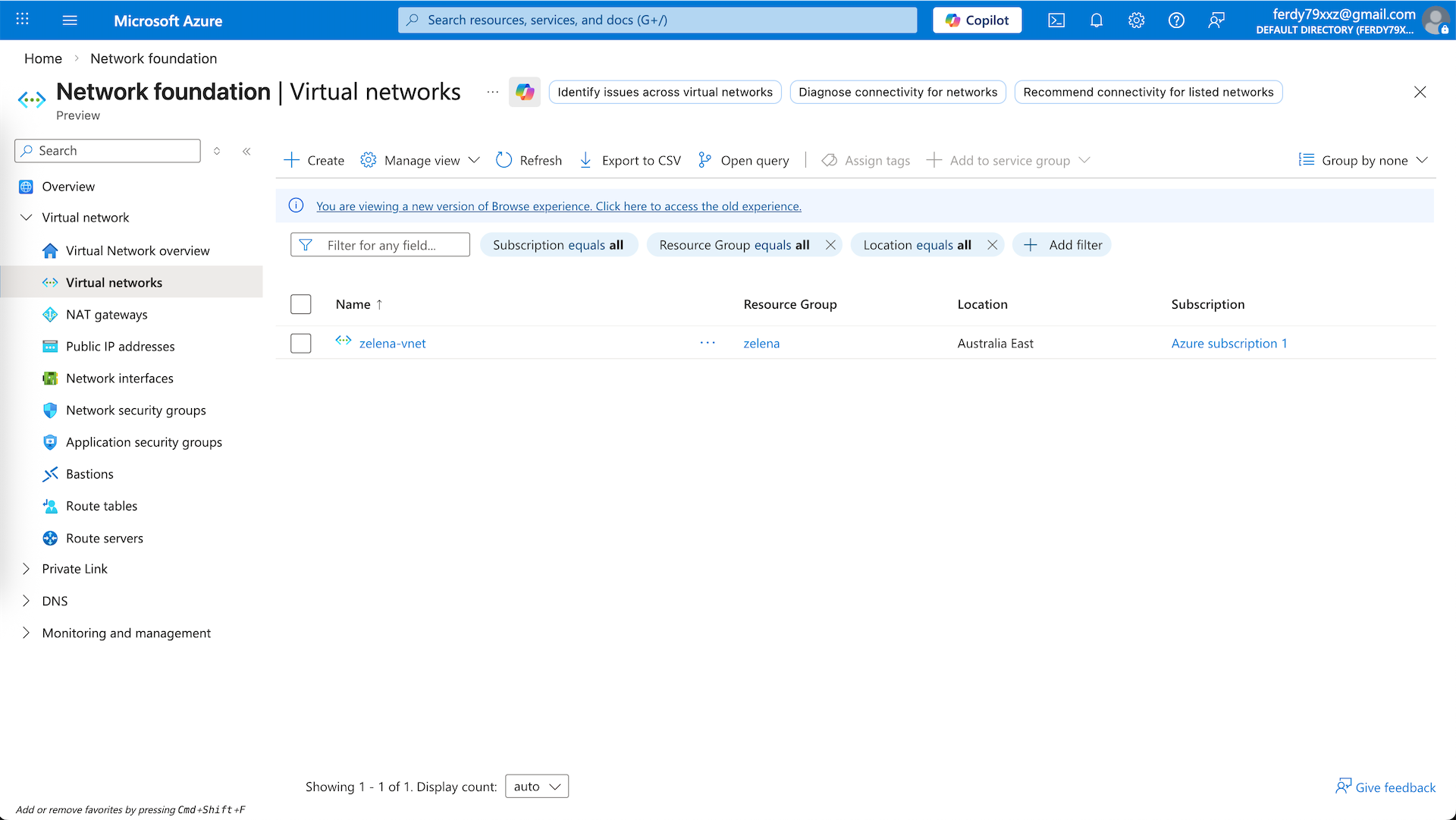
The first one is app1-vnet on 10.10.0.0/24
And the second one is app2-vnet on 10.20.0.0/24
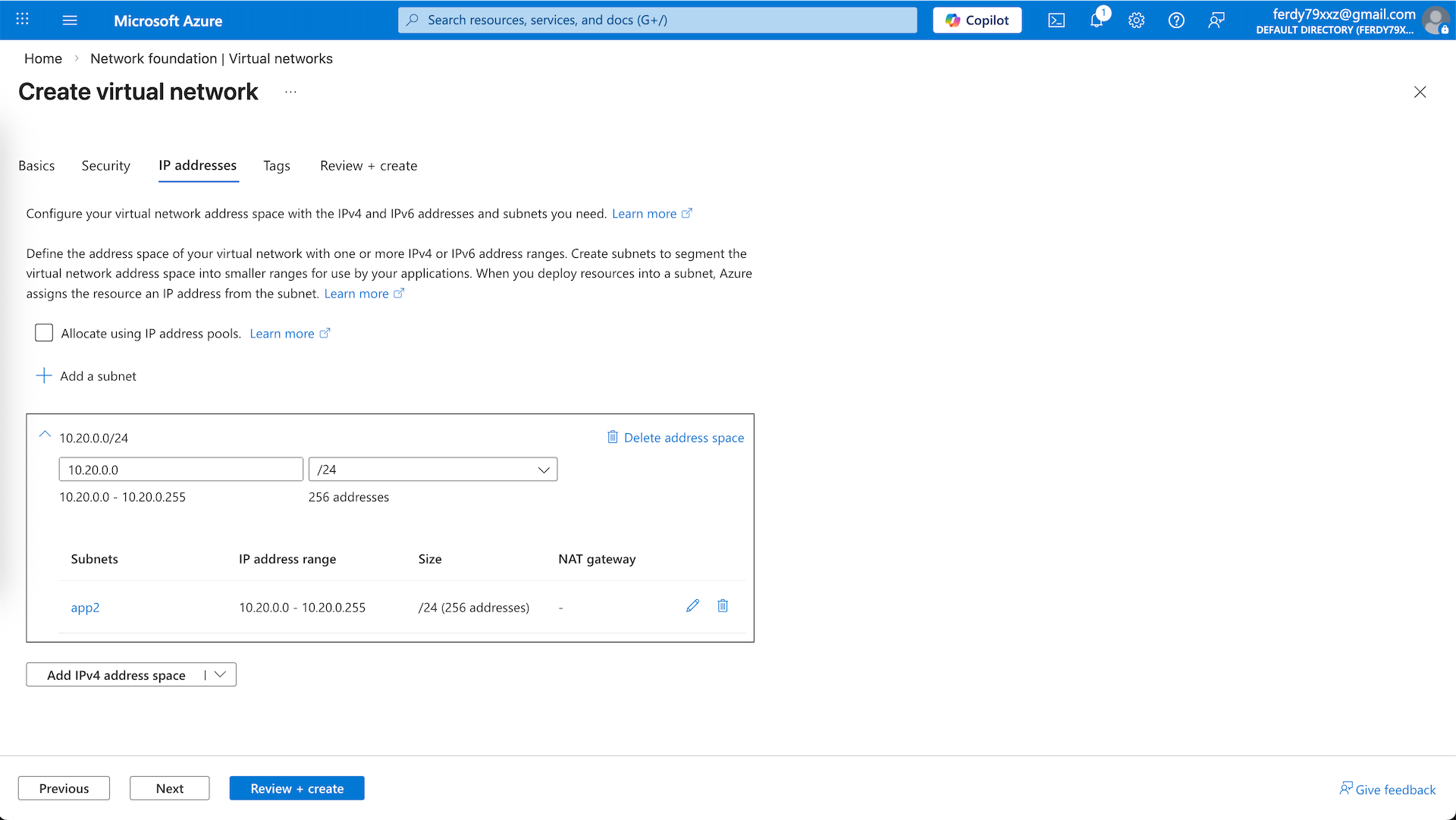
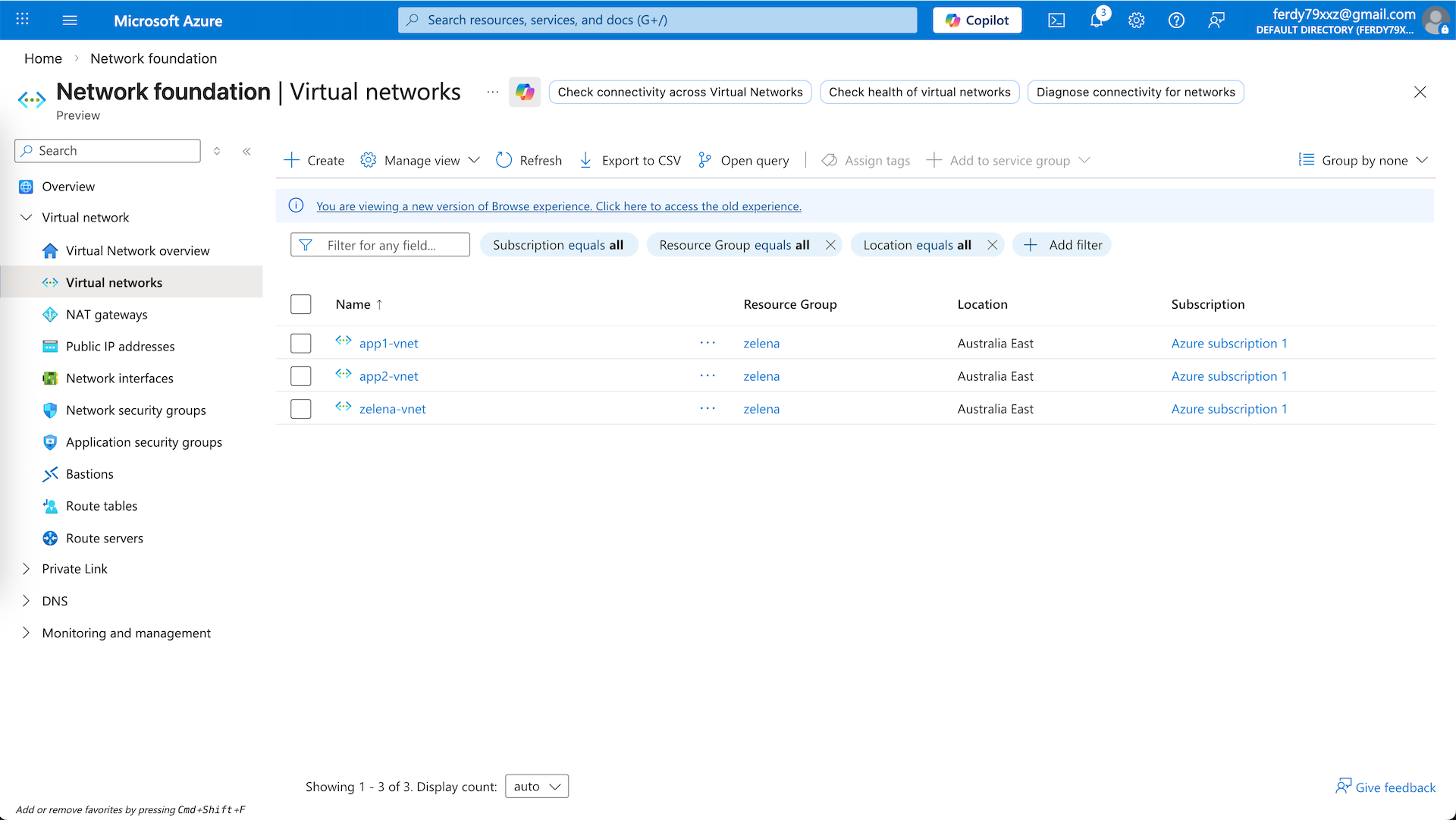
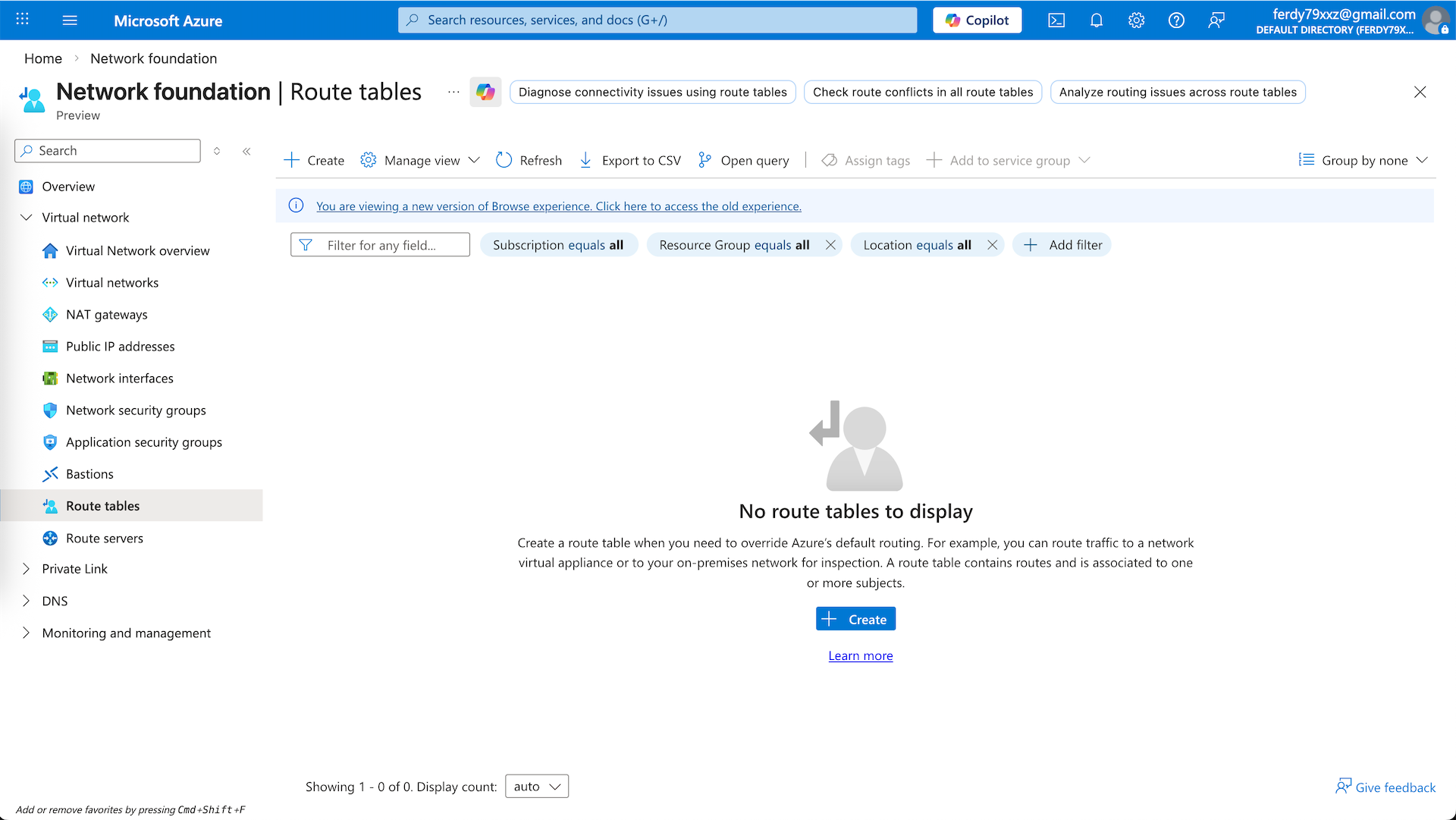
Previously we used Route Tables to steer traffic from int subnet to use fortigate as our default gateway, here we remove that because all routing will be configured on the Virtual Hub
Virtual WAN
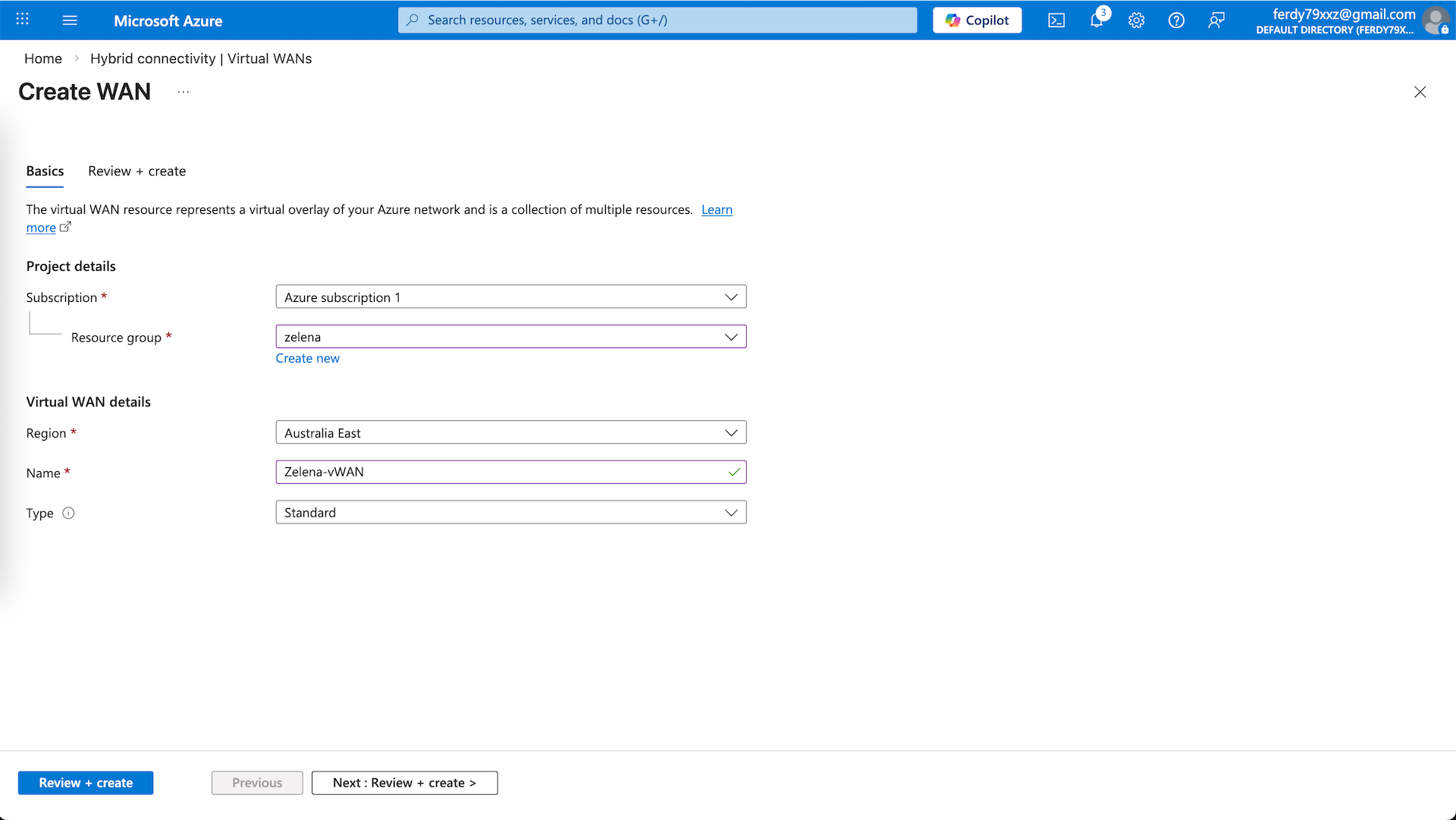
vWAN is a managed networking service that allows us to connect multiple VNets to create a hub-and-spoke architecture. Here we will create a new vWAN
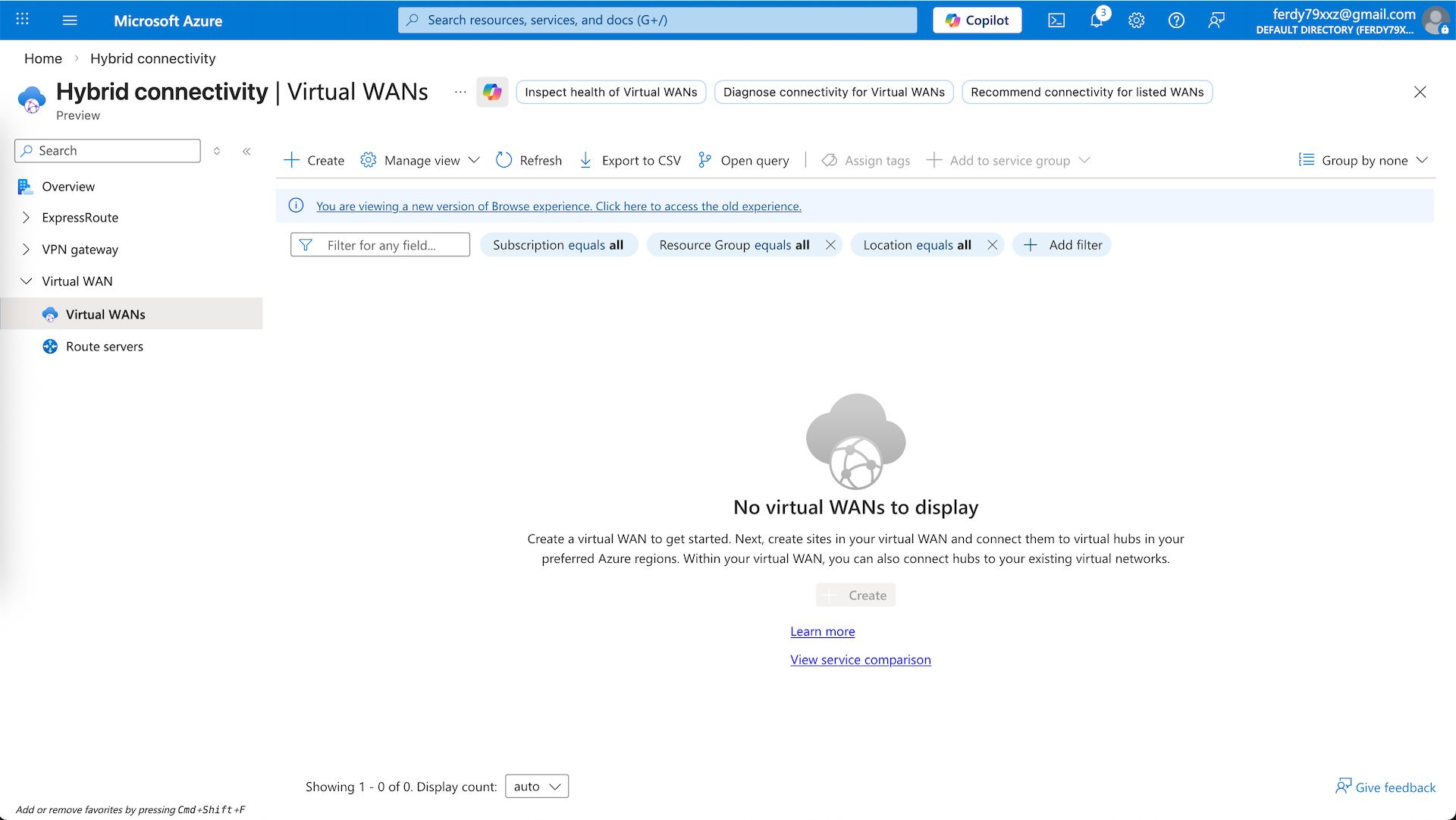
Give it name and select the Standard Type
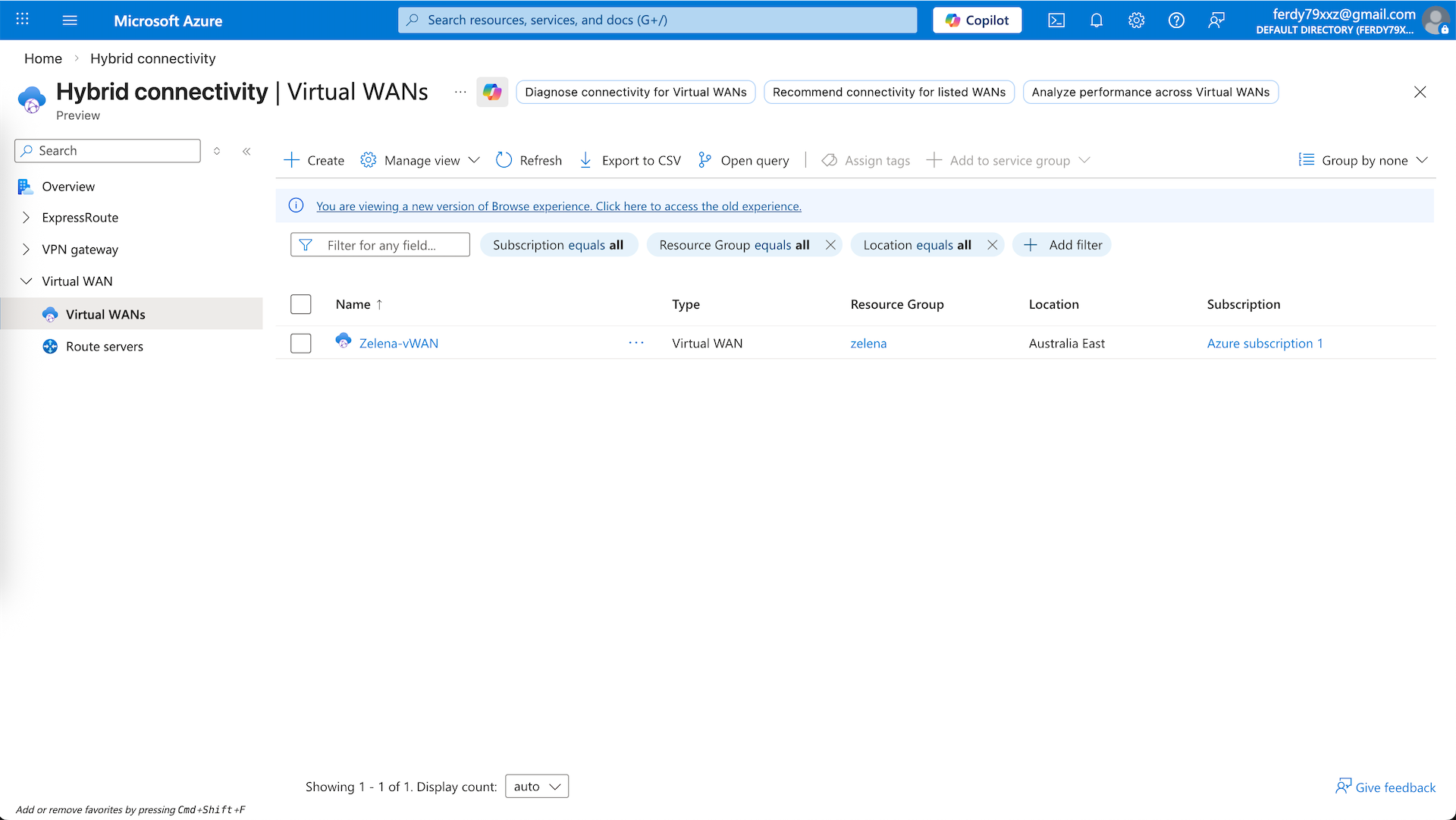
Virtual Hub
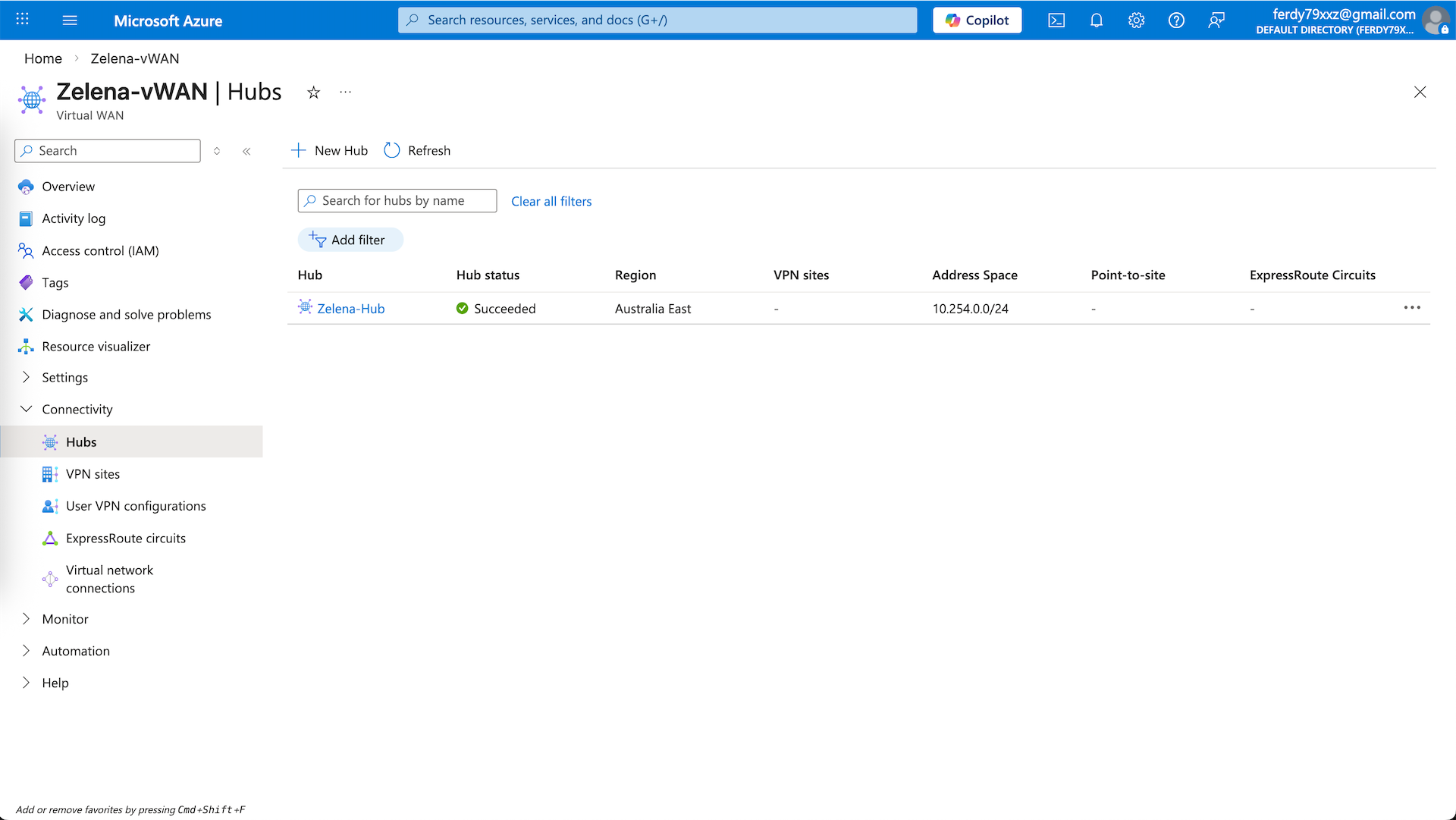
Enter the vWAN and select the Hubs. vHub is the core managed hub inside Virtual WAN that acts as a central routing and connectivity point. Let’s create a new one
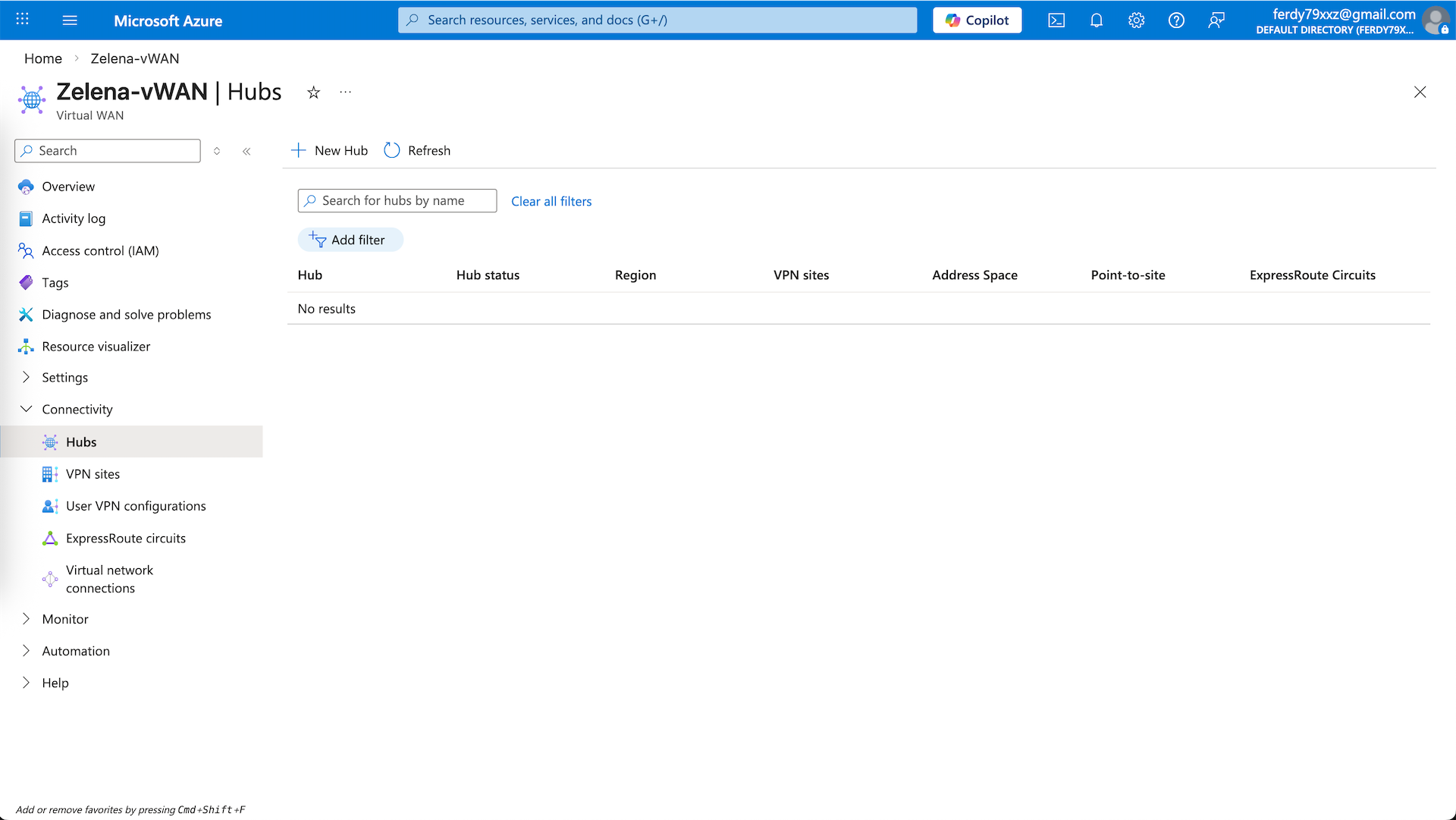
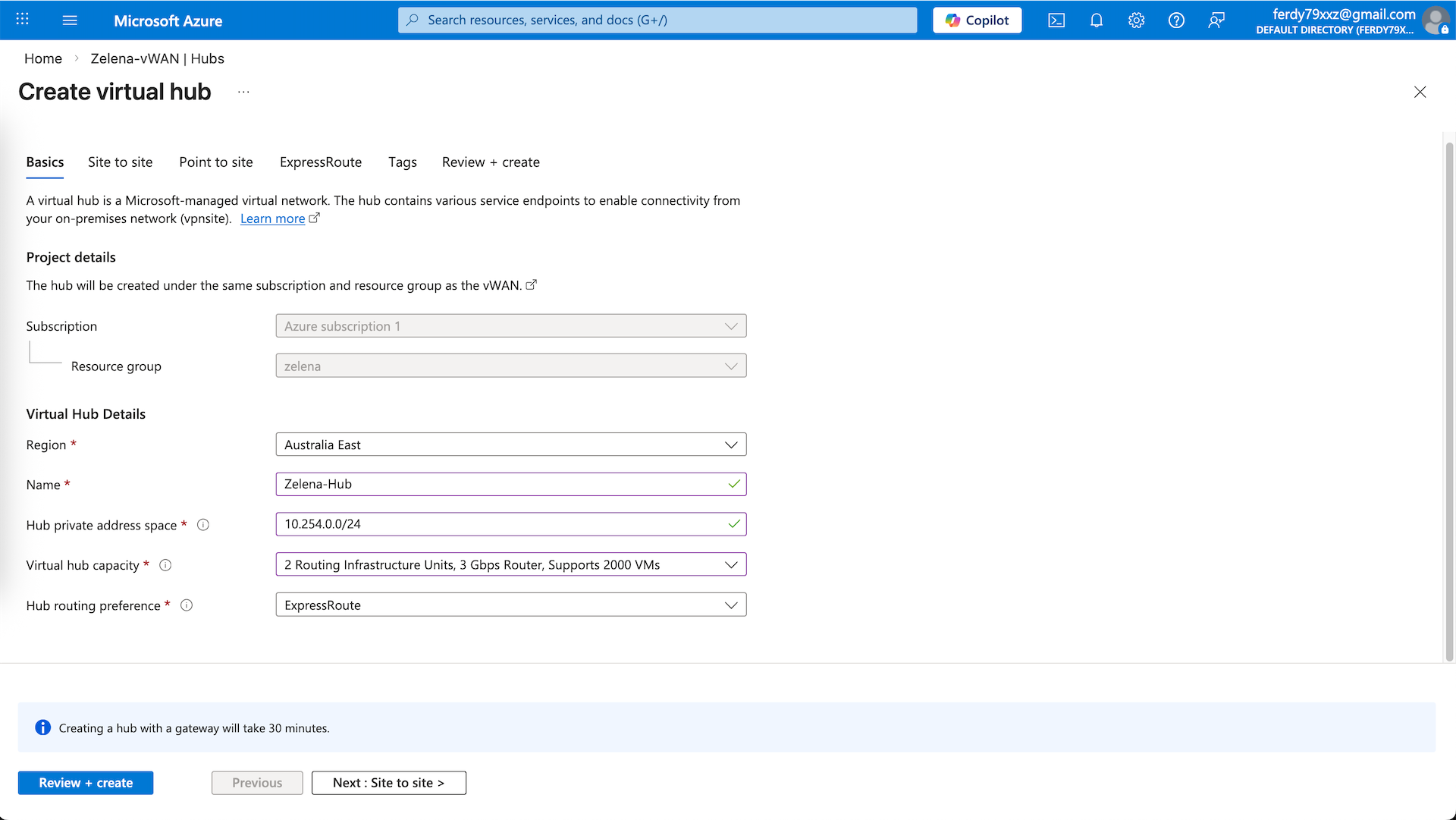
Give it name and provide it with a private subnet that’s not used, then select the lowest hub capacity and leave the rest as is
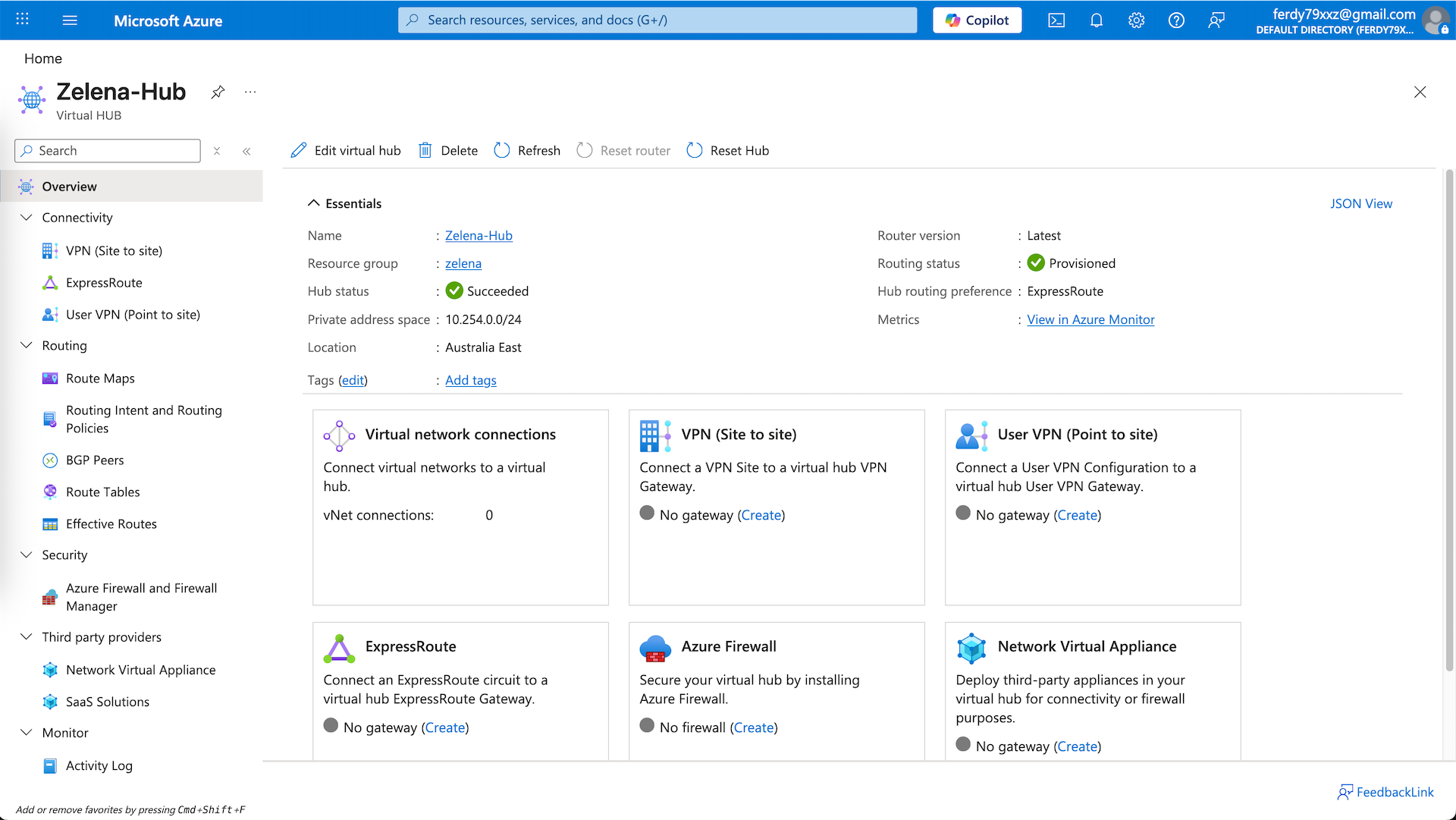
Inside the vHub, there’s Virtual Network Connections. It is the link that attaches a spoke VNets to the hub and enables the VNet to use the hub for transit routing
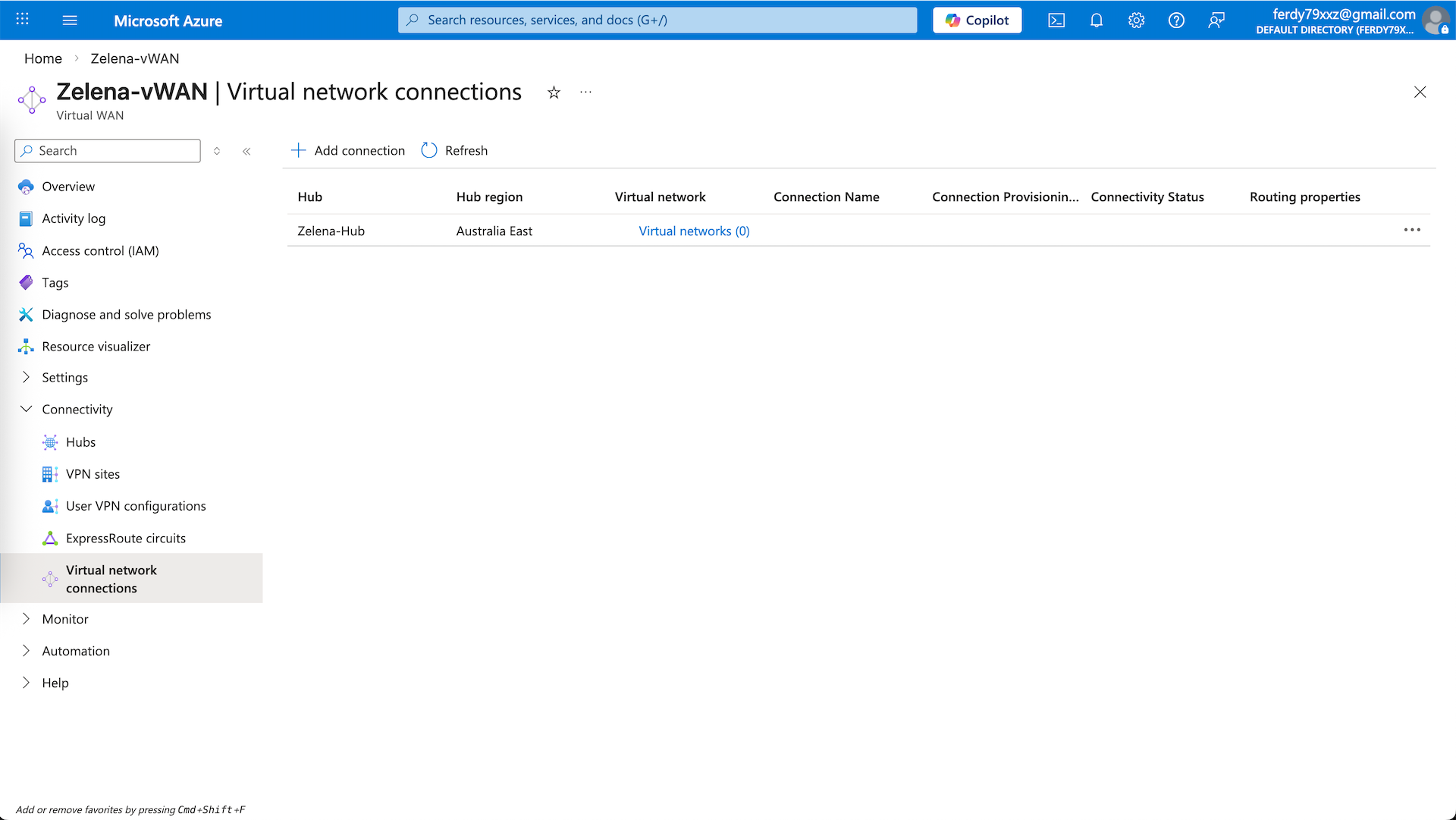
Lets add all the vnets into this VNC
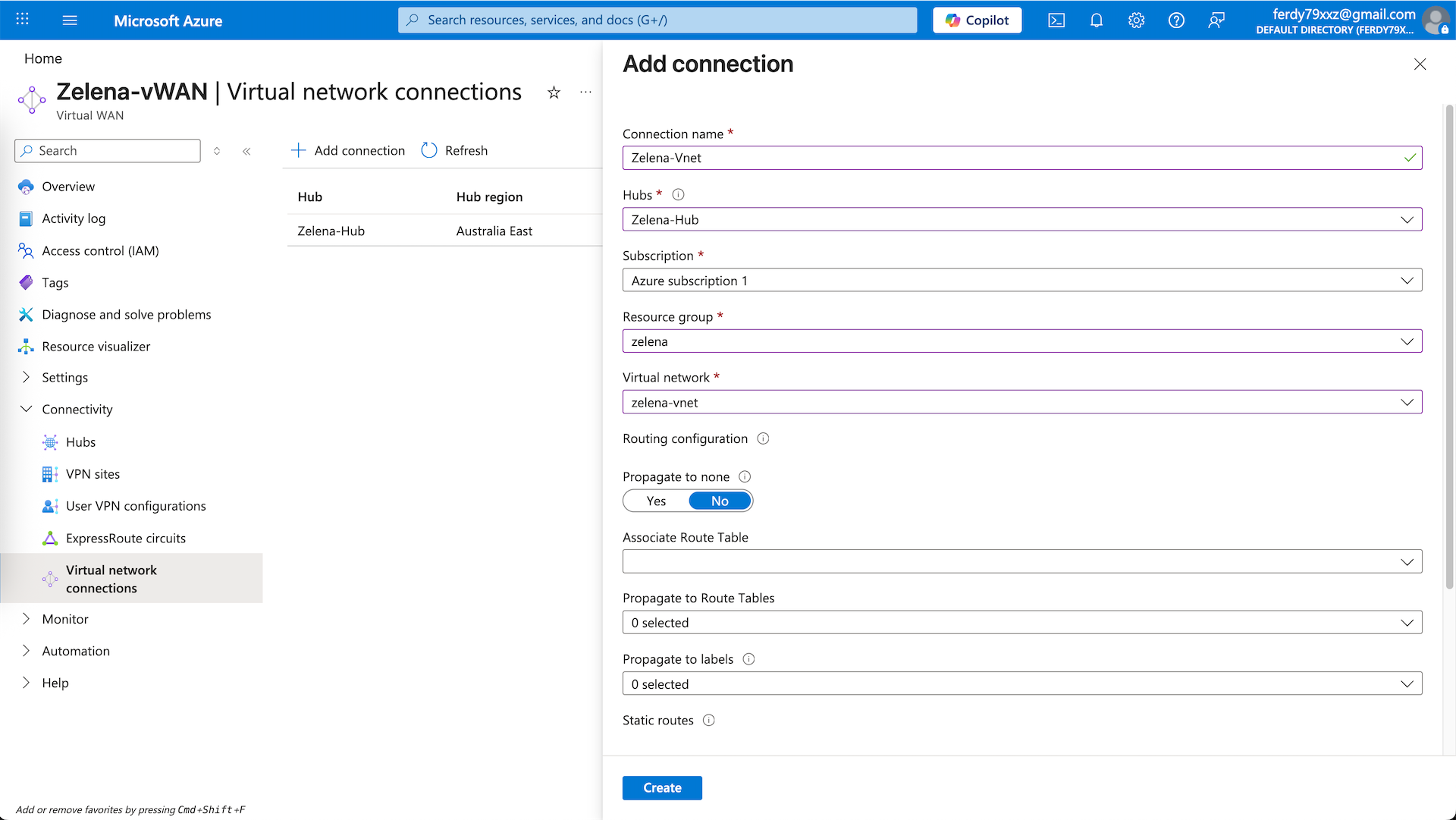
zelena-vnet
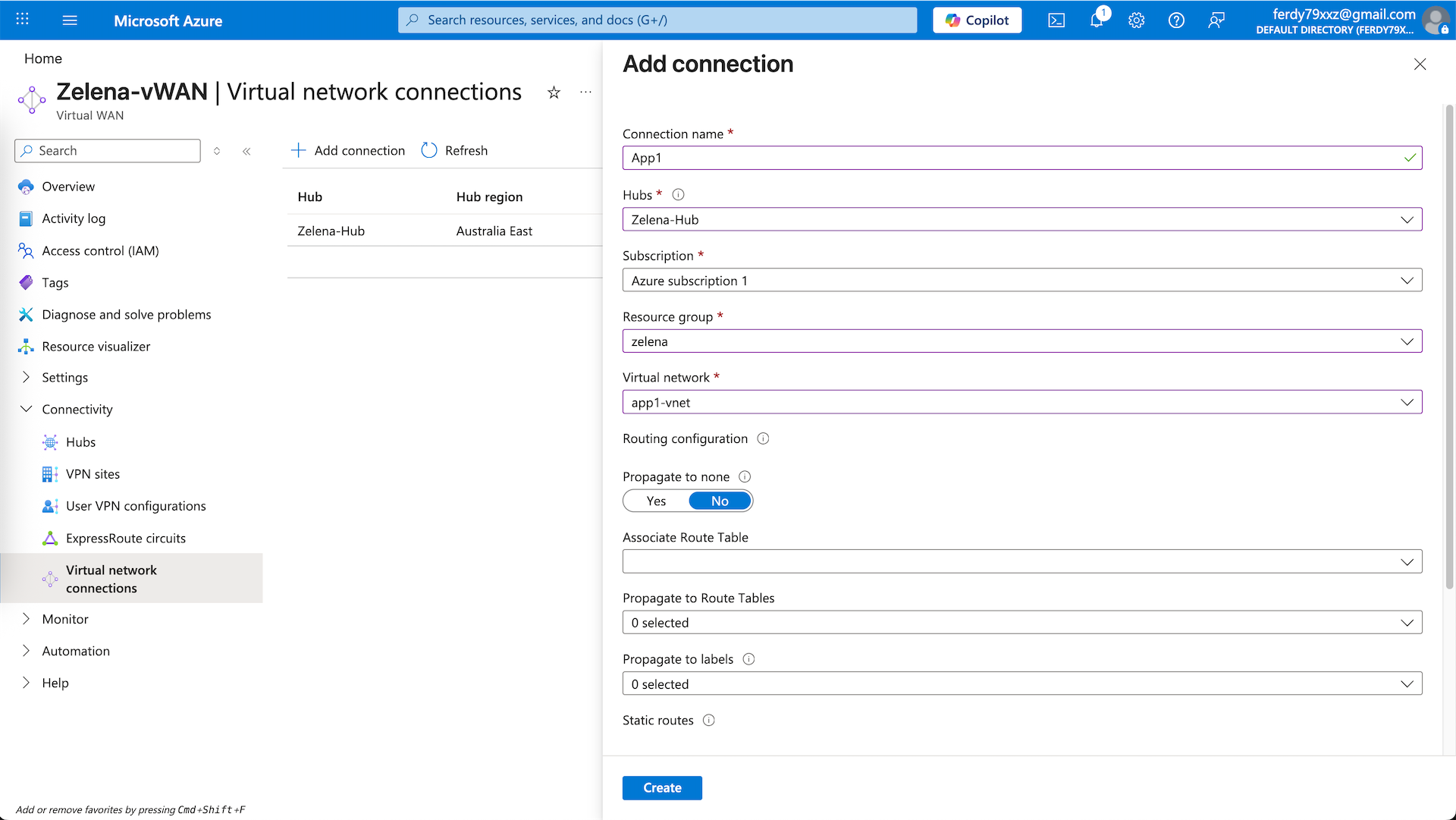
app1-vnet
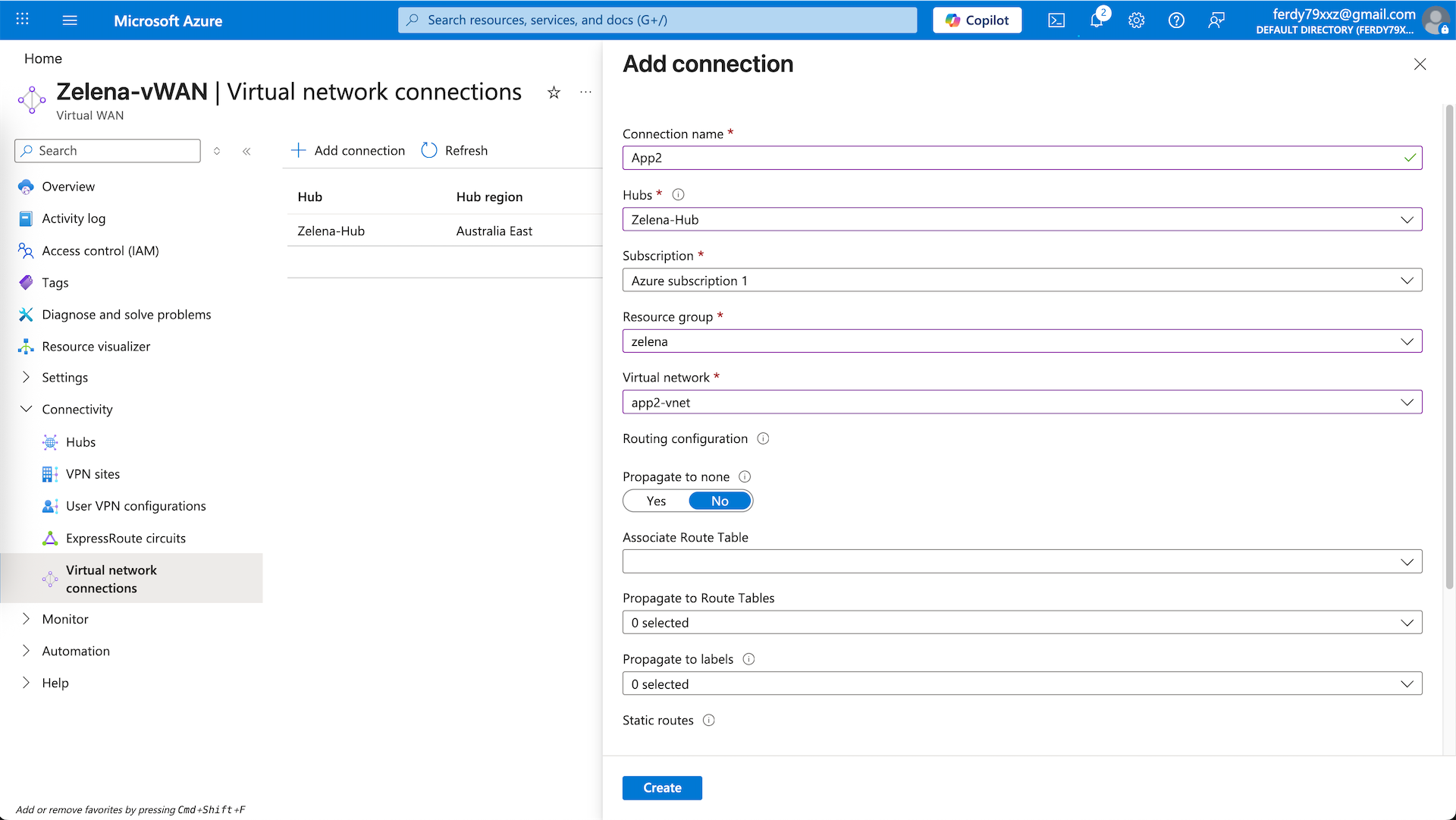
app2-vnet
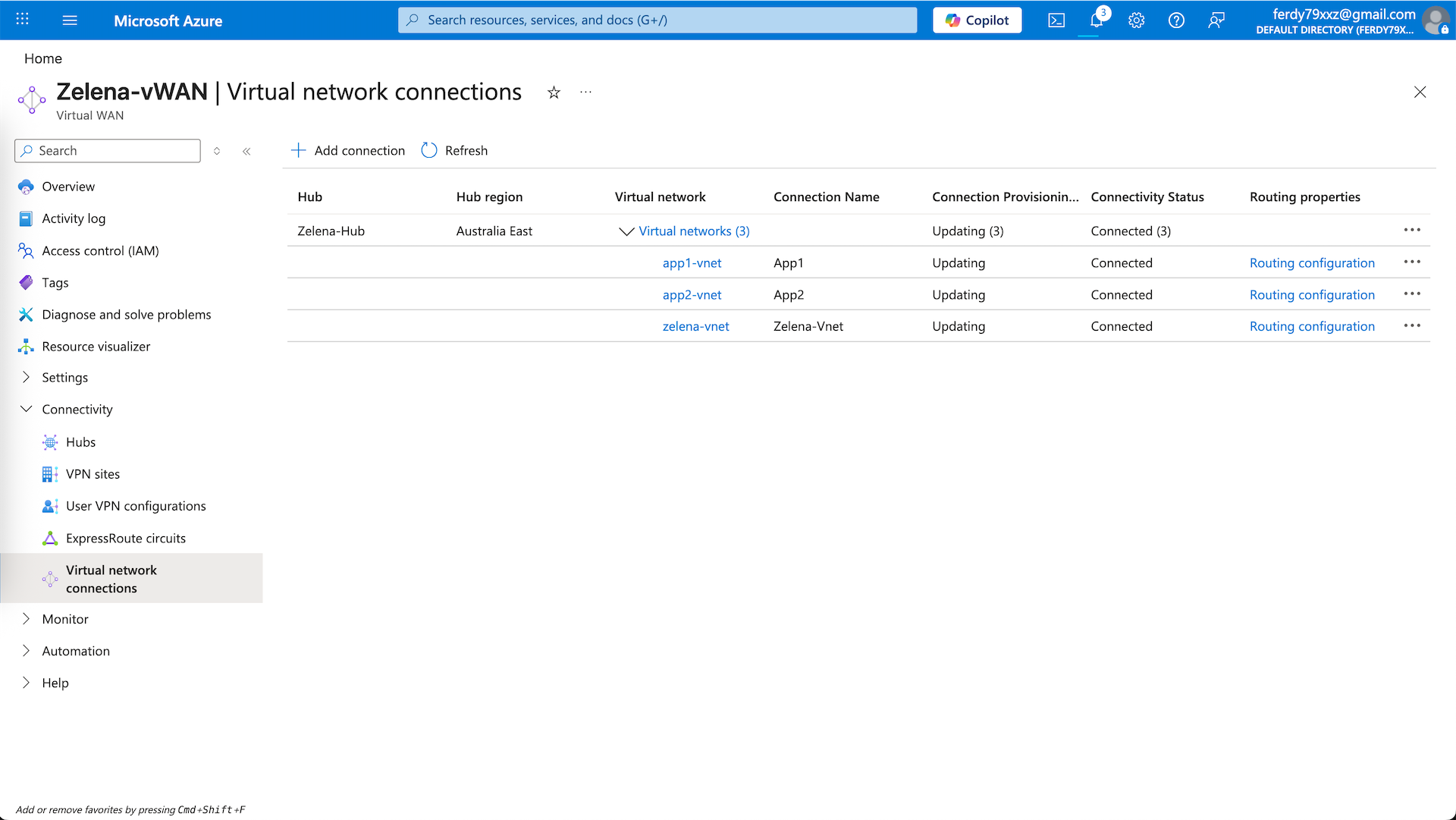
And now we have a vHub that connects to 3 vnets
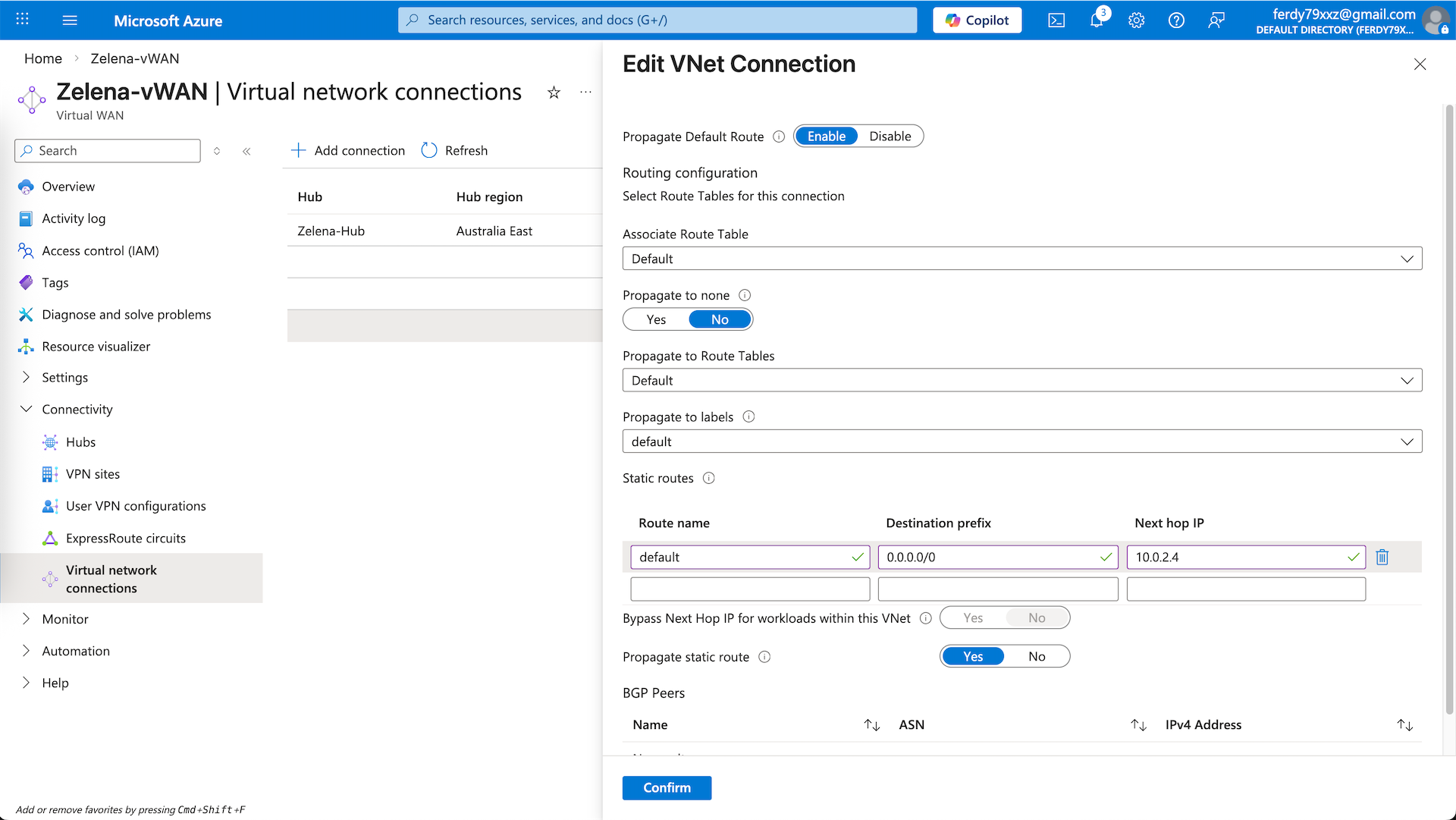
We will use the zelena-vnet as our egress network, for that we will add a static route to steer all traffic to Fortigate’s internal ip address. Ensure propagate static ip is checked so this route is propagated to the rest of the spokes
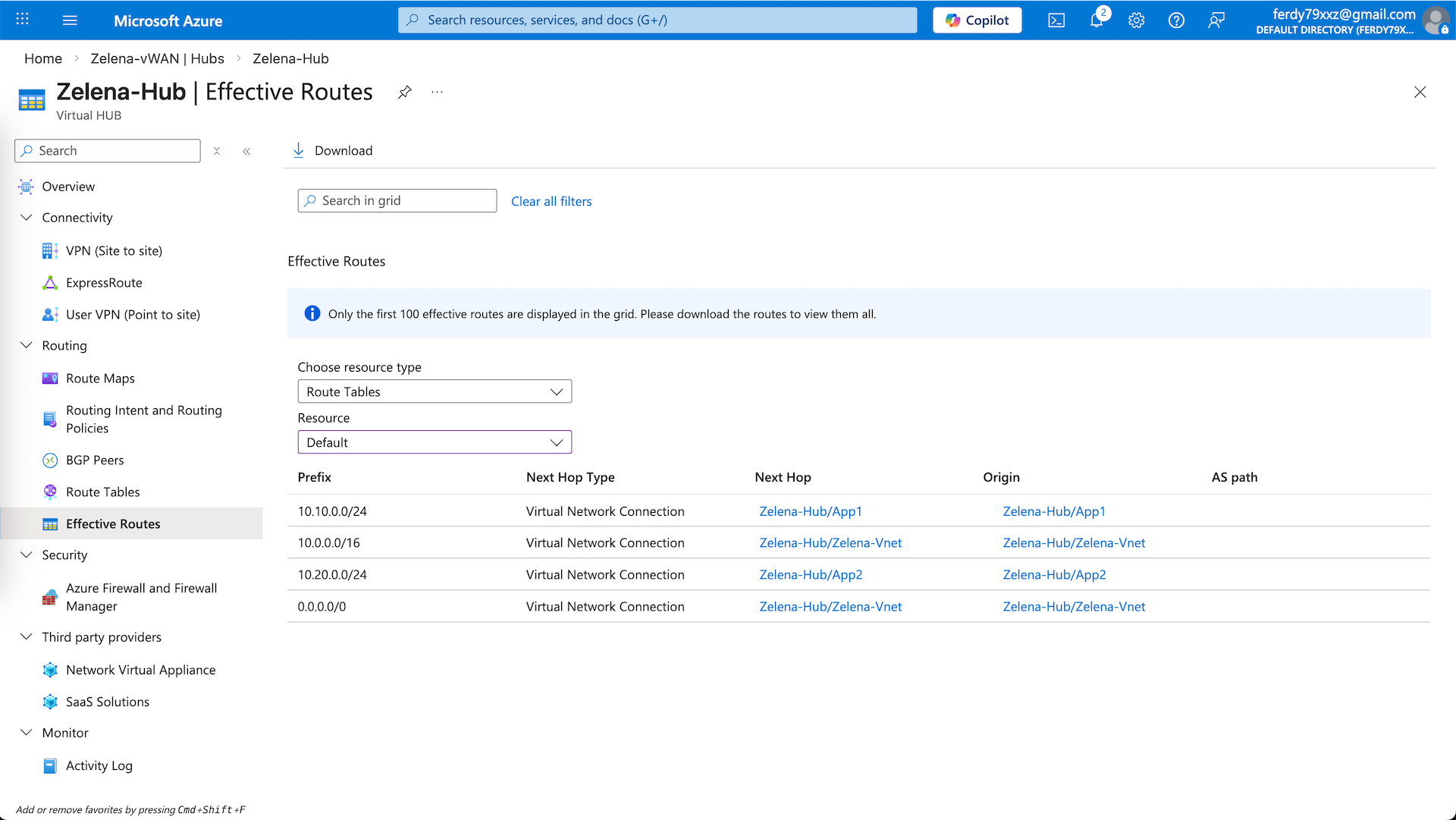
We can verify the routing for this hub on Effective Routes, ensuring 10.10.0.0/24 and 10.20.0.0/24 are going to their respective vnets, and 0.0.0.0/0 is going to the zelena-vnet
Testing
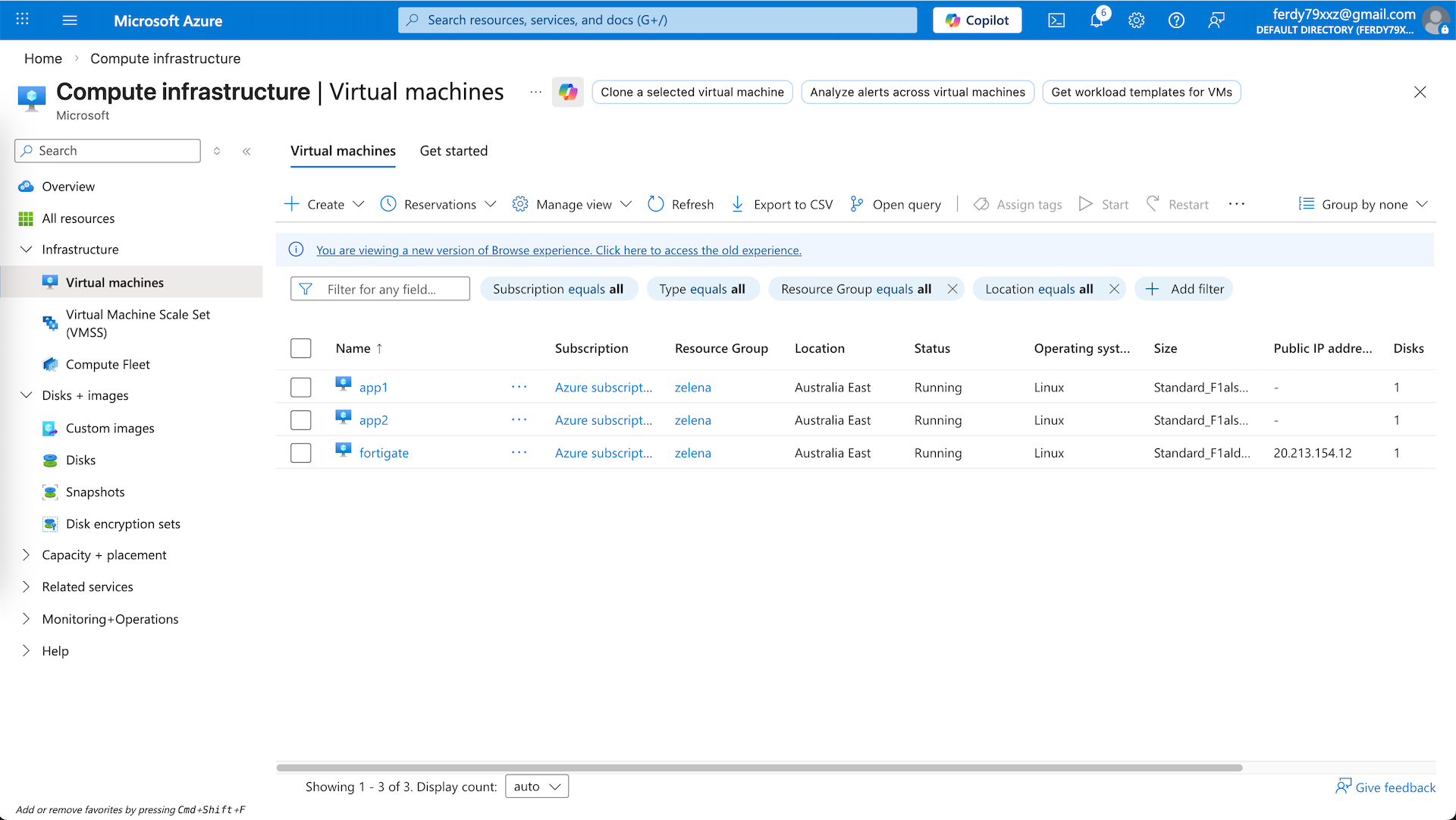
Now we can test this setup, here we deploy 2 linux servers for each app-vnet
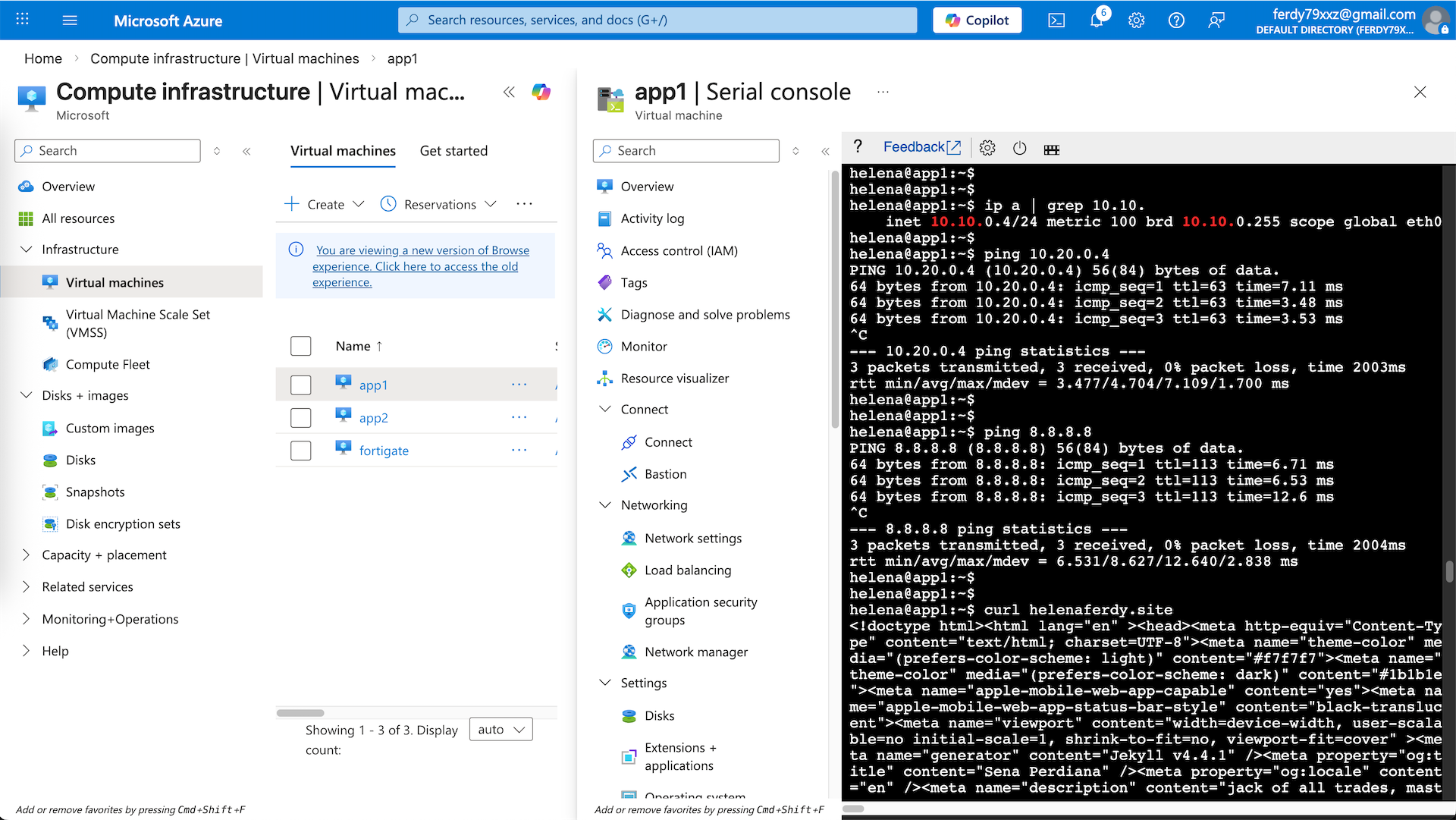
From app1 on 10.10.0.5, we can ping the app2 on 10.20.0.5, proving the inter-spokes connection is working through our hub, and we can also access the internet, verifying that our traffic is steered to the zelena-vnet to use our Fortigate as egress firewall
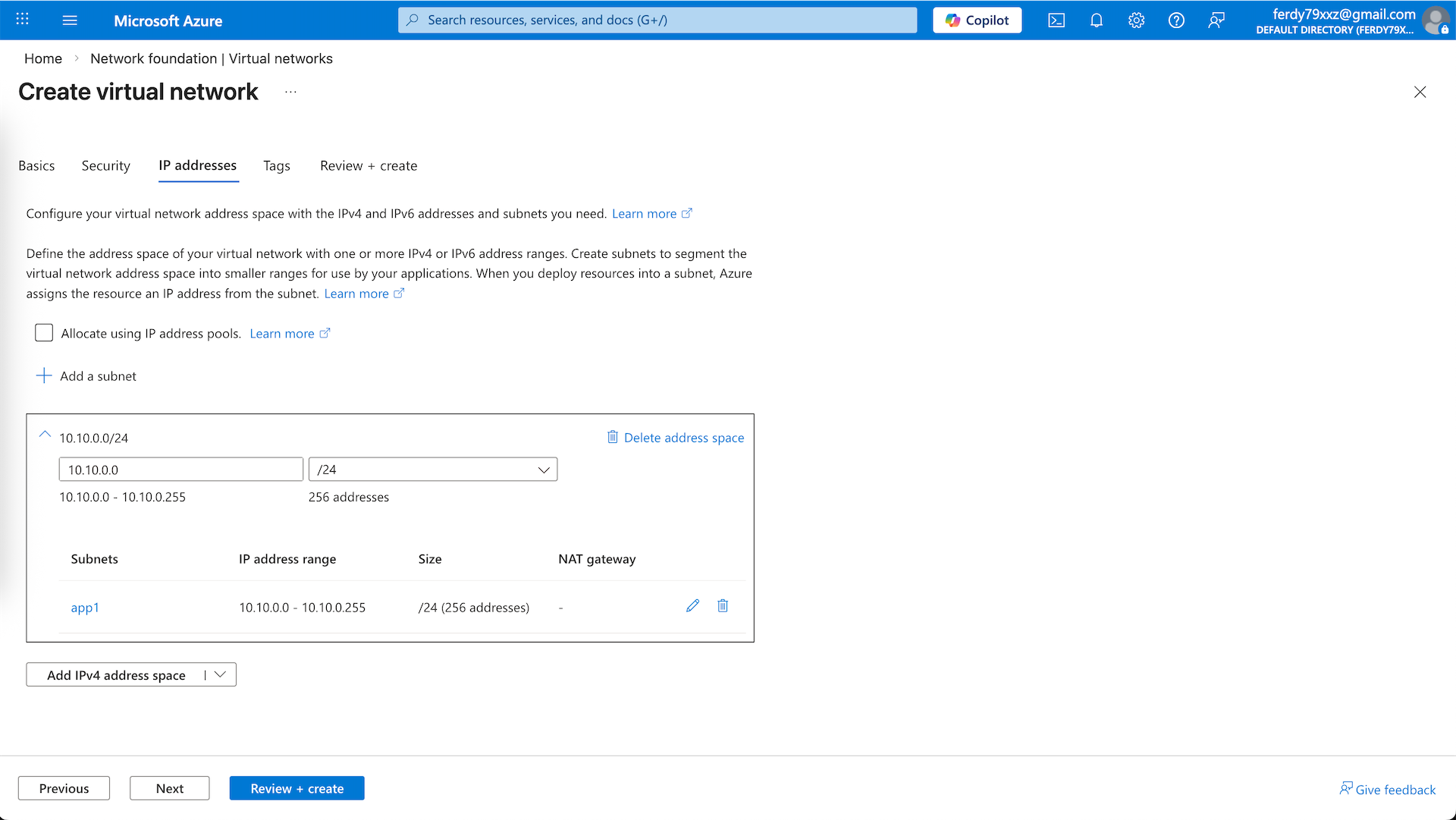
On the Fortigate side, we can see the traffic coming in from app1 and app2 going out to the internet