Check Point Infinity
Check Point Infinity is a consolidated security architecture that integrates network (Quantum), cloud (CloudGuard), and endpoint/workload (Harmony) security into a single policy, threat-intelligence, and management plane. It leverages shared services such as ThreatCloud, unified logging, and centralized enforcement to provide consistent, real-time threat prevention across on-prem, cloud, and hybrid environments.
Enabling Infinity Portal
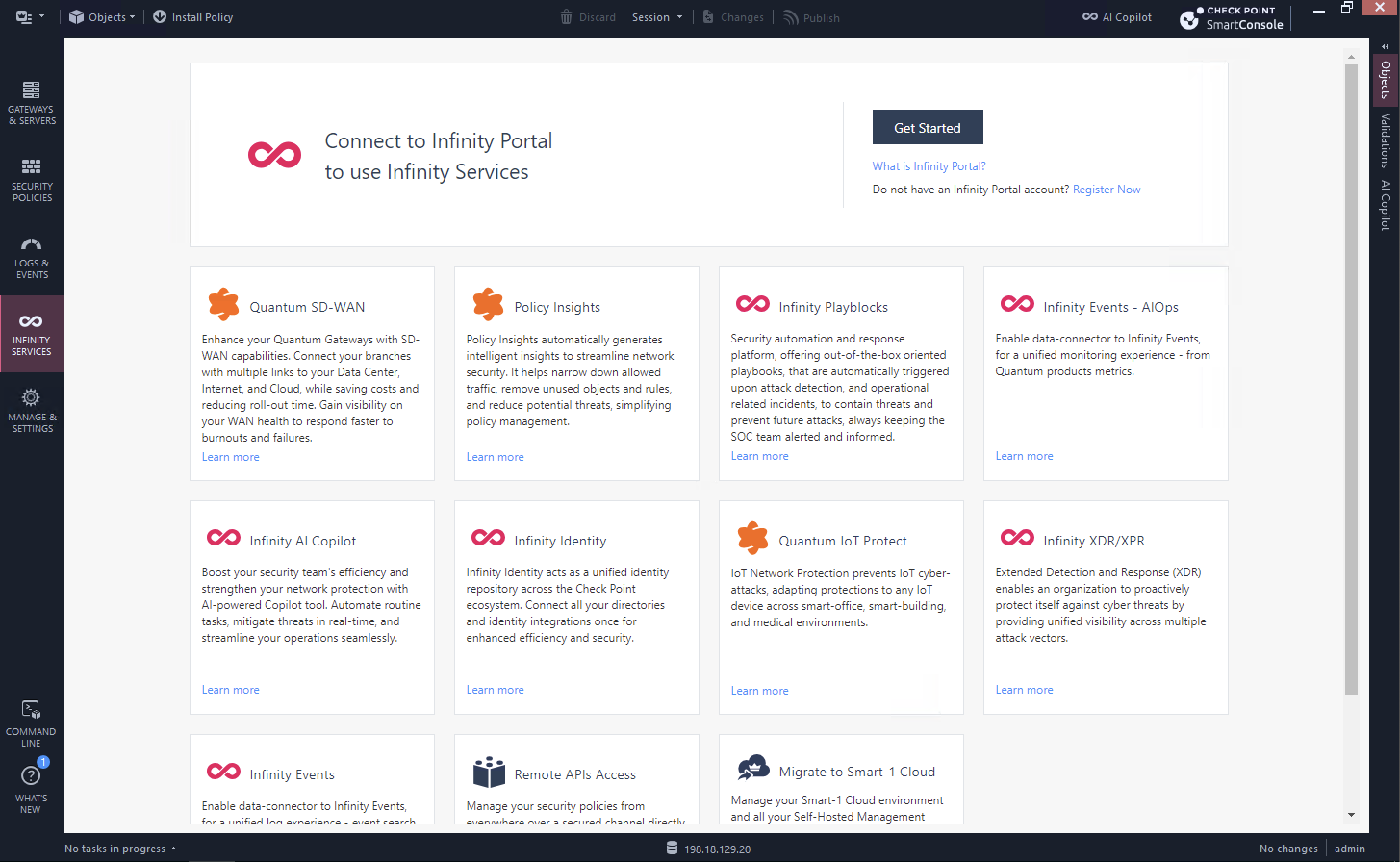
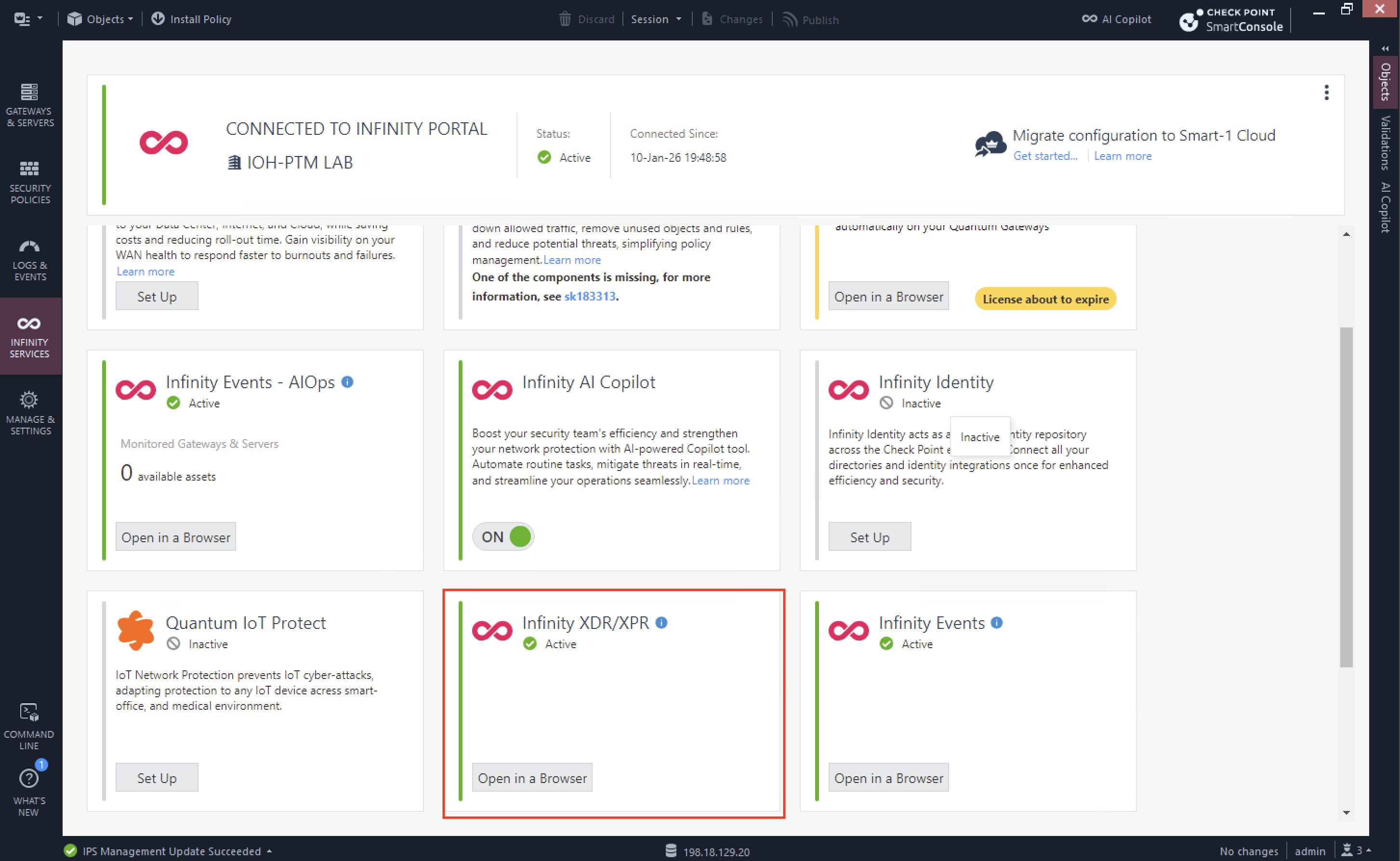
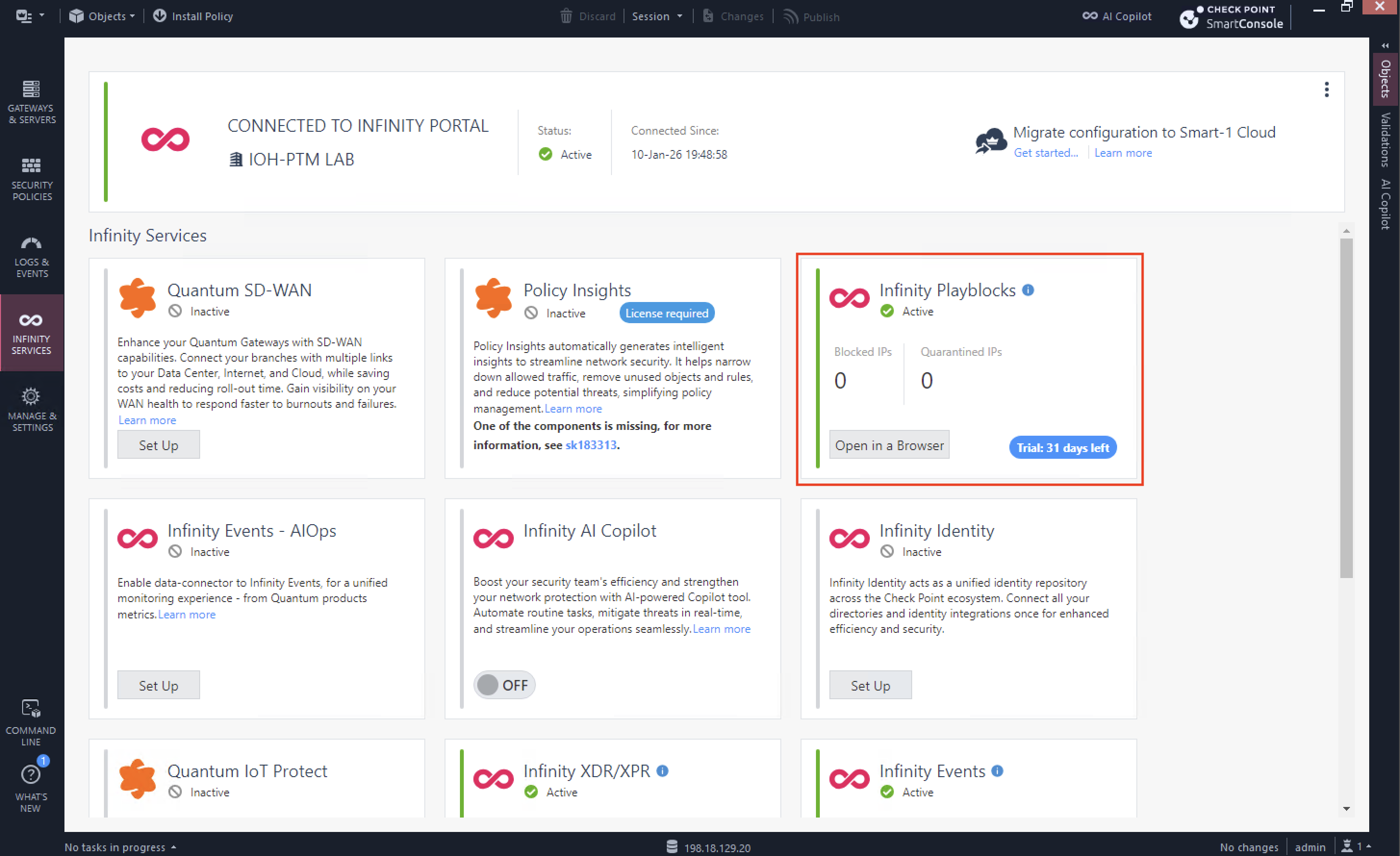
On Smartconsole, we can enable integration between On-prem Quantum devices with Infinity Portal on the Infinity Services tab and hit Get Started
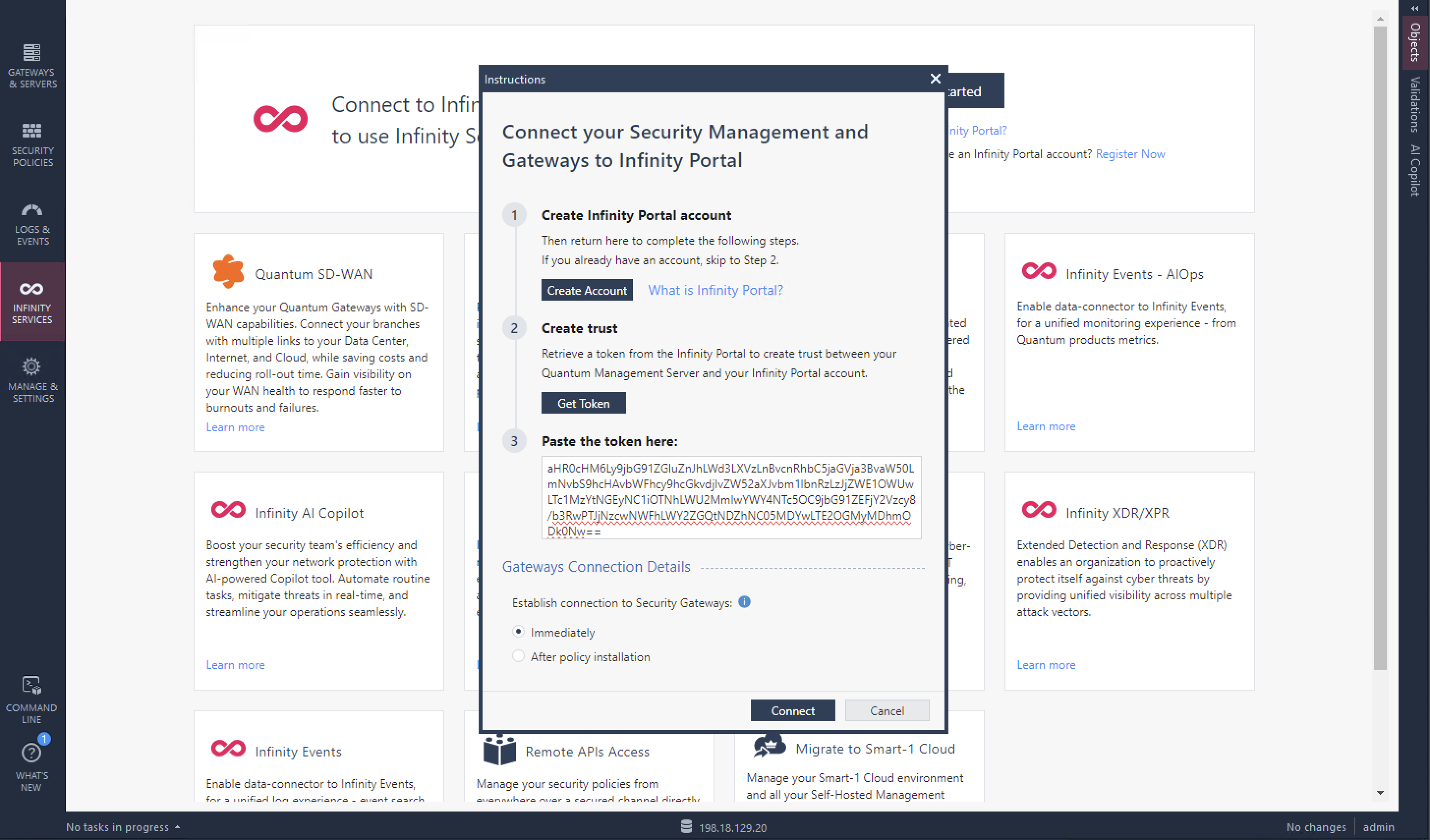
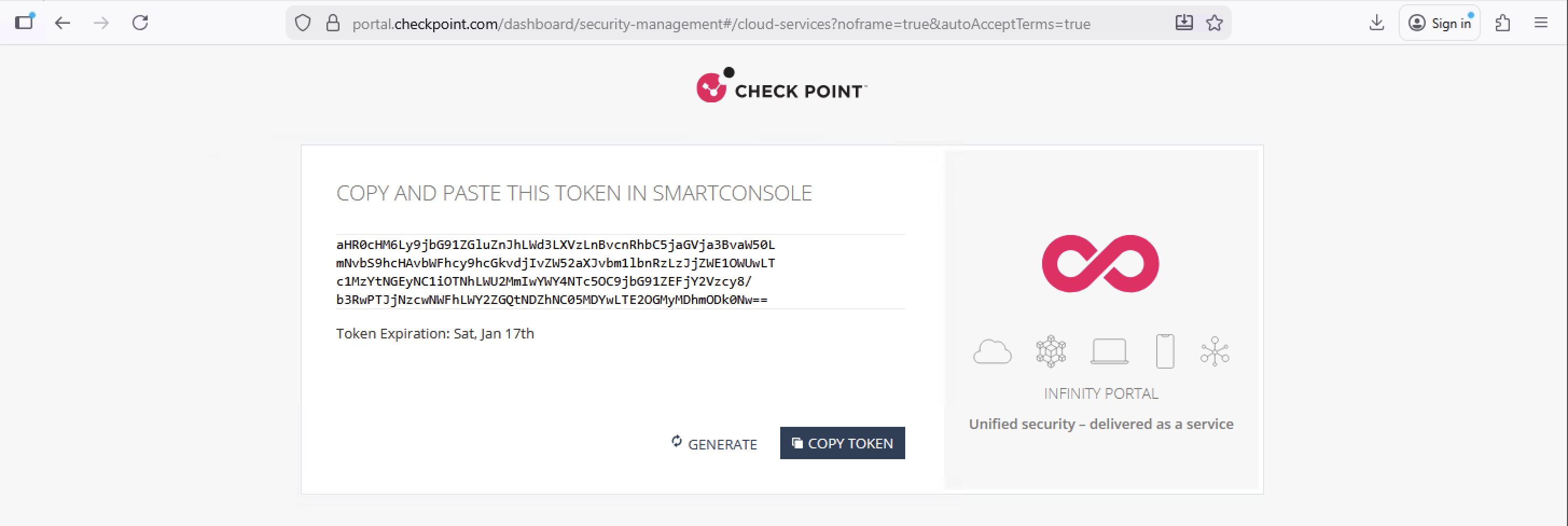
Then input the token from the Infinity Portal
If successful, the status will become active
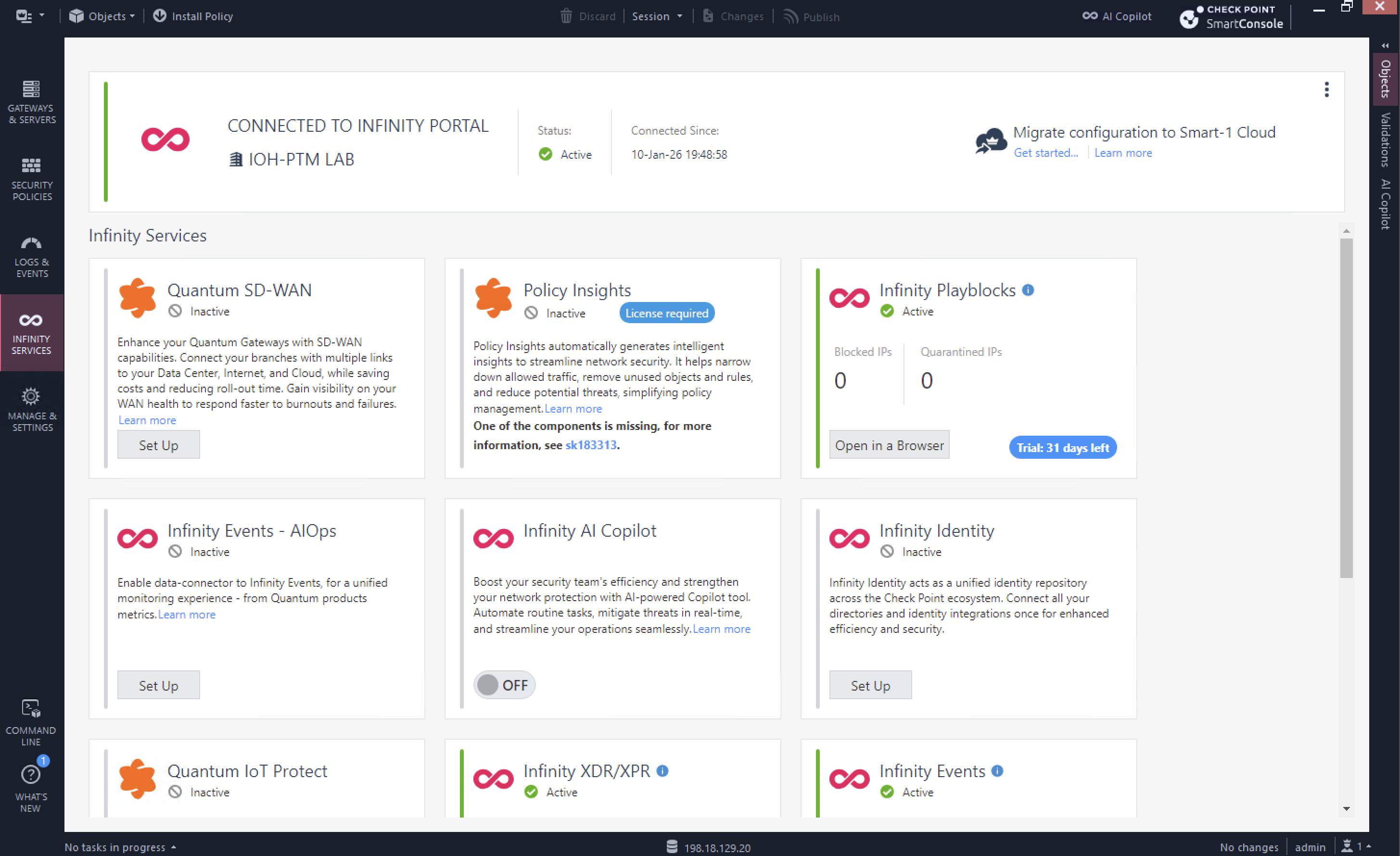
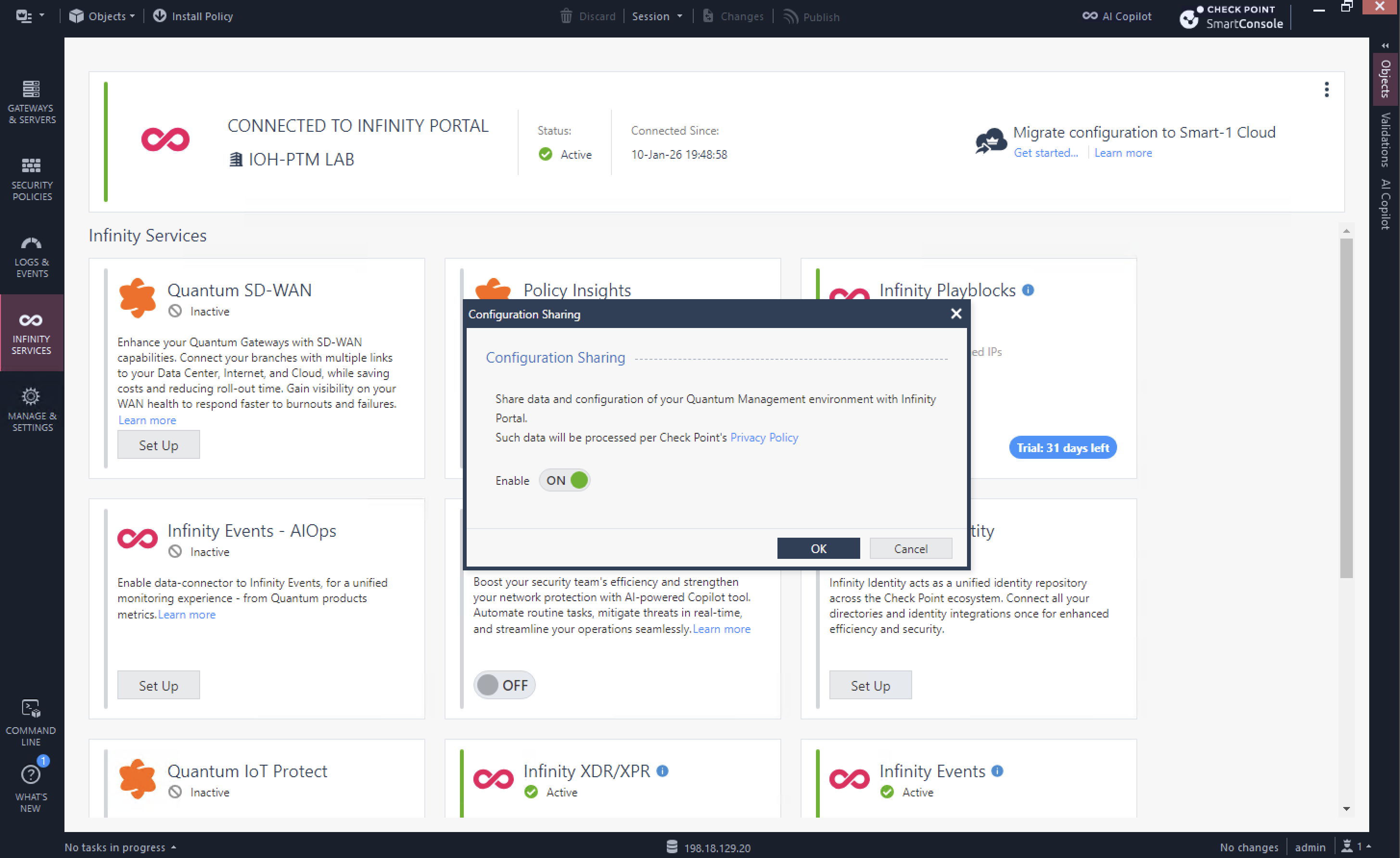
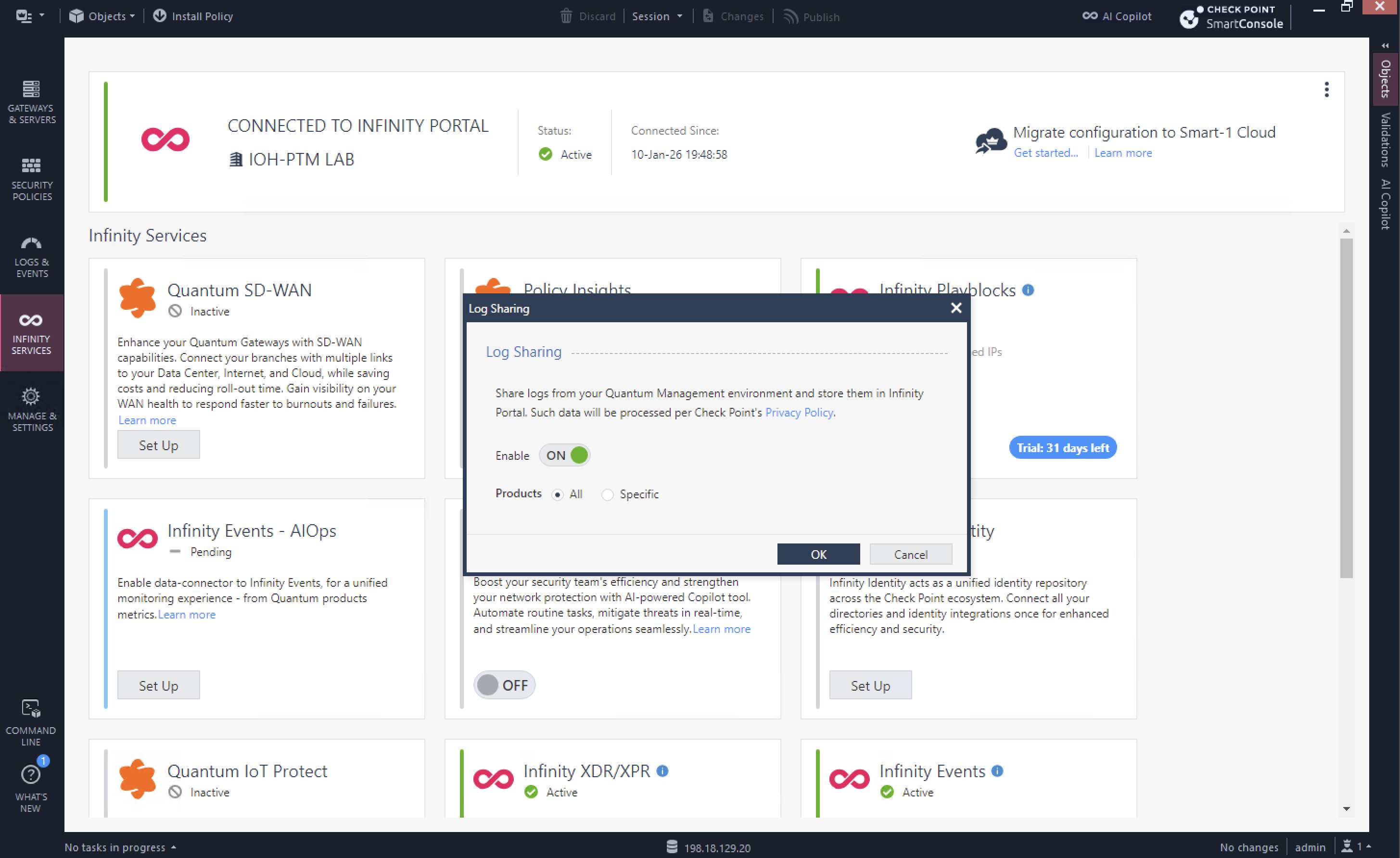
Next select 3 dots on top right corner and enable both Configuration and Log Sharing so Infinity Portal can consume them
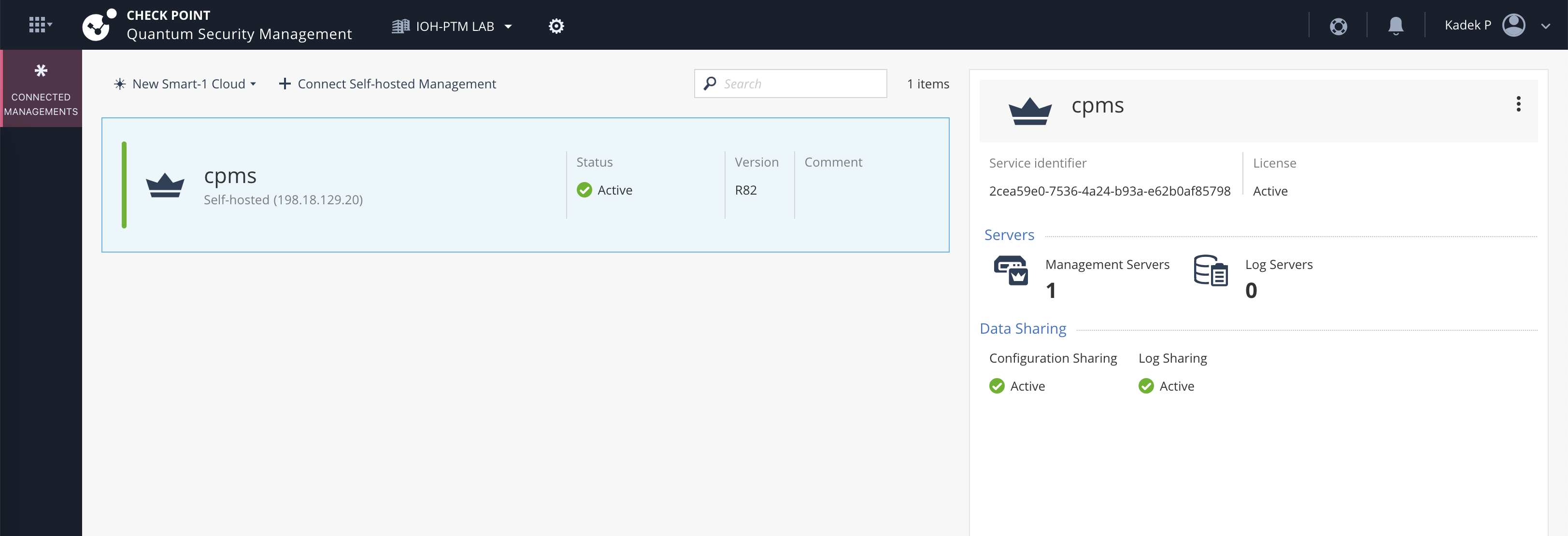
On Infinity Portal, we should see our Smart-1 shows up as connected management
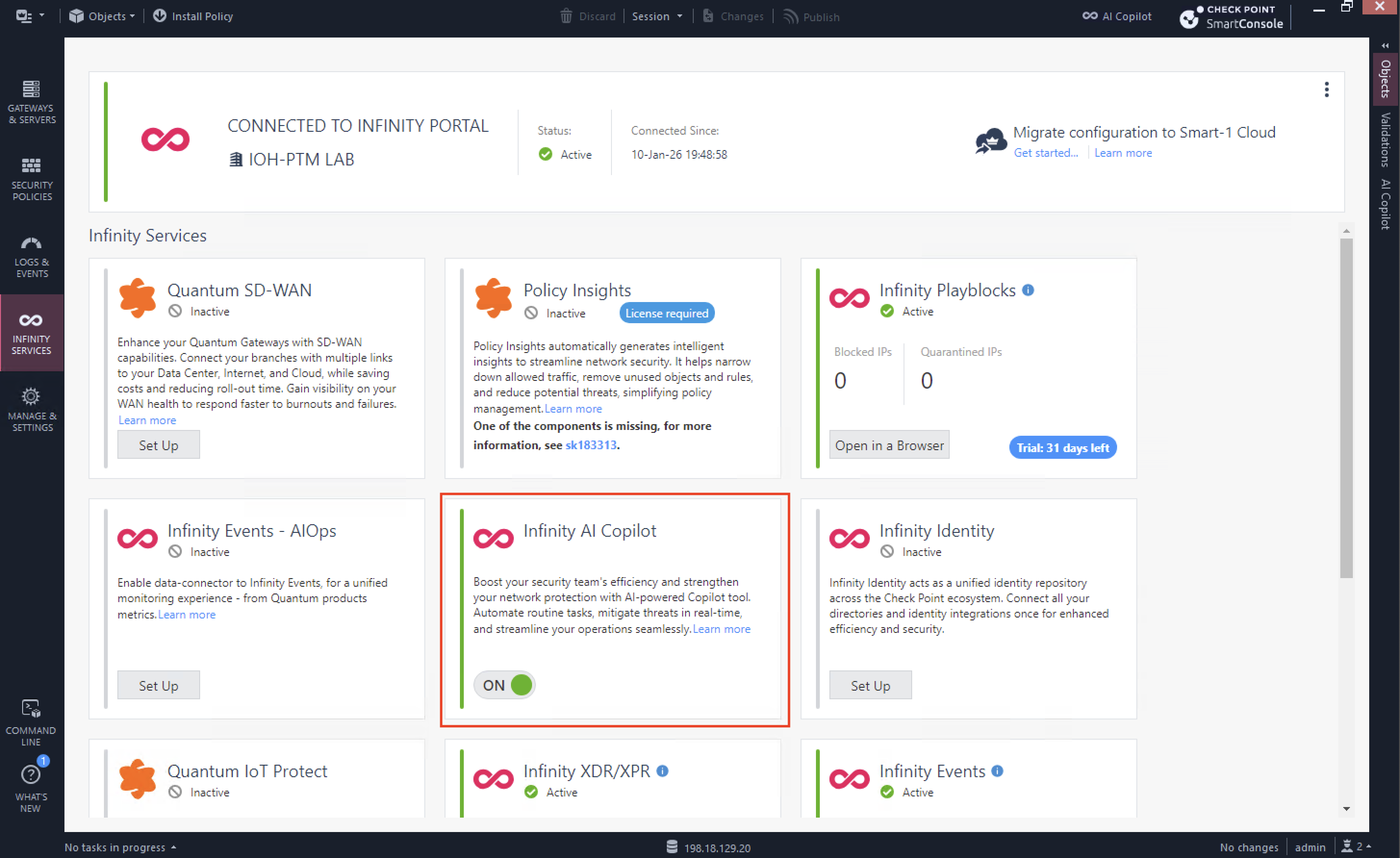
AI Copilot
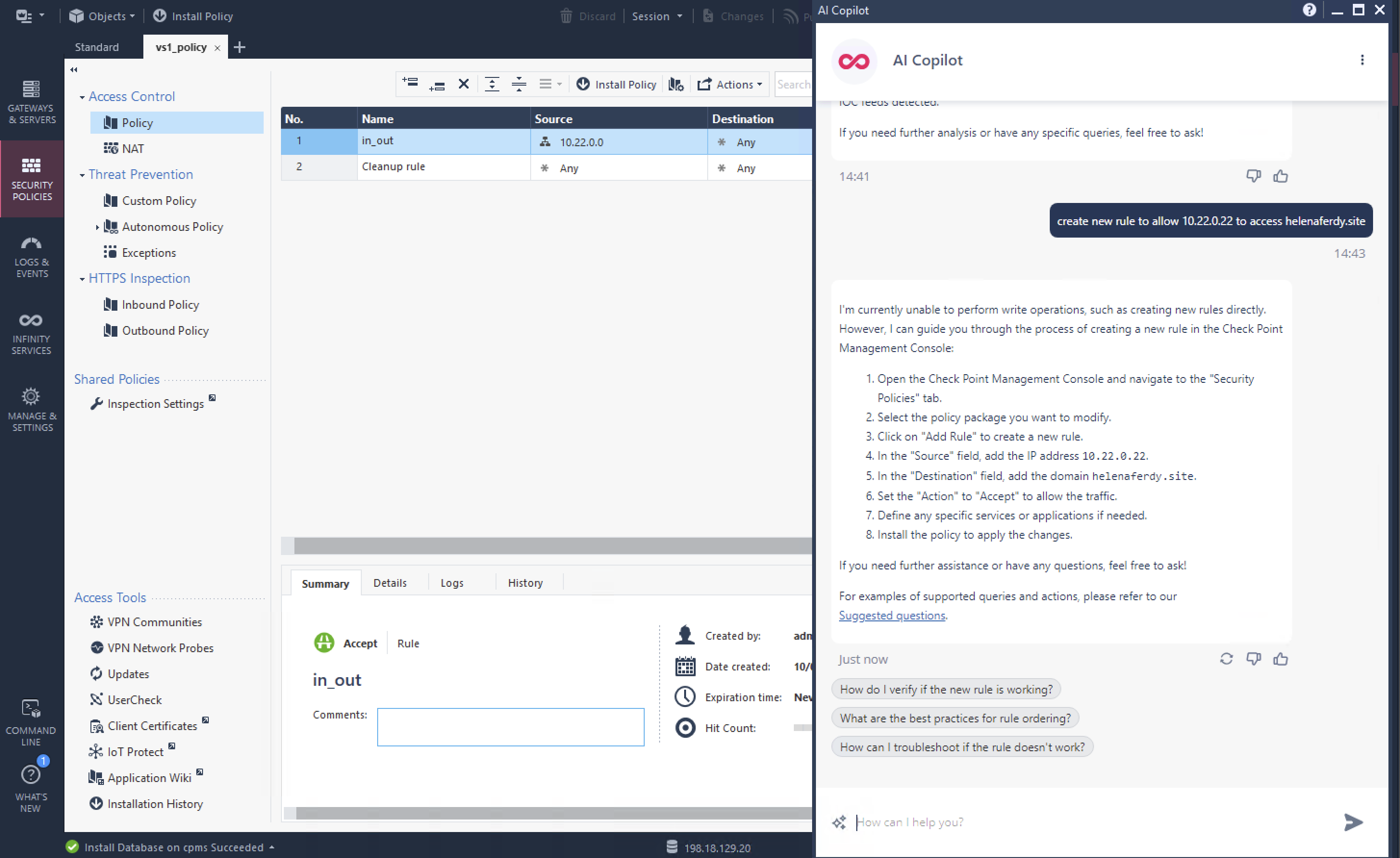
First Infinity Feature that we will try is AI Copilot, it’s Check Point’s generative-AI assistant that integrates with the Infinity Platform to help us automate and accelerate tasks like policy management, event analysis, incident response, and threat hunting using chatbot prompts.
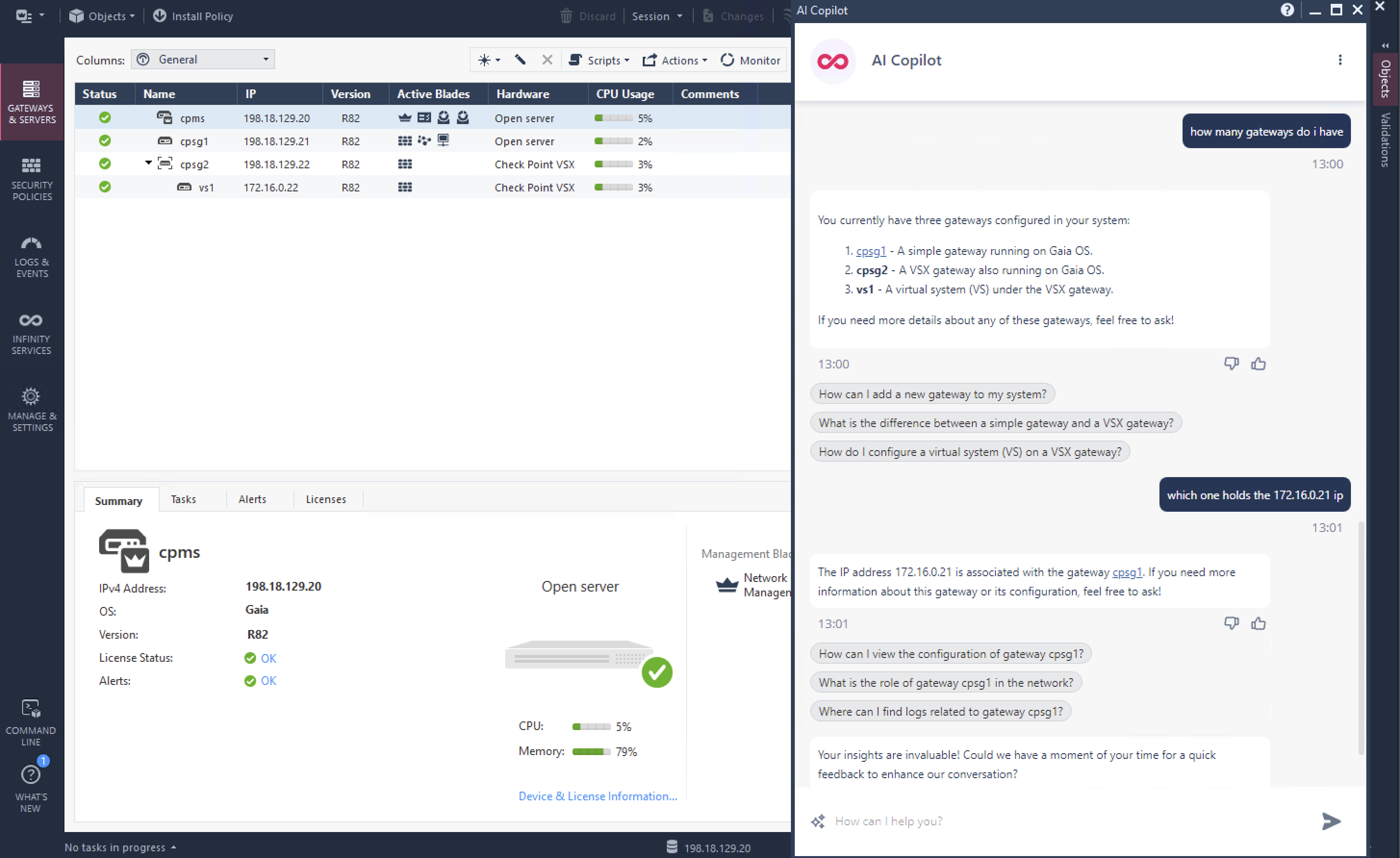
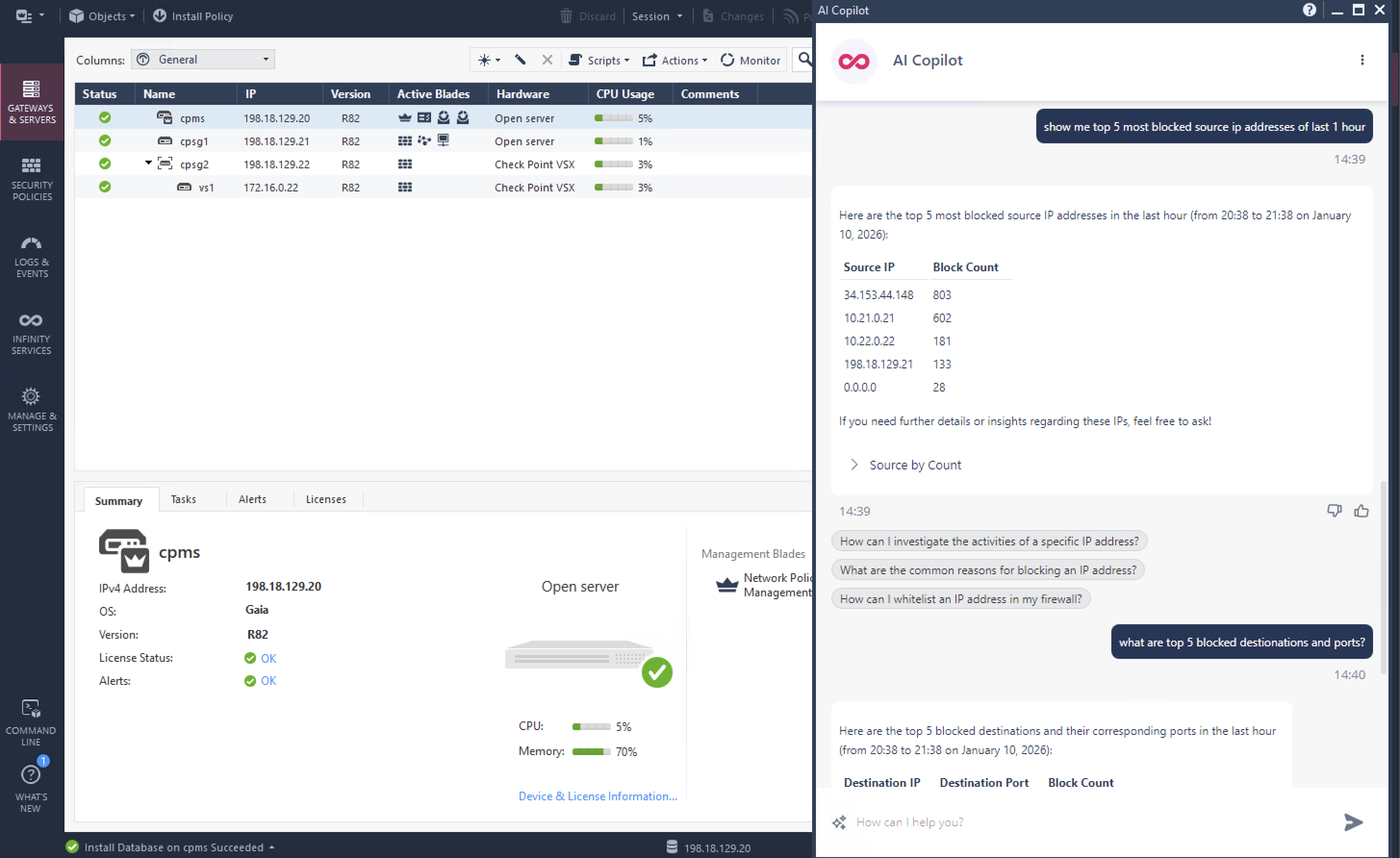
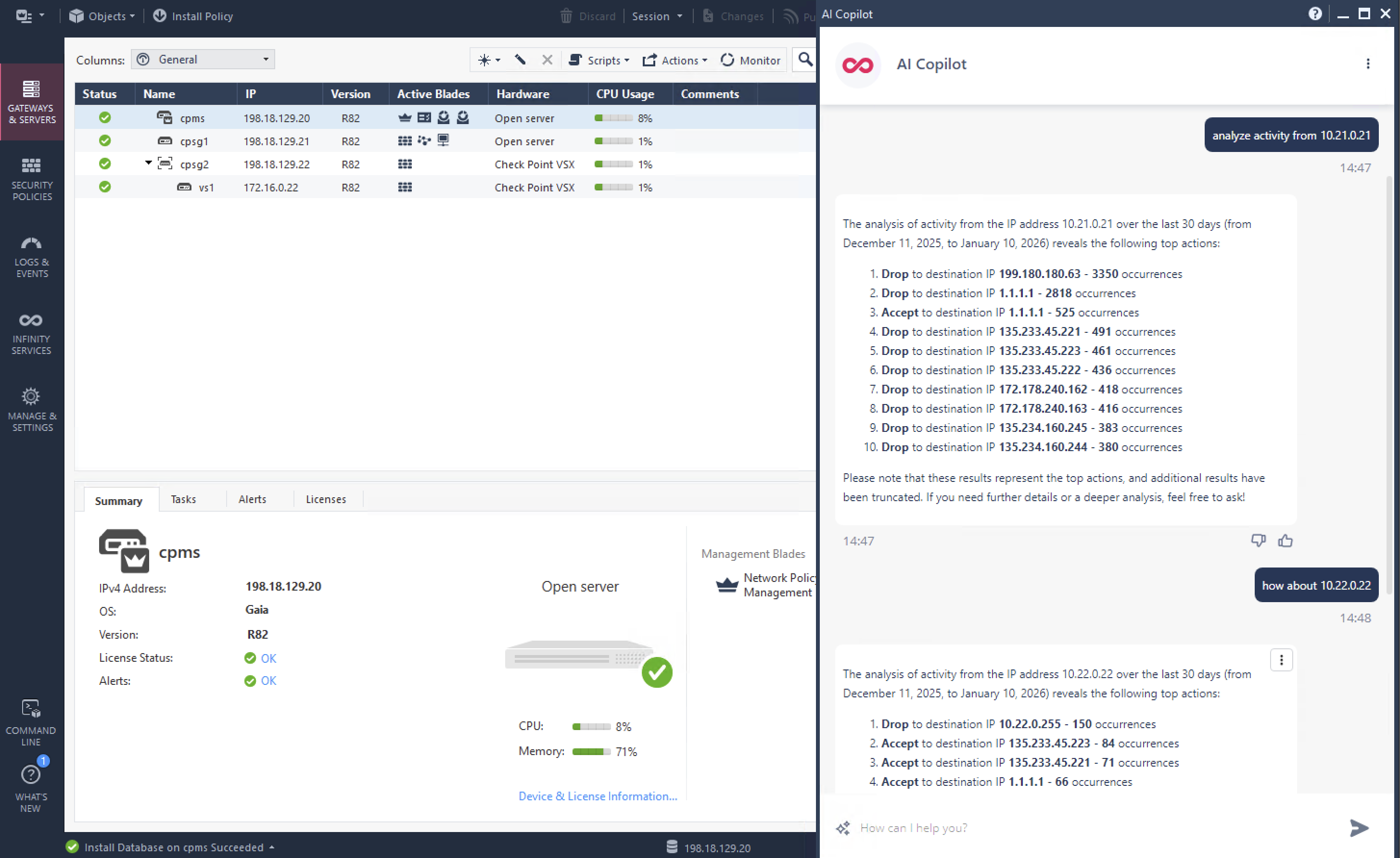
Once enabled, we can pretty much use it right away, here are several prompts that we use just to showcase its abilities
Infinity Events
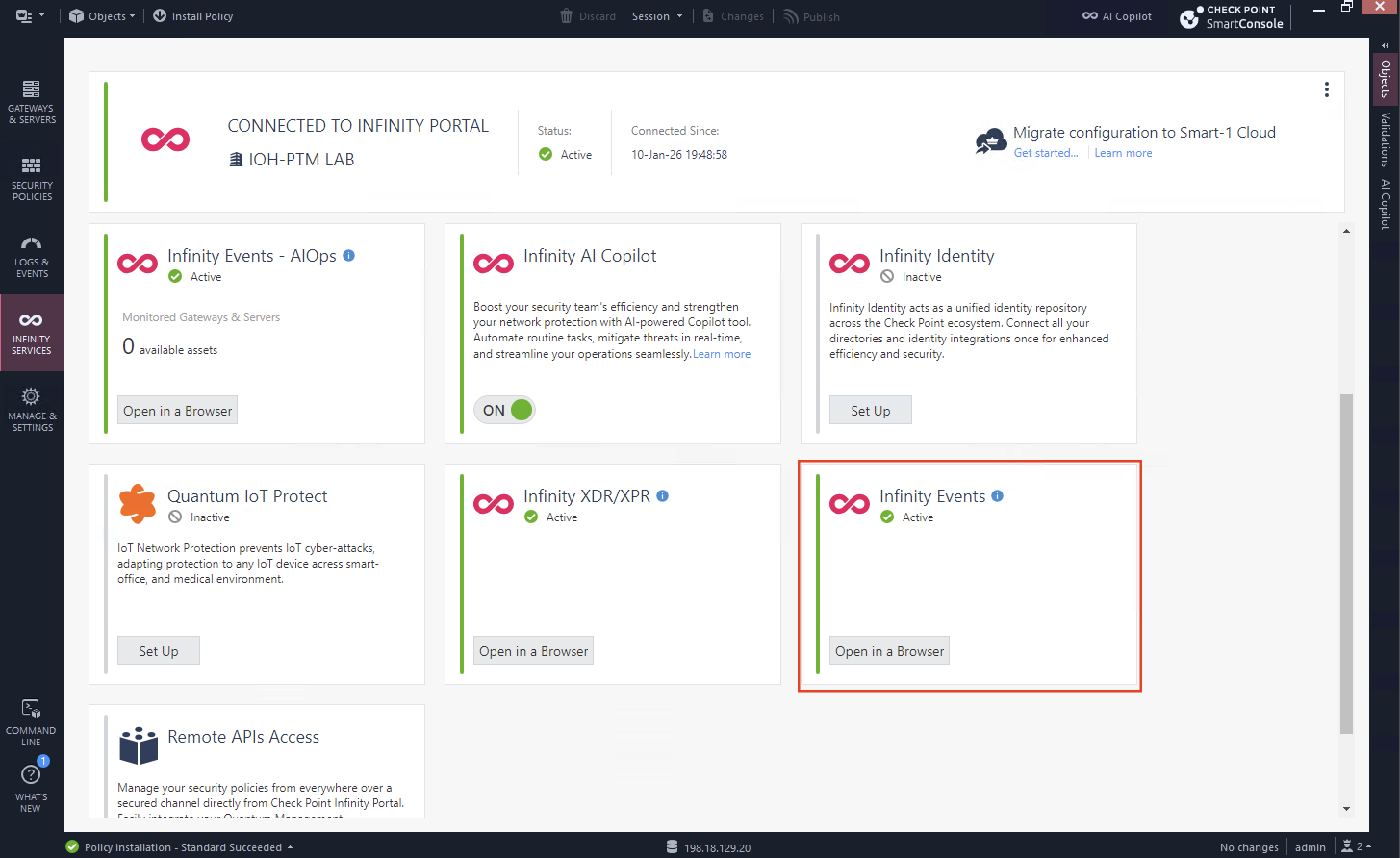
Infinity Events is a centralized, cloud-based security event management solution that unifies logs and security events from all Check Point products (network, endpoint, mobile, IoT, and cloud) into a single pane of glass for monitoring, search, investigation, and threat hunting
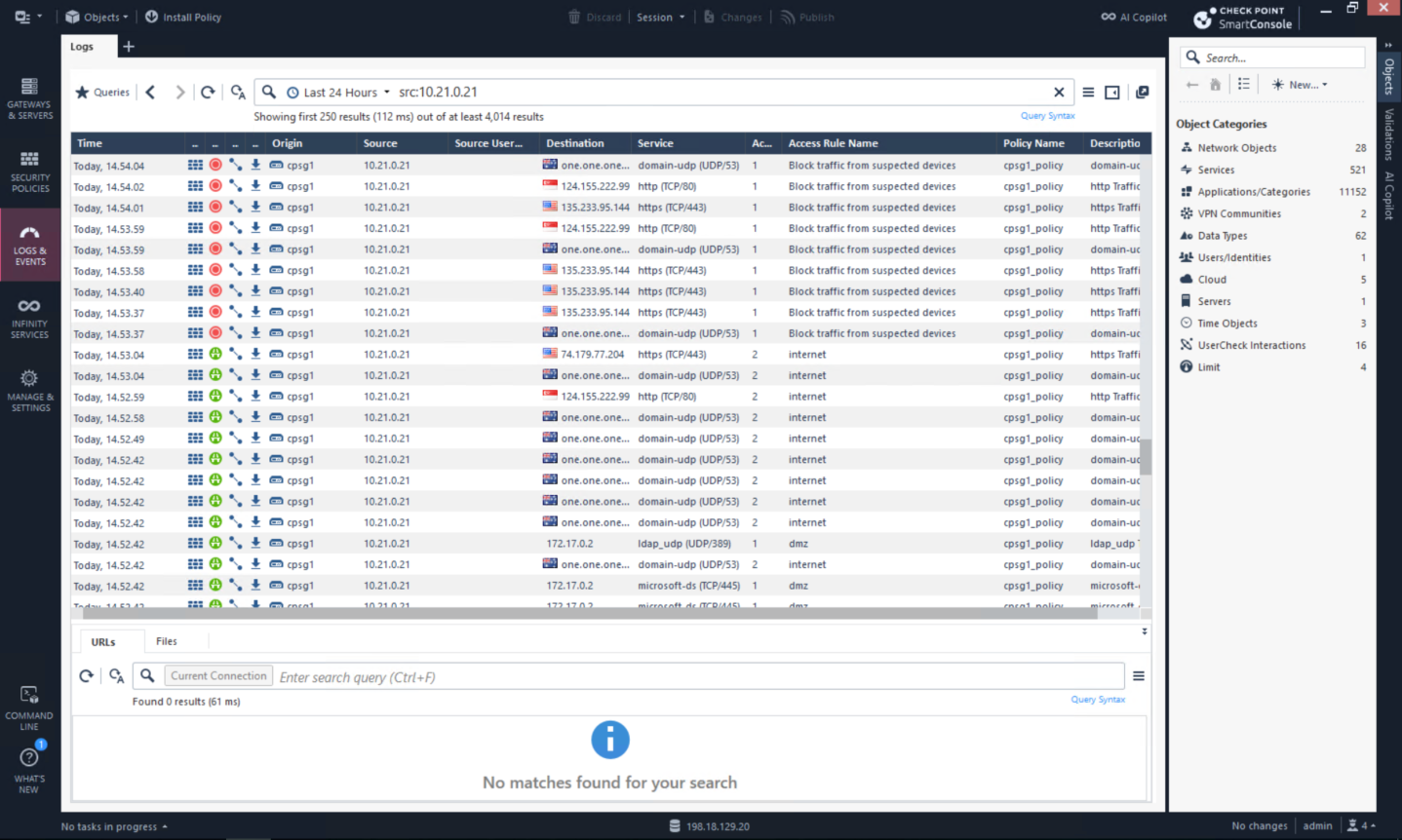
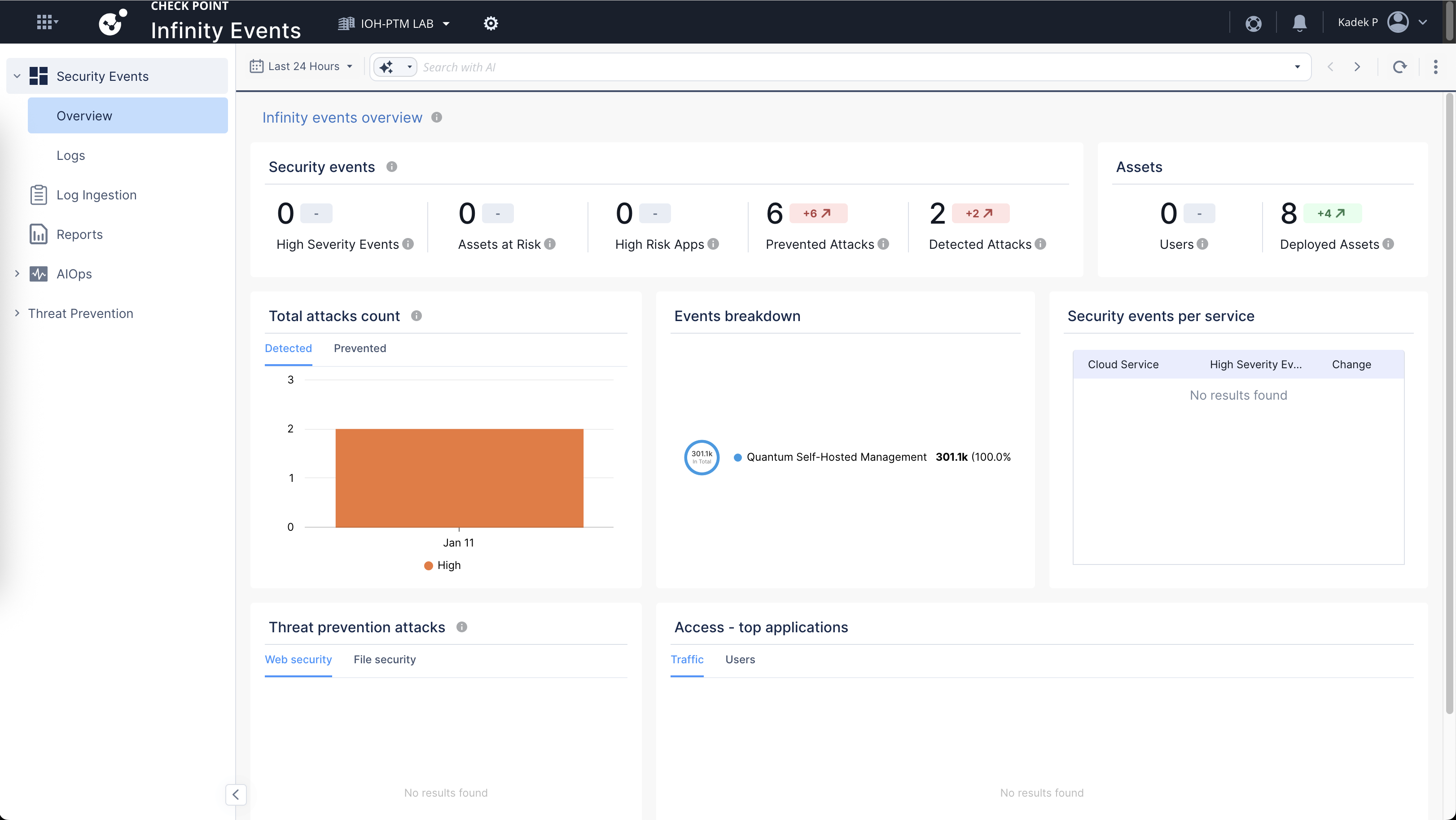
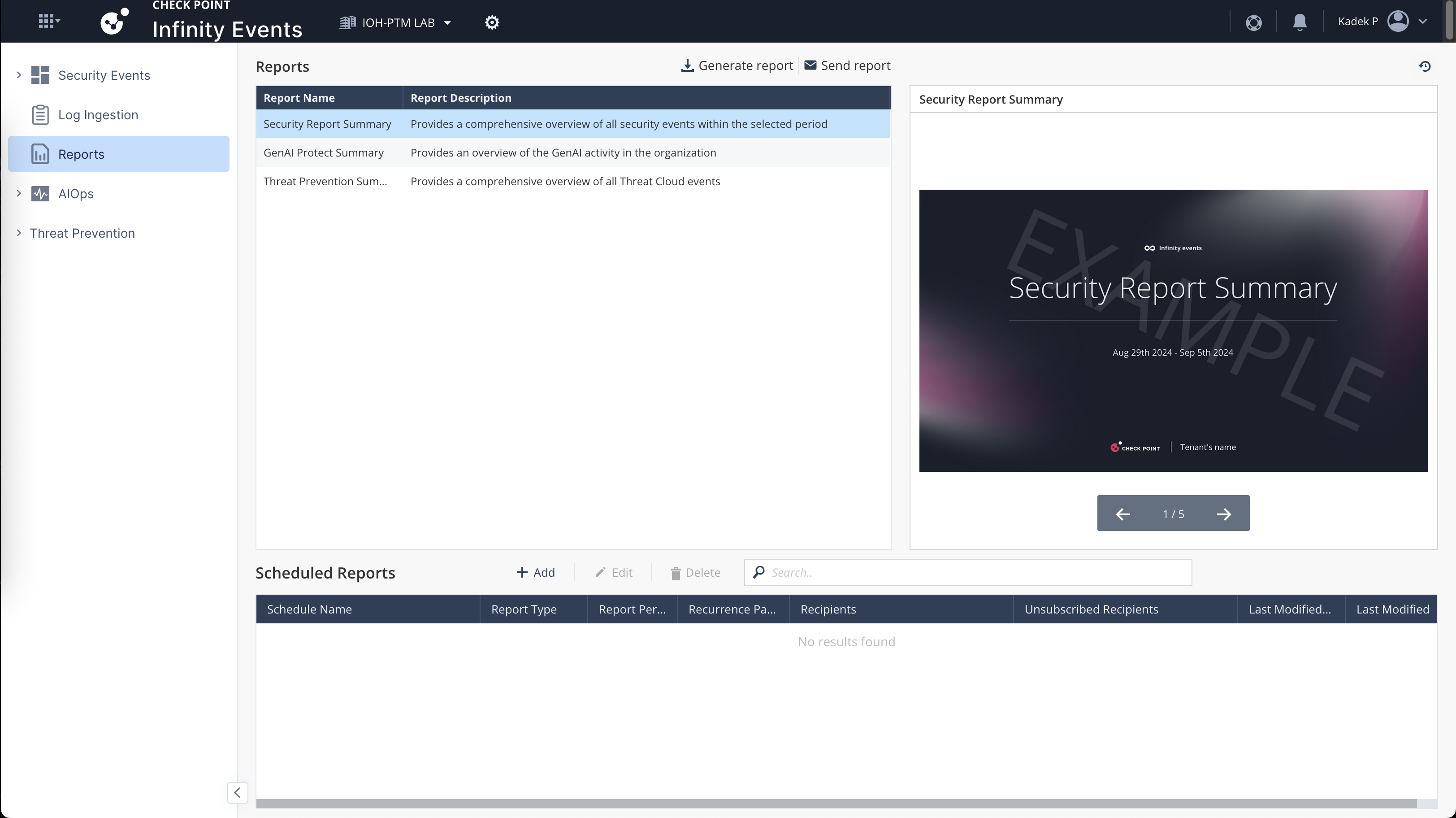
Here we can see that our Infinity Events is active and getting logs from our On-prem devices, on this dashboard we have some Prevented Attacks that we can see more detailed
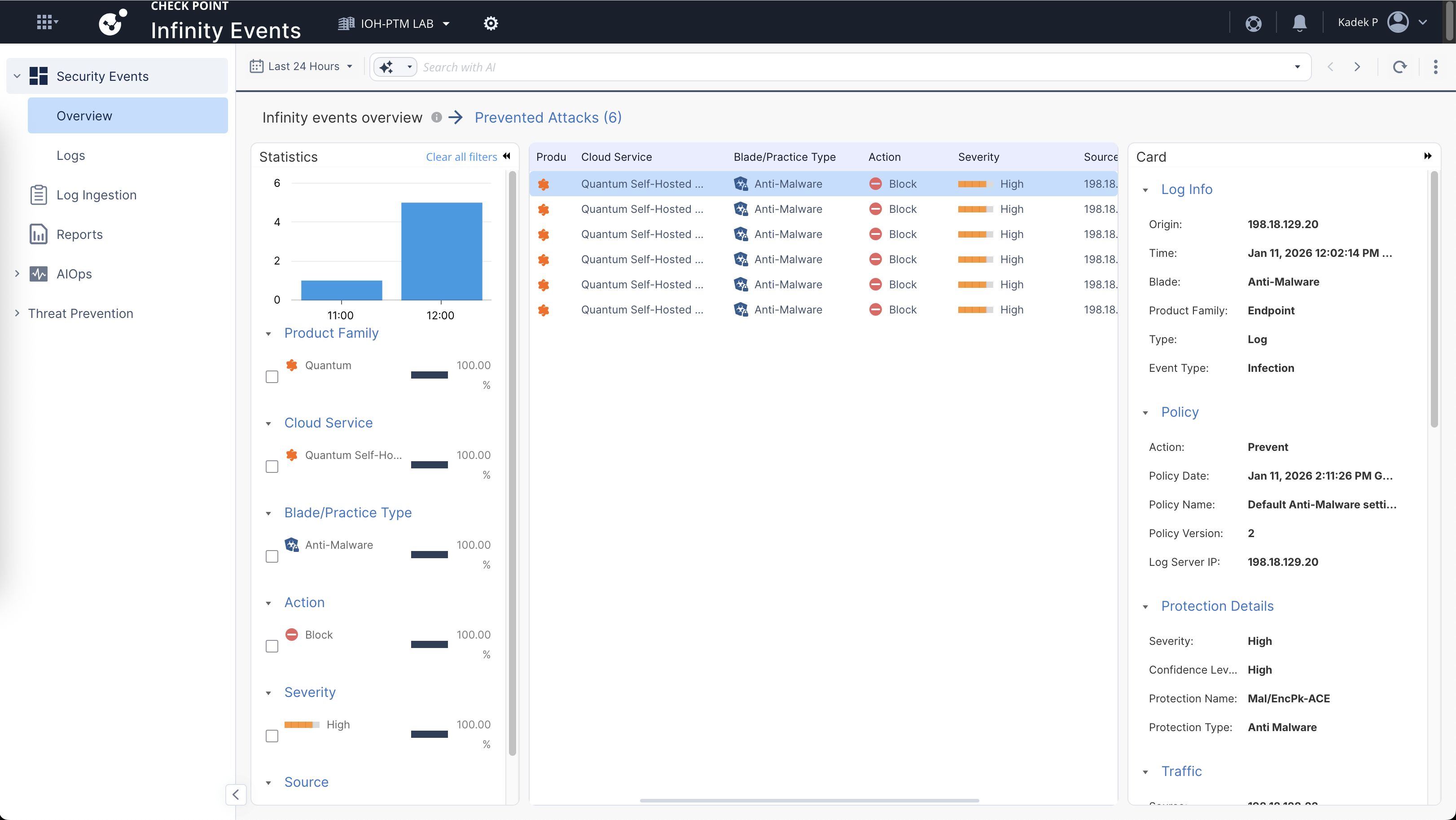
It’s pretty much a log viewer like on Smartconsole, but on the cloud so its a bit easier to access and manage
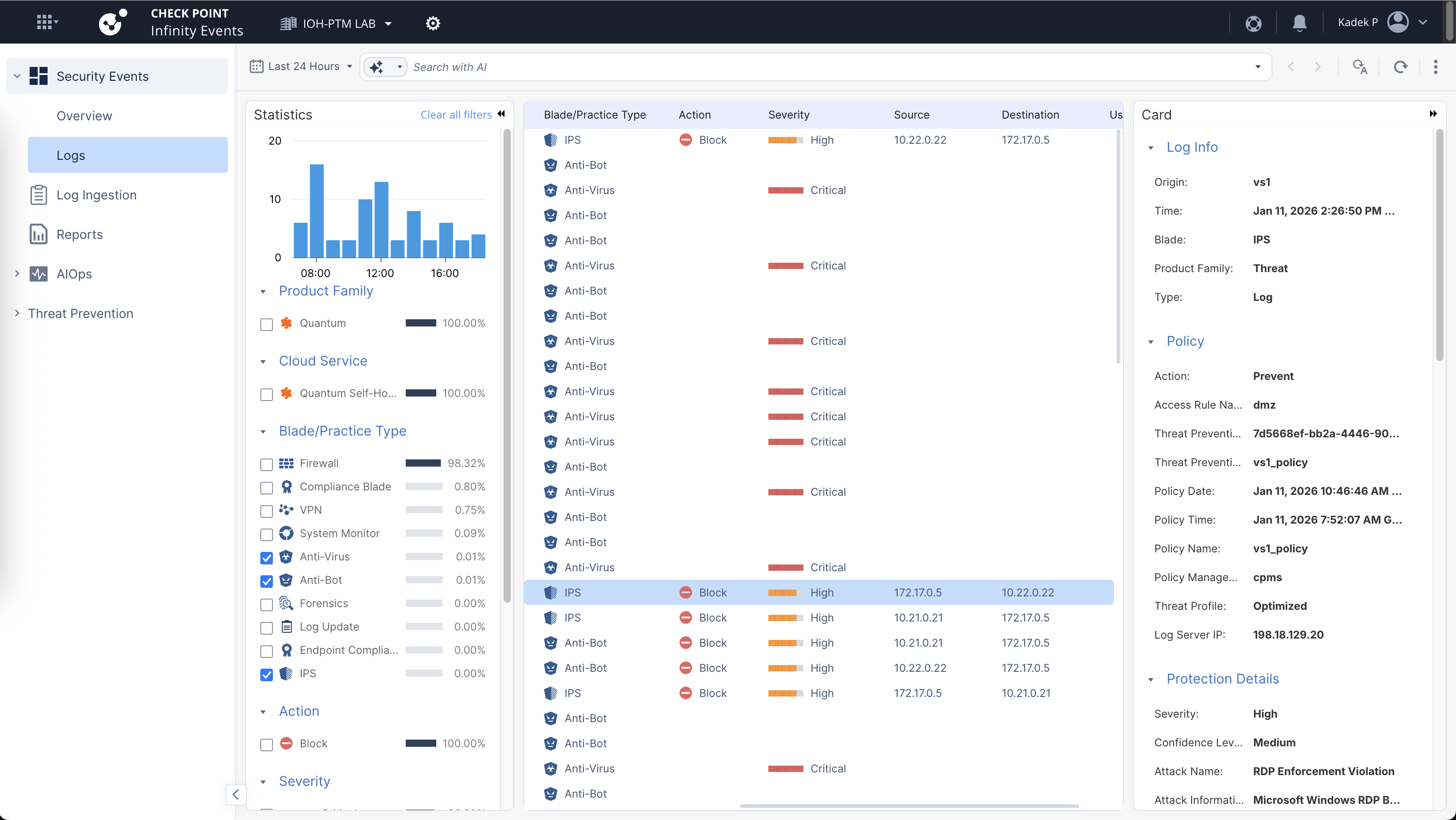
It has some AI capabilities that’s pretty useful, for example here we query the logs but only by prompting it
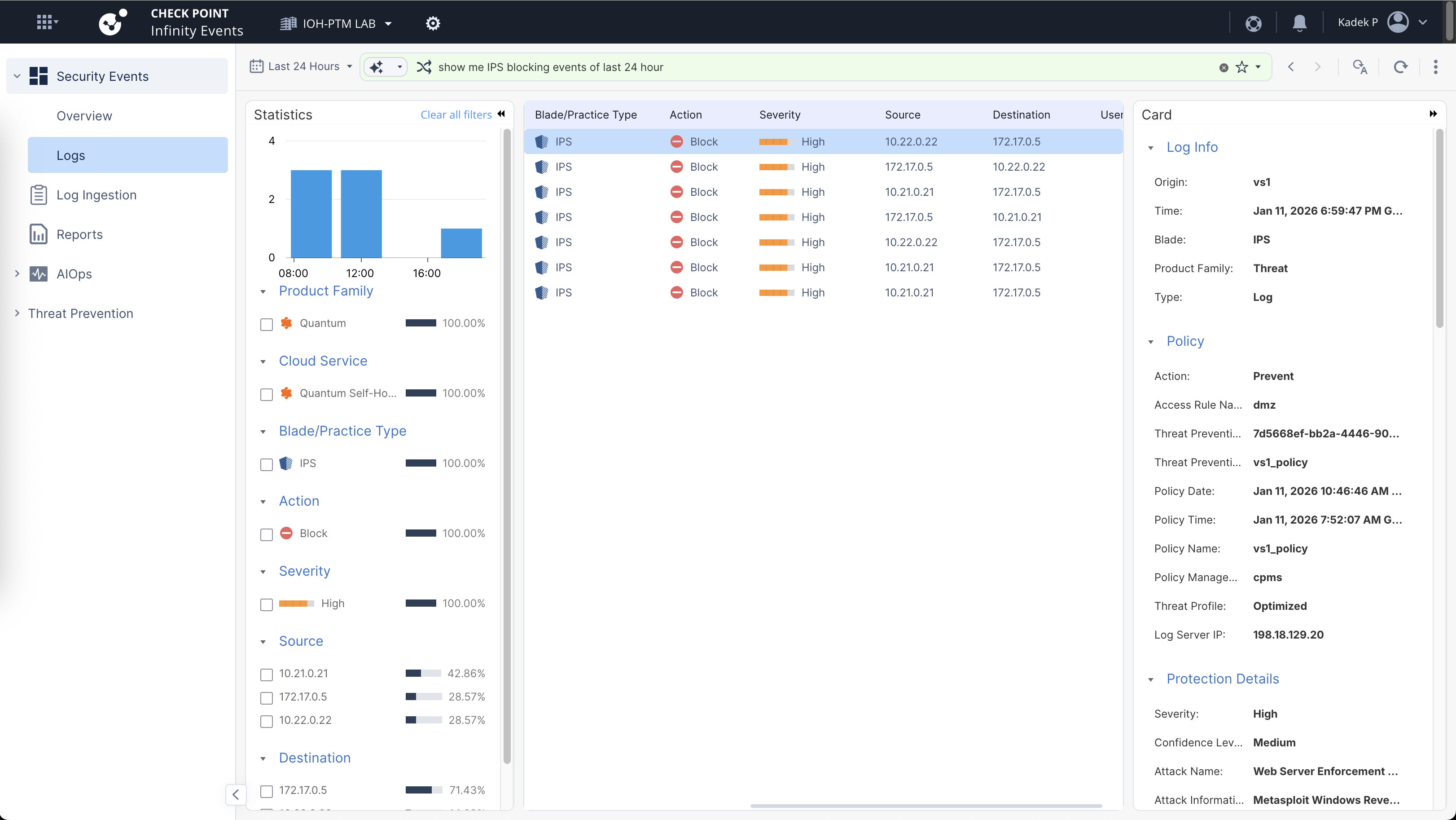
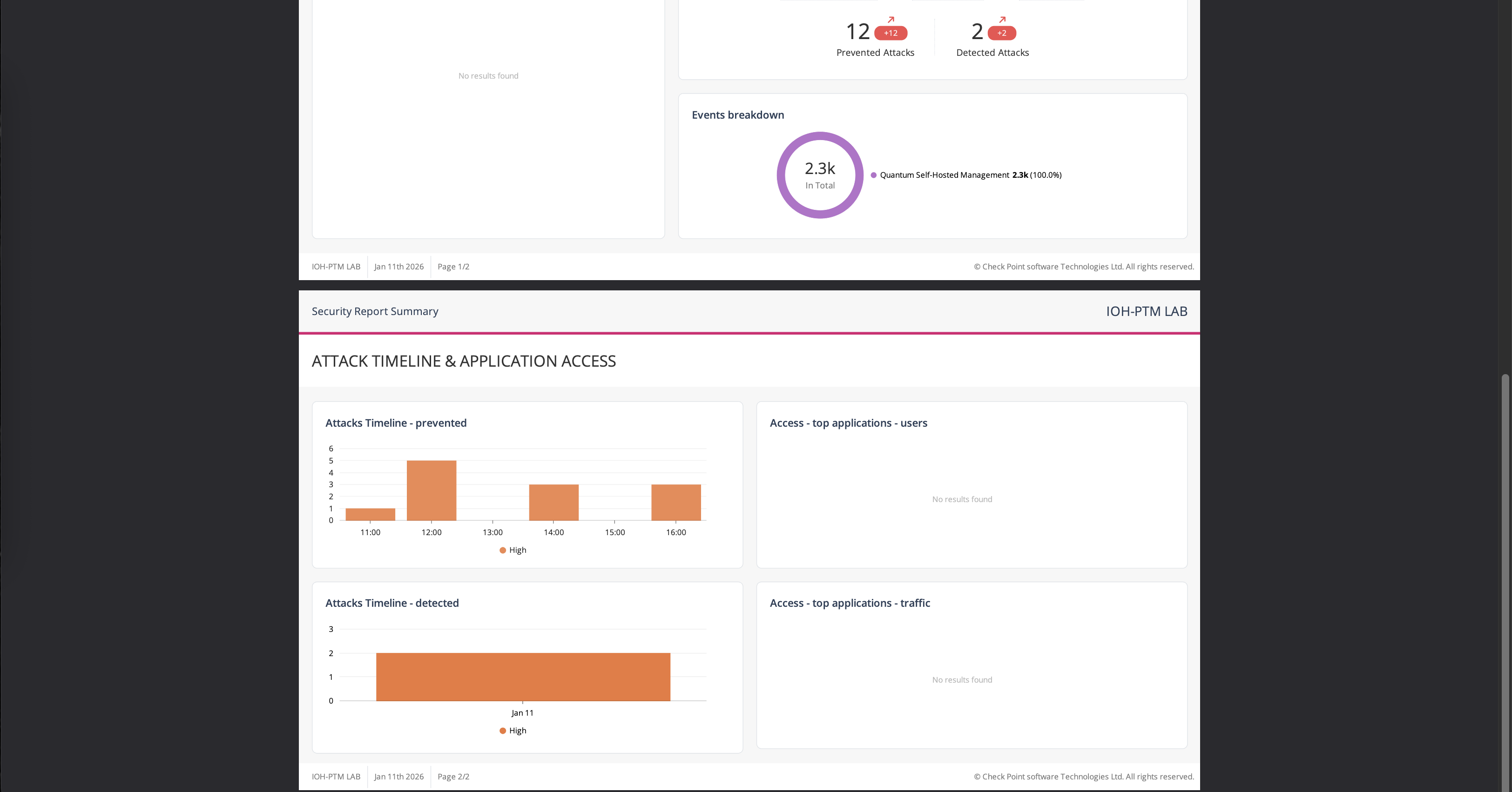
It can also generate some reports which may come handy
Infinity XDR/XPR
Infinity XDR/XPR is Check Point’s unified detection, response, and prevention platform that correlates telemetry across network, endpoint, cloud, and email to identify and stop multi-vector attacks. It provides centralized incident visibility and automated response using ThreatCloud AI.
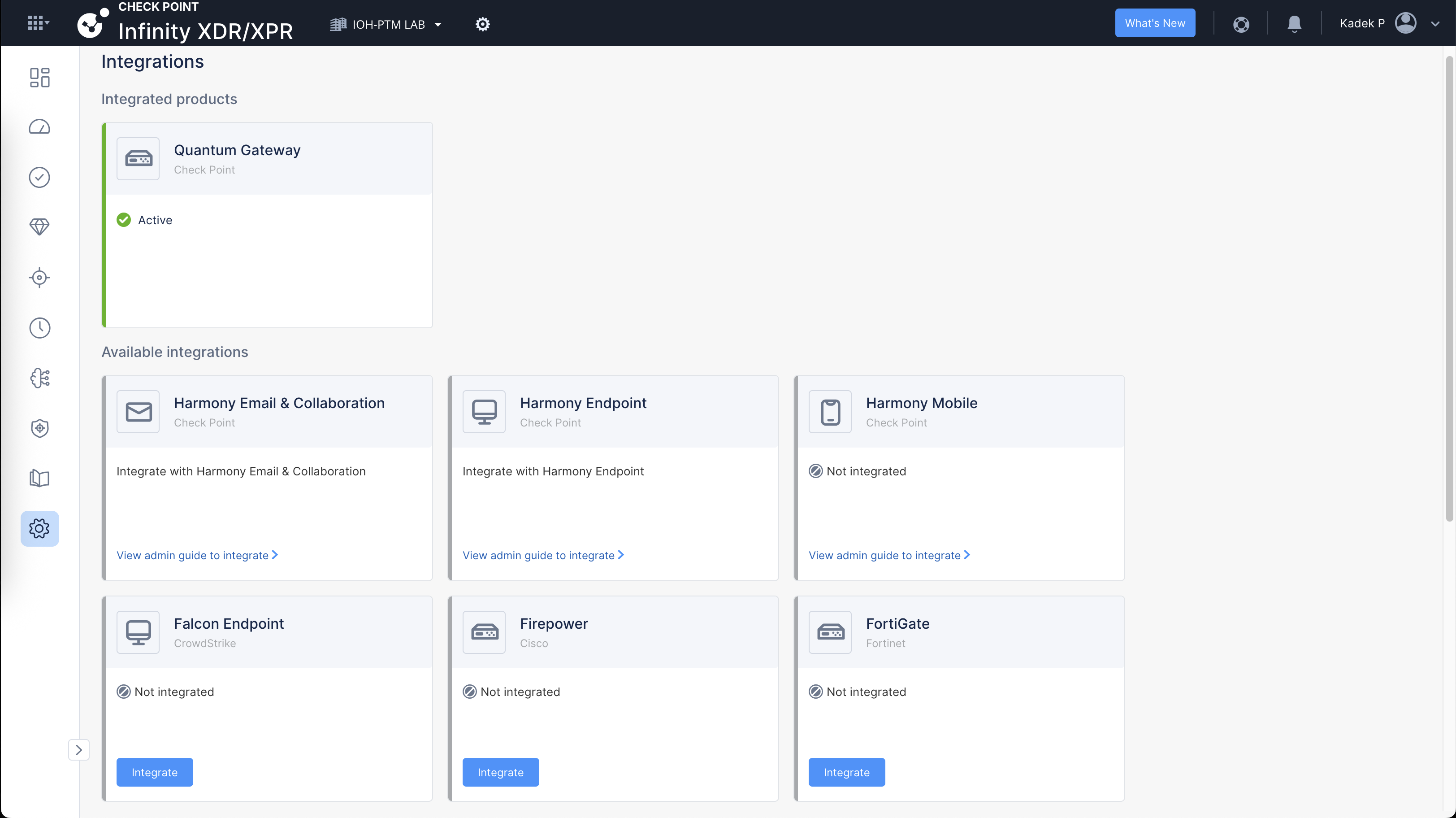
On the XDR/XPR Integration page, here we integrate the soultion that we’d like to use, we can integrarte it with pretty much any brand but for simplicity we will only work with our On-prem Check Point gateways
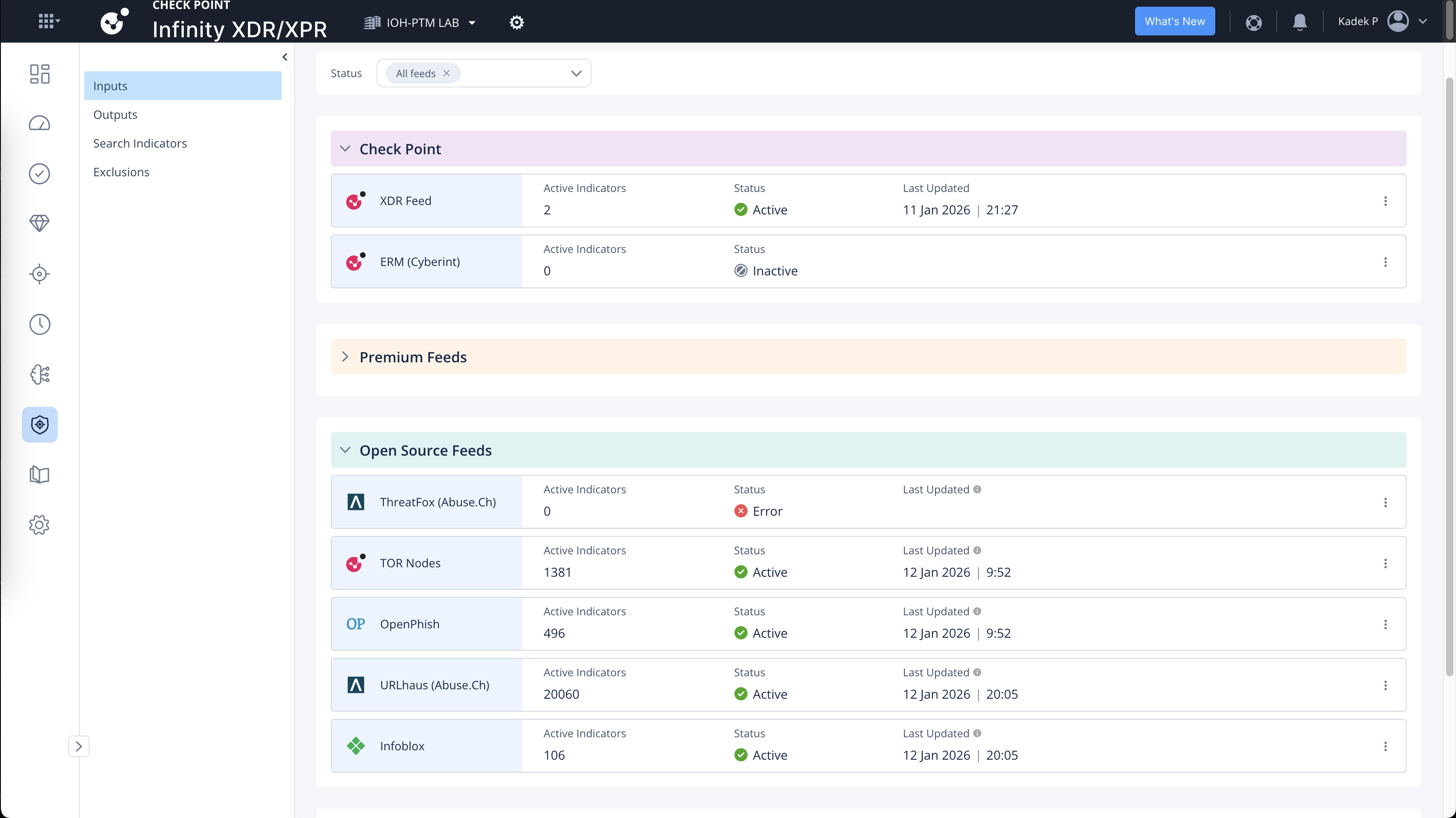
On IOC Management, here we can enable IOC Feeds. These are sources of Indicators of Compromise (e.g. malicious IPs, domains, URLs, file hashes) ingested into the platform for correlation and detection.
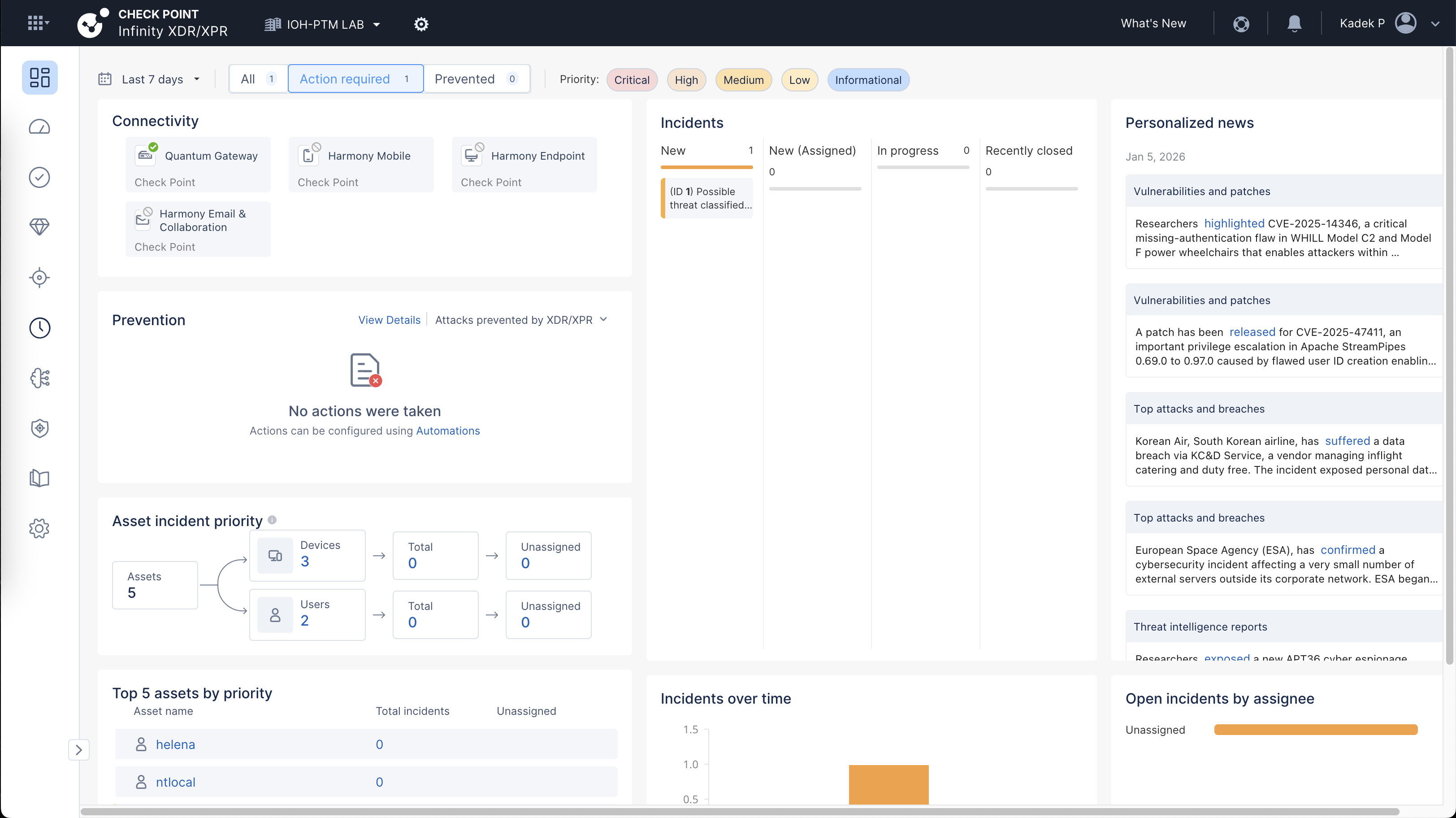
After doing some malicious testing so simulate attacks, we get an incident hit
We can drill down the incident details with some helpful context provided by Check Point’s AI
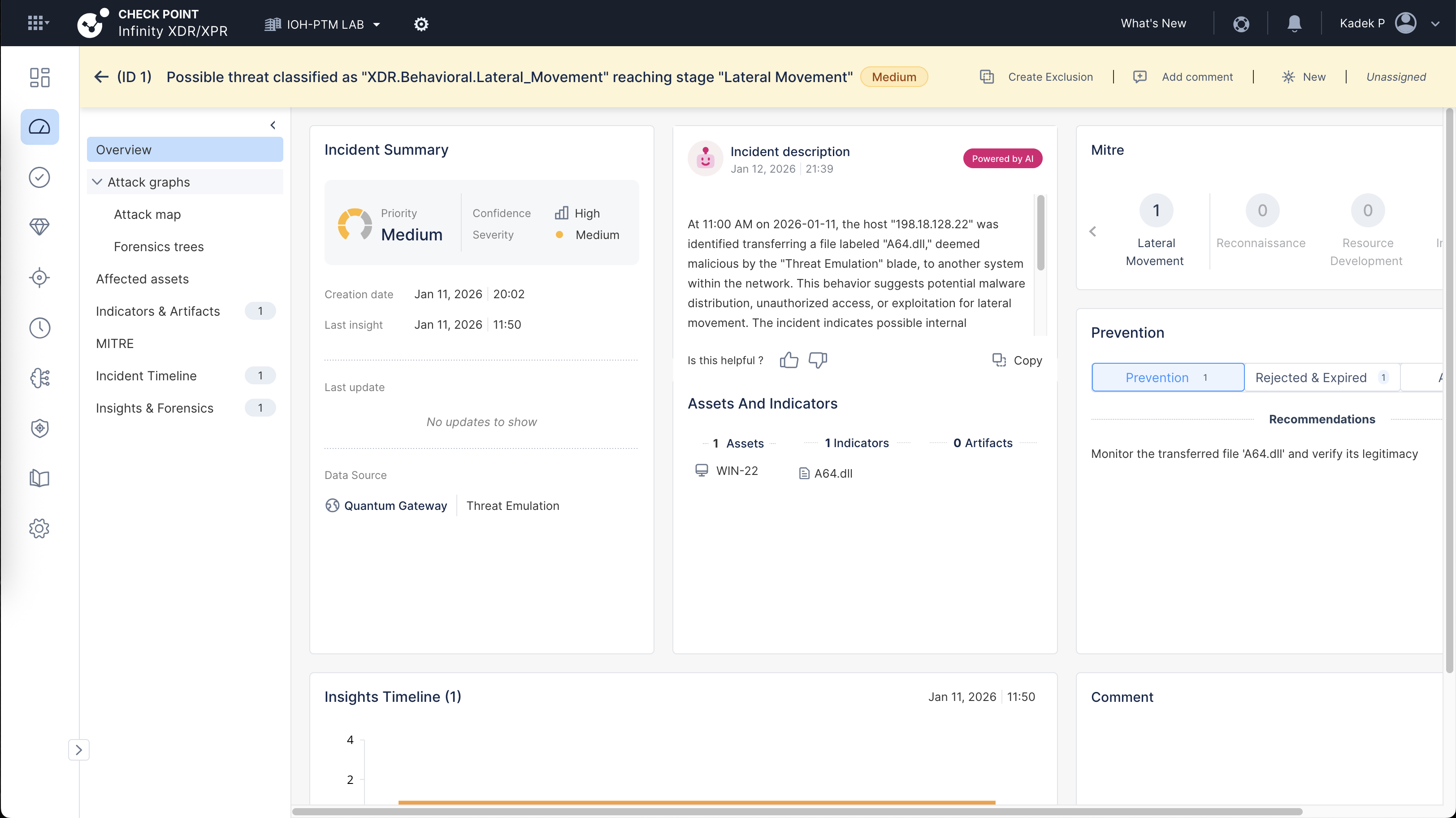
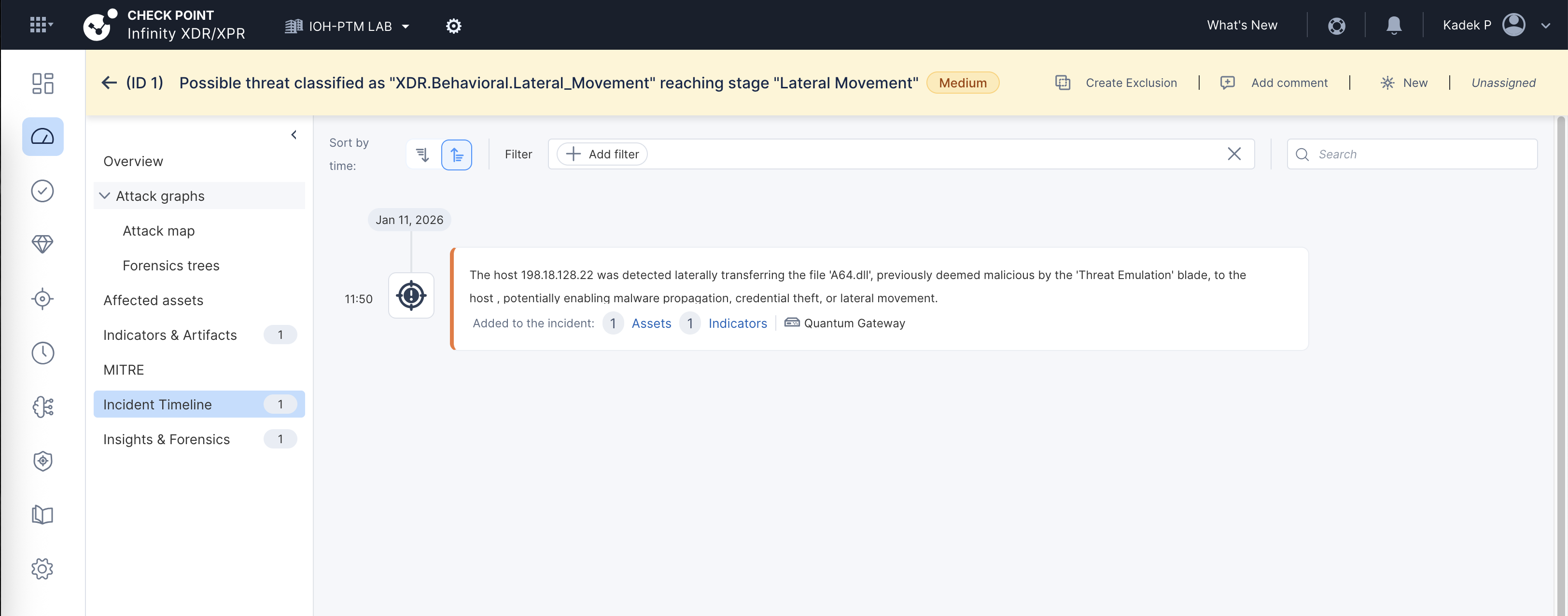
This is also supposed to give us detailed timeline for the attacks, but so far i’ve tried doing various attacks but not many are detected as incidents. Room for improvement
Infinity Playblocks
Infinity Playblocks is Check Point’s automation and orchestration capability that executes predefined response playbooks across network, endpoint, and cloud when a threat is detected.
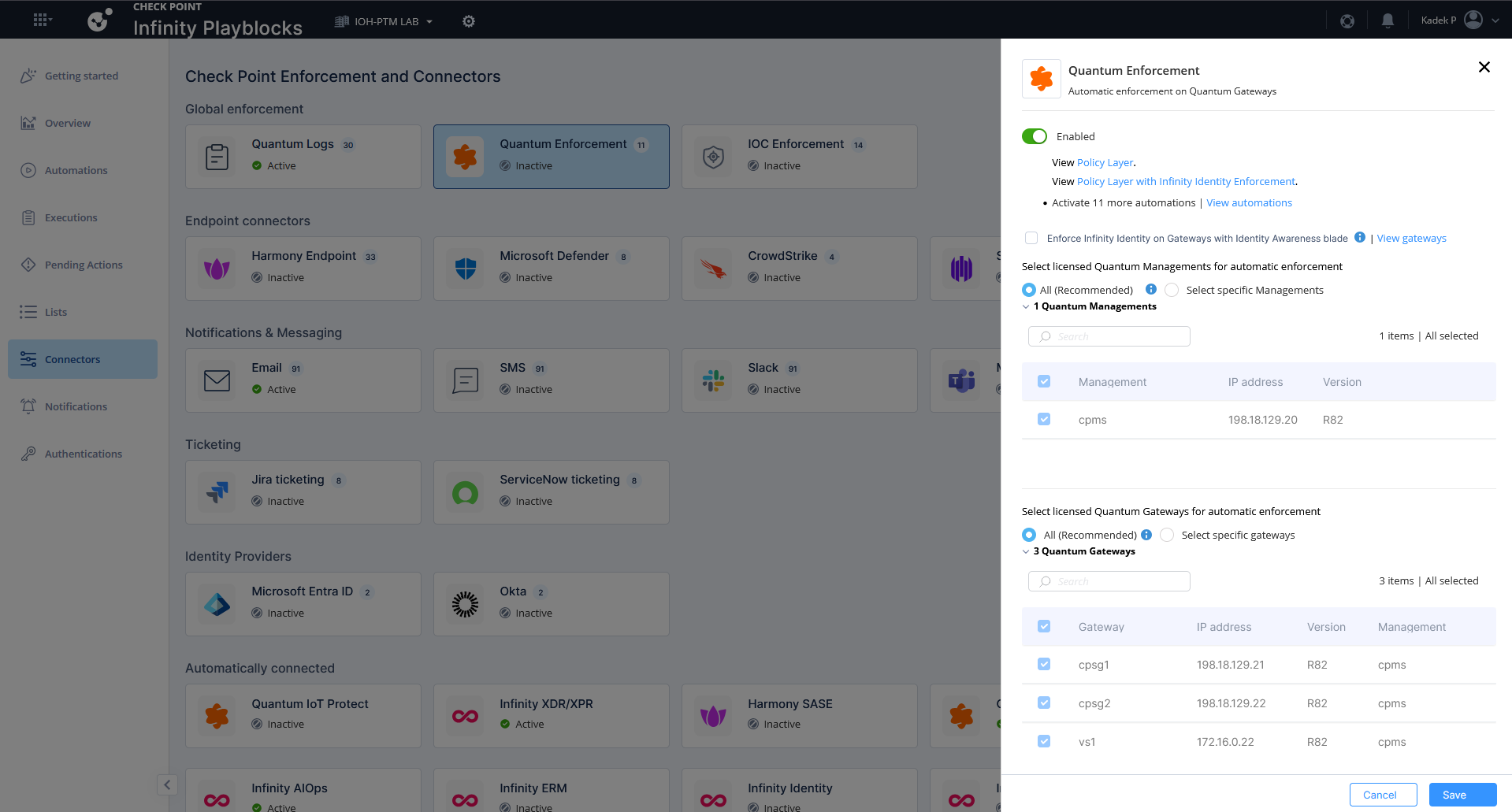
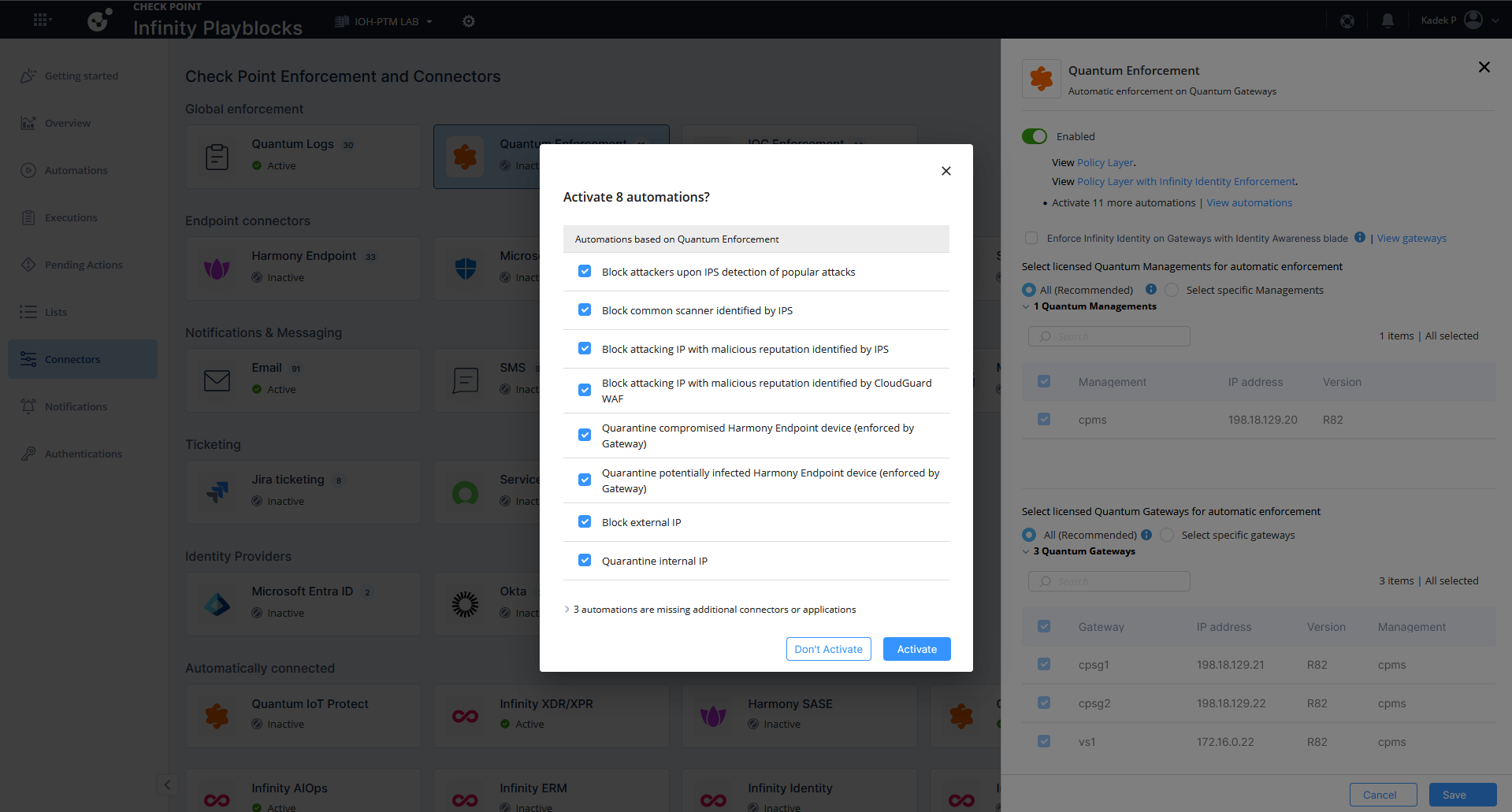
On Connectors, we enable connection to our specified Gateways so Infinity Playblocks can make changes to them
Here they have some predefined Automation that we can use, lets enable them all
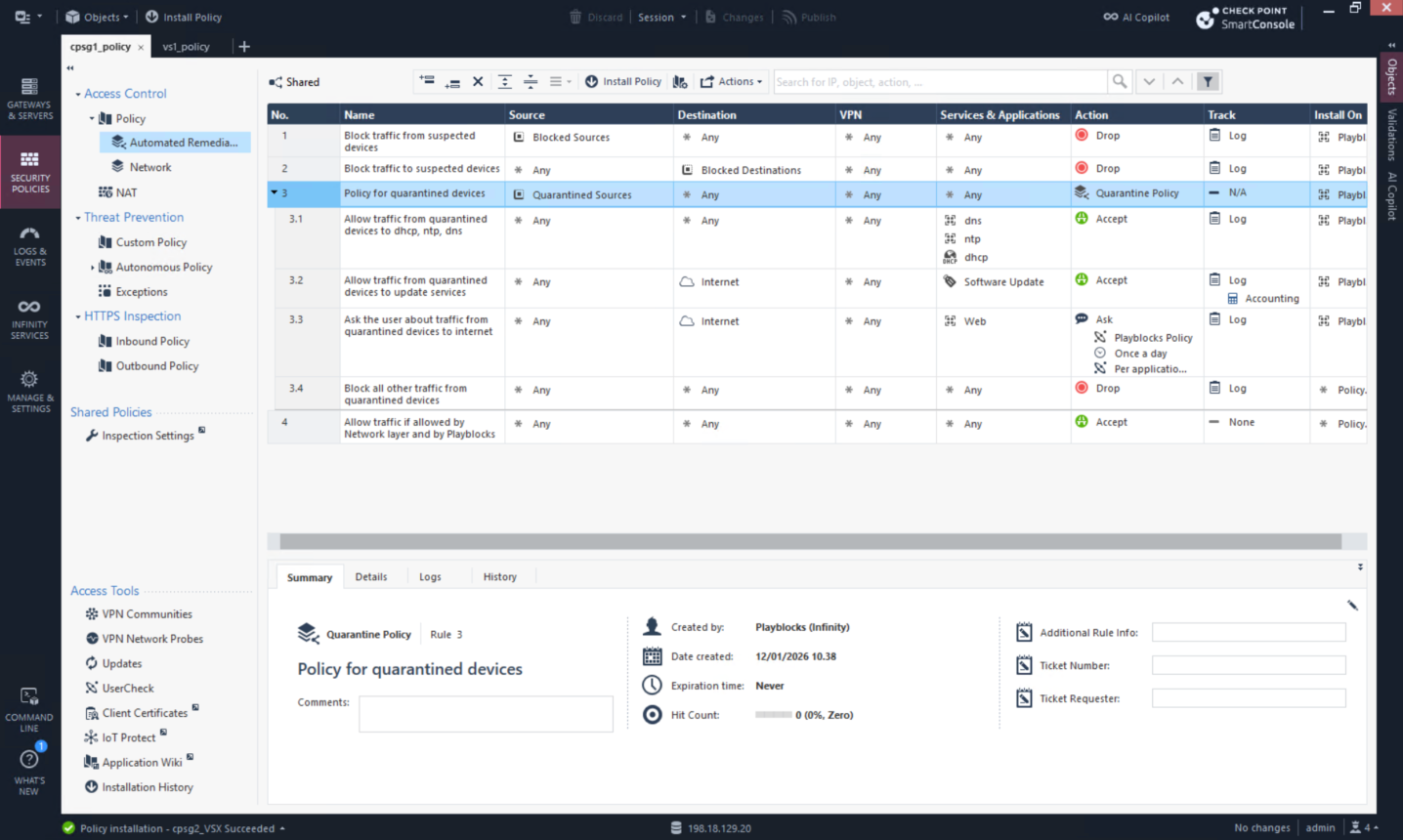
When connected to gateways, playblocks pushes new policy layer that it will use to enforce the rules
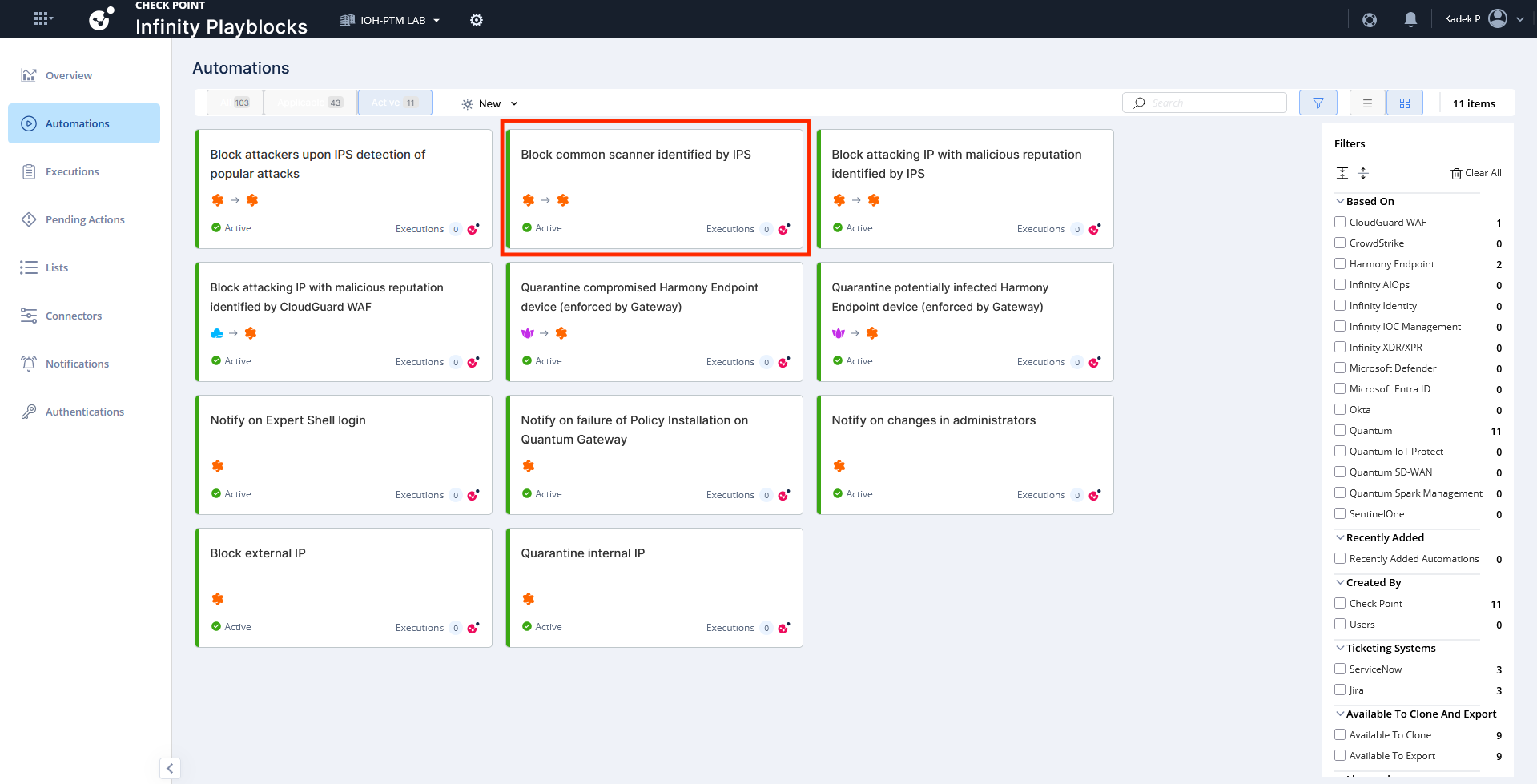
We will try to tigger the “Common scanner identified by IPS” using simple NMAP scans
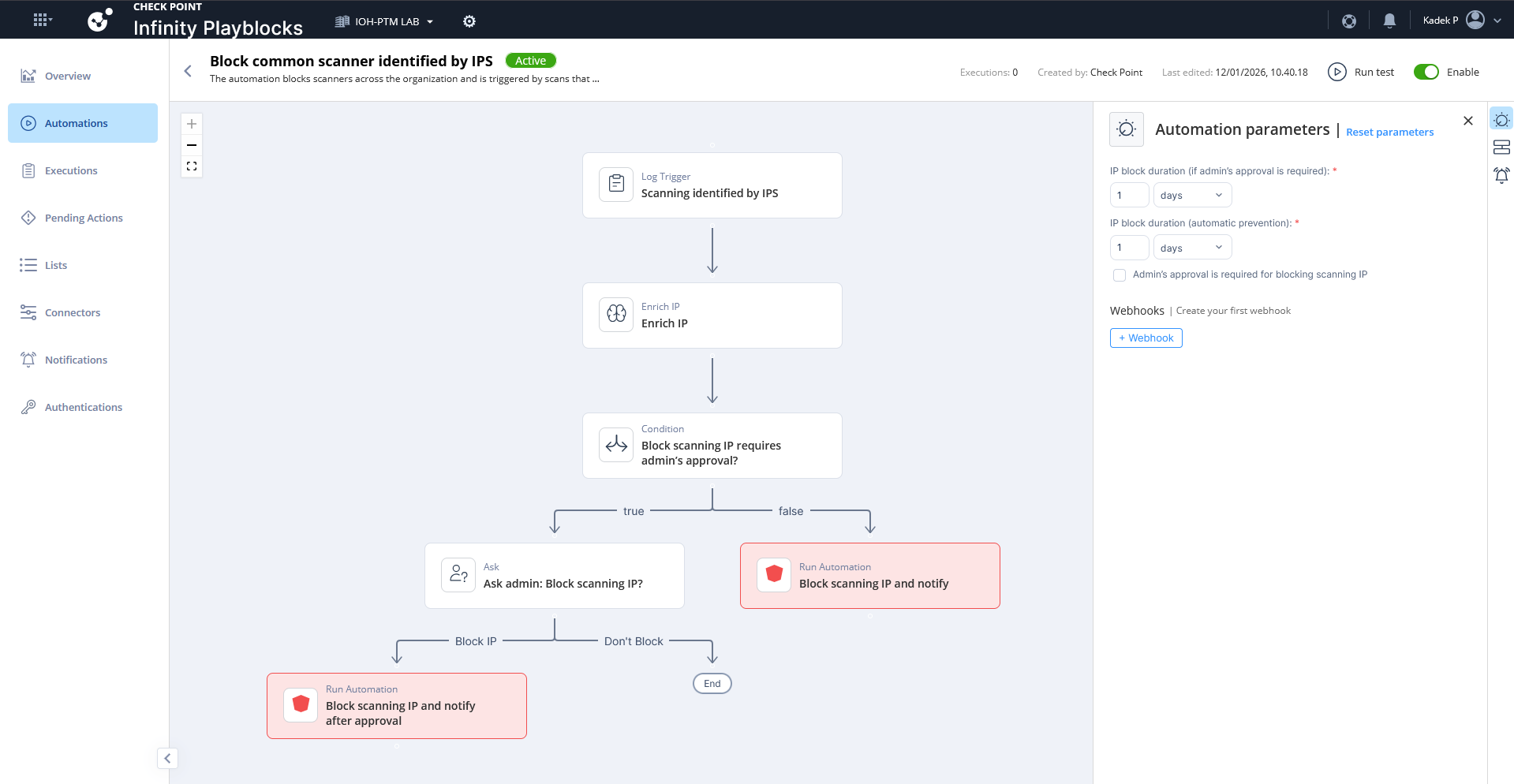
Here’s the breakdown of what the automation actually does, whenever it detects the scanning taking place it will add the source IP into blocked list
We use linux to run an NMAP scan to trigger the automation

After a couple minutes, the playblocks has detected the activity, it also shows the originating ip of 172.17.0.5 which is our Kali Linux machine
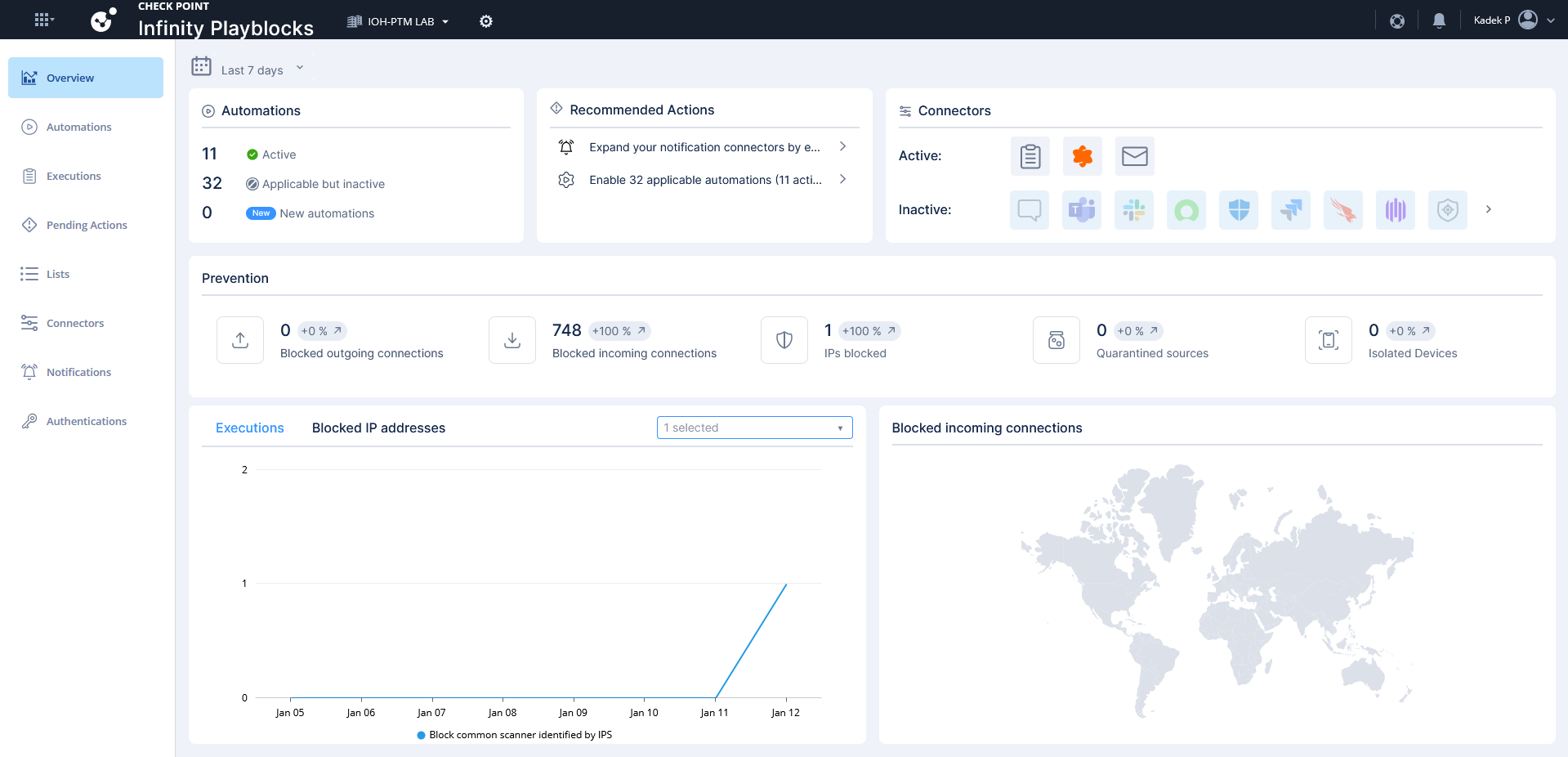
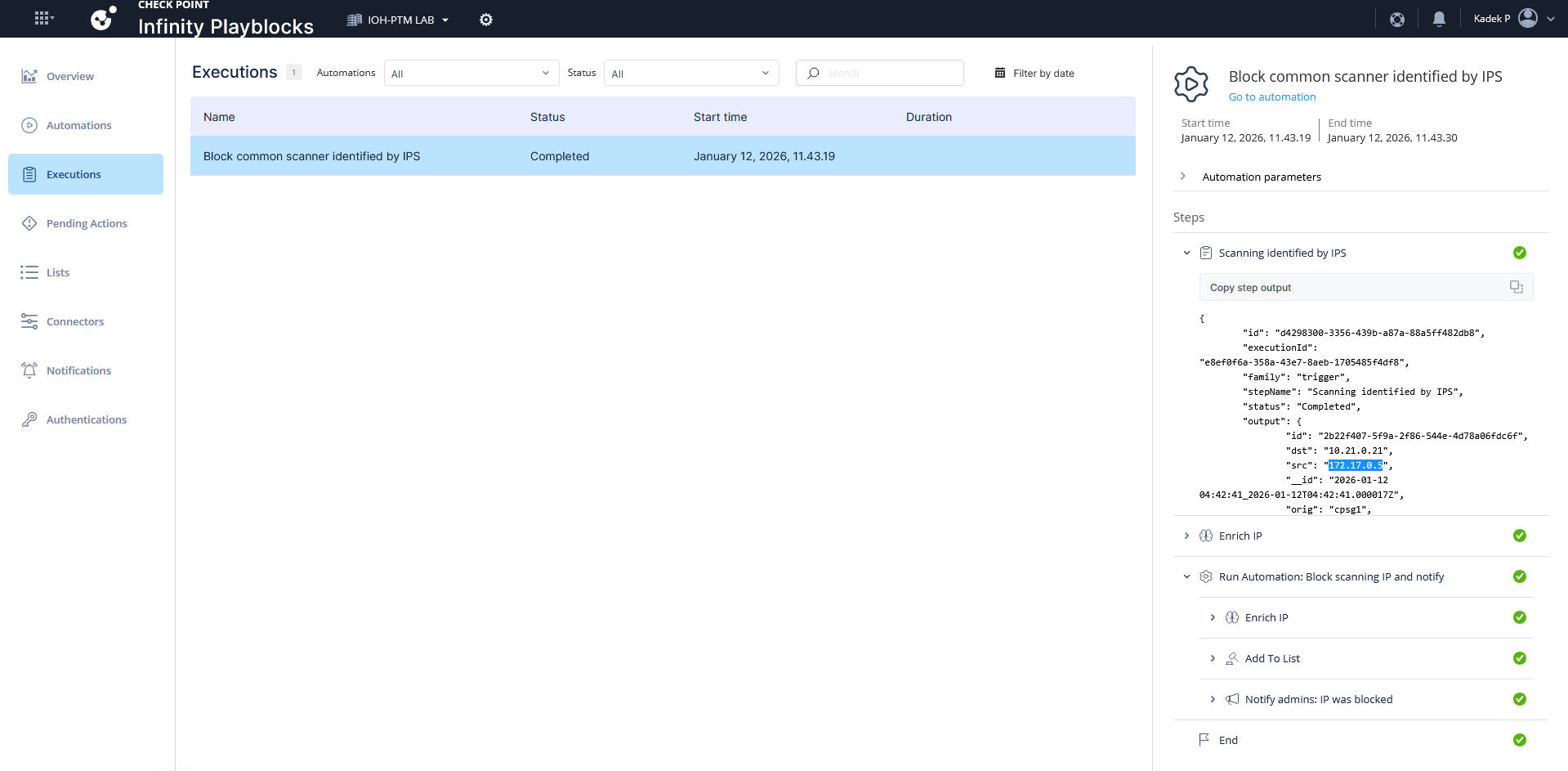
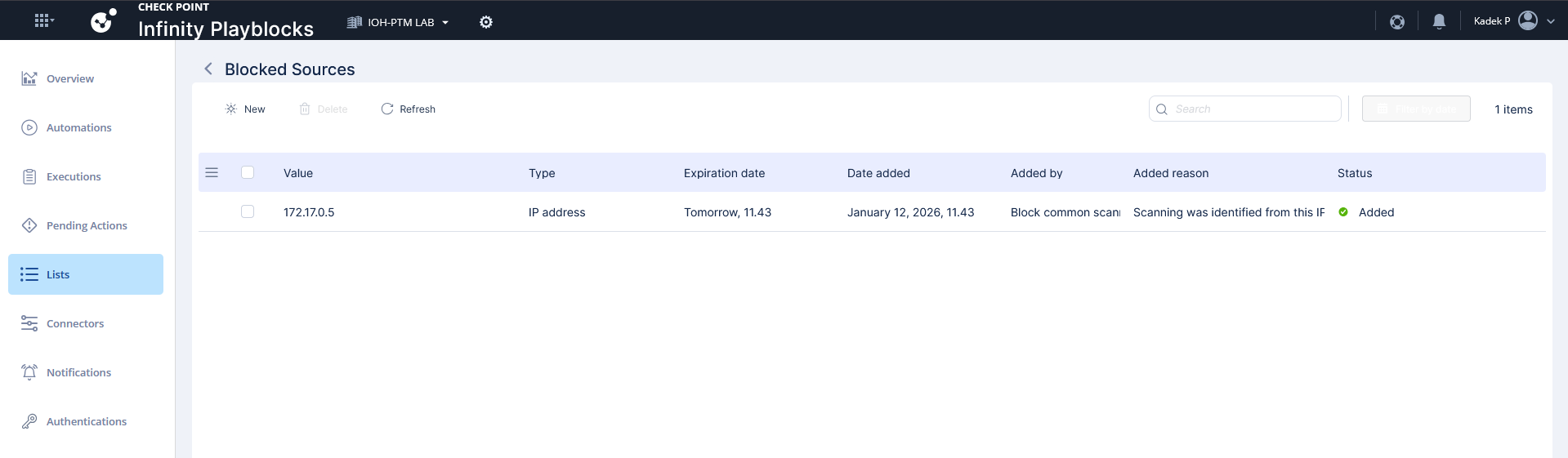
Playblocks automatically added the IP into blocked sources list
Other than the predefined automation, we can also generate new ones using simple prompts. Here we will block the source IP that tries to access a specific Public IP Address
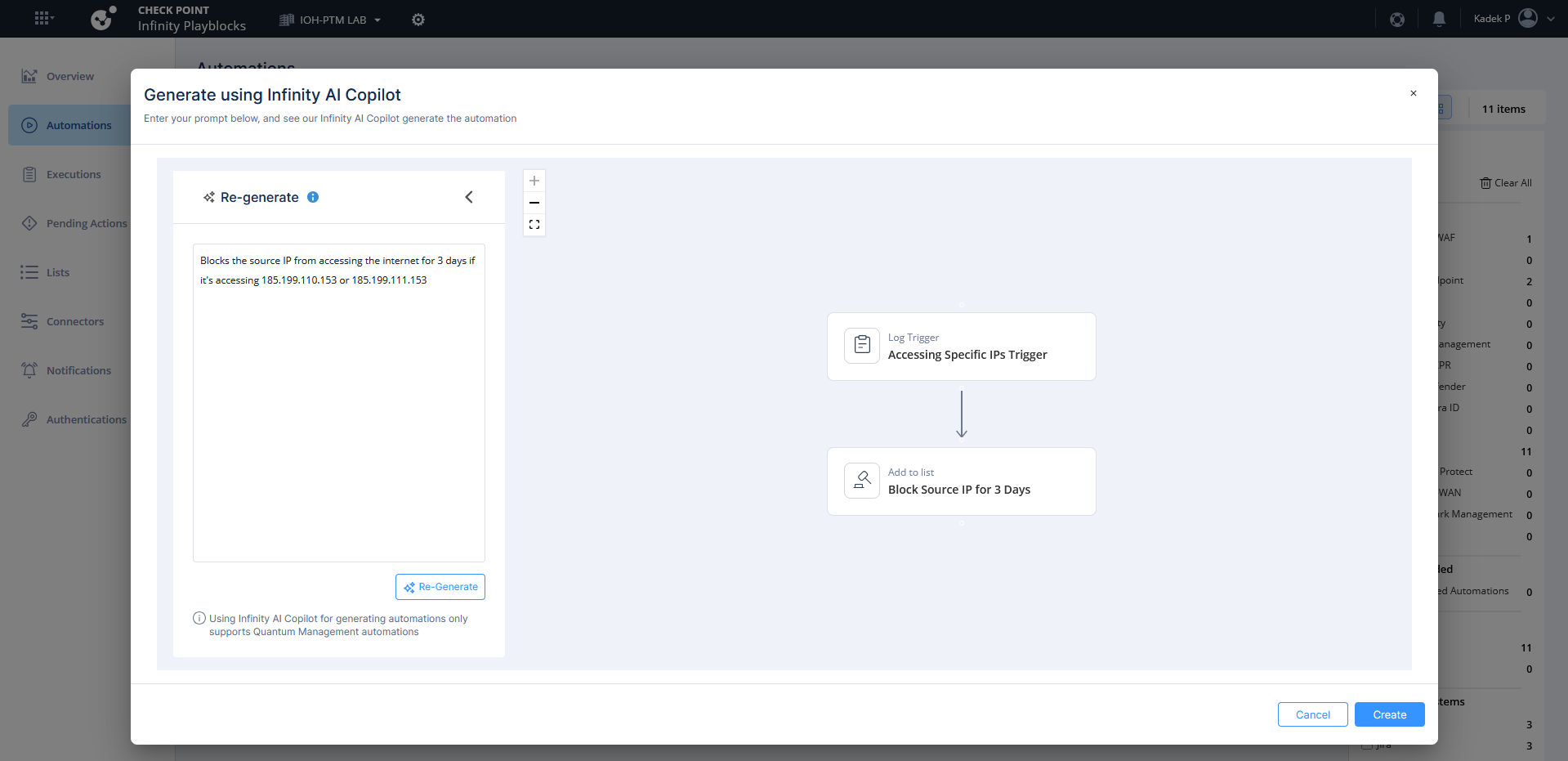
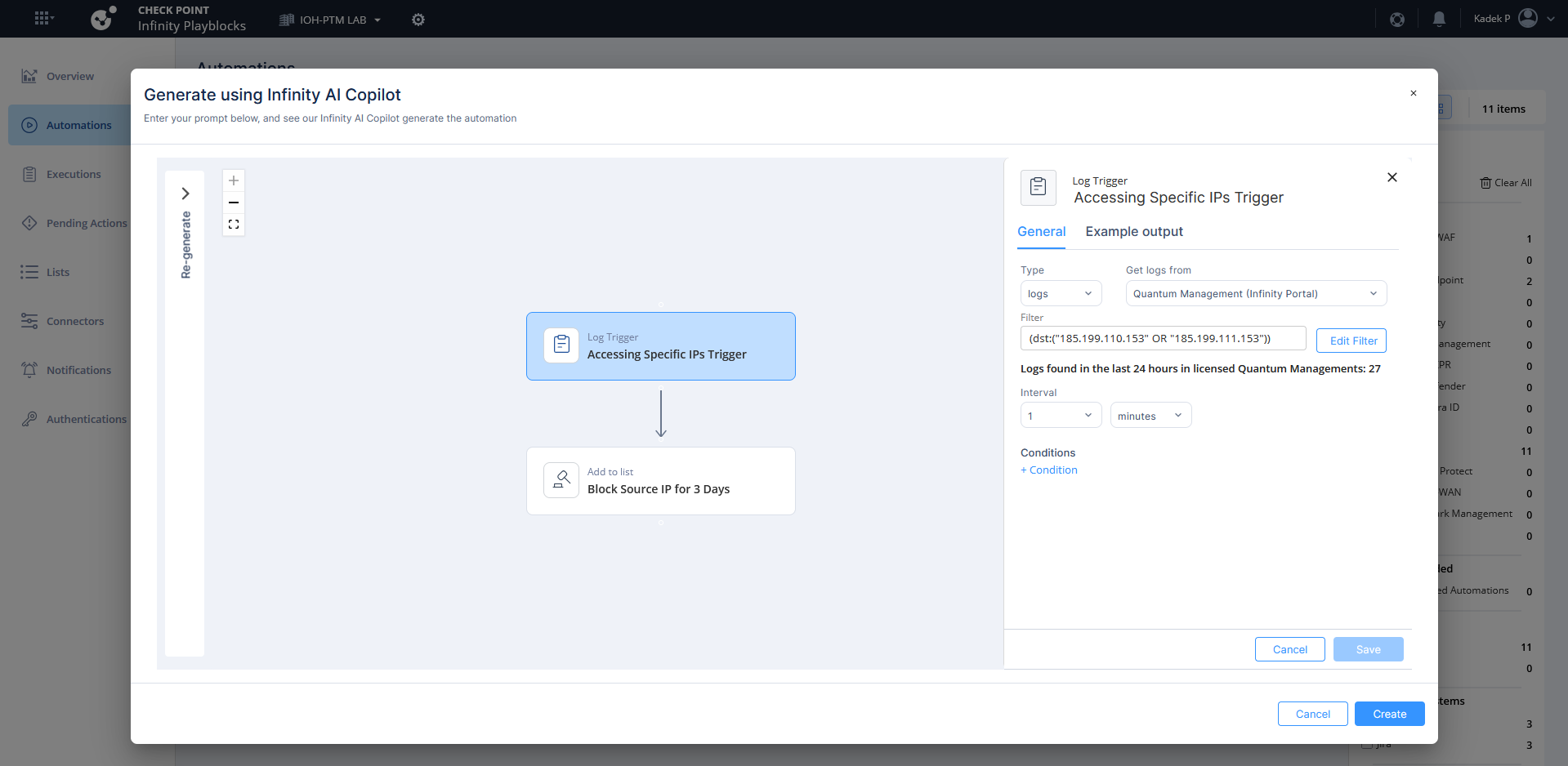
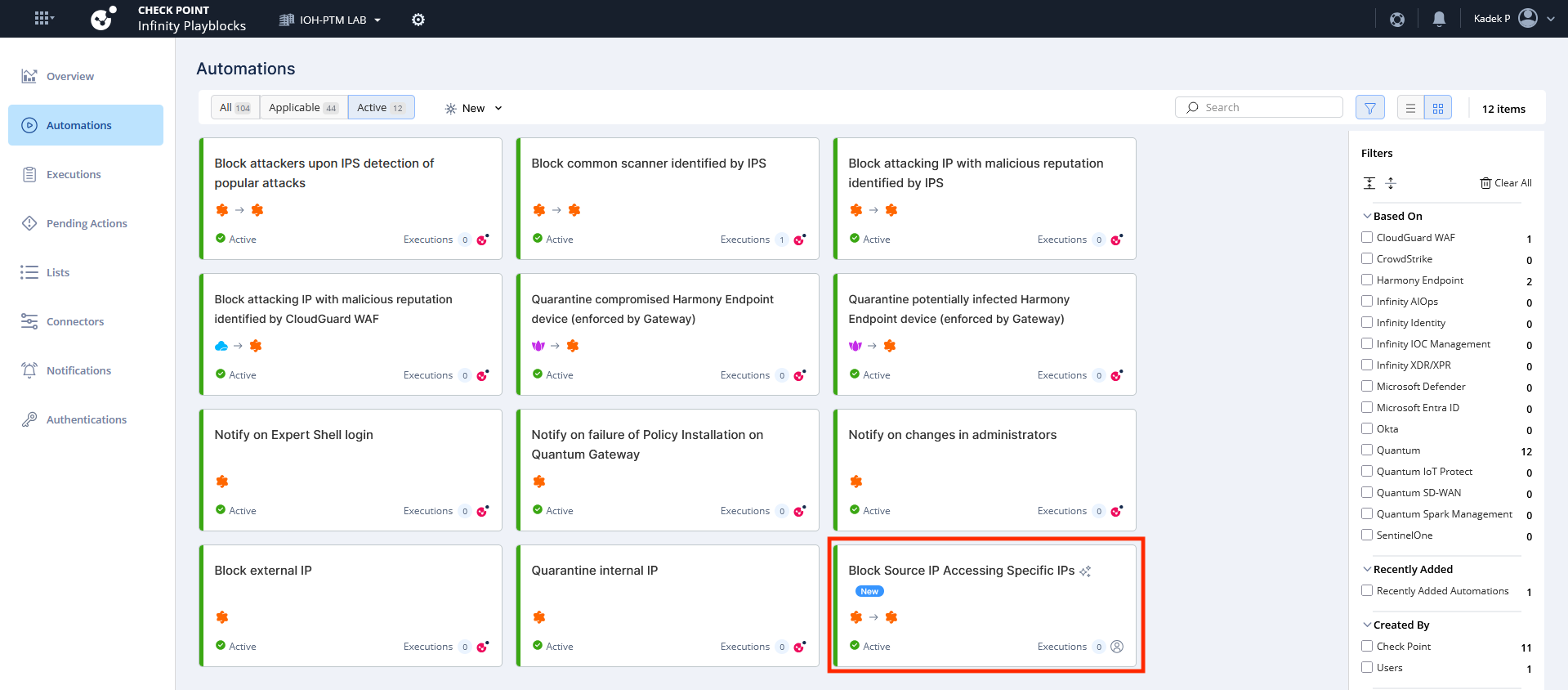
After it’s created, enable the automation
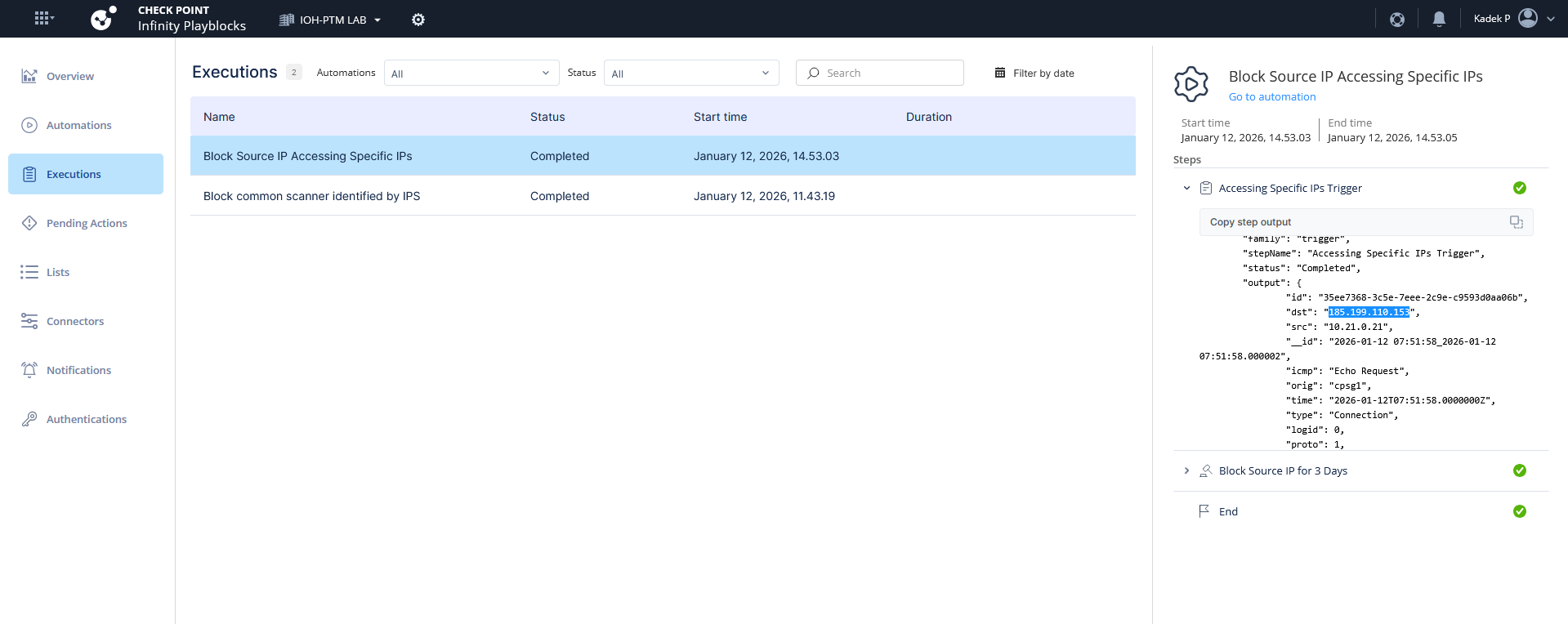
Next when playblocks detect the matching logs, it triggers the automation and add the source IP into the blocked source as well
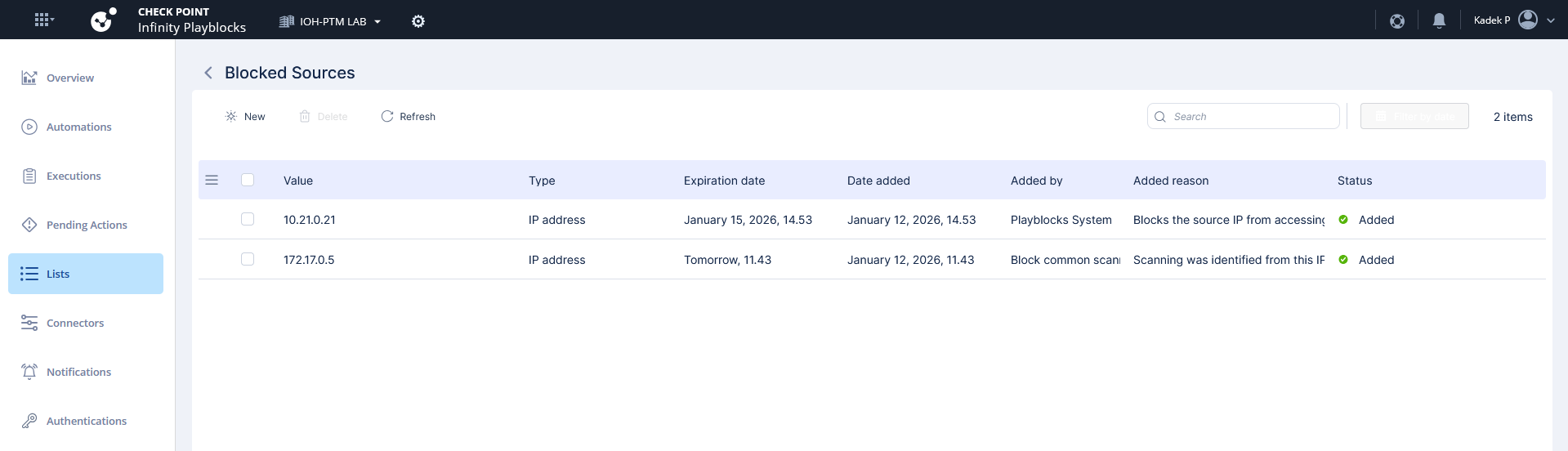
These blocked IPs are pushed into the Gateways into the predefined object that’s continuously getting update from playblocks
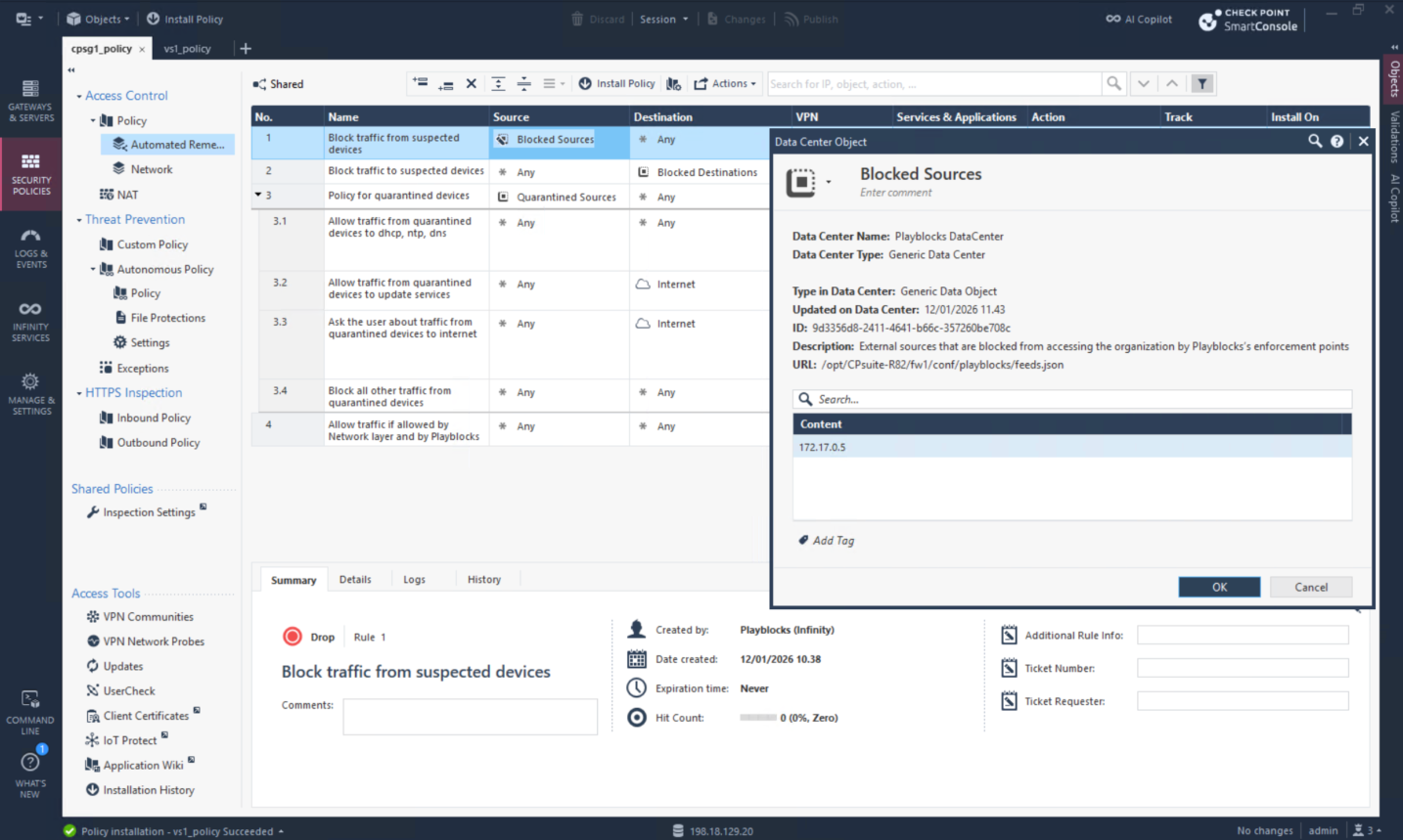
We can open the exact json feed used in that object to see the detailed list
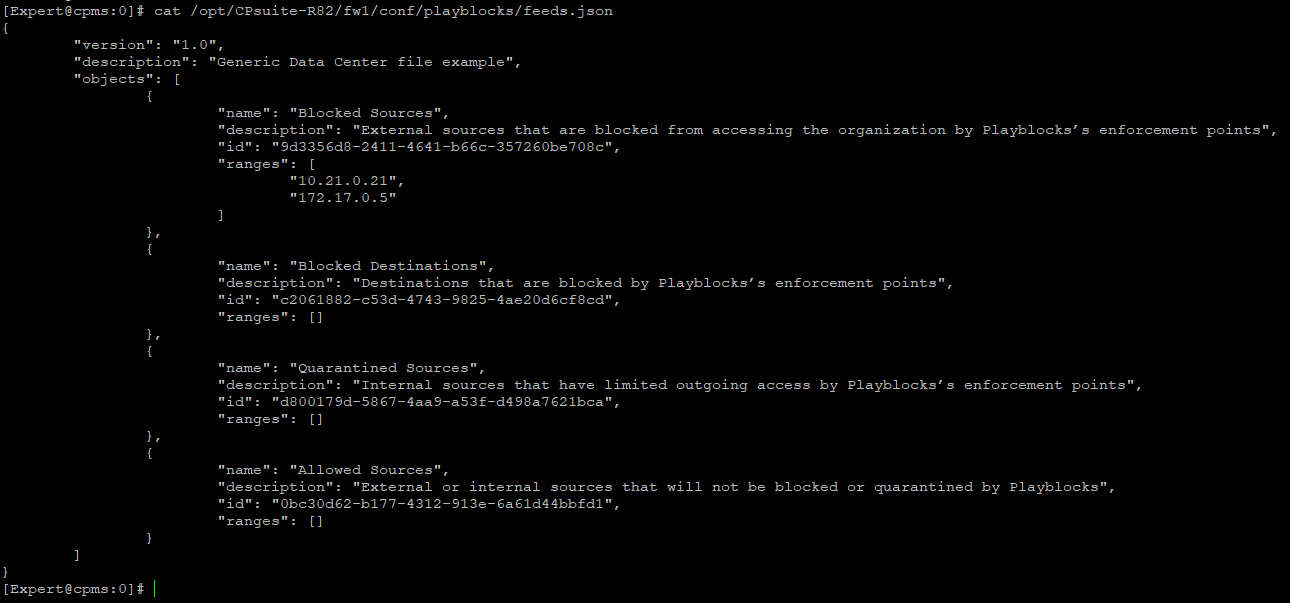
And when the feed is updated, gateways will immediately drops all traffic for the specified IP Addresses