Check Point Quantum SD-WAN
Check Point Quantum SD-WAN is an integrated SD-WAN solution built into Quantum gateways that provides dynamic path selection, link bonding, and application-aware traffic steering across multiple WAN links. For the deployment, it requires the Check Point Infinity service because SD-WAN orchestration, centralized policy management, real-time analytics, and path performance monitoring are delivered through the Infinity cloud platform.
Enabling SD-WAN
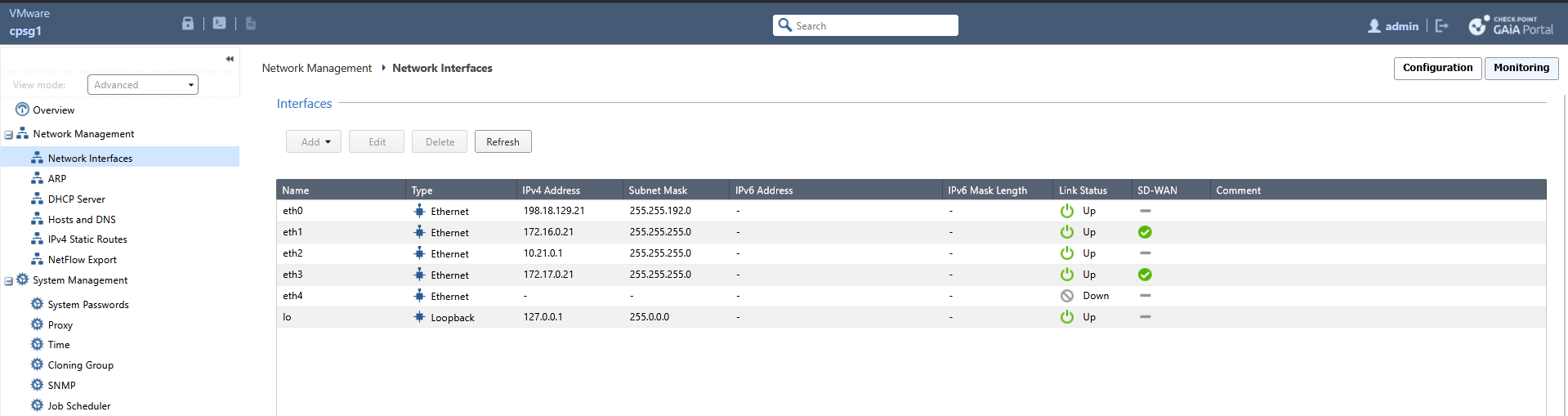
Here we have Management and Gateways that’s already connected to an Infinity Account, we plan to enable Quantum SD-WAN on CPSG1
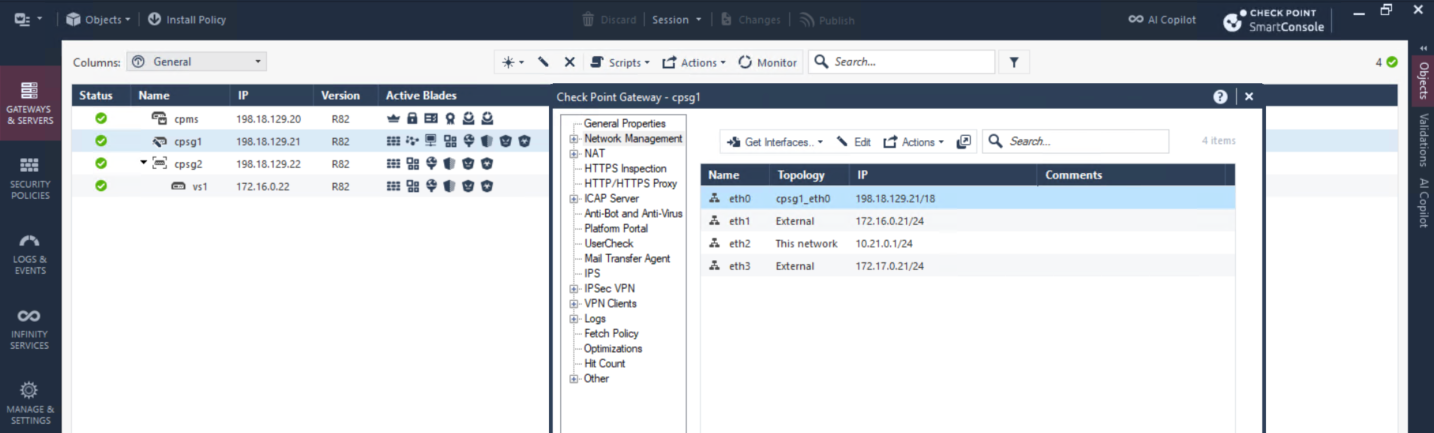
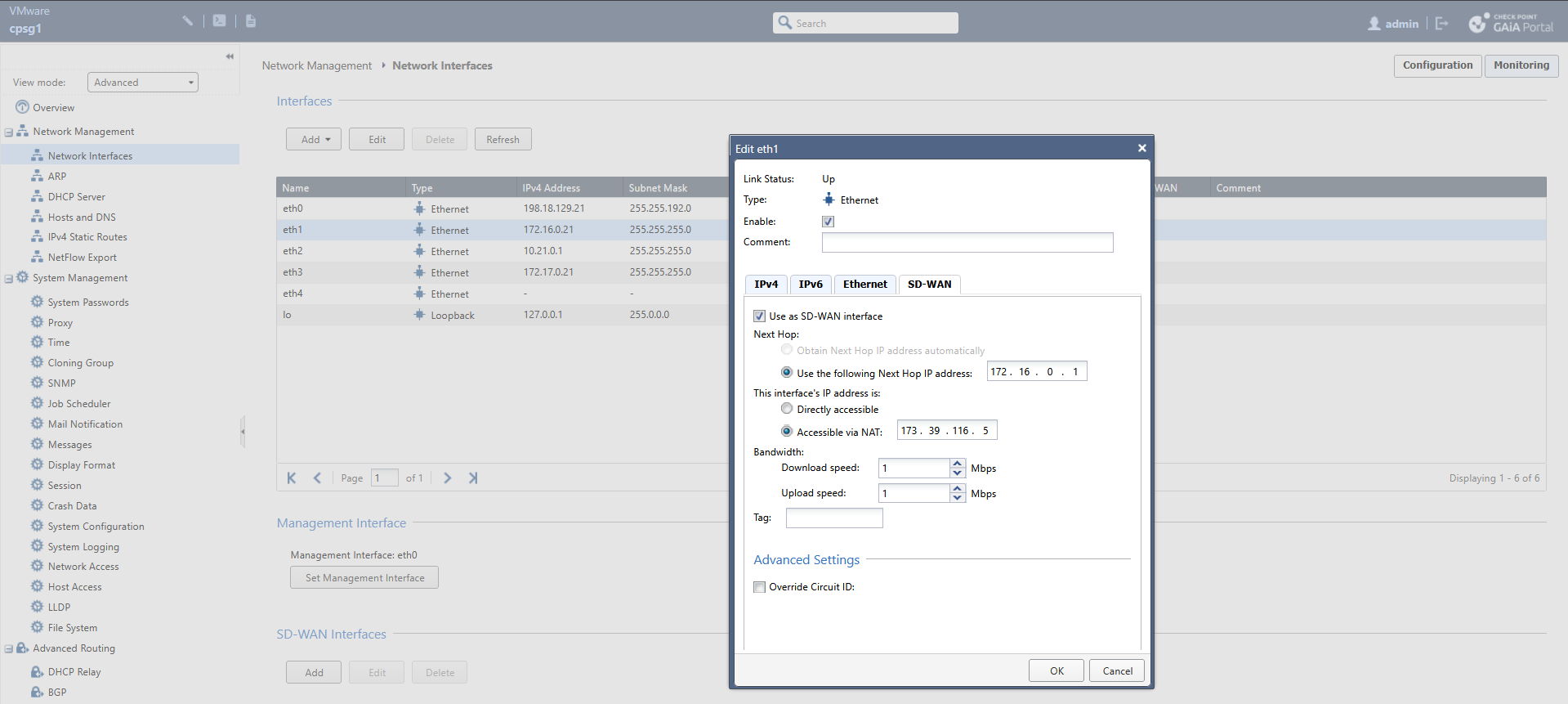
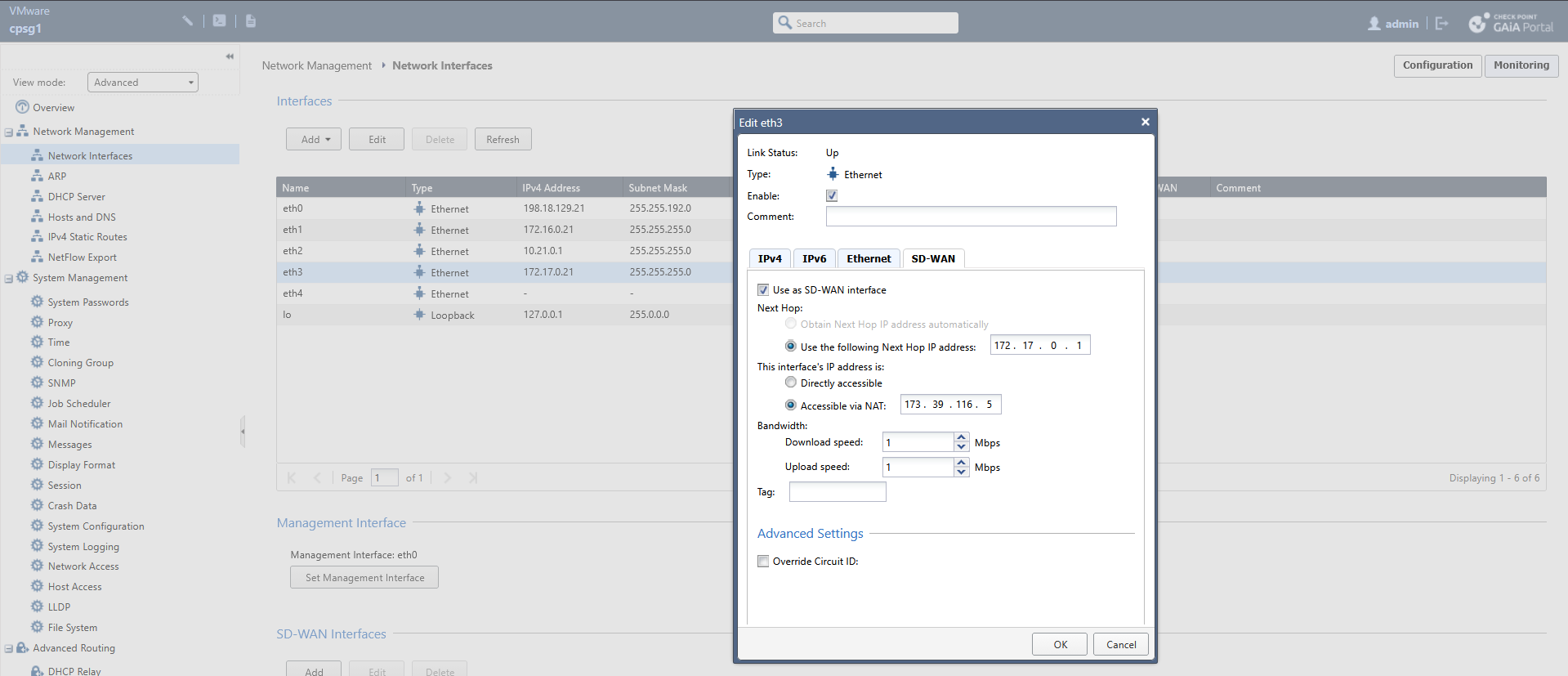
First we need to enable SD-WAN on both the WAN interfaces
Then we go into the Quantum SD-WAN menu on Infinity Portal
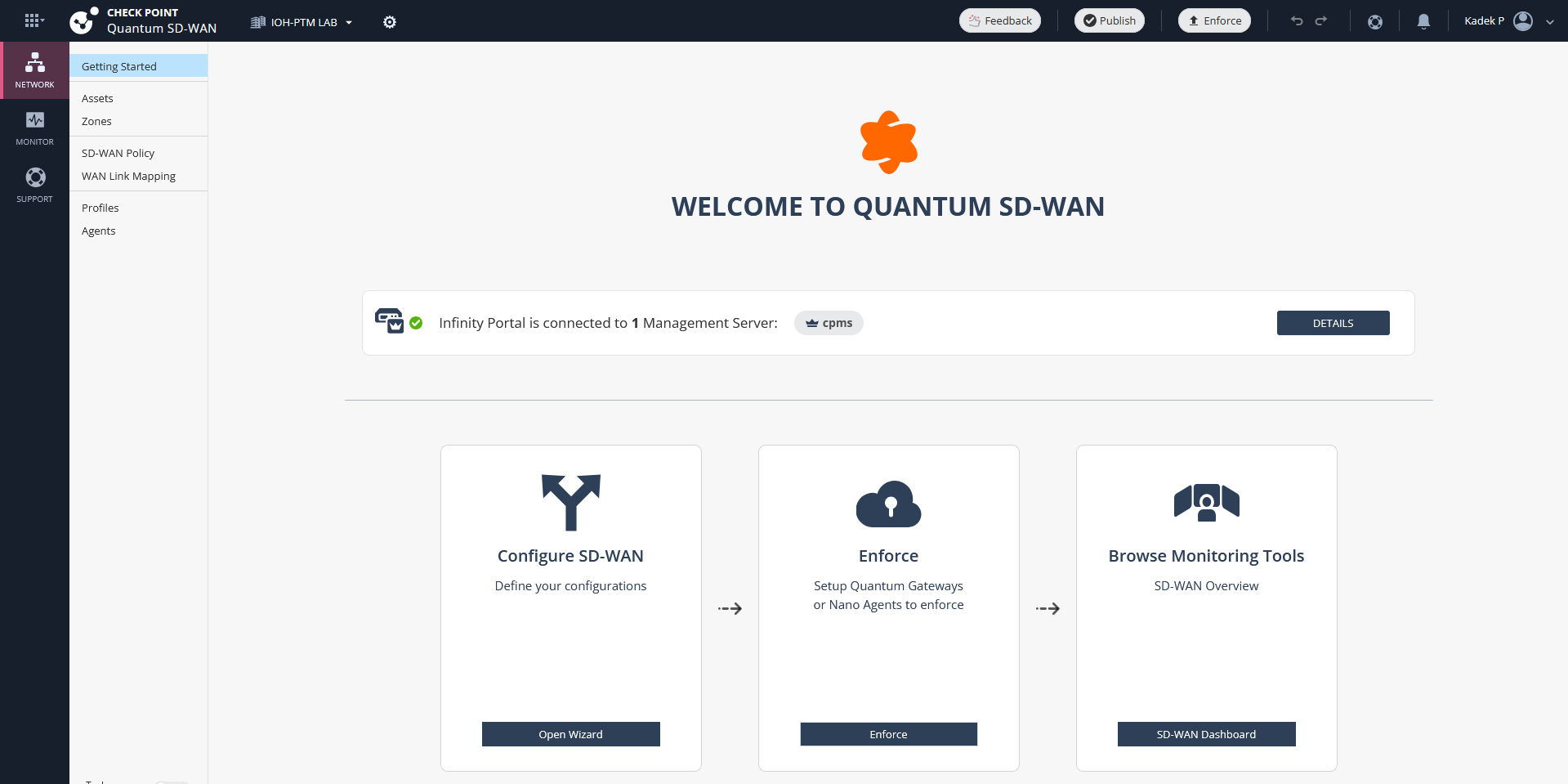
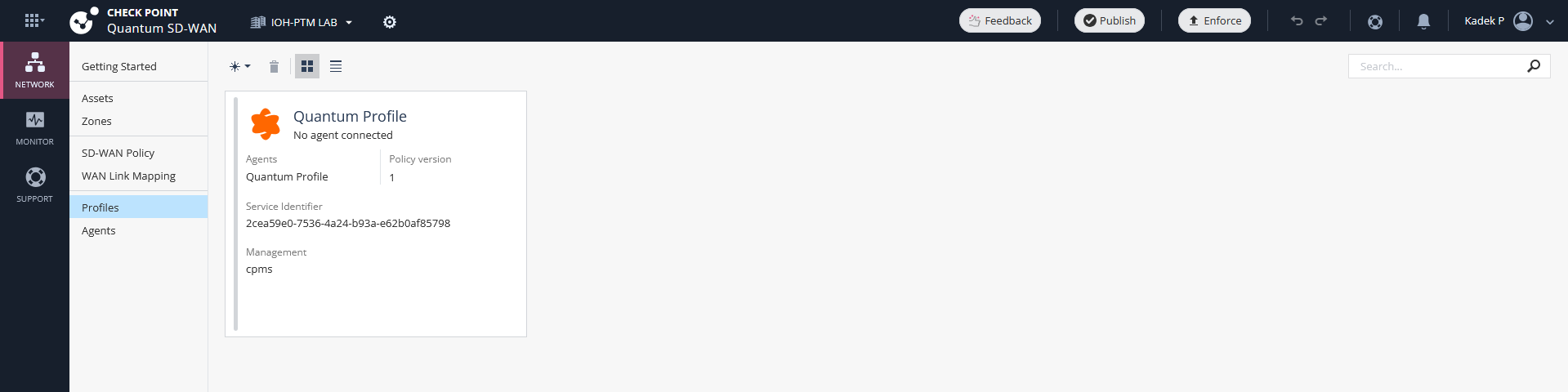
We need to enable the Nano Agent on the CPSG, to do that go to profile and select the Quantum Profile
Here we are given a token, copy the command including the token
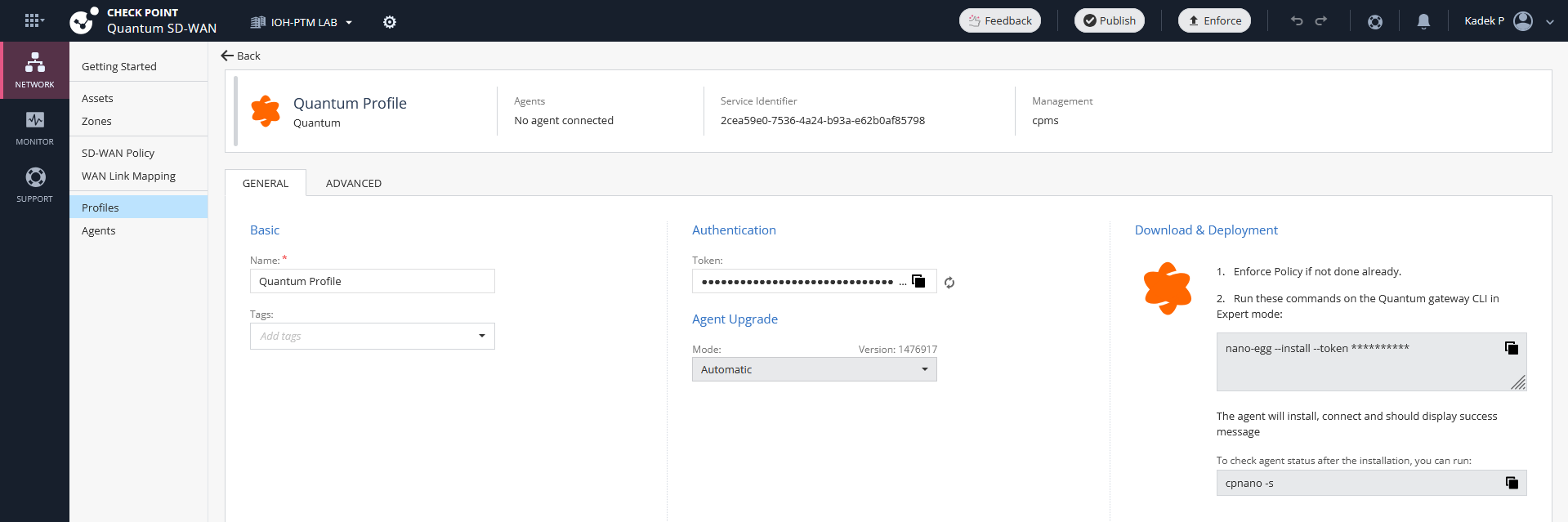
And run in on the CPSG1 in expert mode, it will download the necessary Nano Agent Depedencies
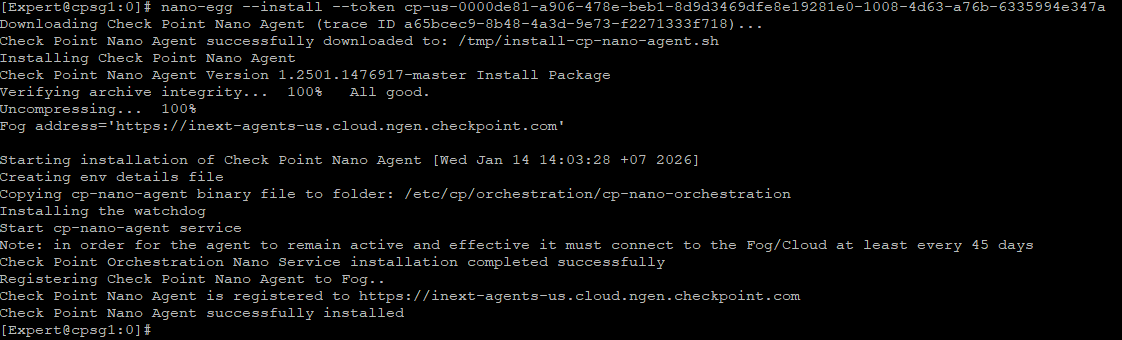
Once installation finishes, run “cpnano -s” to verify the service status
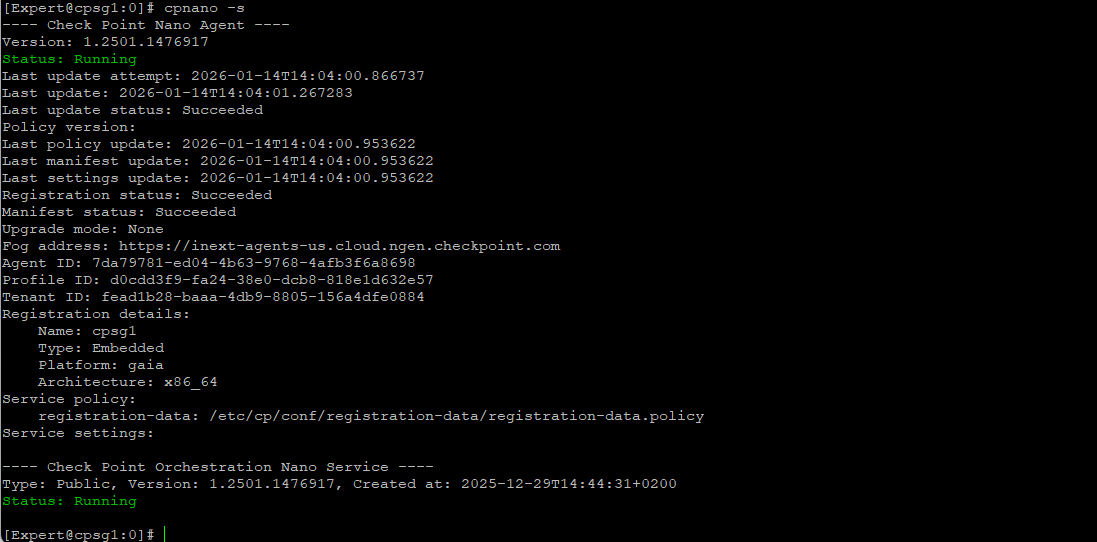
Back on the Infinity Portal, we will see the CPSG1 being listed in the Agents menu
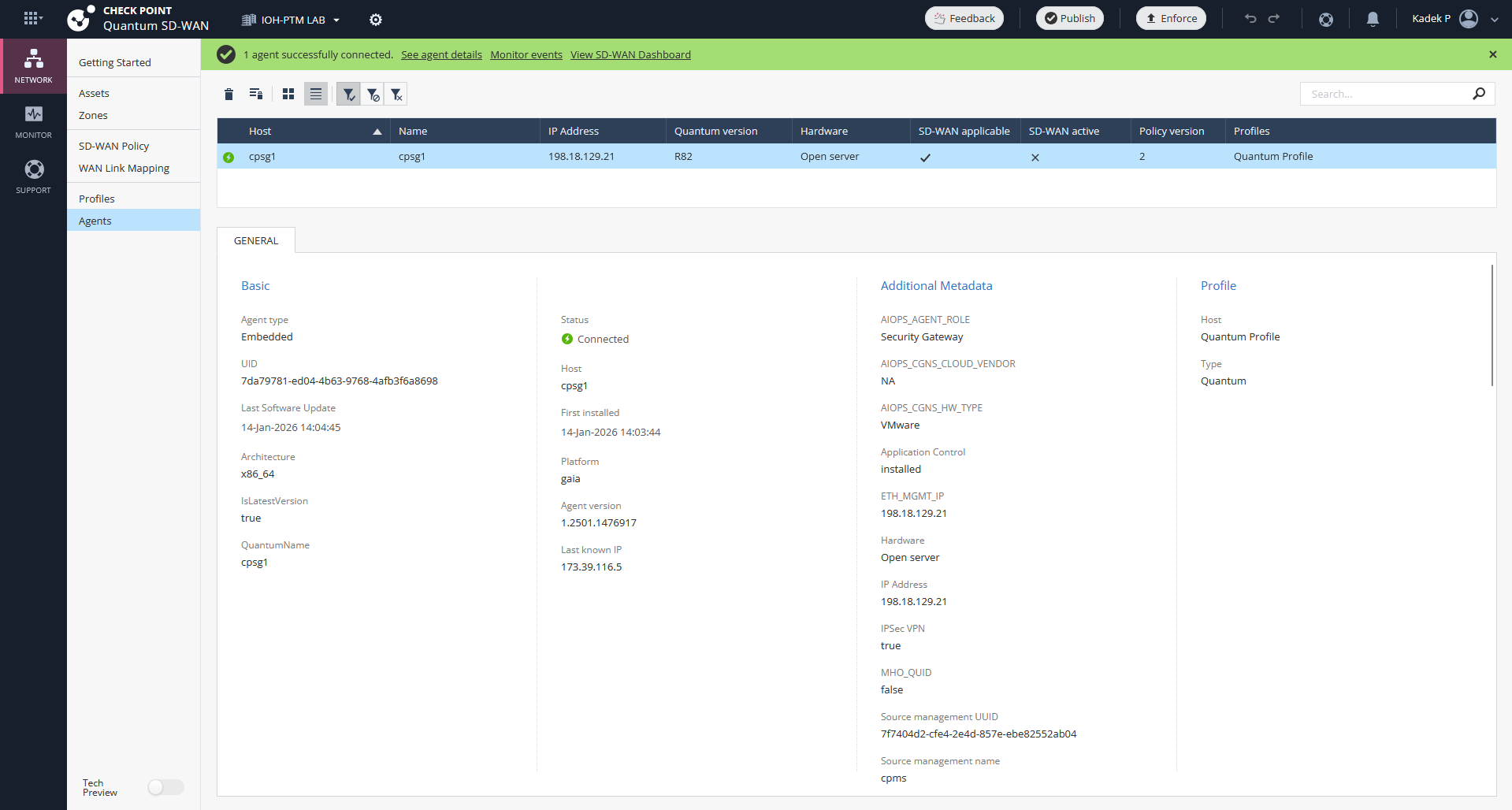
Setting Up SD-WAN
Now back to the Get Started page, hit Open Wizard and select next
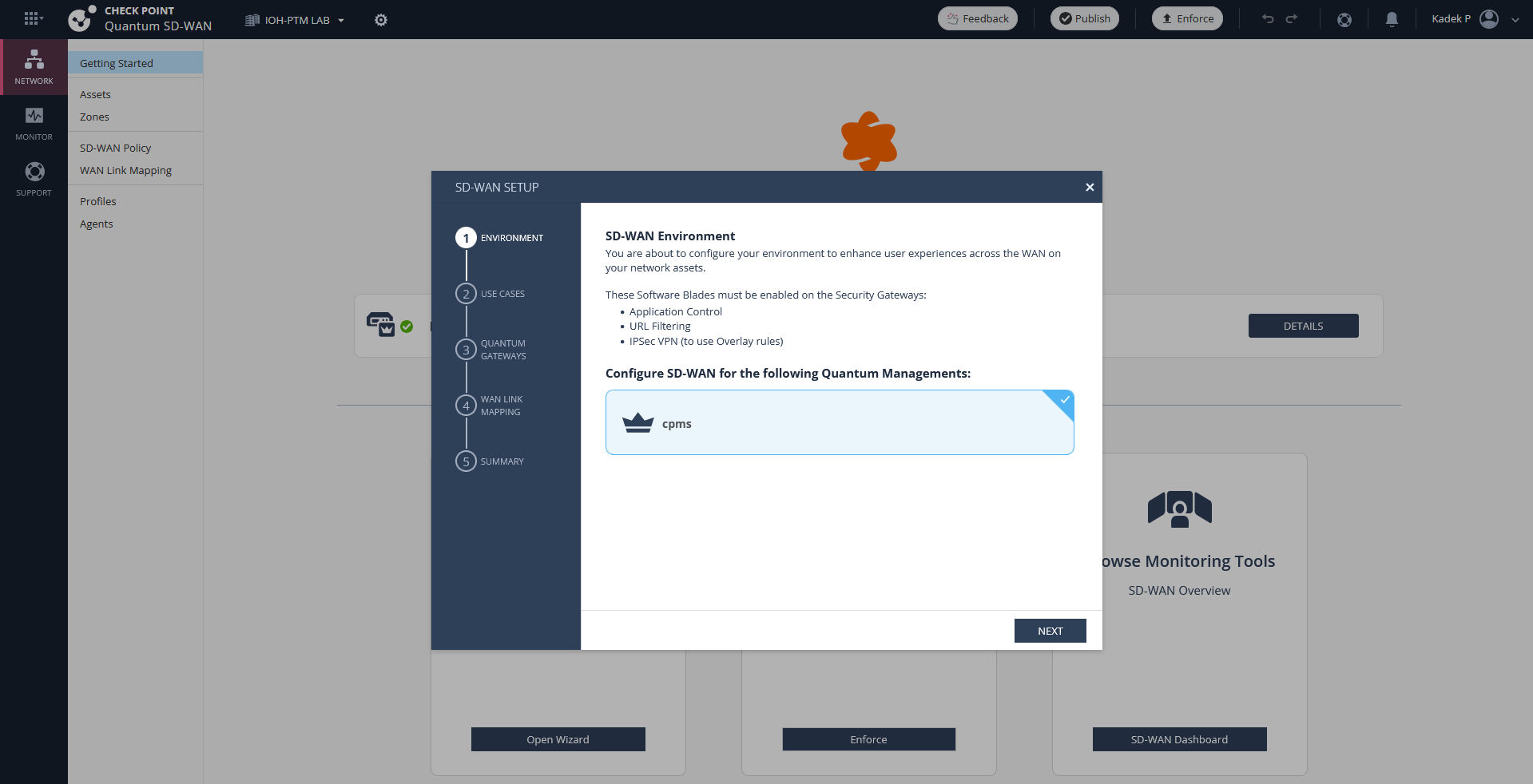
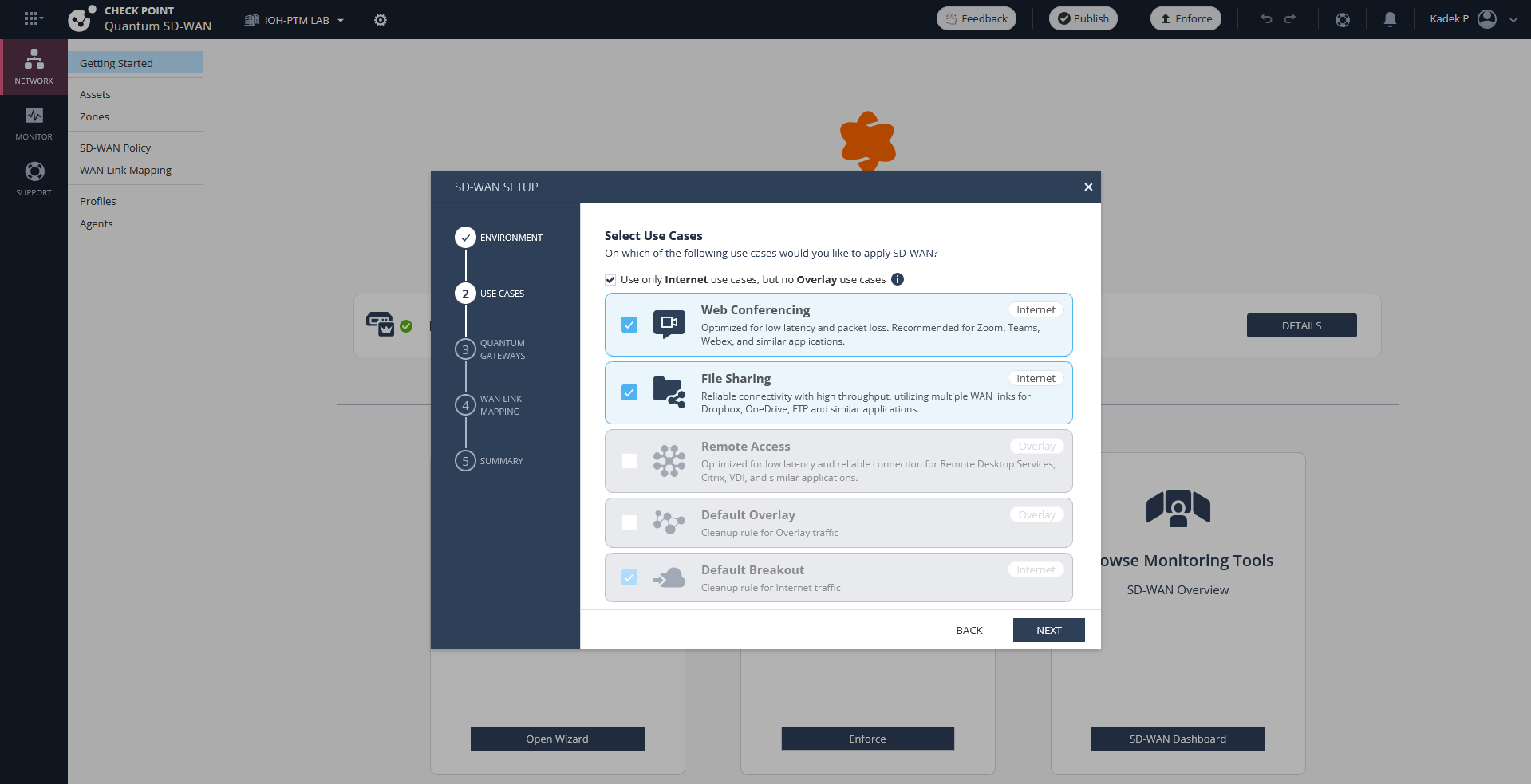
On Use Cases, this menu will generate predefined SD-WAN Policies, so lets select the default internet ones
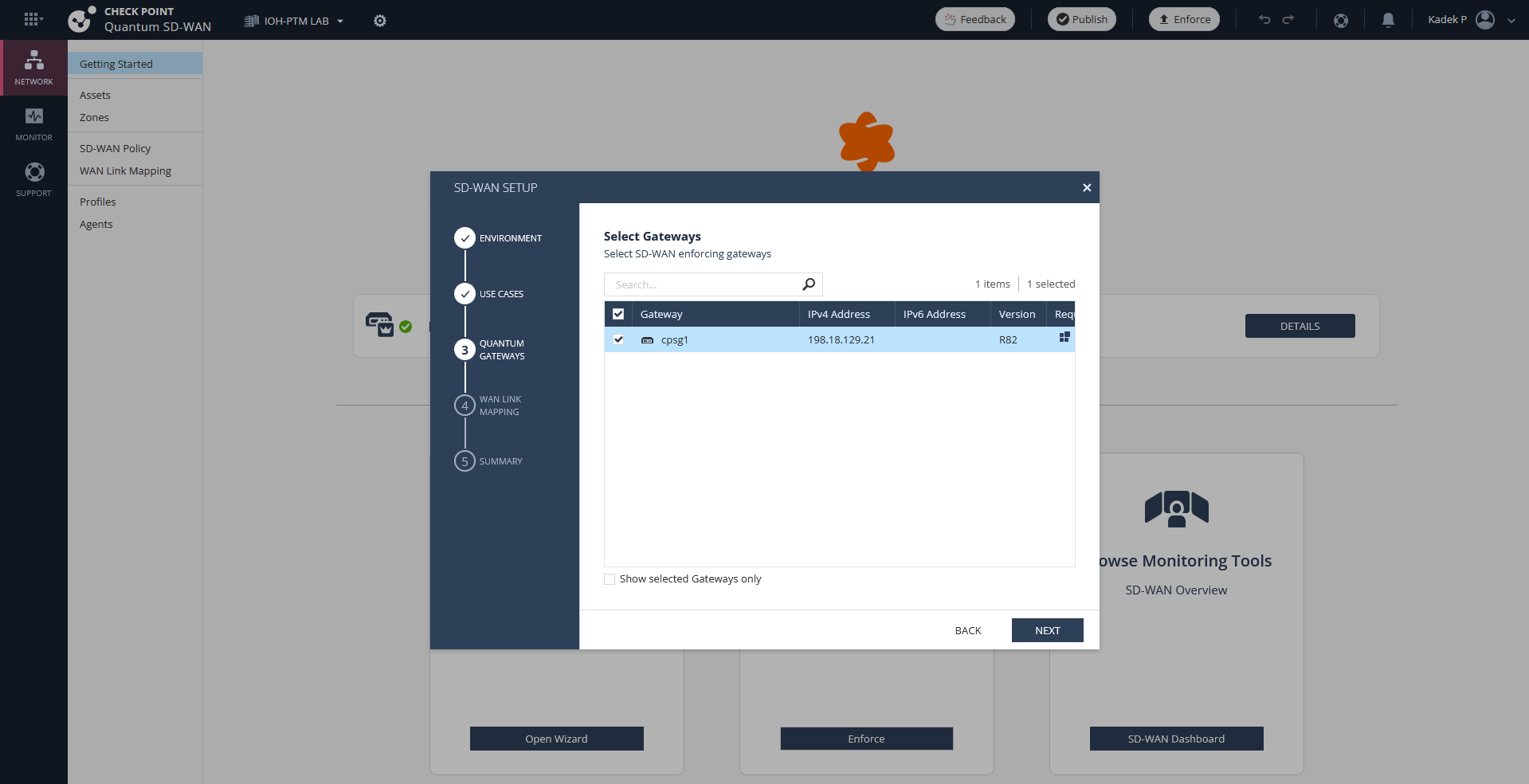
On Gateways, select our CPSG1
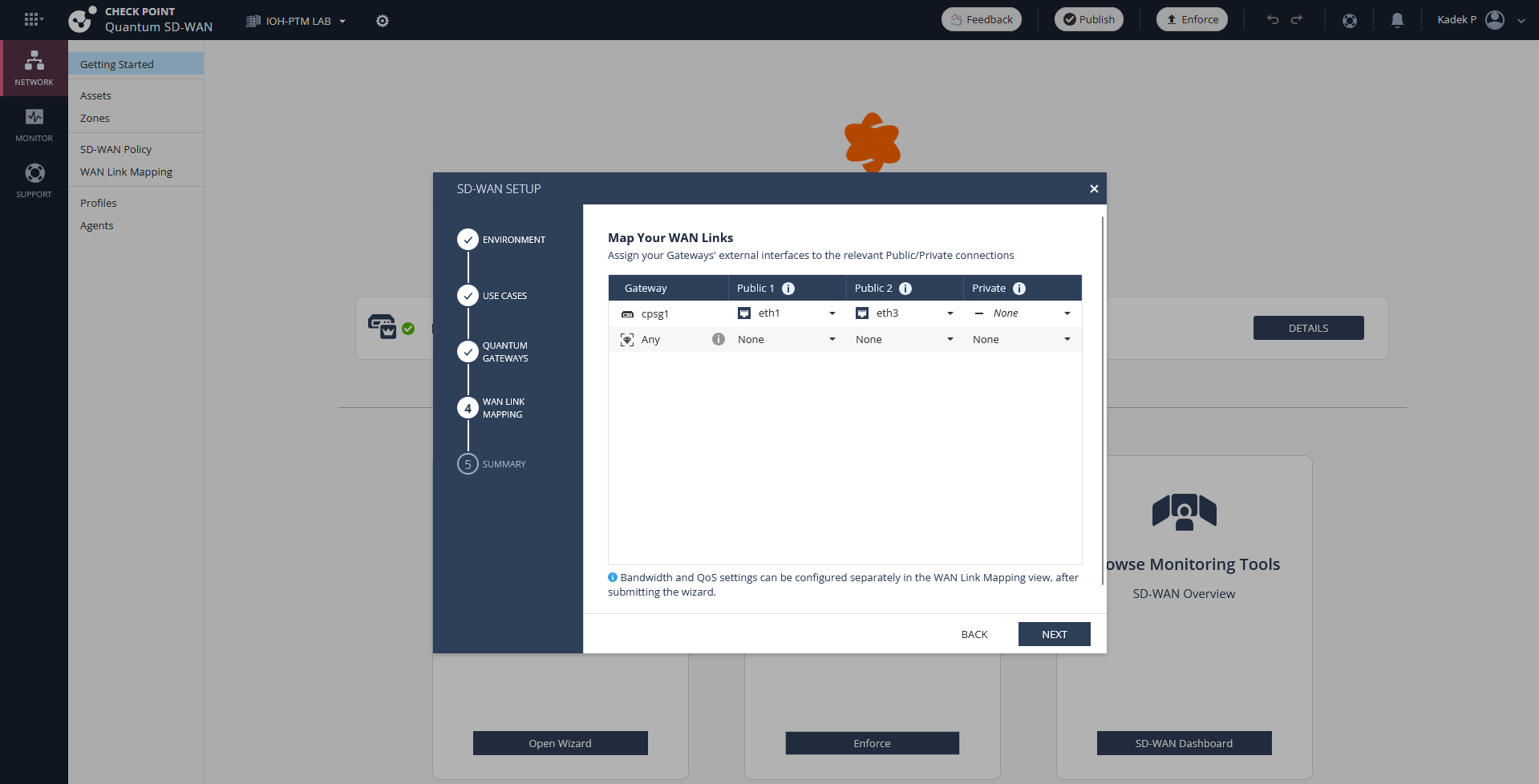
Then map the WAN Interfaces
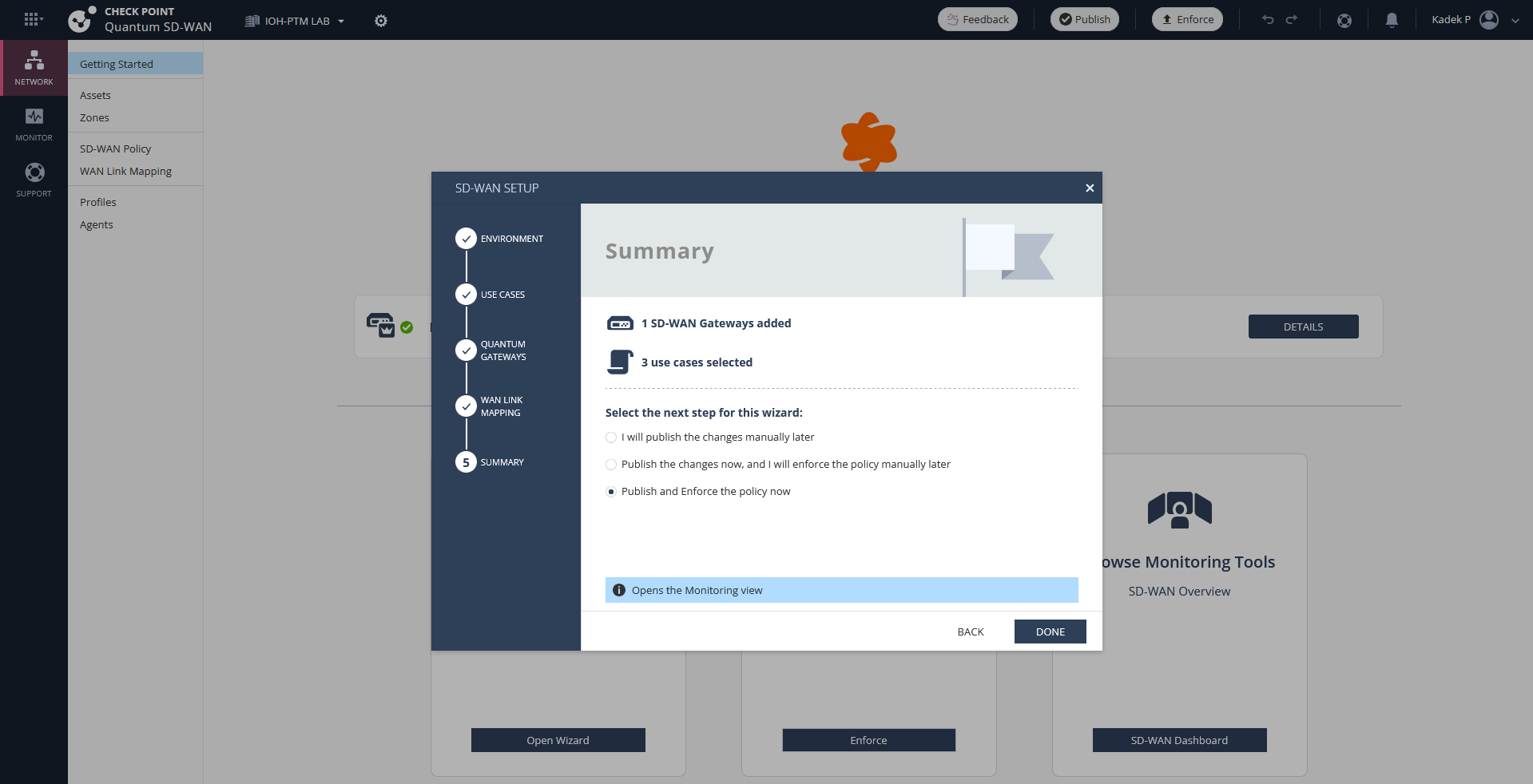
That should do it, hit done
SD-WAN Policy
By default we are given these policies, lets remove them all and create from scratch
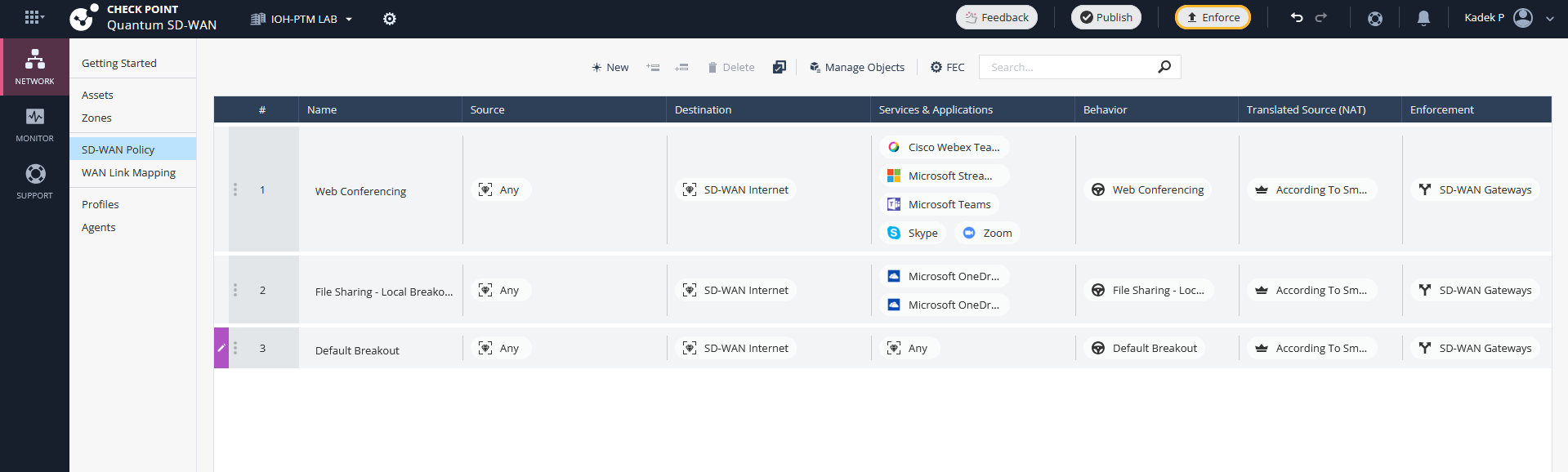
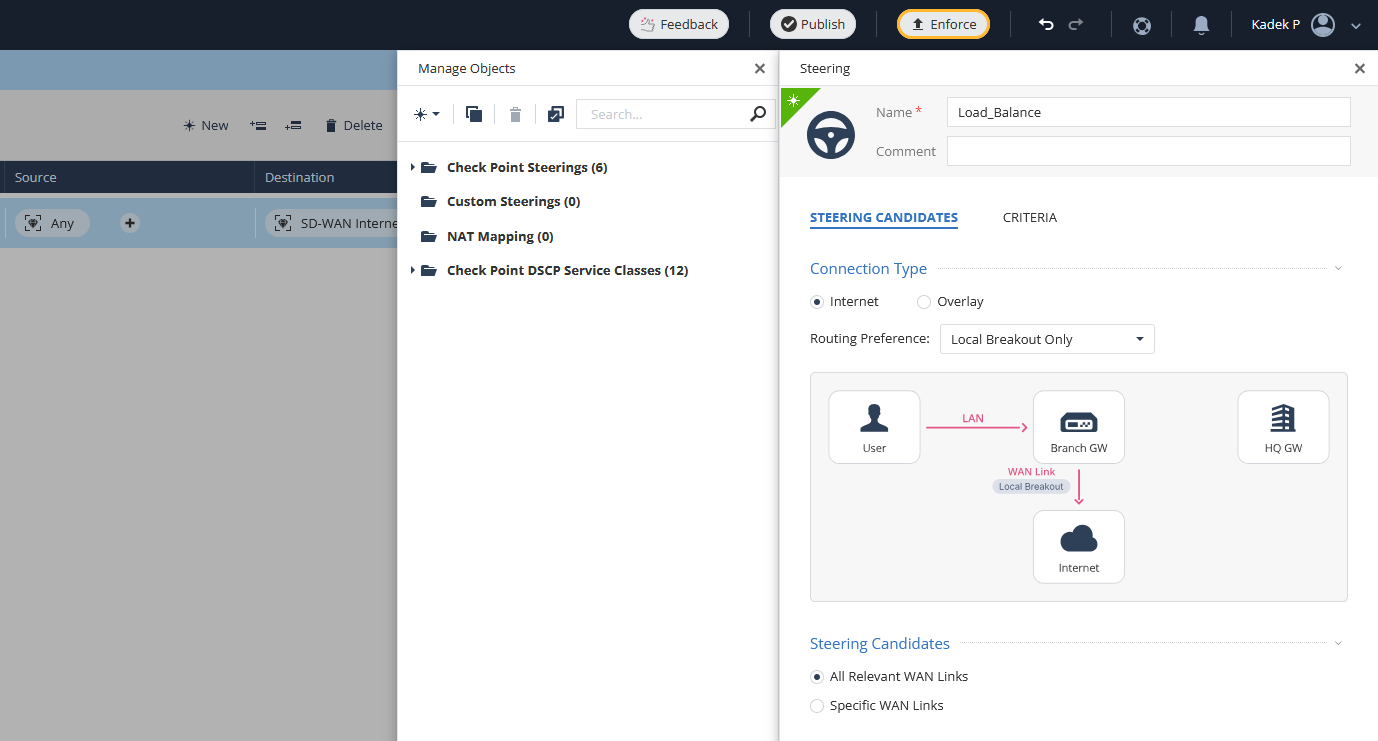
First we will create a Steering Policy, a steering policy defines how traffic is dynamically directed across available WAN links. The first one we will create a “Load Balance” policy
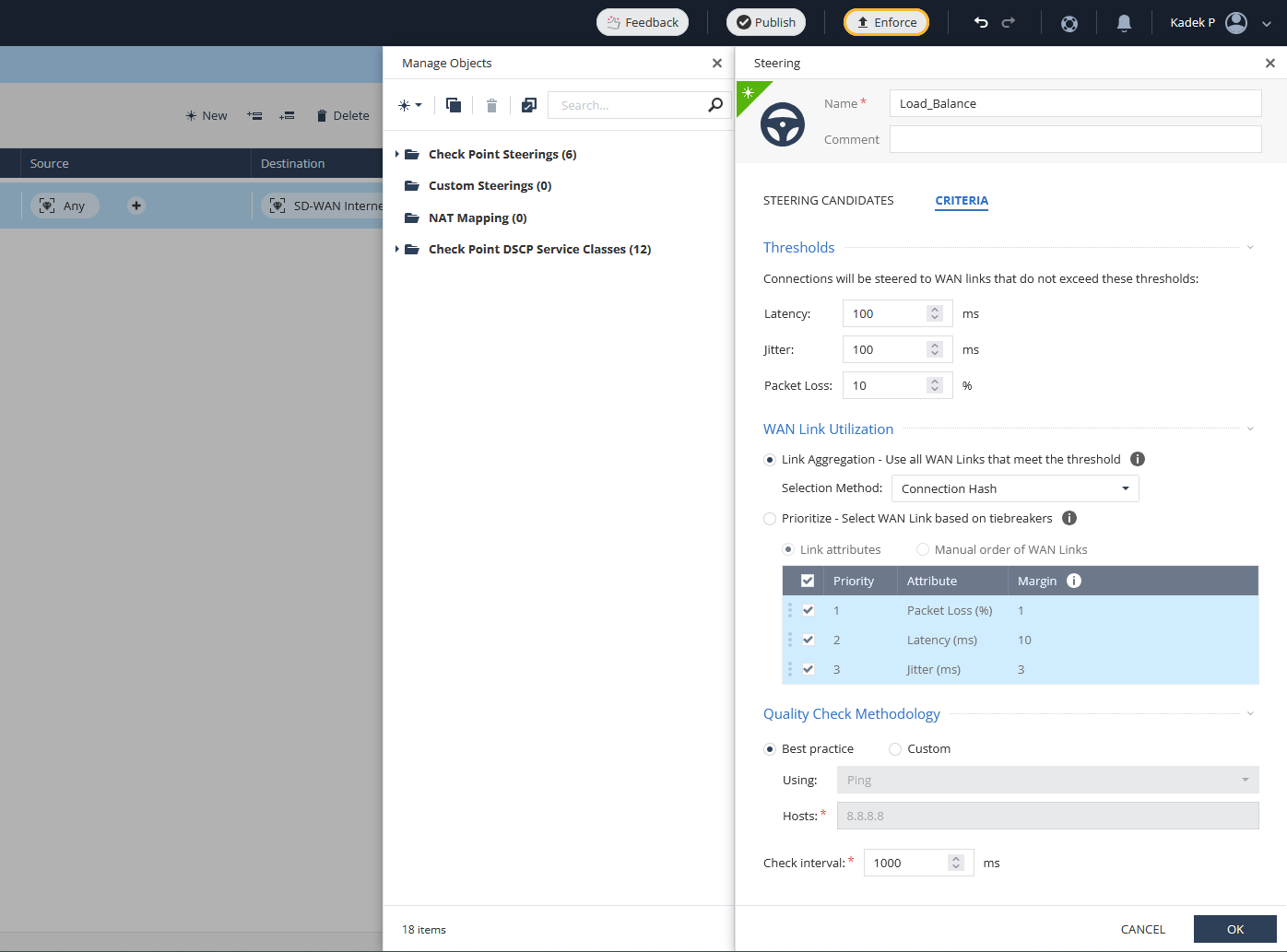
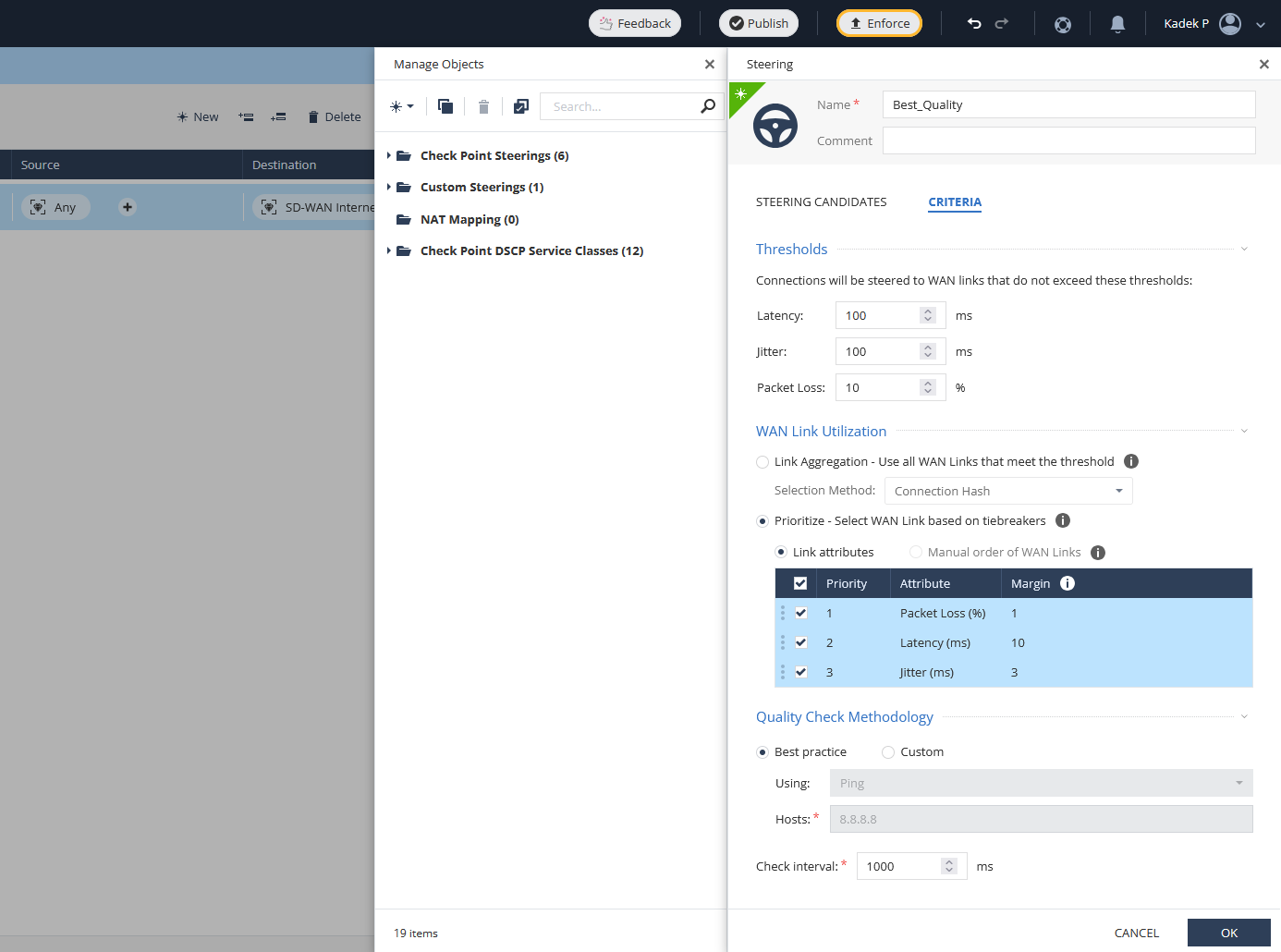
Next one is “Best Quality” steering policy, where it will dynamically select the best WAN link
And last one is “Manual” steering policy, where we will prioritize WAN 2 as the main link
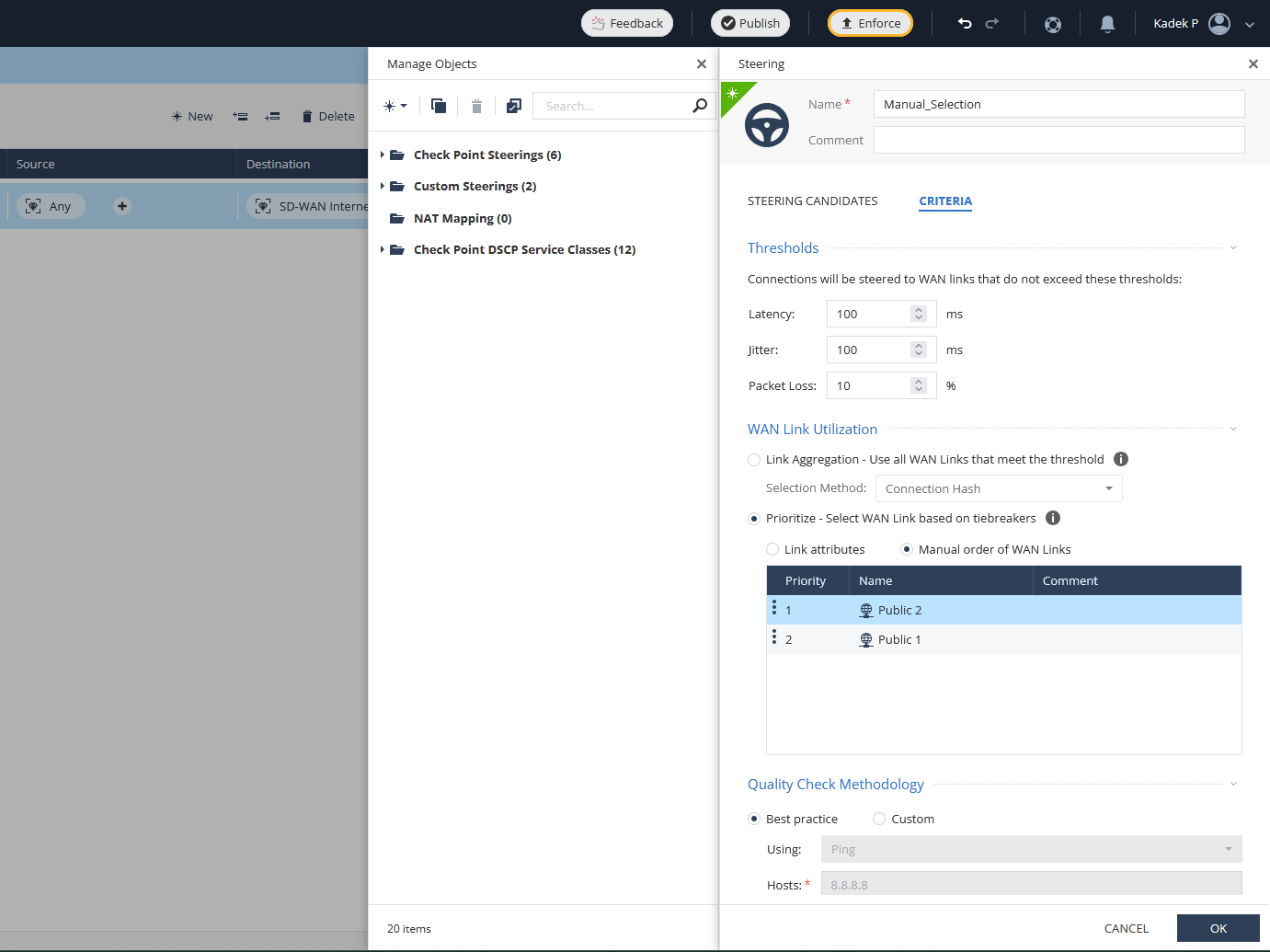
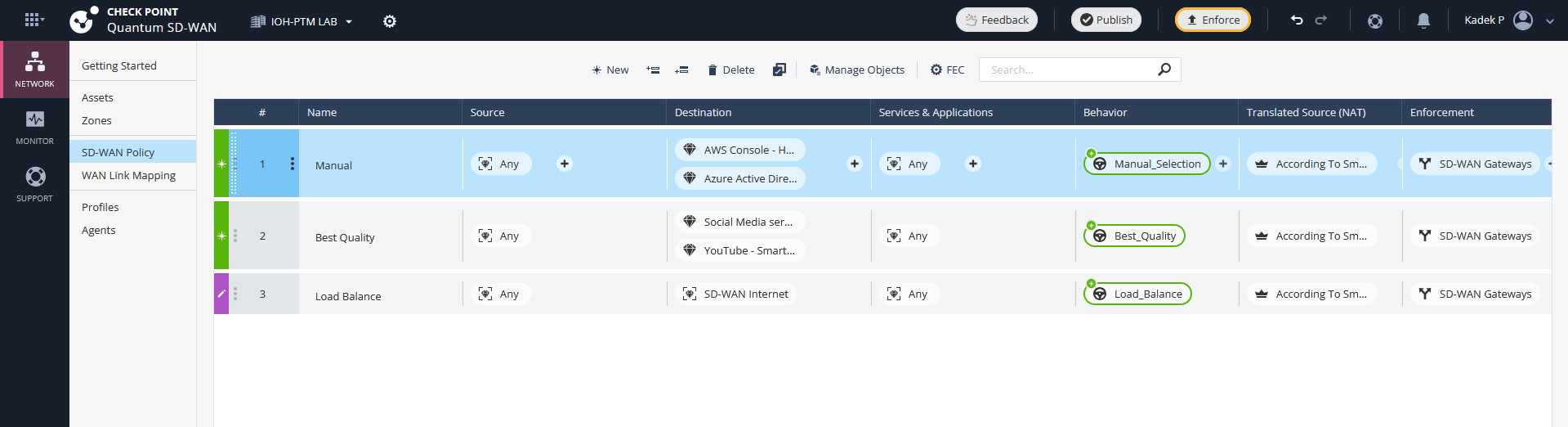
And we create 3 SD-WAN policies that use those 3 steering policies each
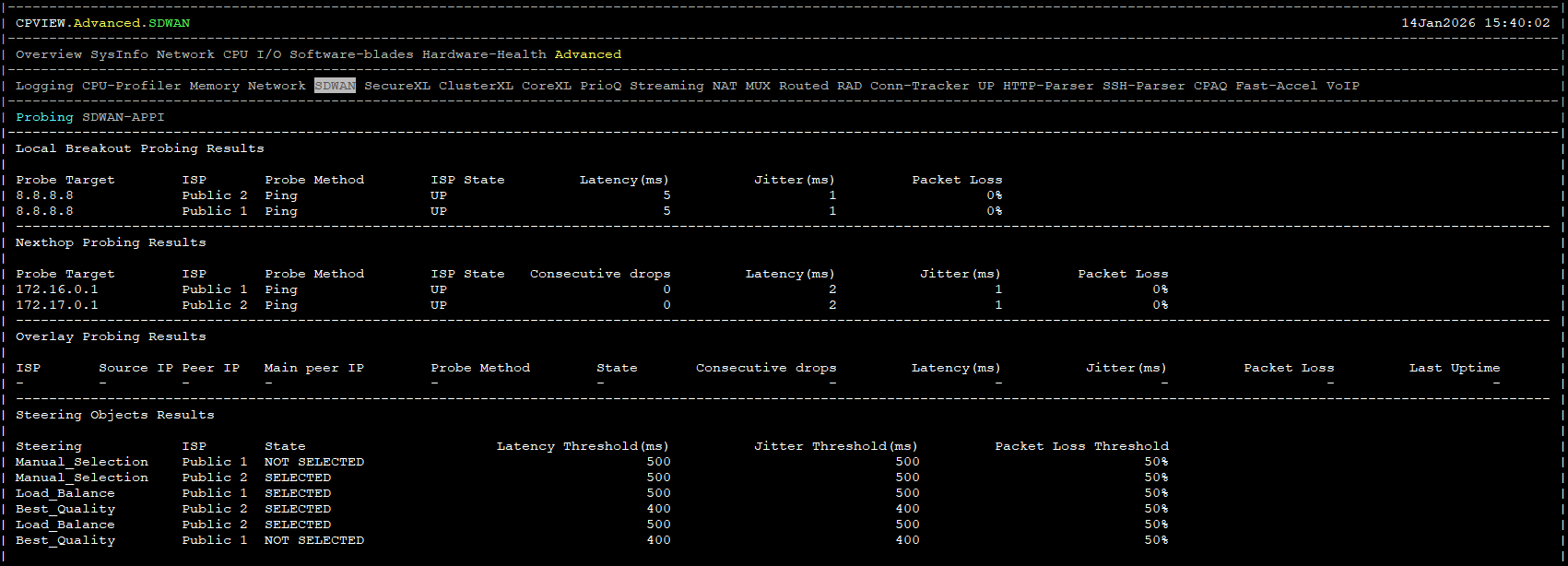
Once the changes are Published and Enforced, we can verify this on CPSG1 by running “cpview”
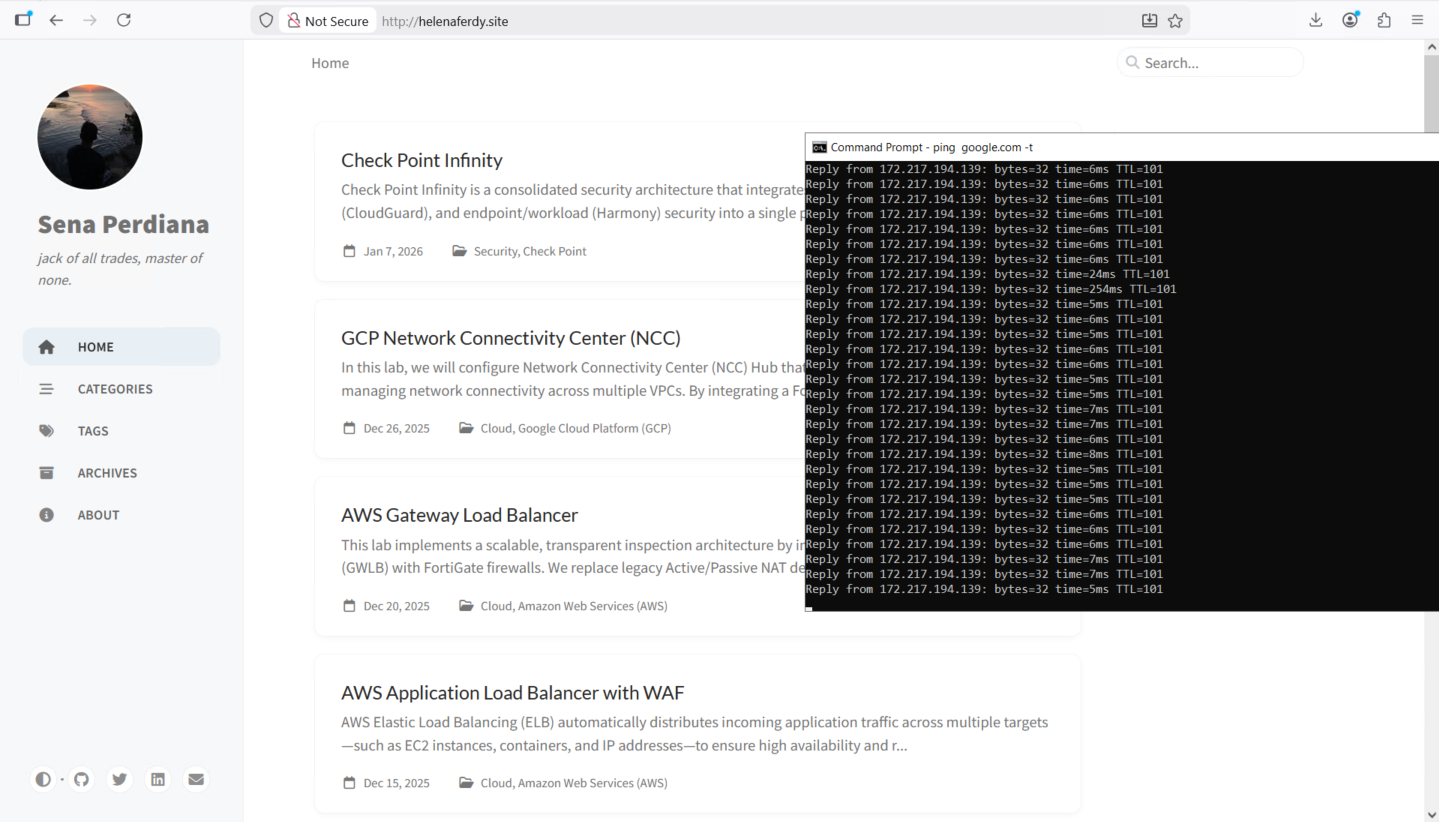
Now on the client side, we will try accessing internet through our CPSG1 firewall
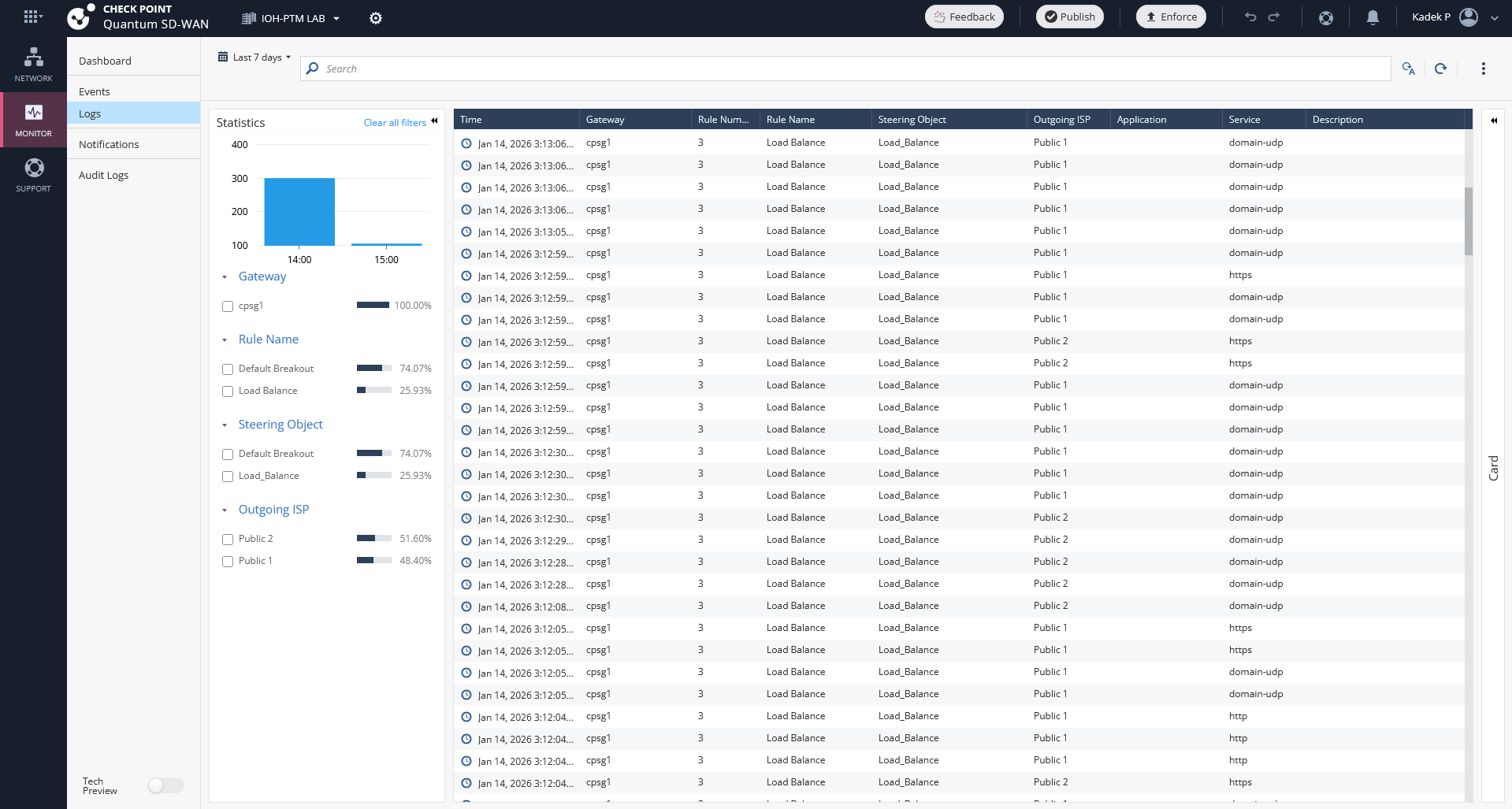
On the Monitor Logs, we can see that the Load Balance policy is being used and both WAN Links are used to access internet
Link Swap
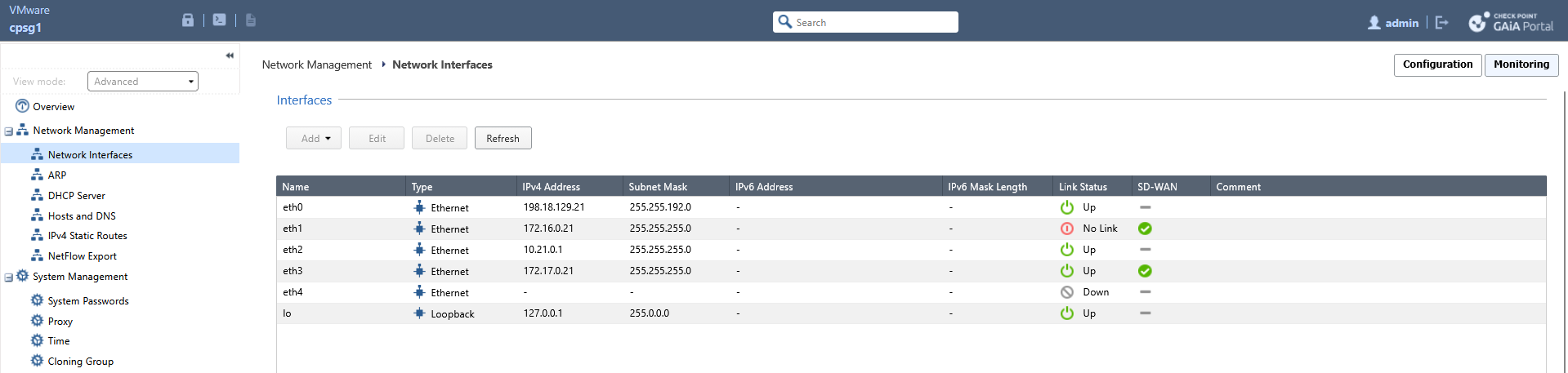
Now lets simulate a link failure by disabling the WAN 1
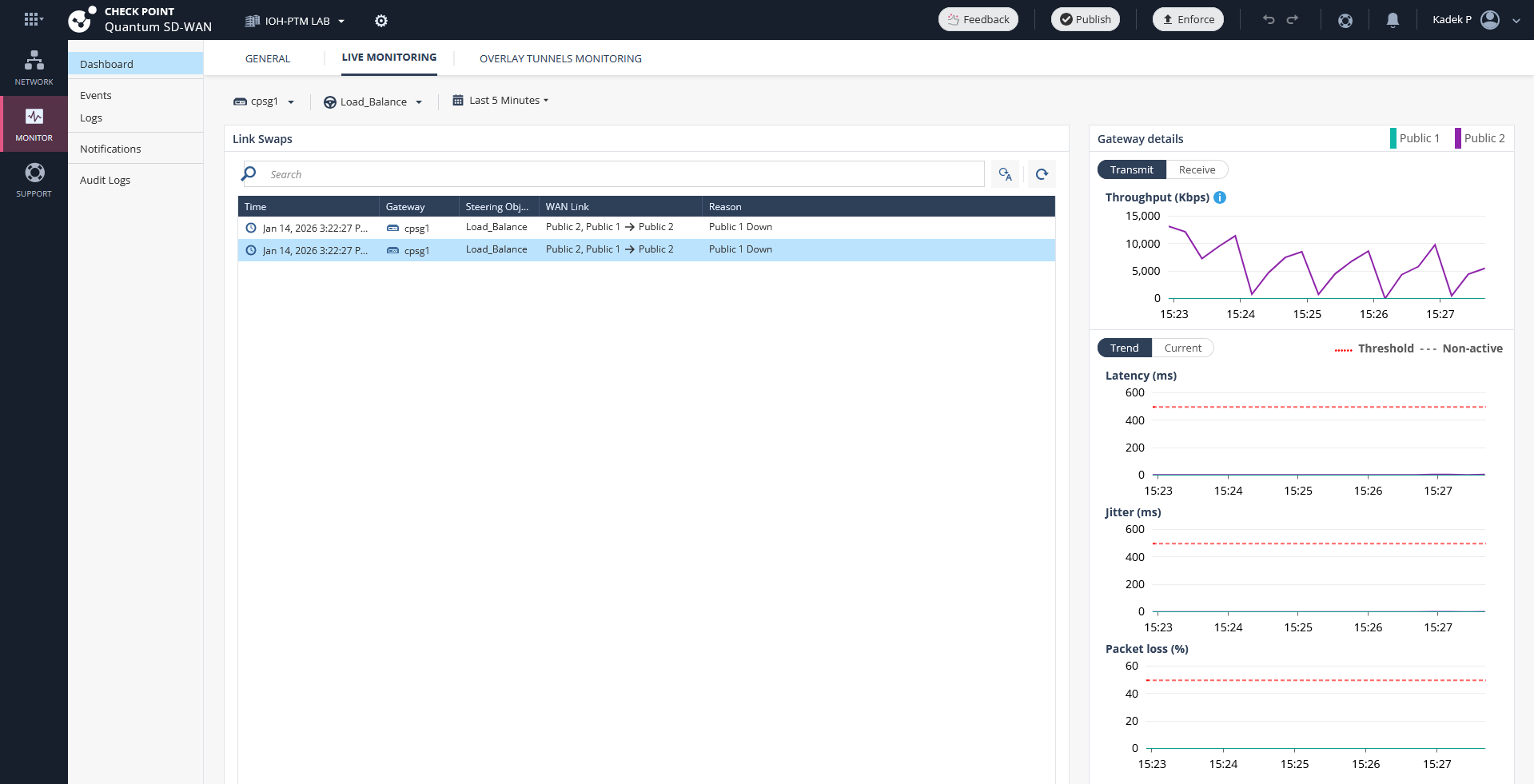
On the Dashboards we get immediately notification to see that WAN 1 is down
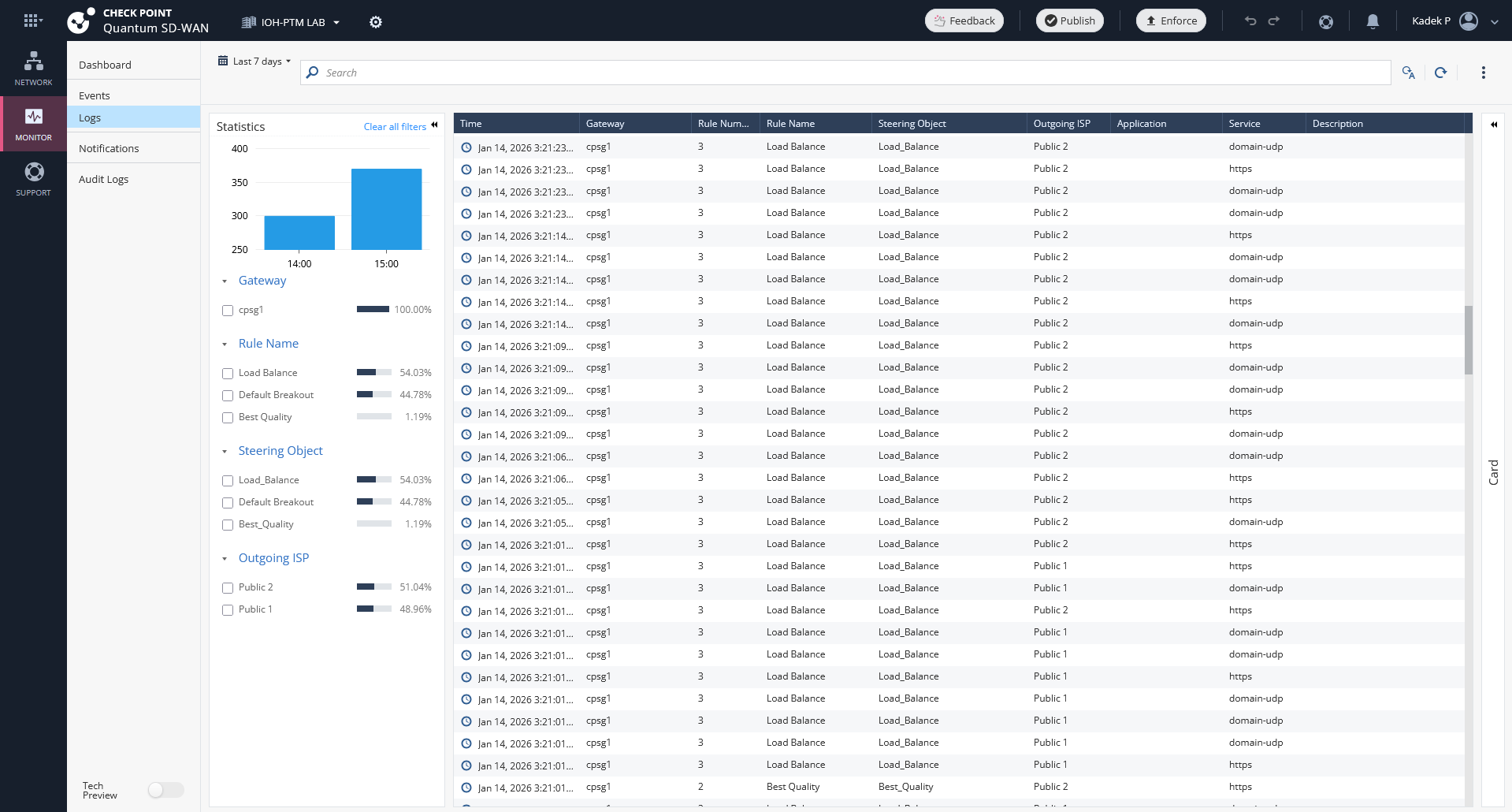
And on the logs, we can observe that it automatically steers traffic to only use the available WAN link
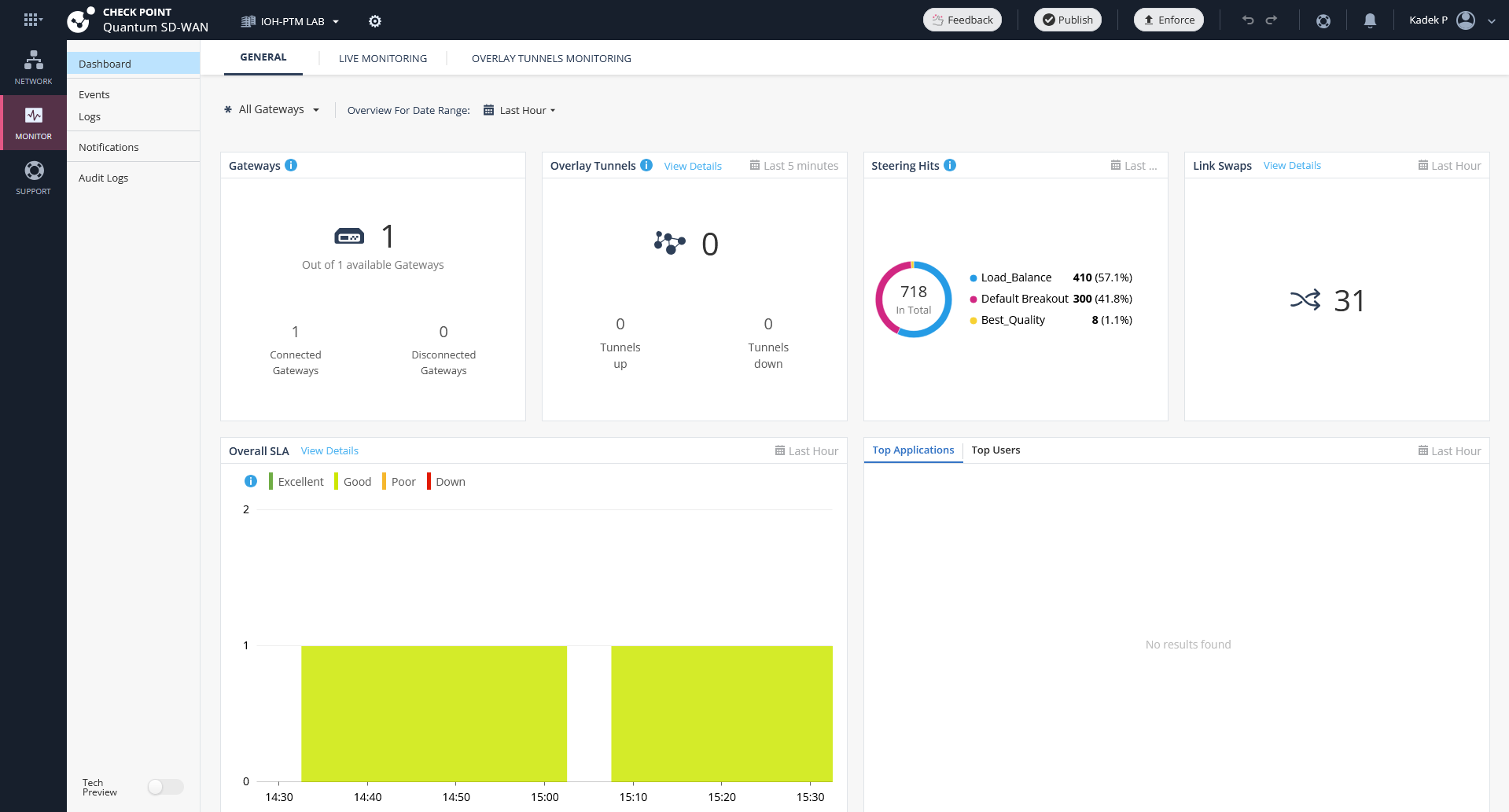
Infinity Portal also has a decent dashboard to see the overall SD-WAN performance