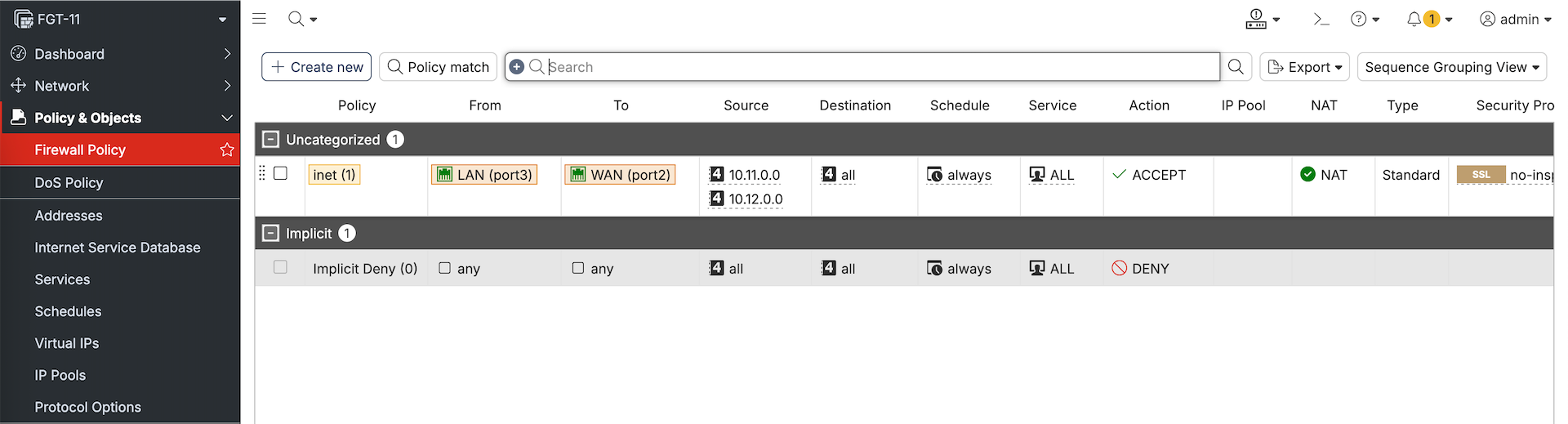
FortiManager
FortiManager is a centralized management platform for Fortinet devices that allows administrators to configure, deploy, and monitor security policies across multiple FortiGate firewalls from a single console. It enables policy consistency, bulk changes, version control, and streamlined operations in large or distributed environments.
Device Manager
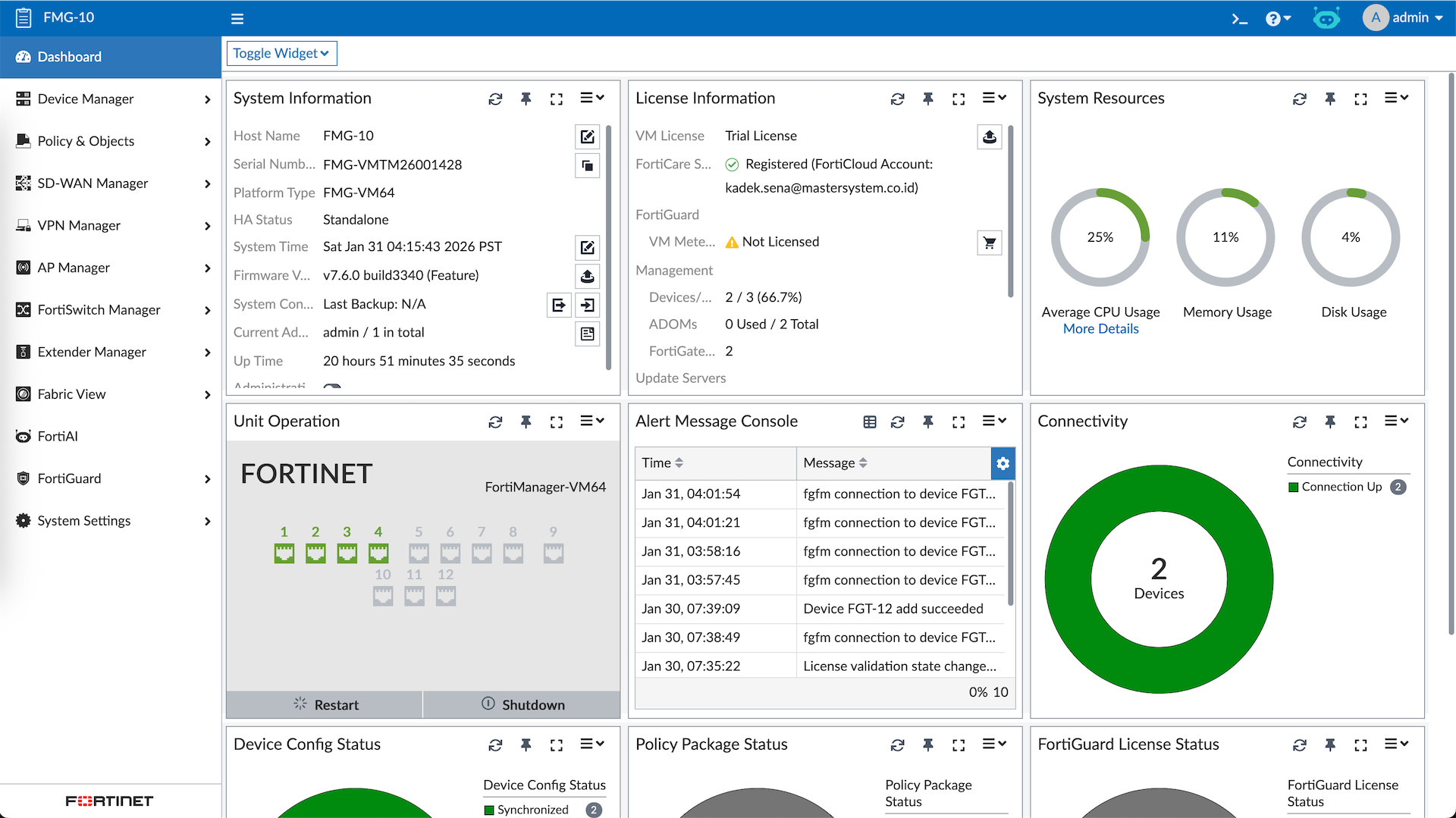
FMG allows us to manage multiple Fortinet devices in a single dashboard, here we have 2 FGTs that’s already been registered
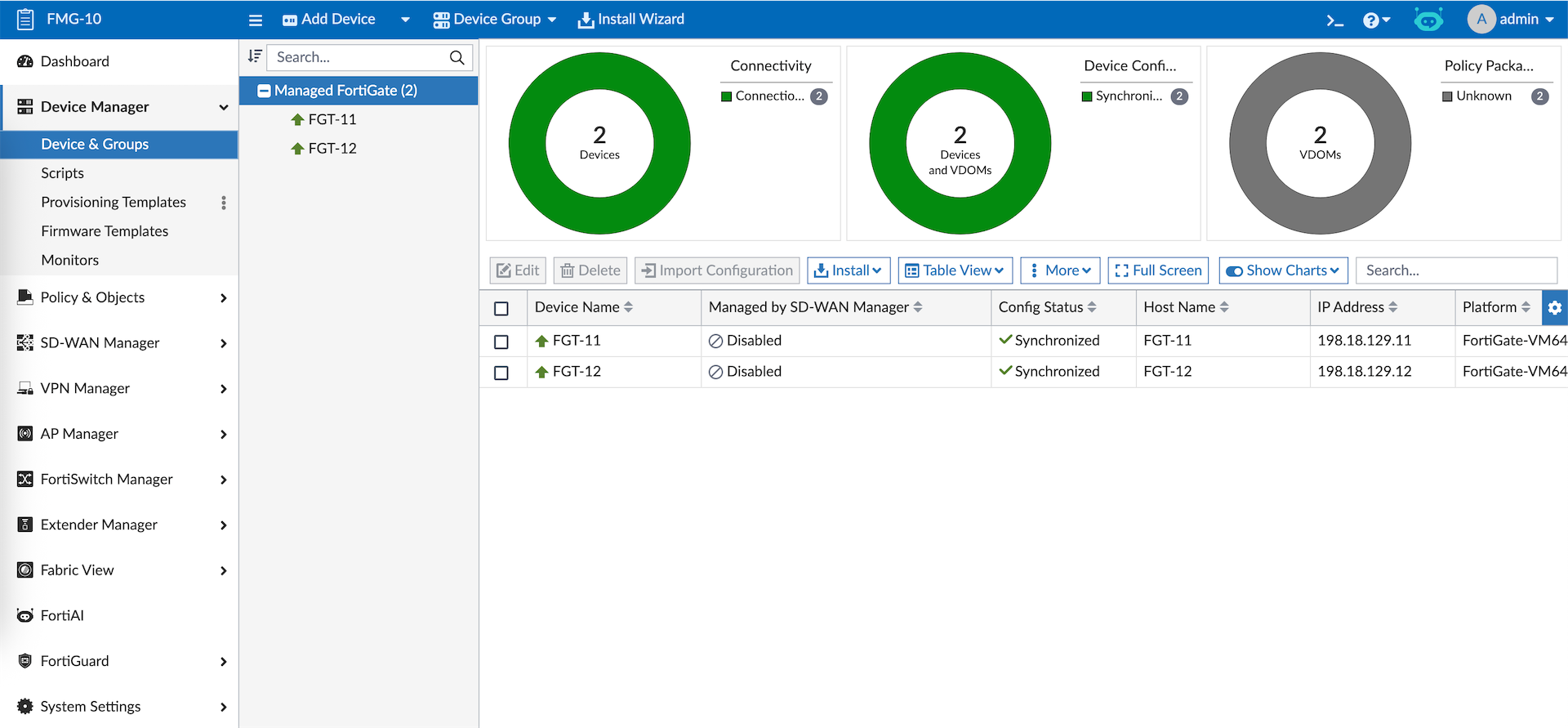
Managing these devices include making changes directly to them, here we will make some changes to FGT-11’s Interface and Static Route
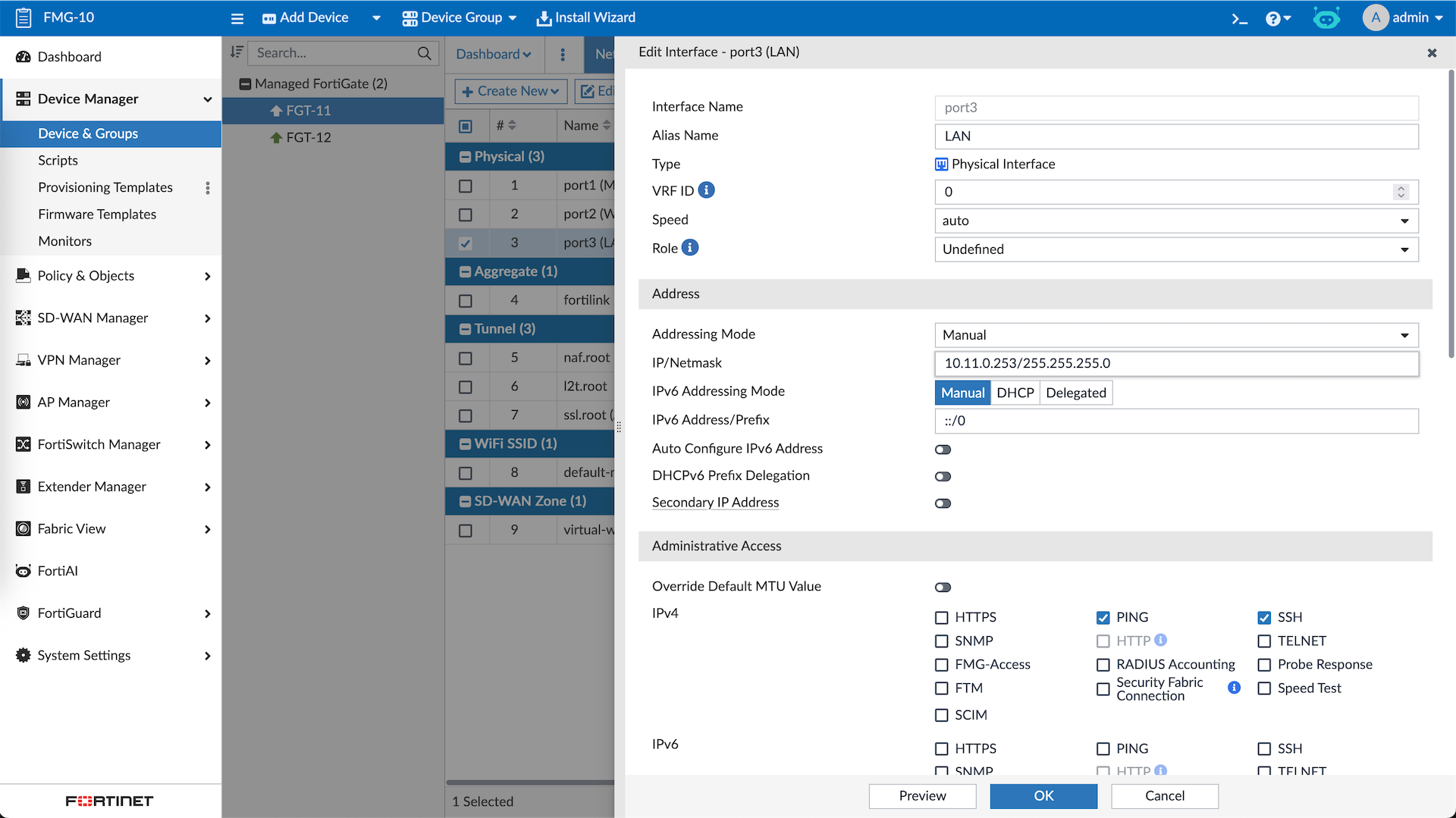
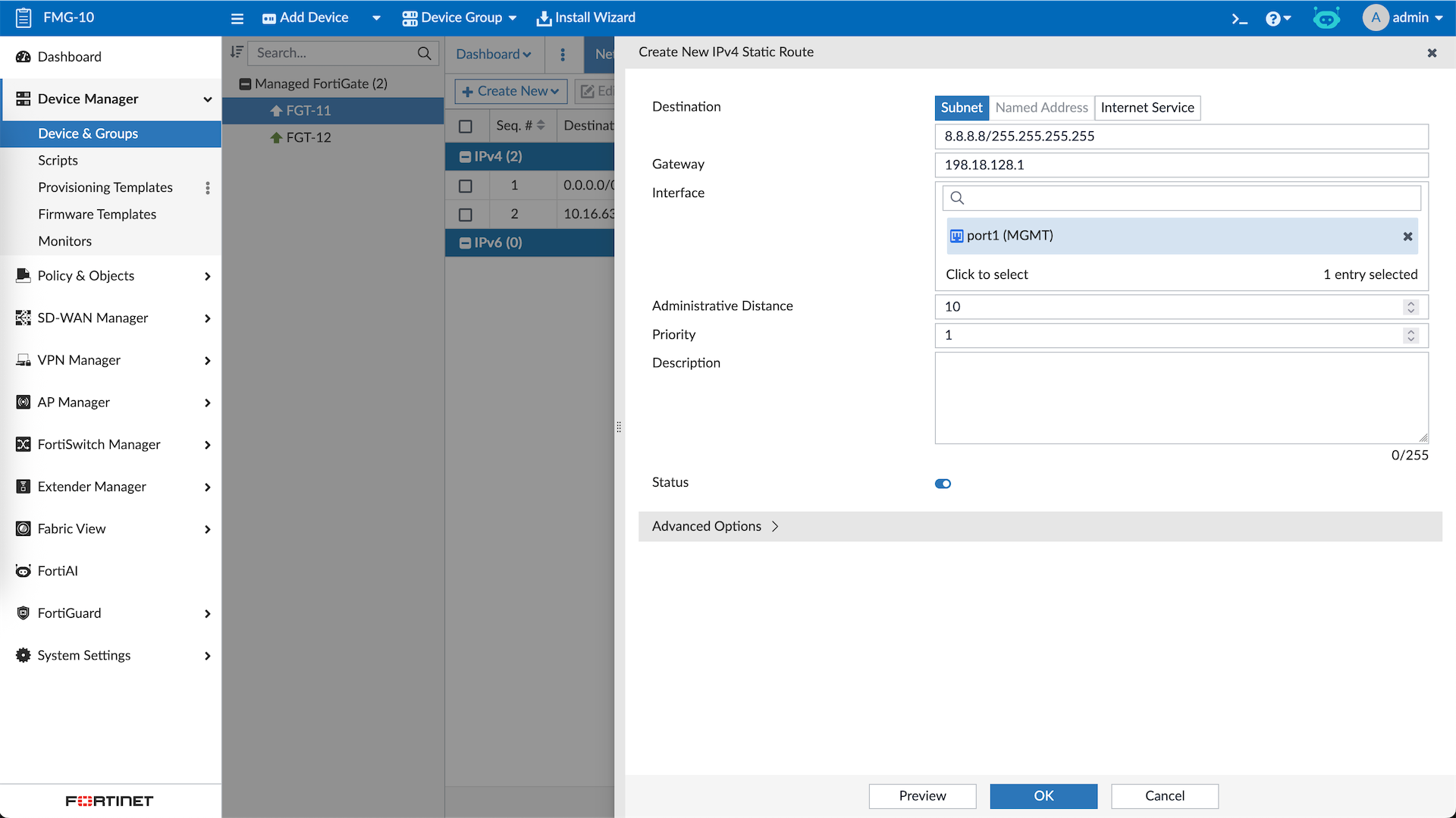
To apply the changes, Hit Install Wizard and select Install Device Settings
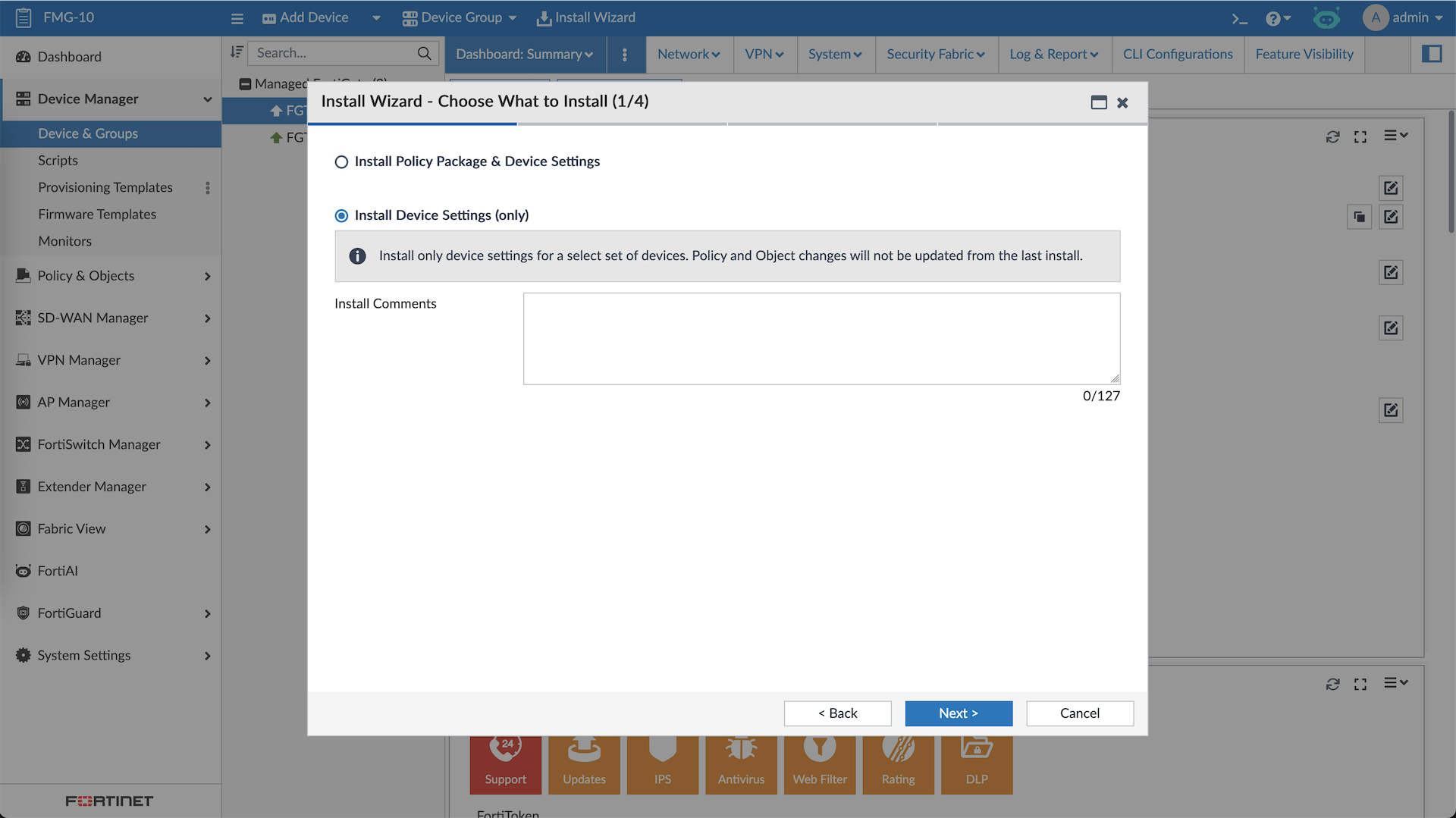
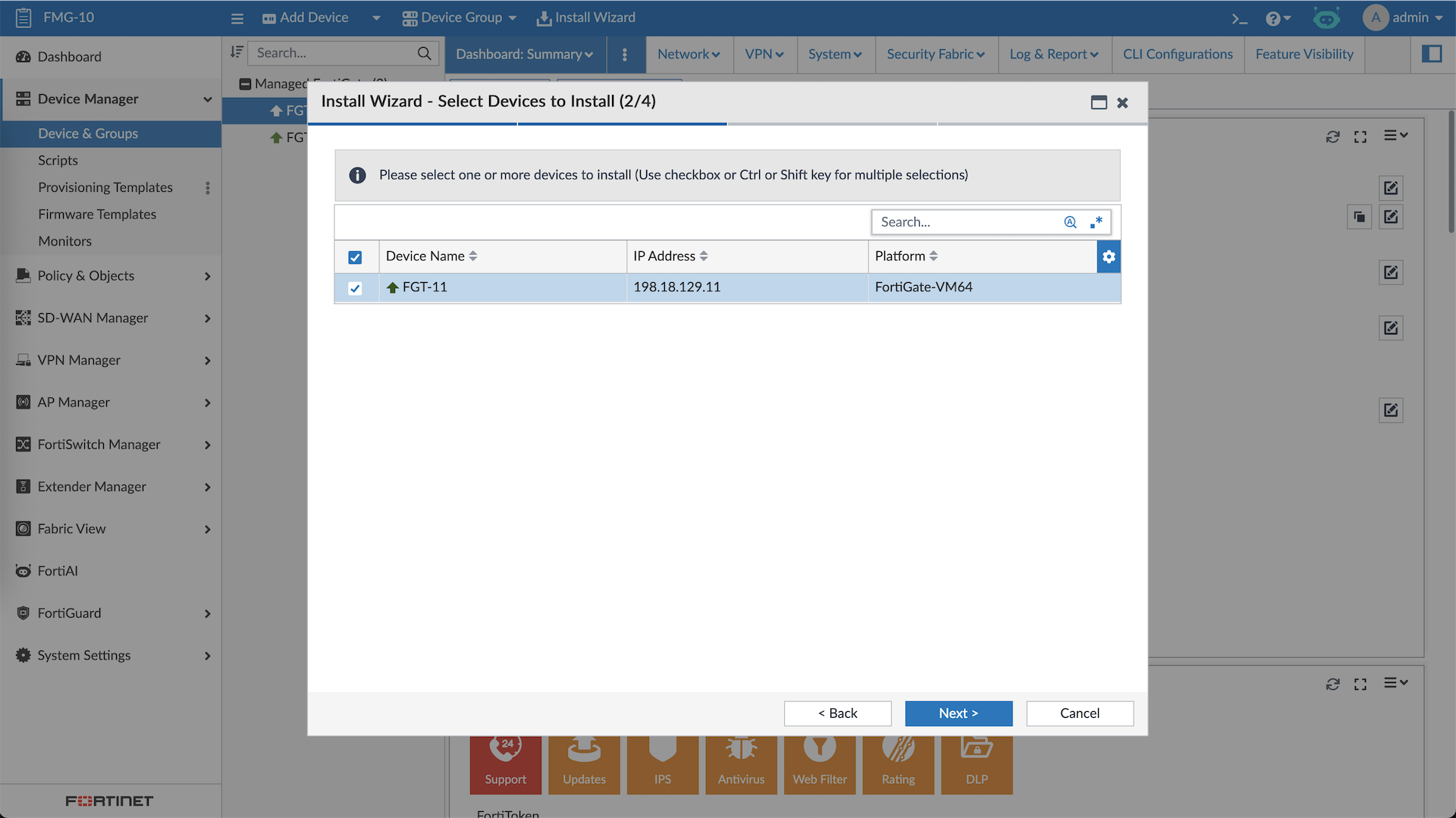
Here the devices with changed configurations will show up
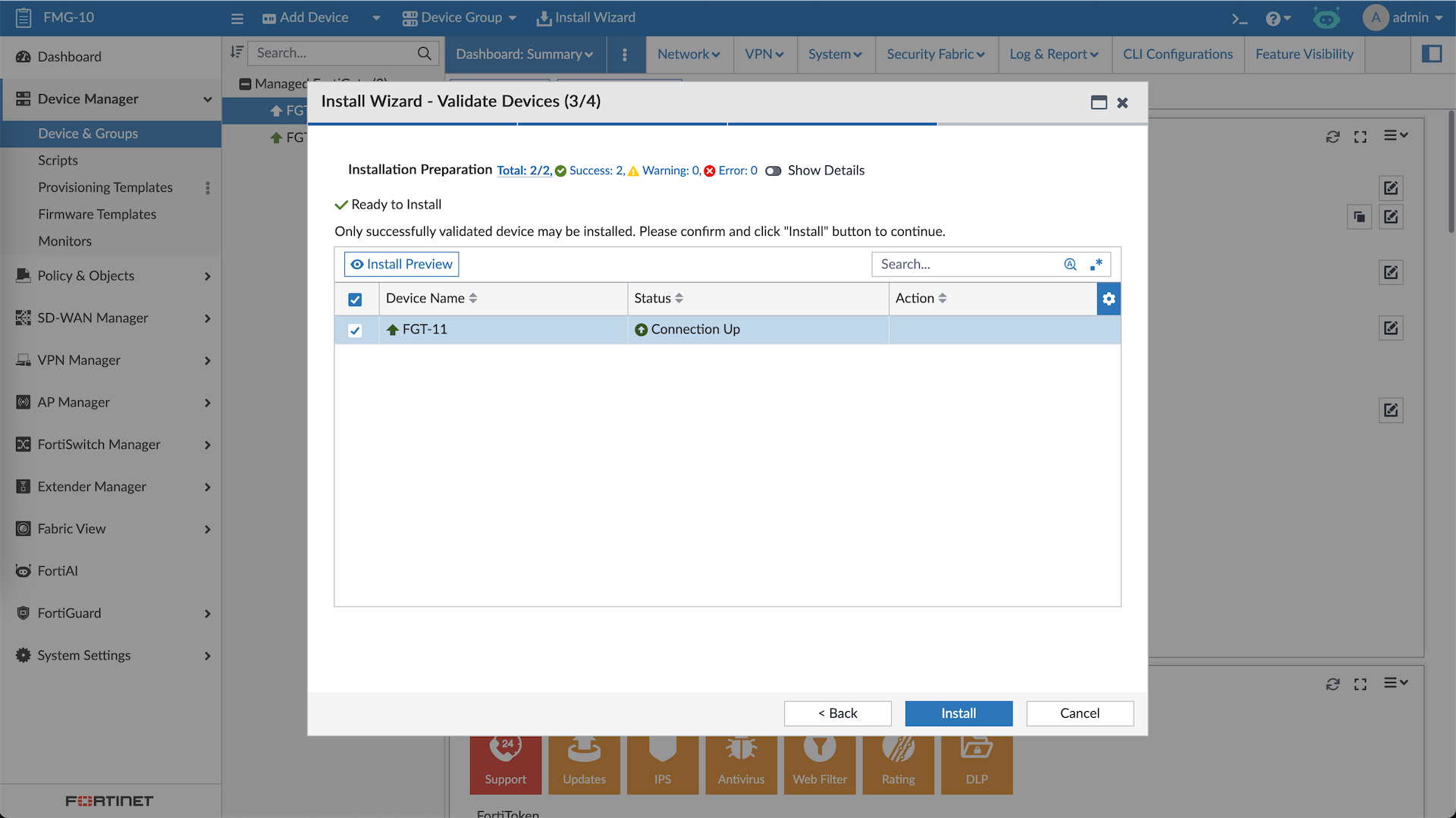
Before actually pushing the changes, we can preview the config. Once all is good, we can hit Install
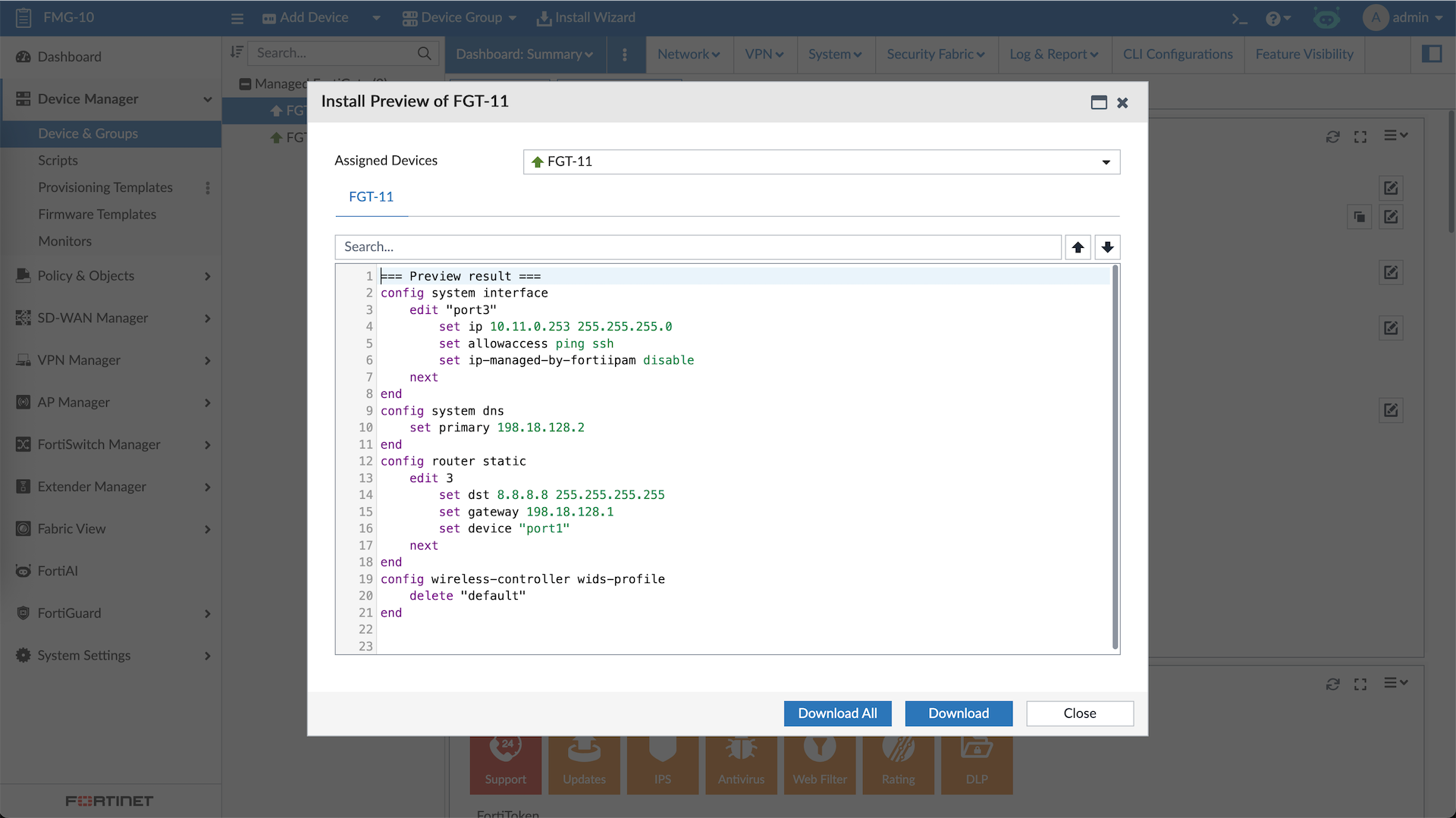
And the changes are pushed to the FGT-11
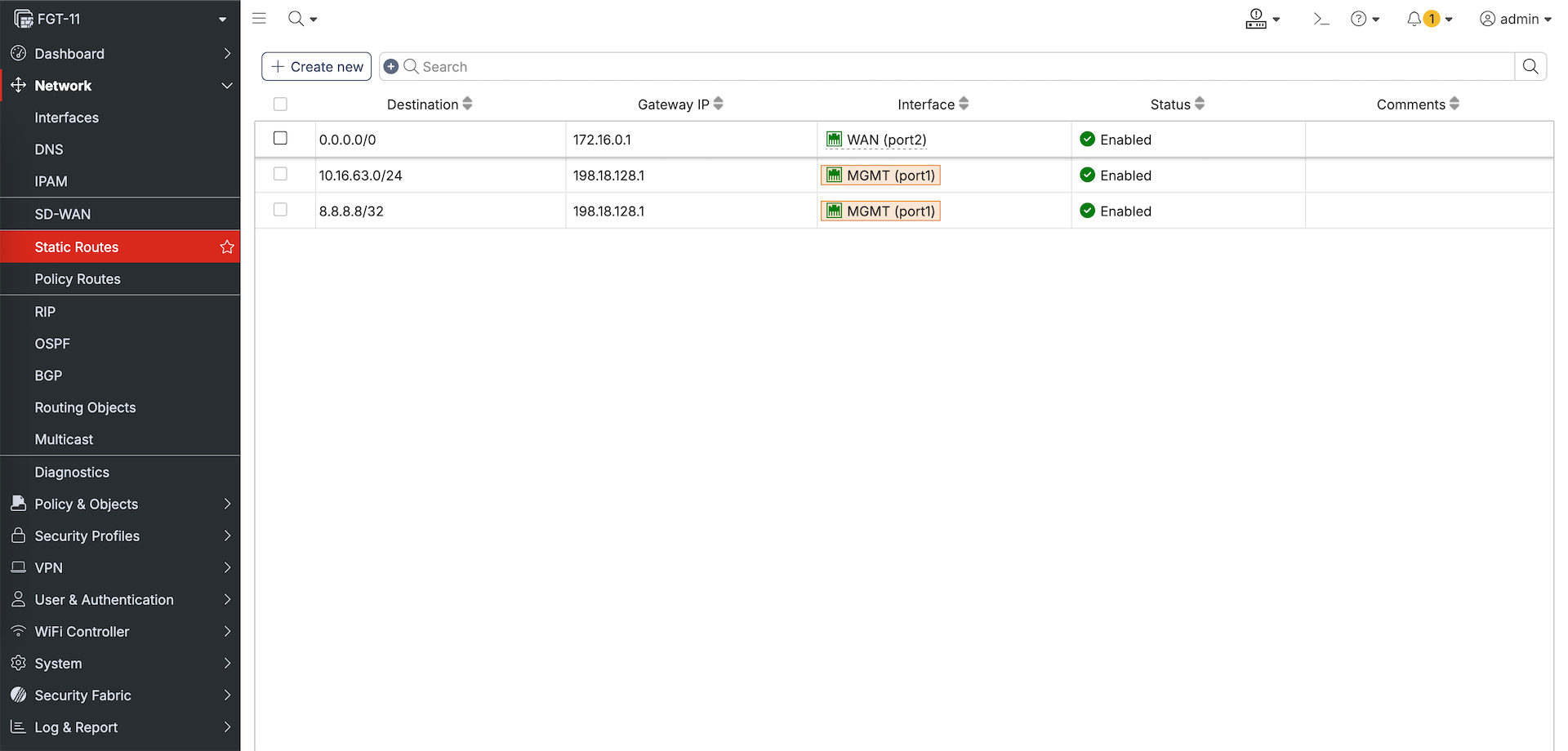
CLI Scripts
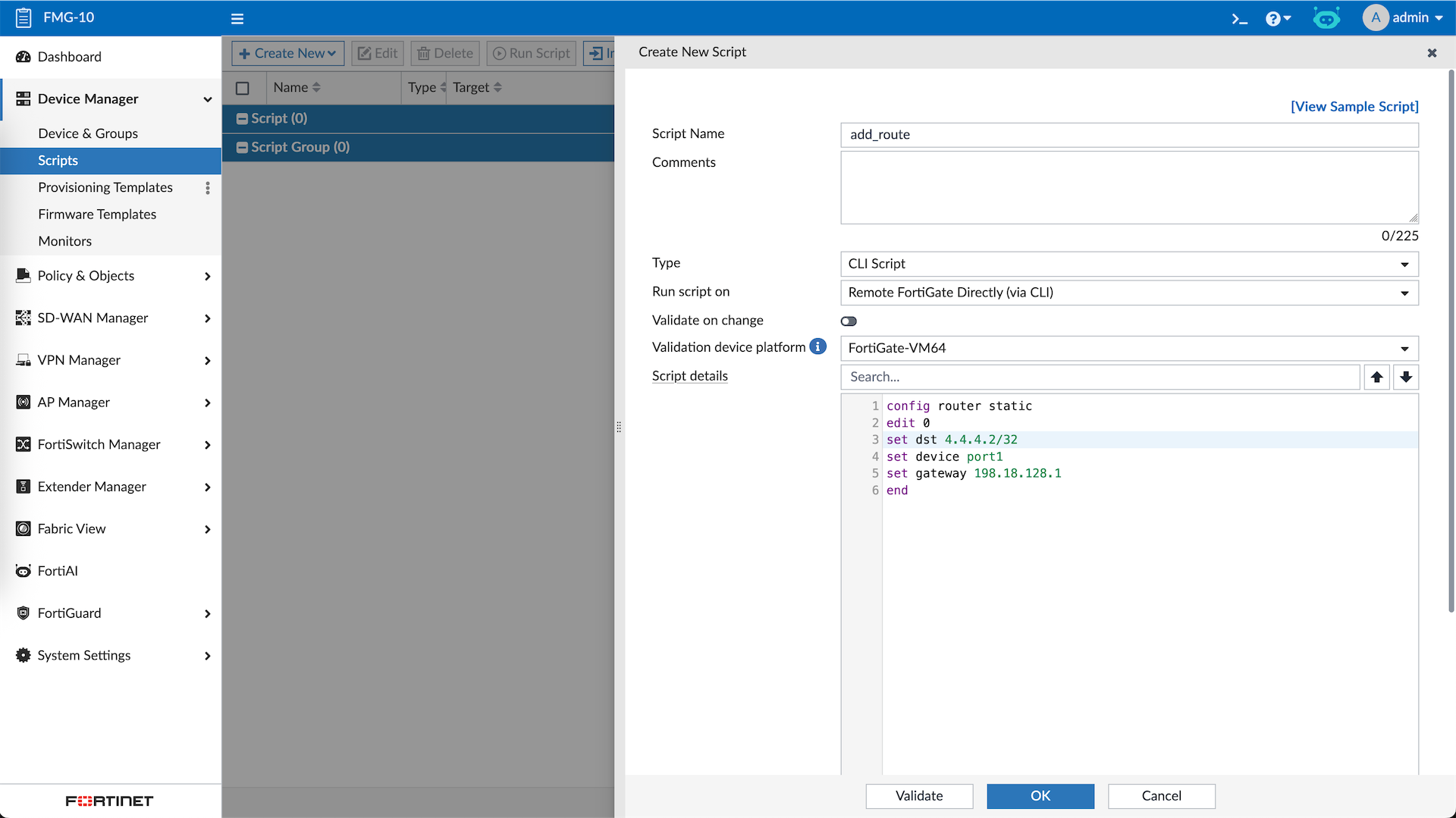
Scripts allow us to easily and quickly push some CLI configs to the devices, here we add a CLI Script to add static route
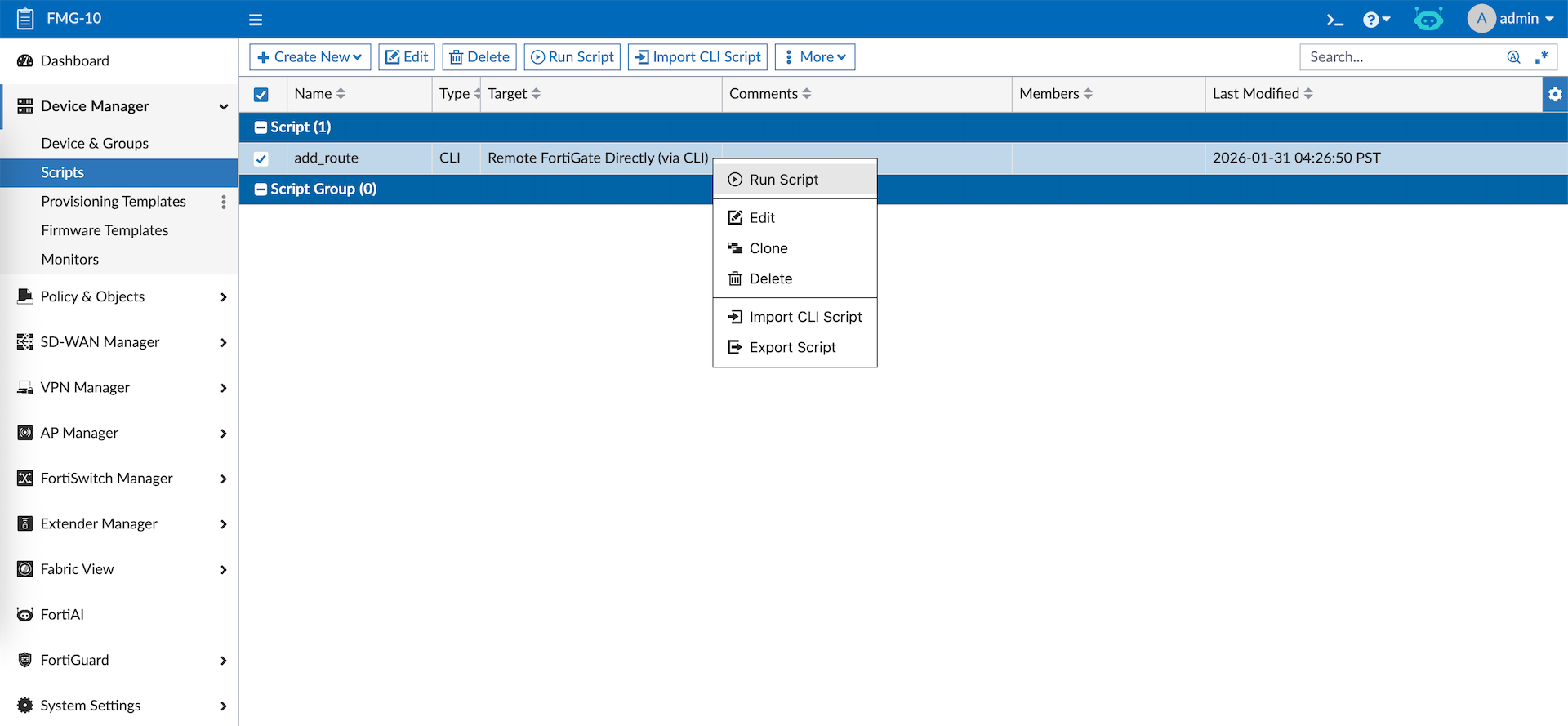
After that just right click on the script and hit run
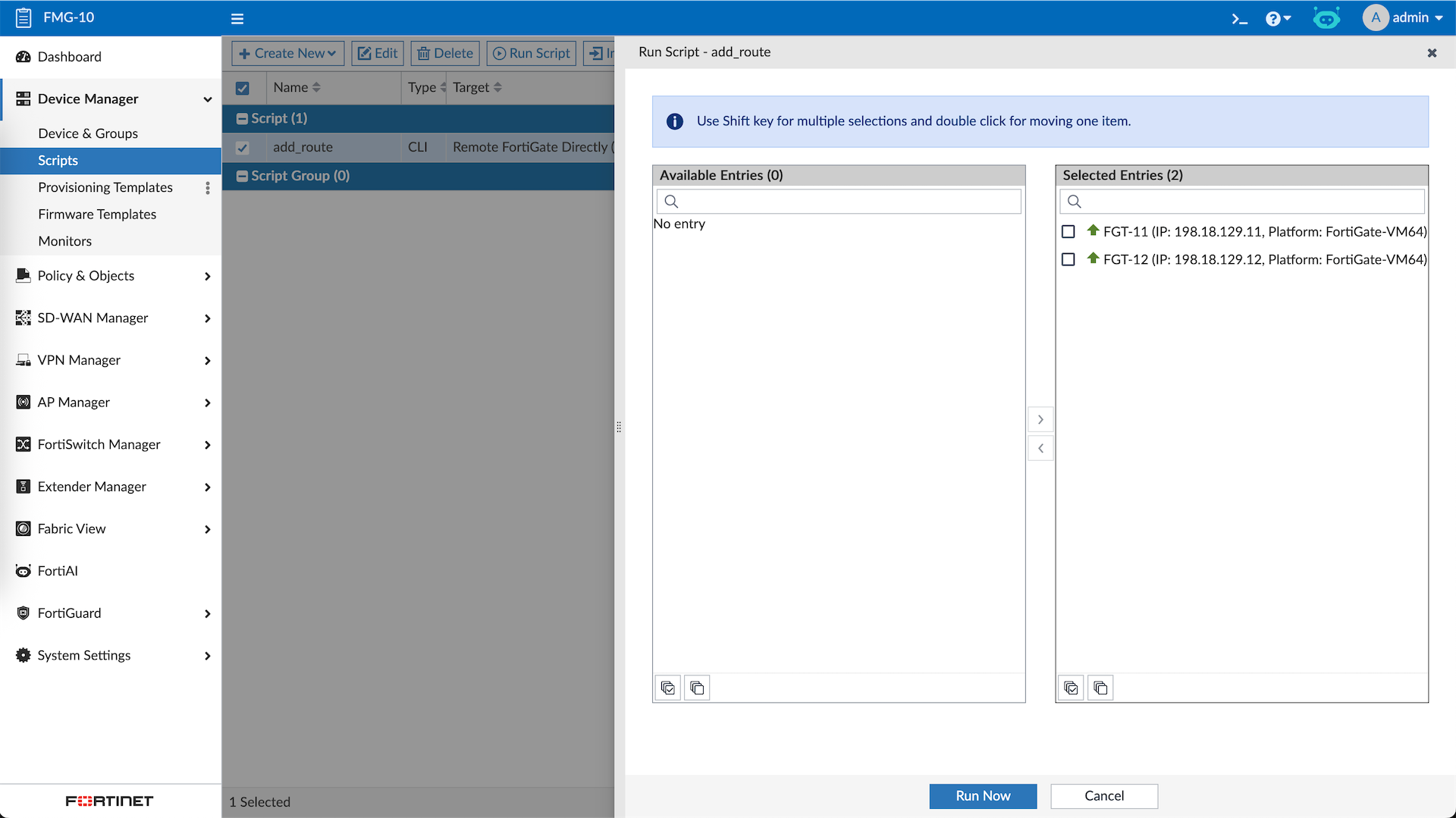
Then select the target devices
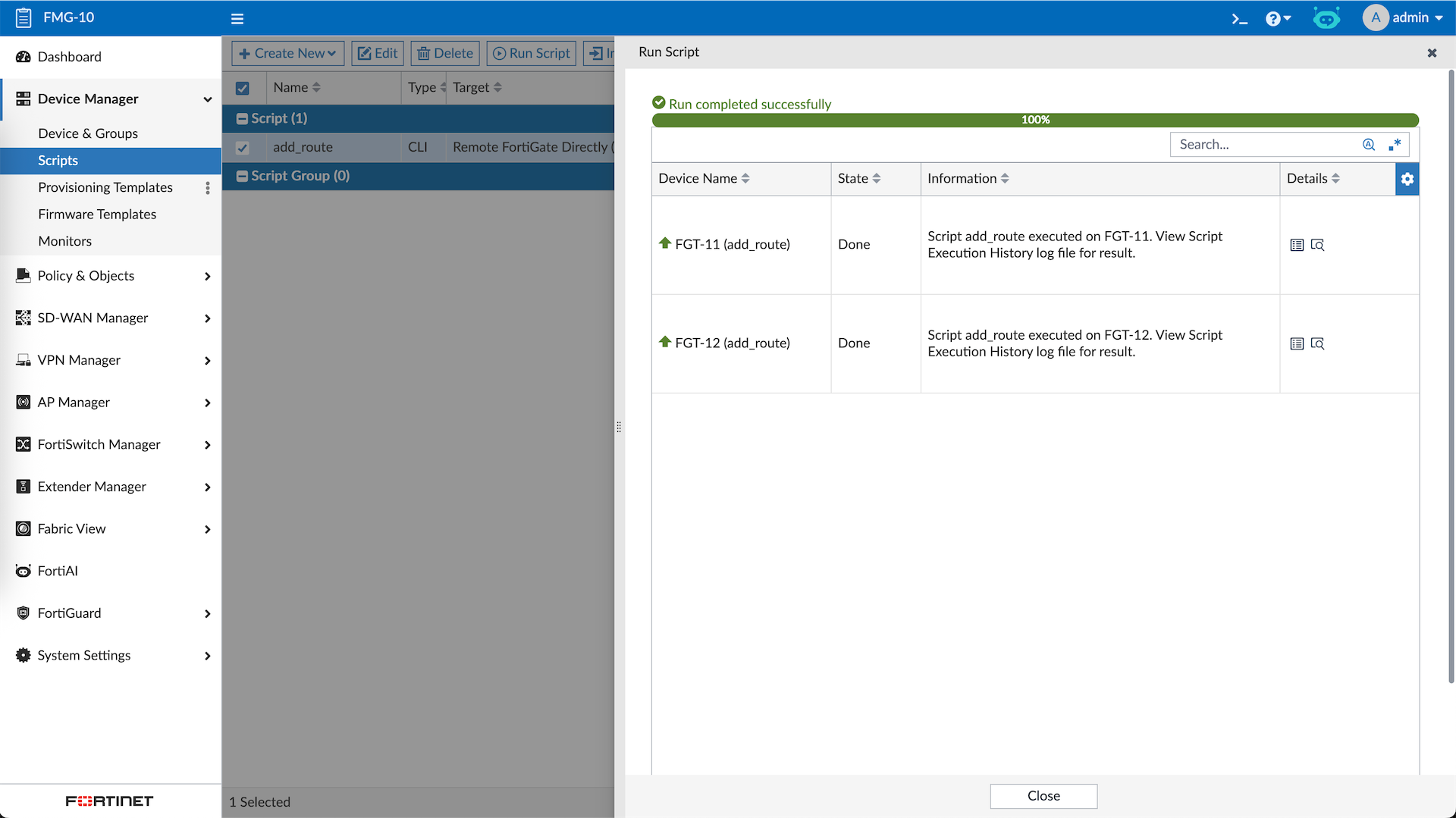
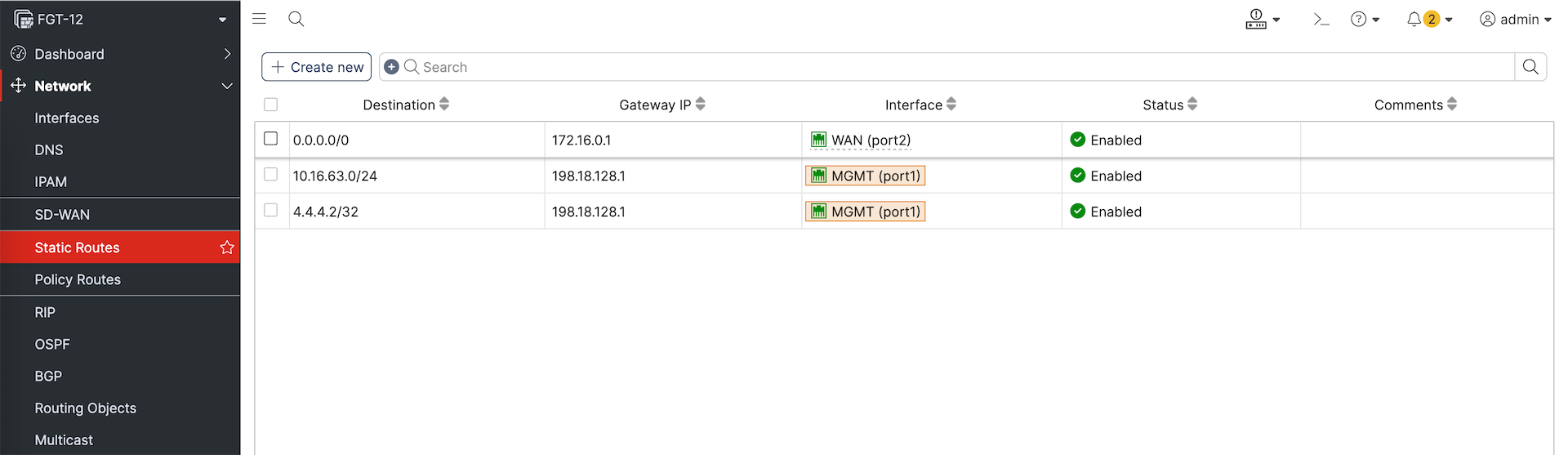
And the changes are pushed to the devices
Provisioning Templates
Provisioning templates are predefined configuration sets used to automatically apply standard settings (such as interfaces, routing, and security profiles) to multiple devices. Before we dive in into the templates, we will create some Metada Variables
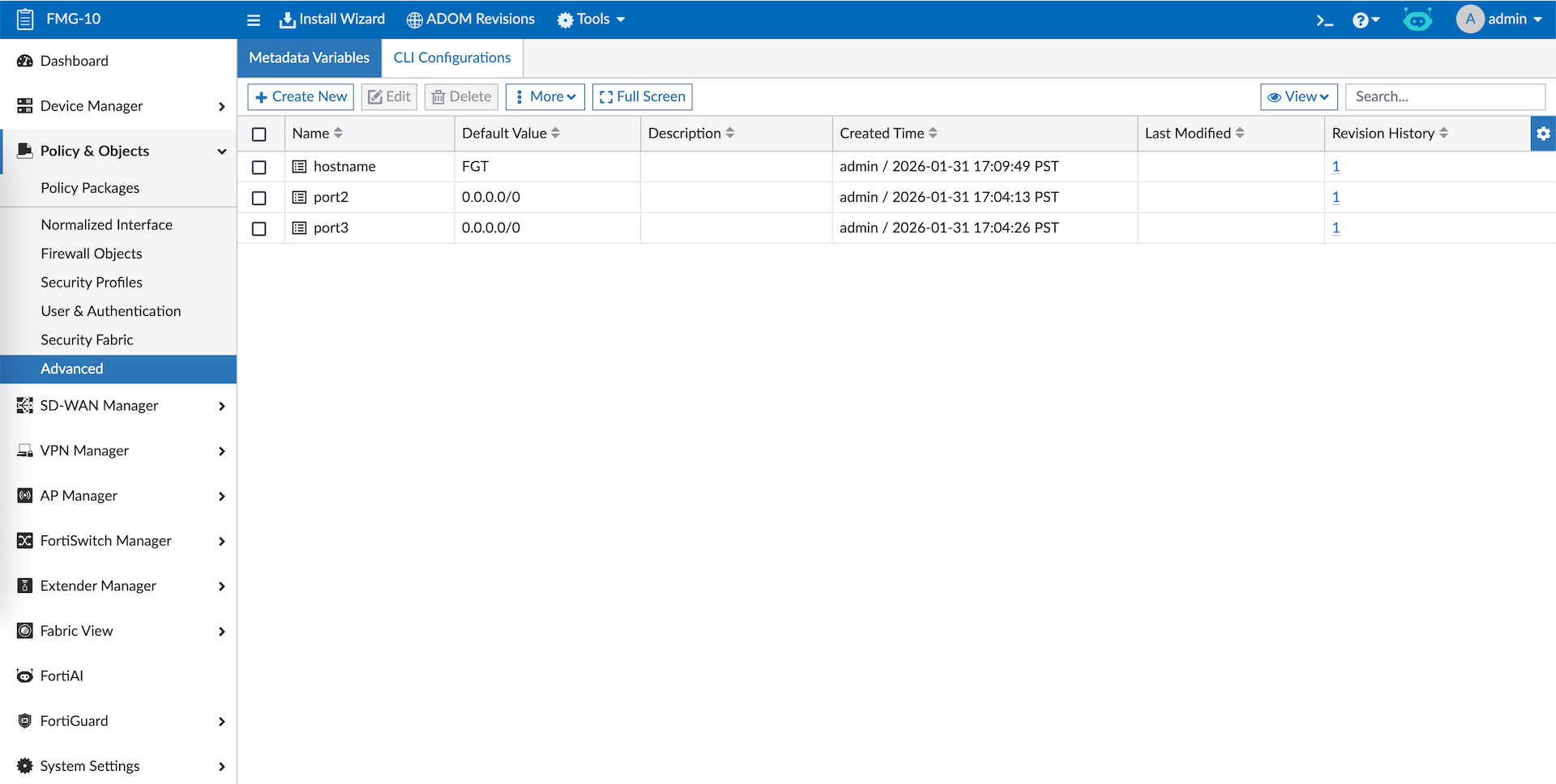
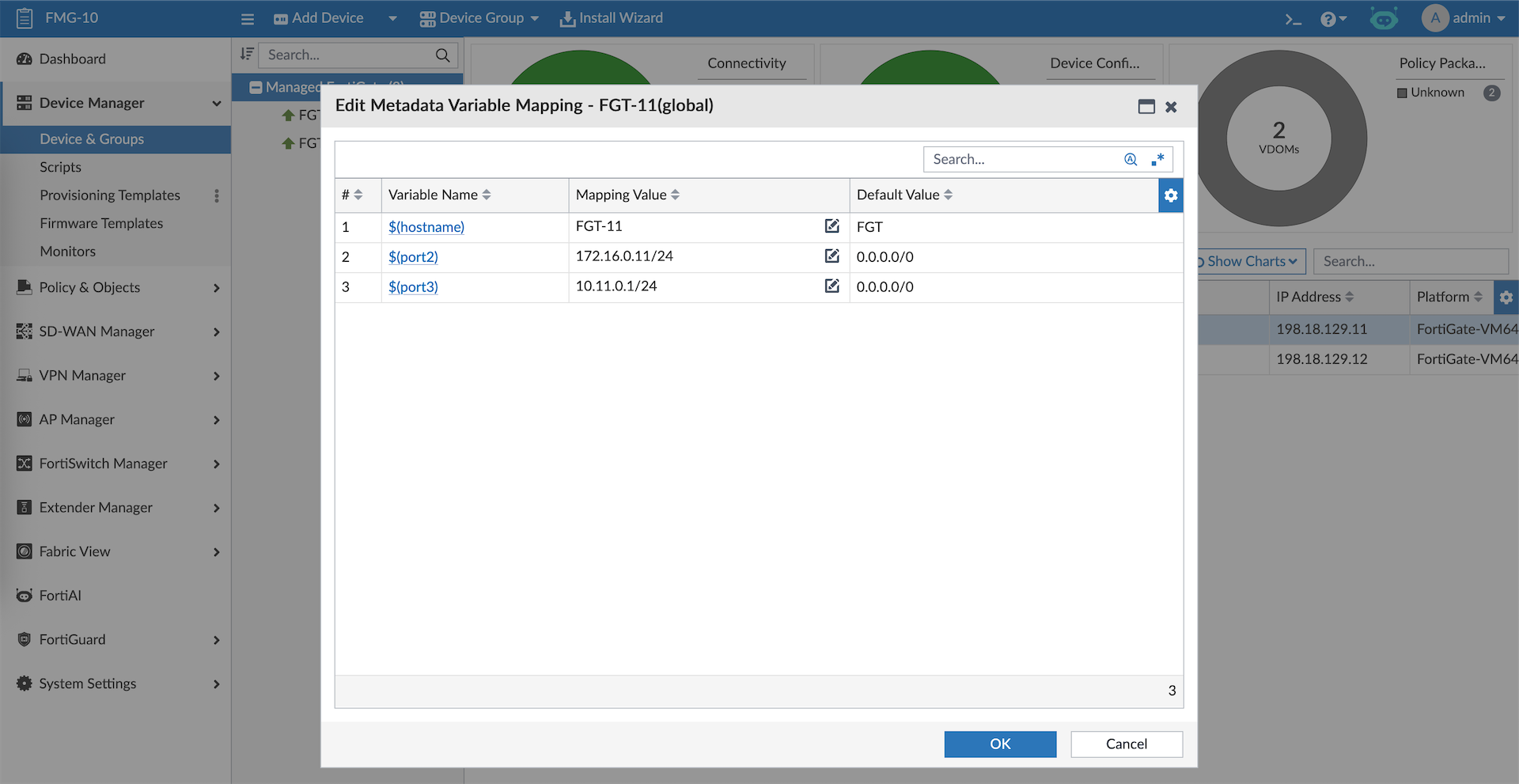
Then we can assign specific values for each device’s variables
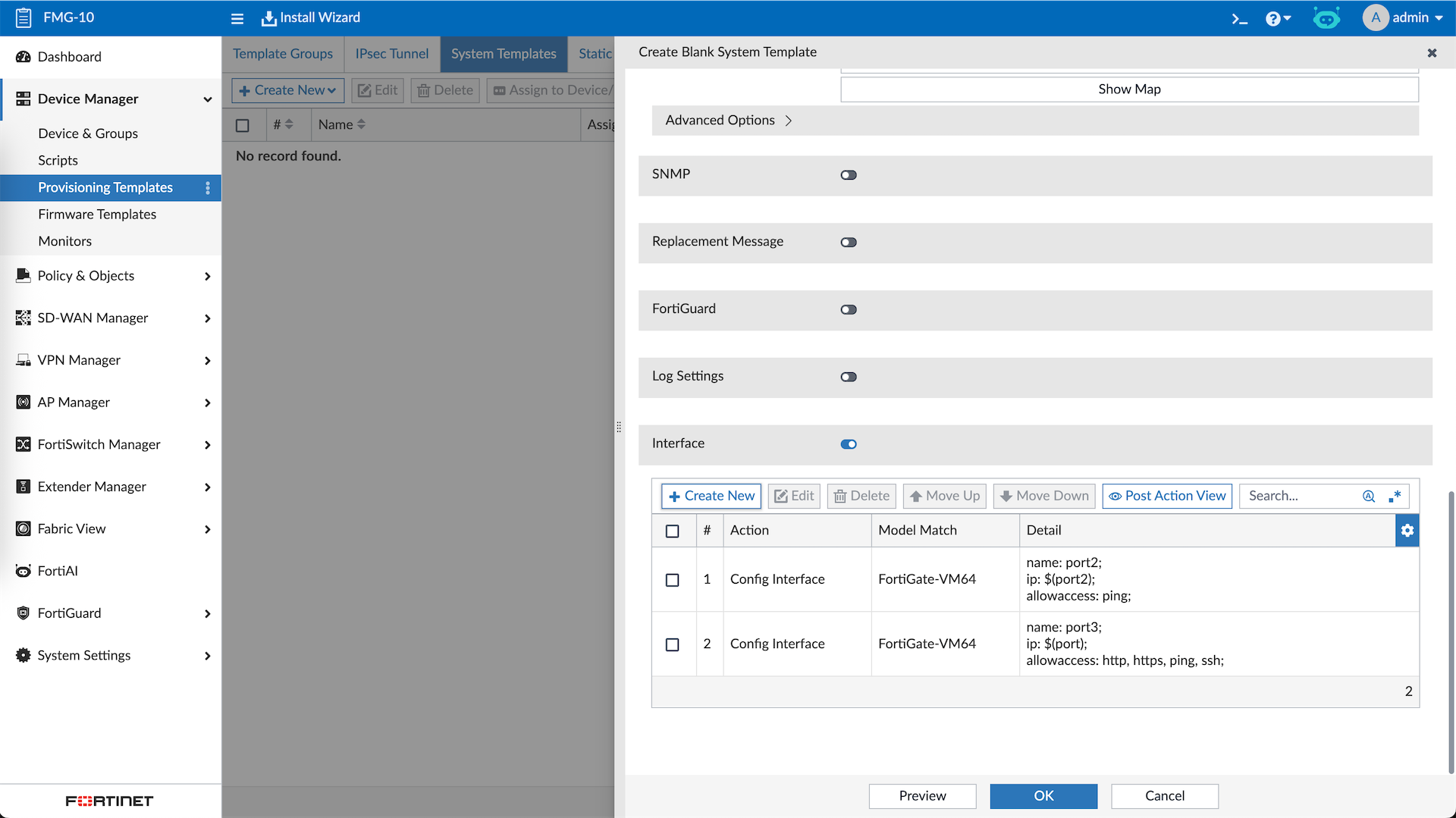
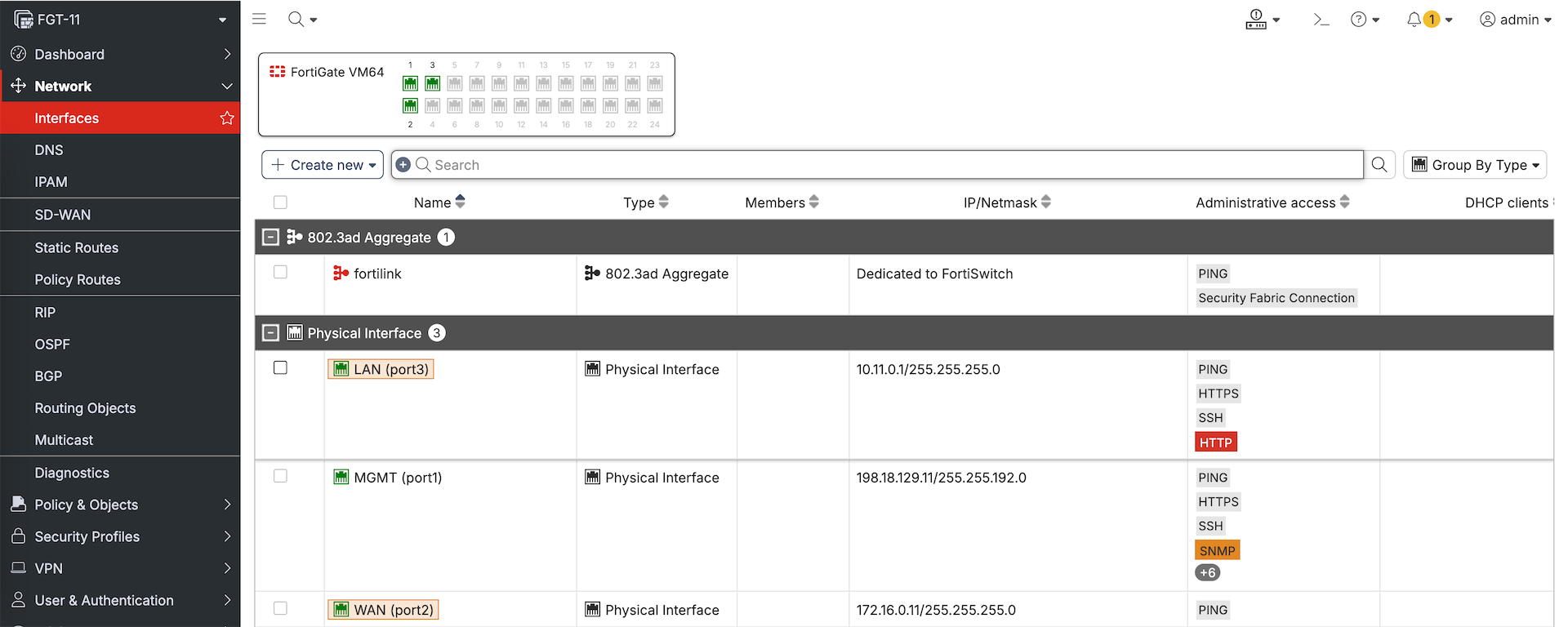
Next we will create a System Template where we configure the Port2 & Port3
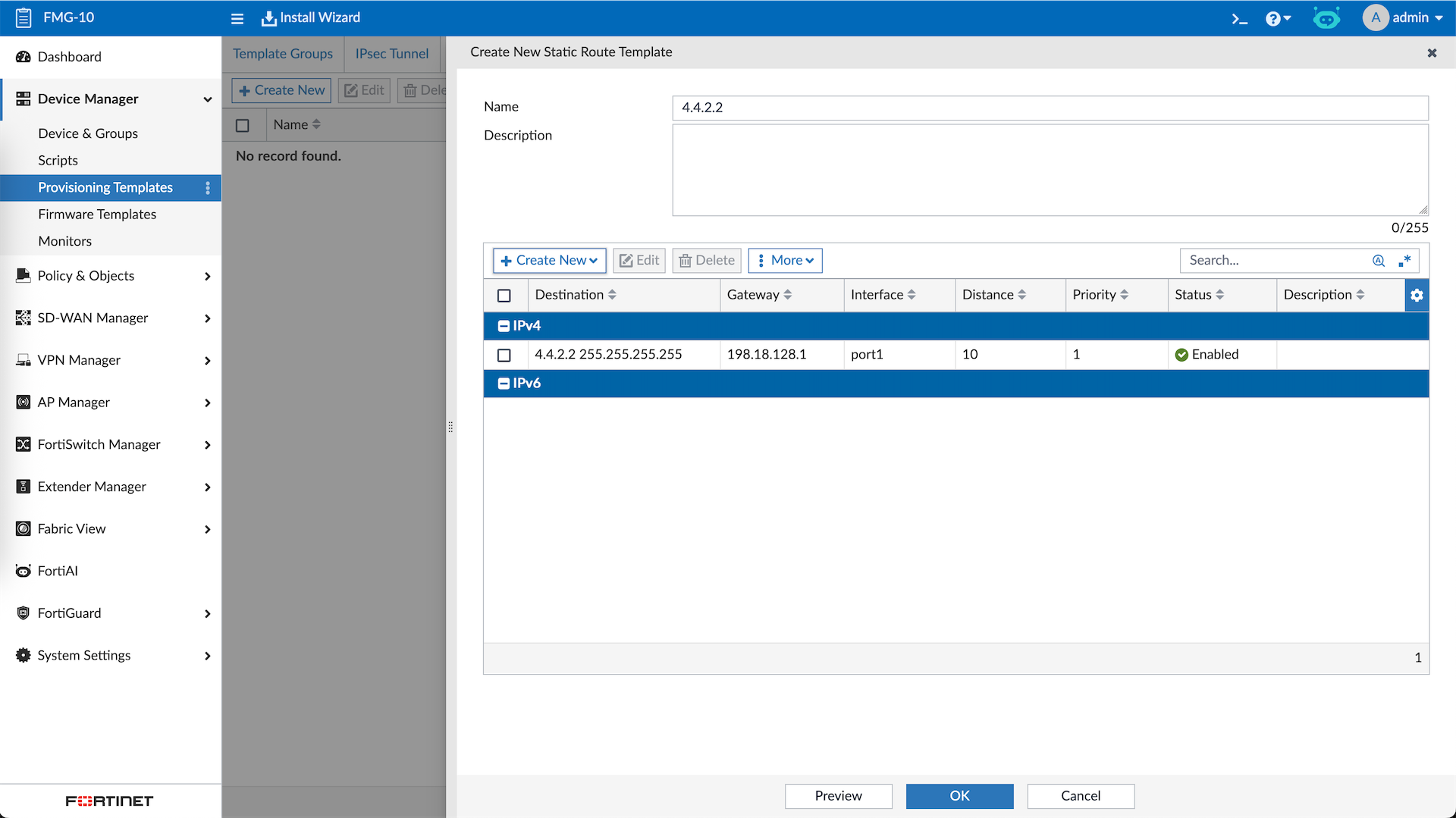
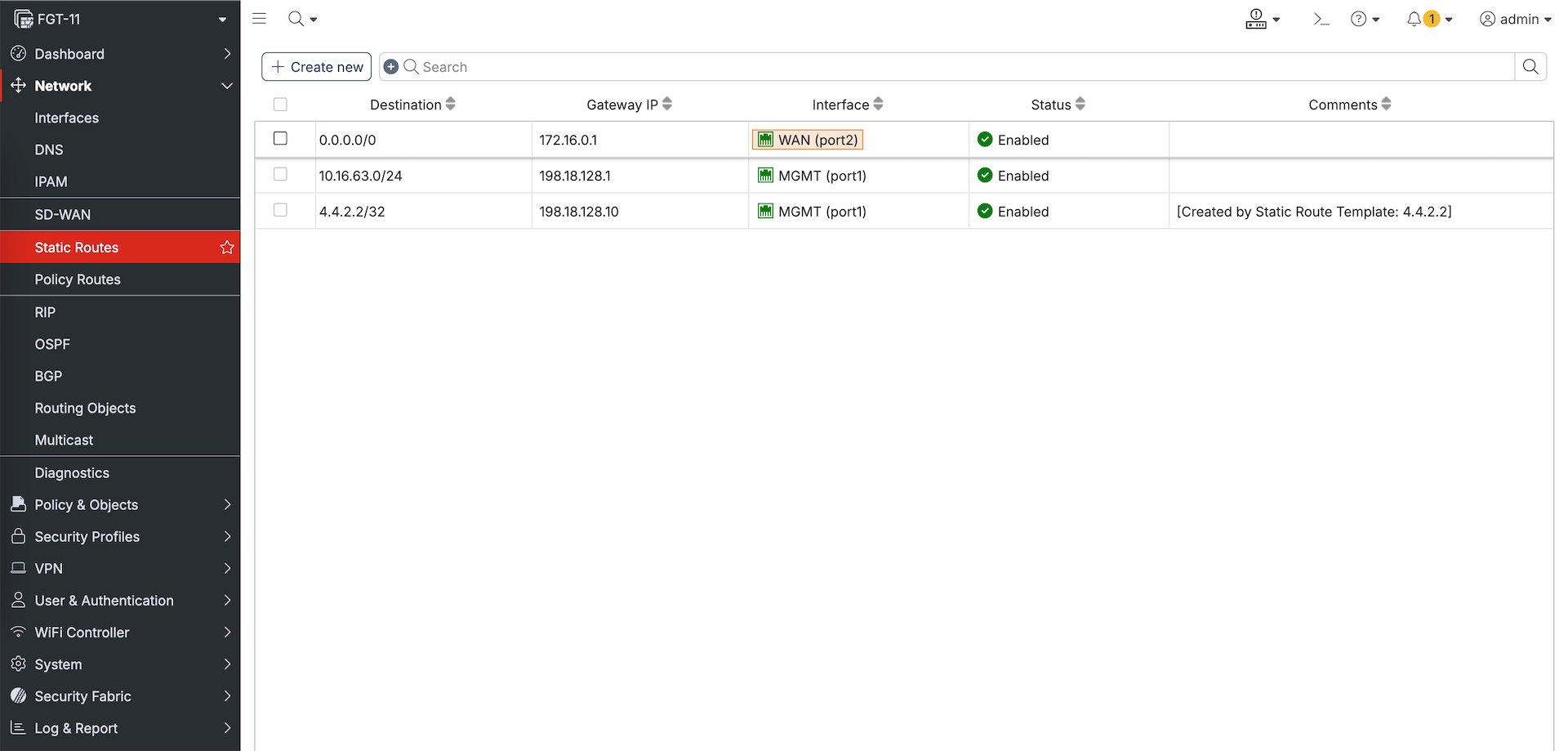
We also add Static Route Template
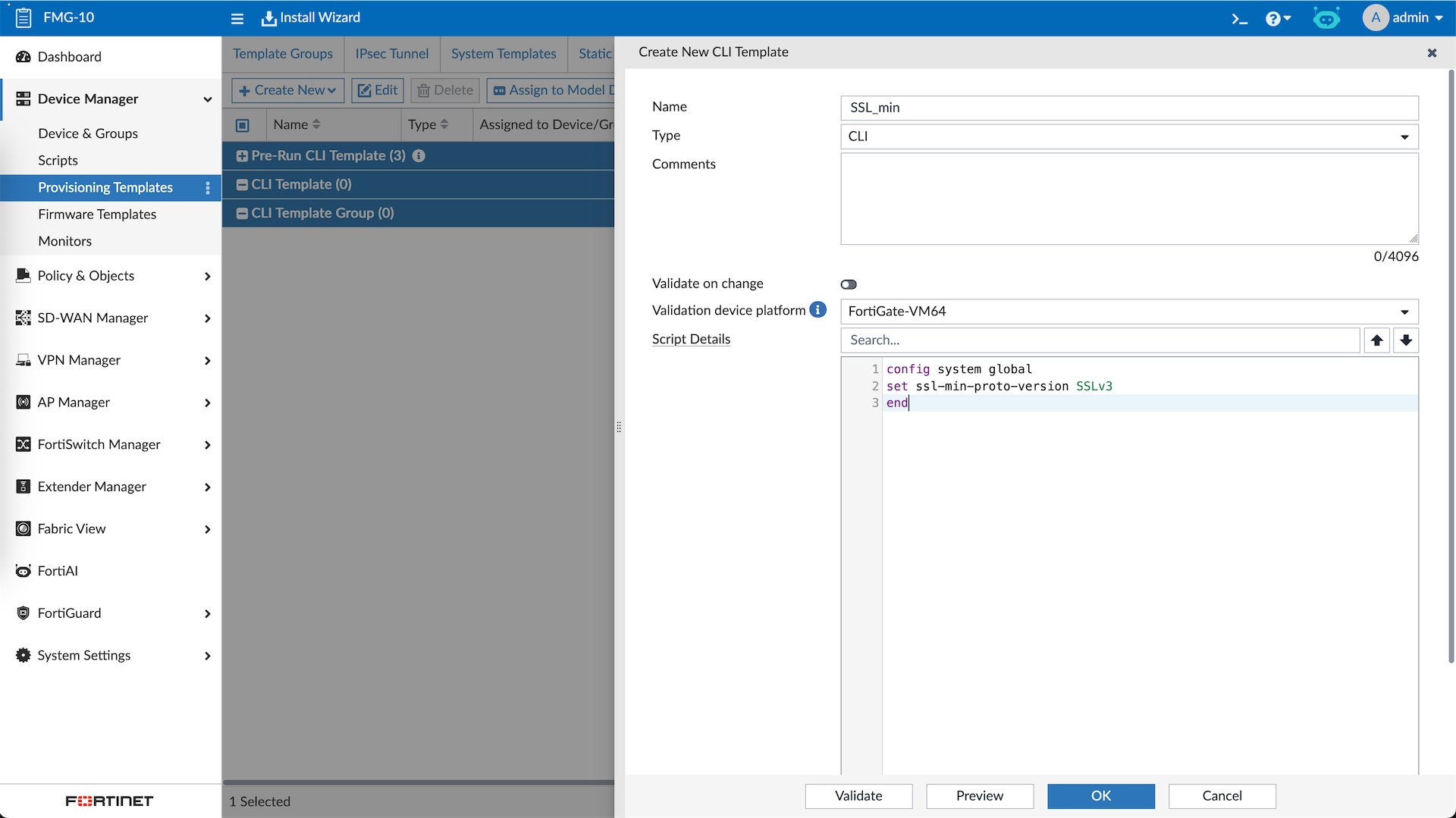
And some CLI conifgurations as well using CLI Template
After that we can create a Template Group where we group all the created templates
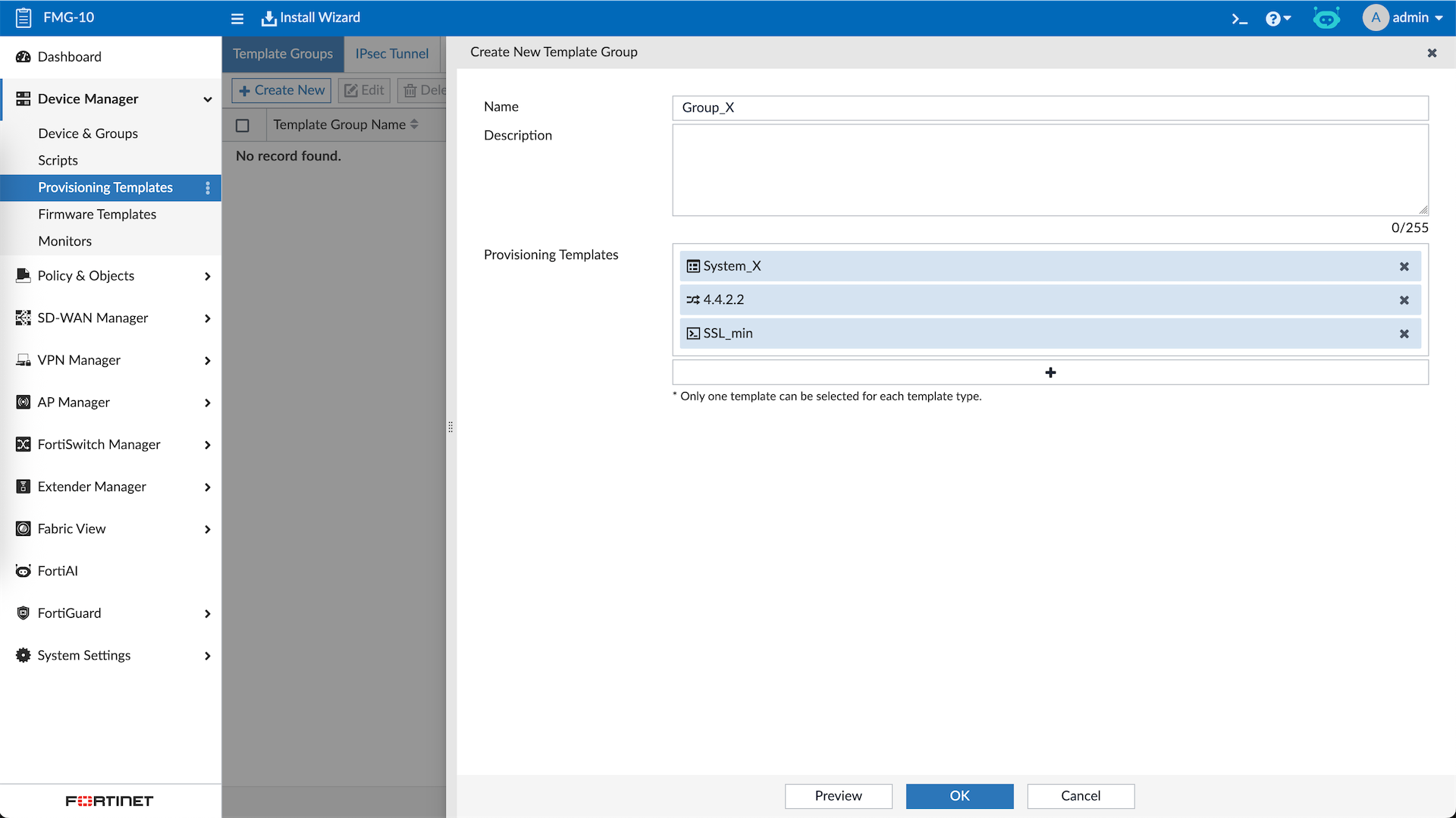
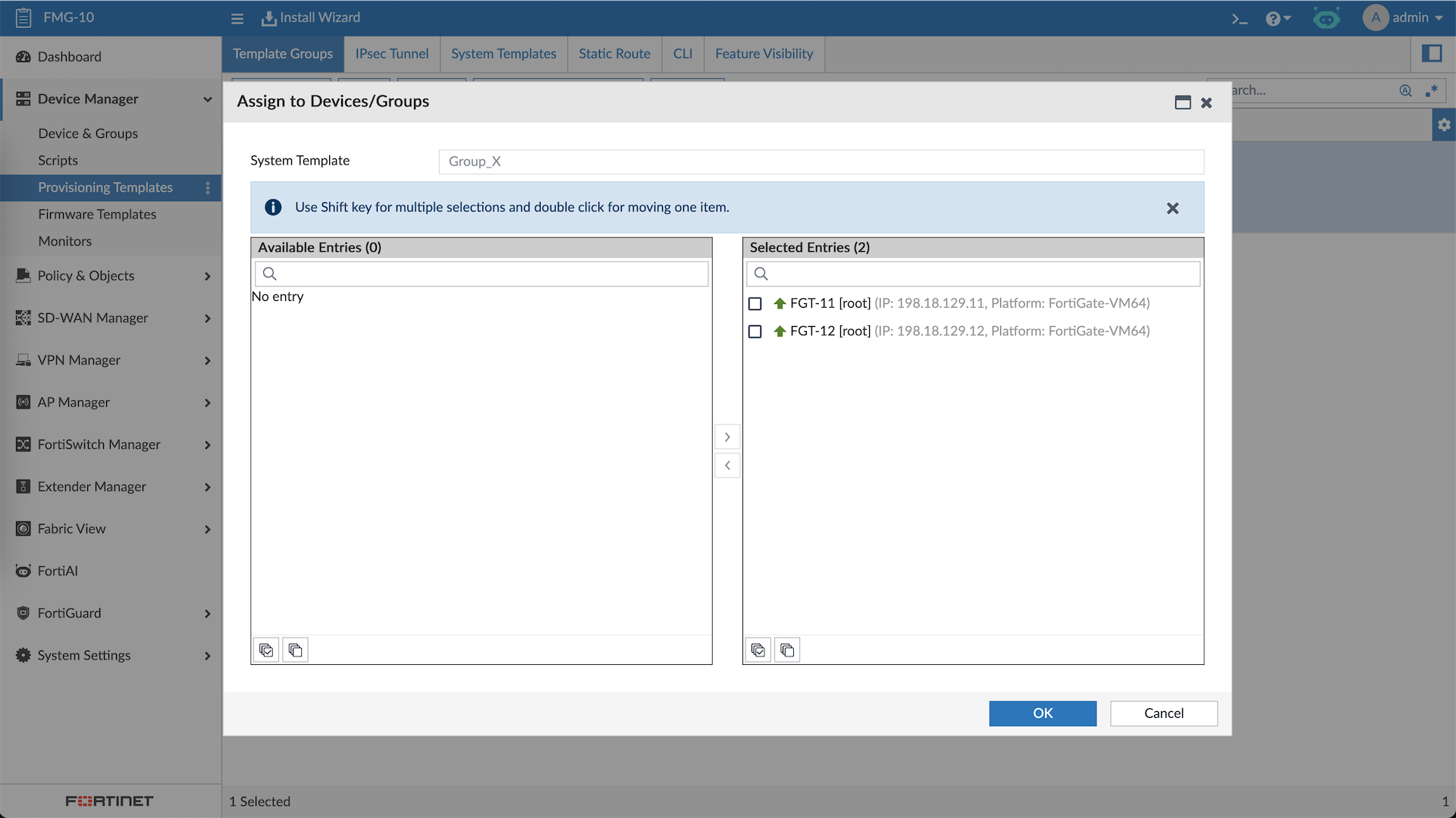
Then we assign the Template Group to the devices
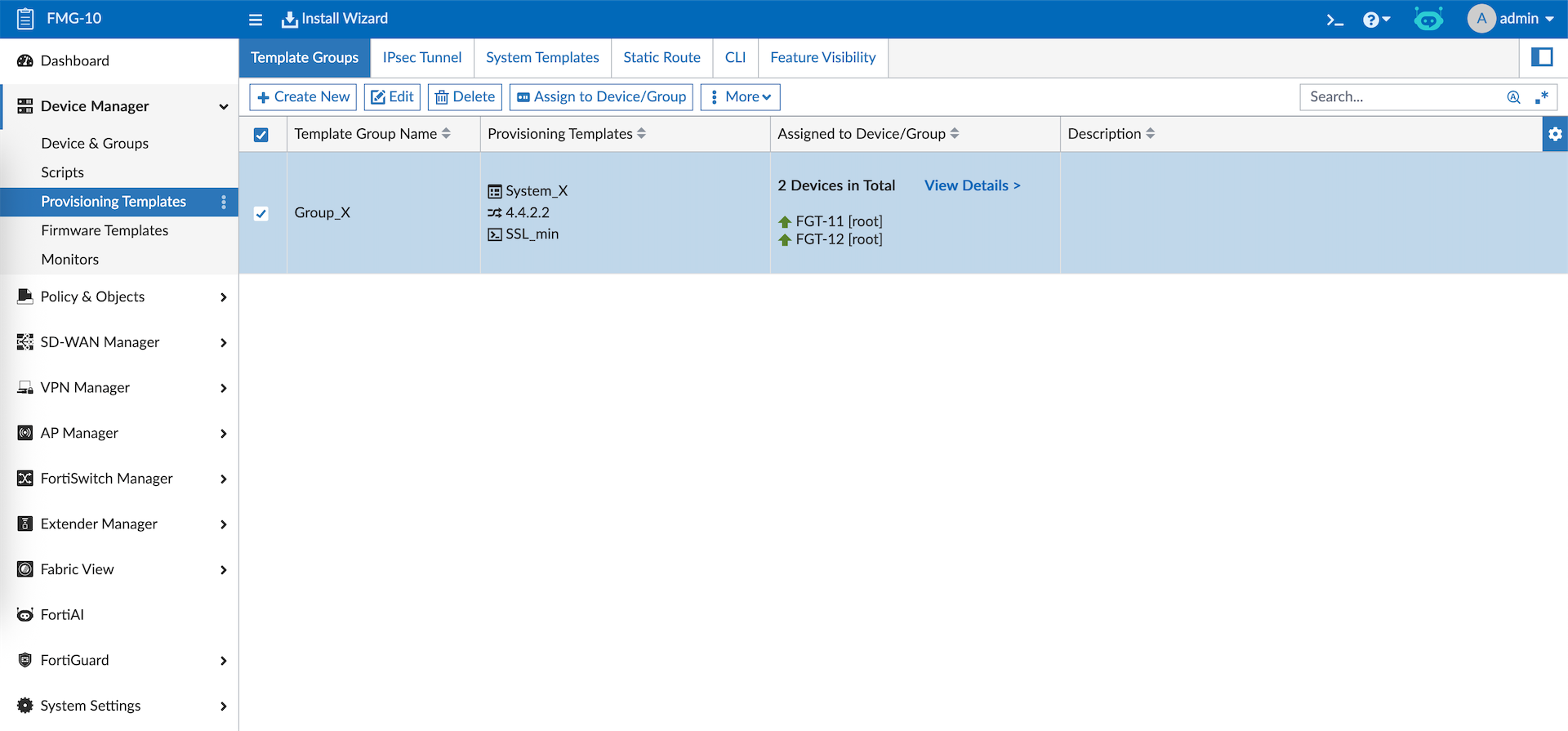
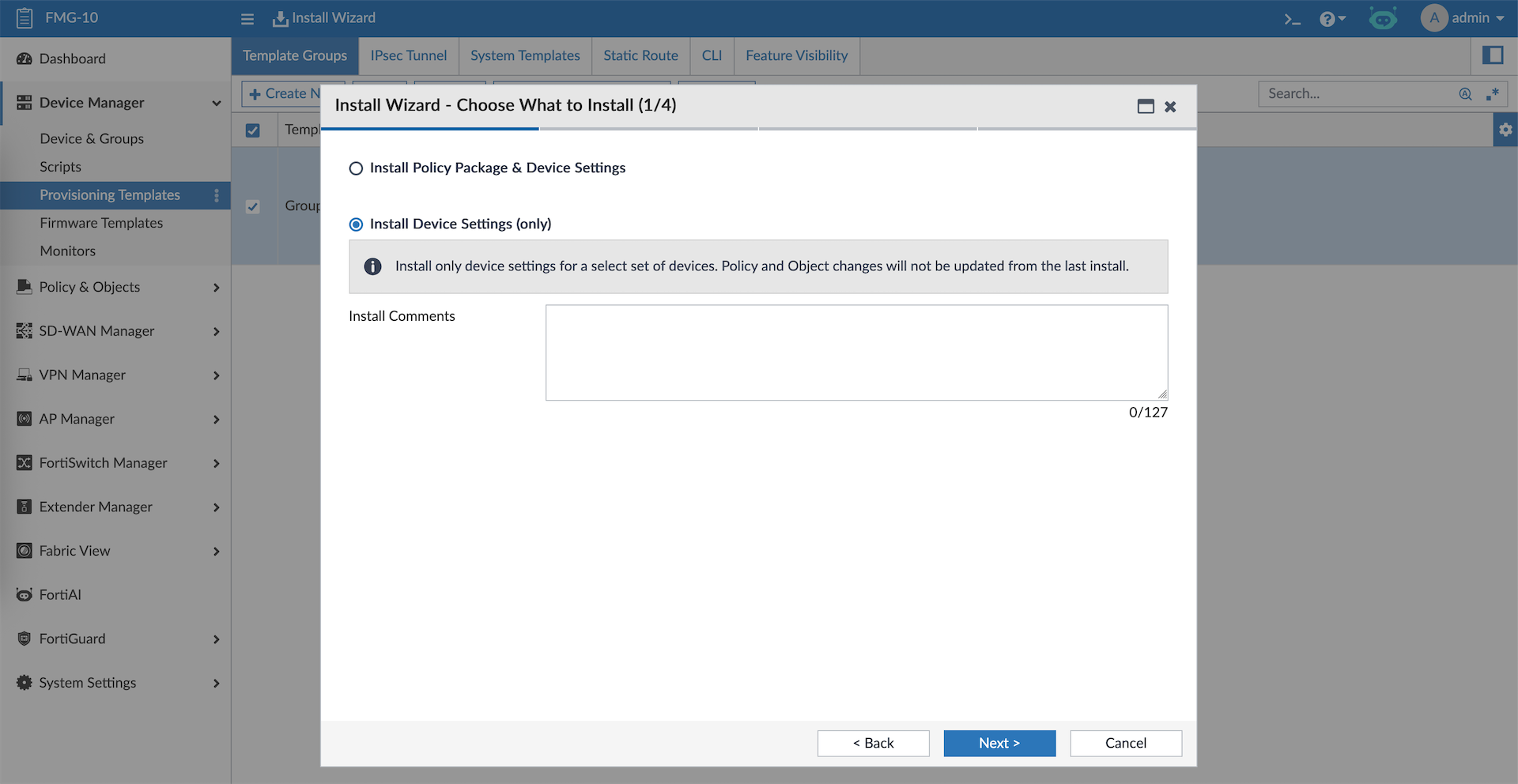
Next we can push it by selecting Install Device Settings
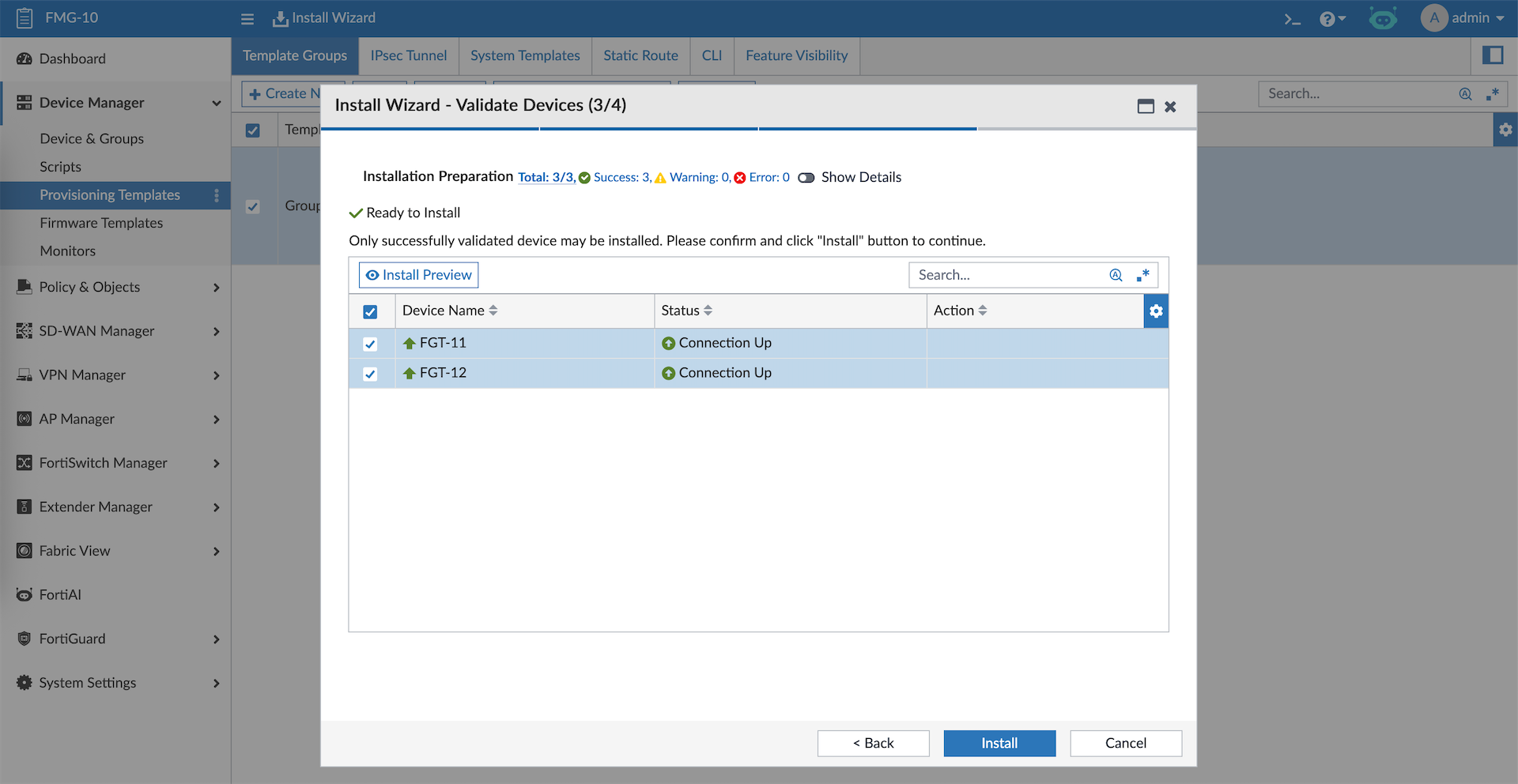
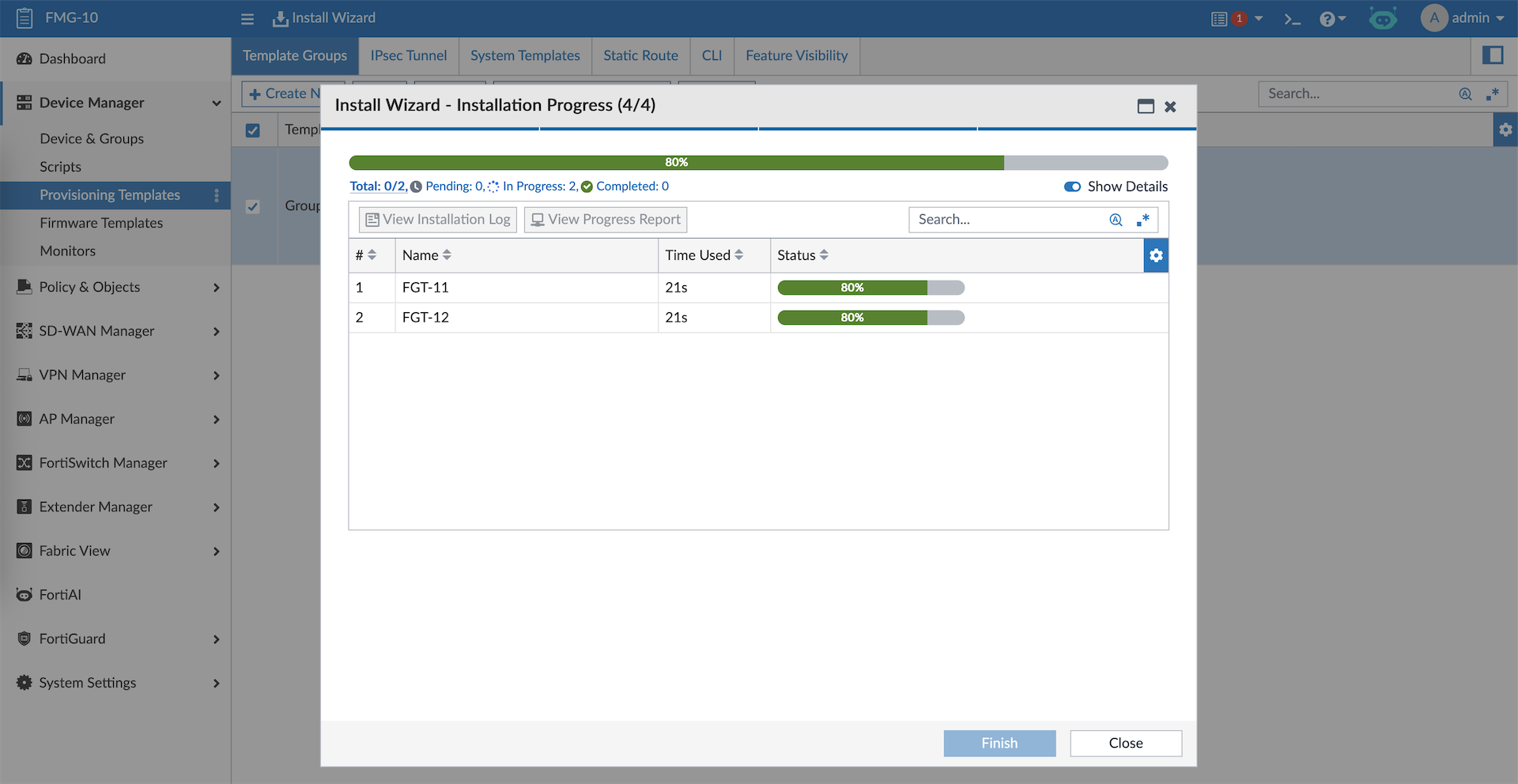
And just like that we just deployed a unified configuration across multiple devices
Policy Packages
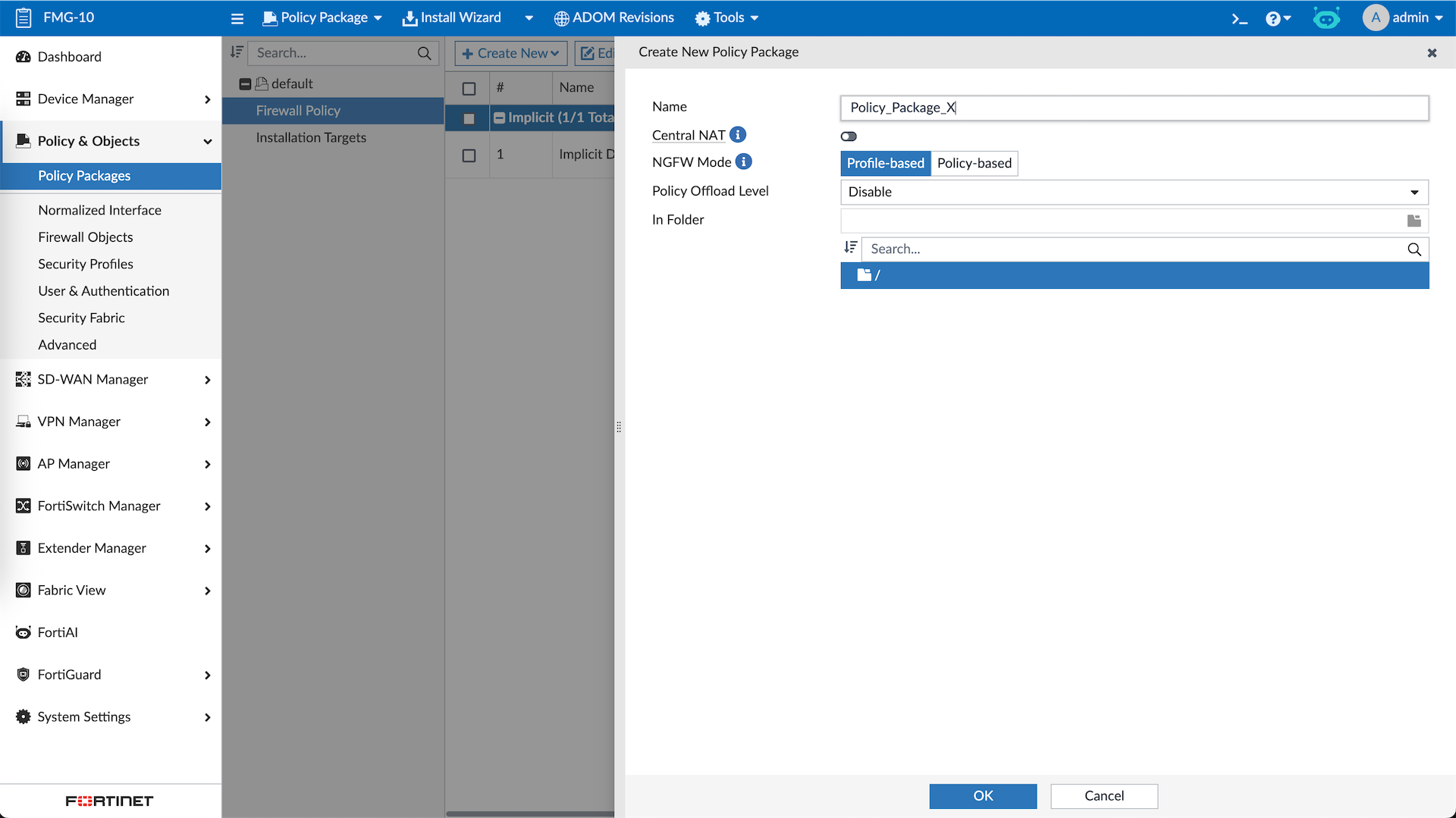
A policy package is a collection of firewall policies and related objects that are deployed together to one or more FortiGate devices. Here we will create new Policy Package
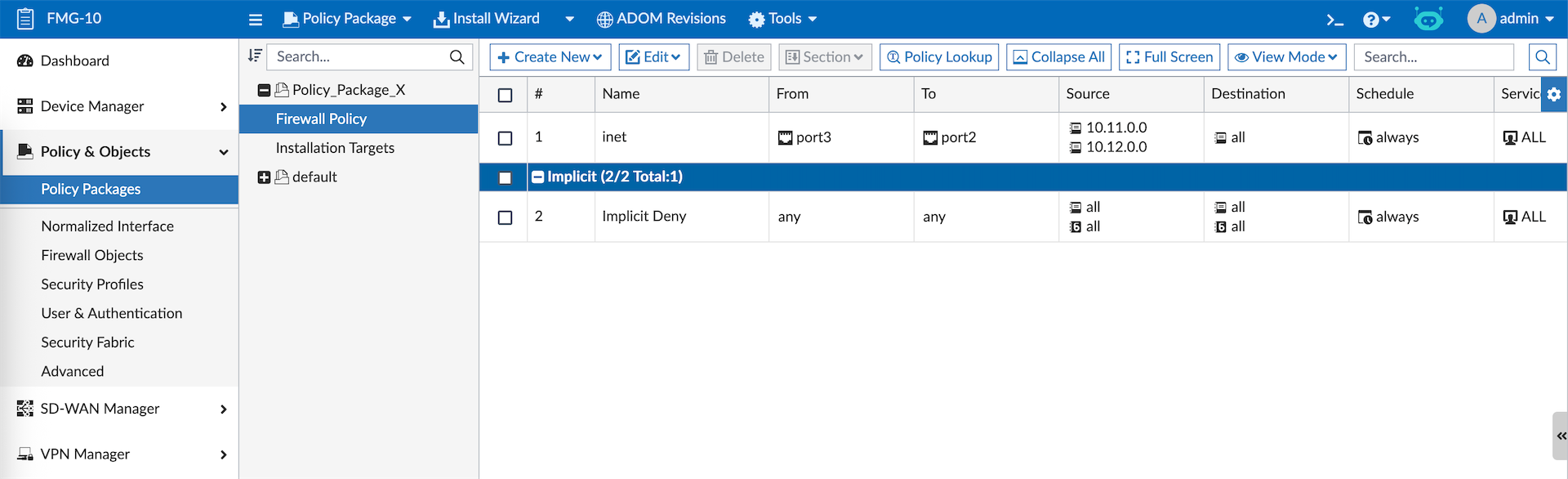
After that we can create a policy rule with some firewall objects in it
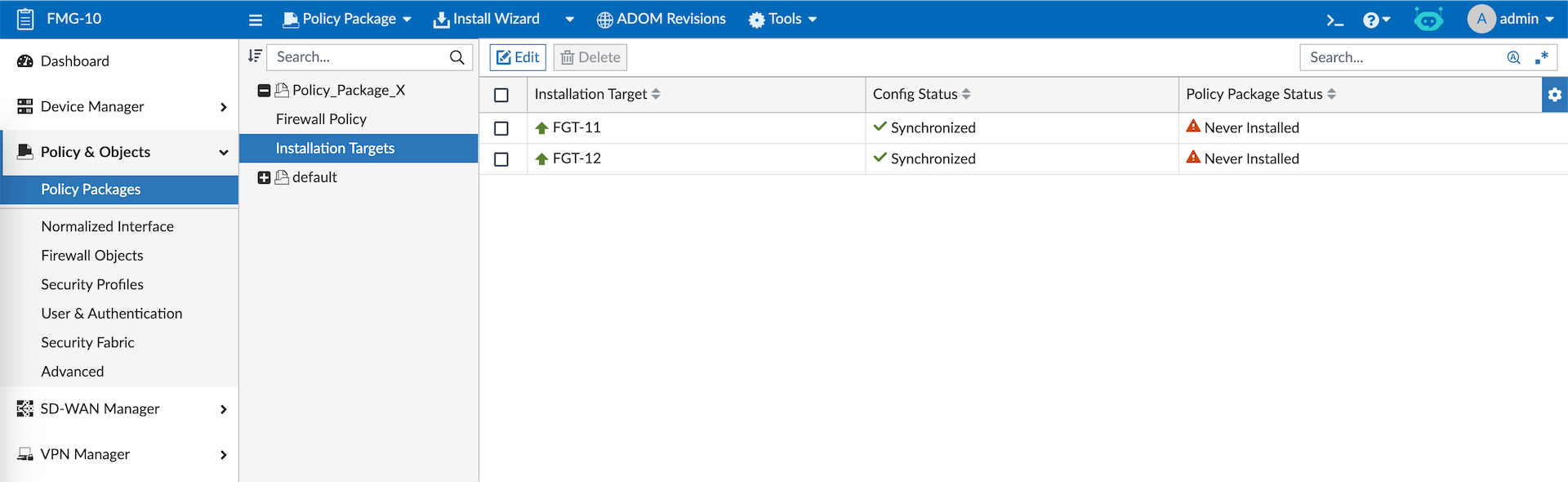
Then we select the devices as installation targets
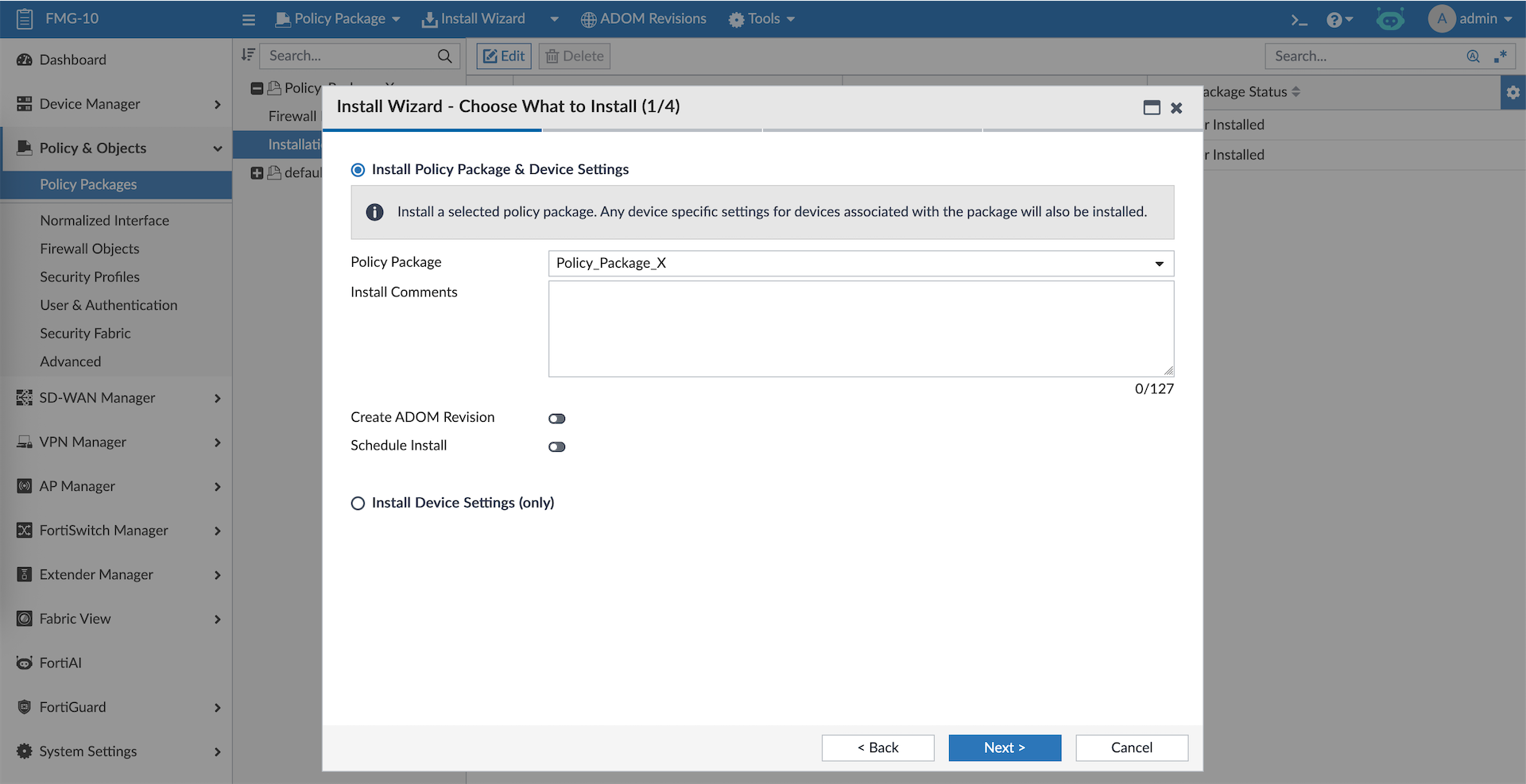
And to push the policy, select Install Policy Package
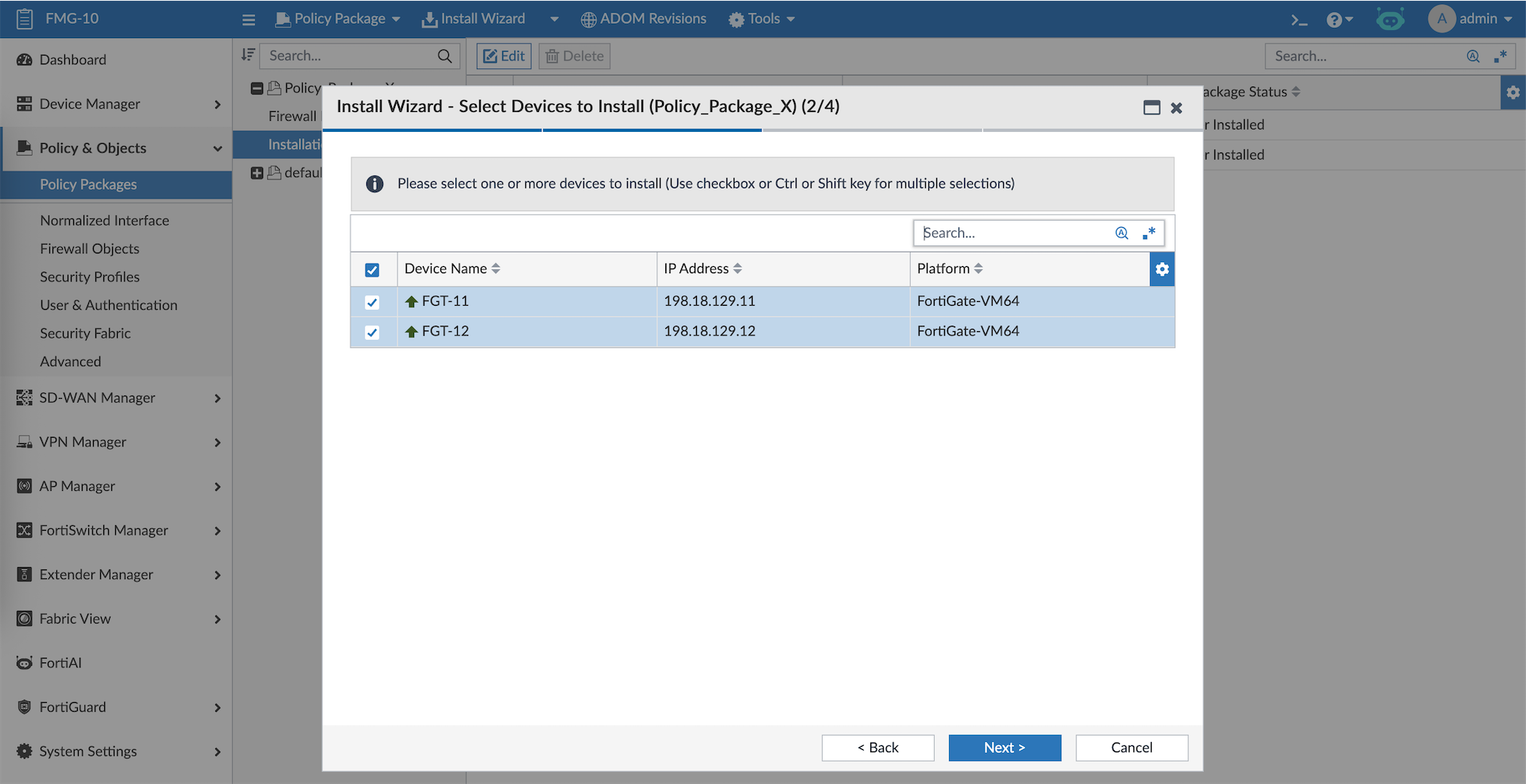
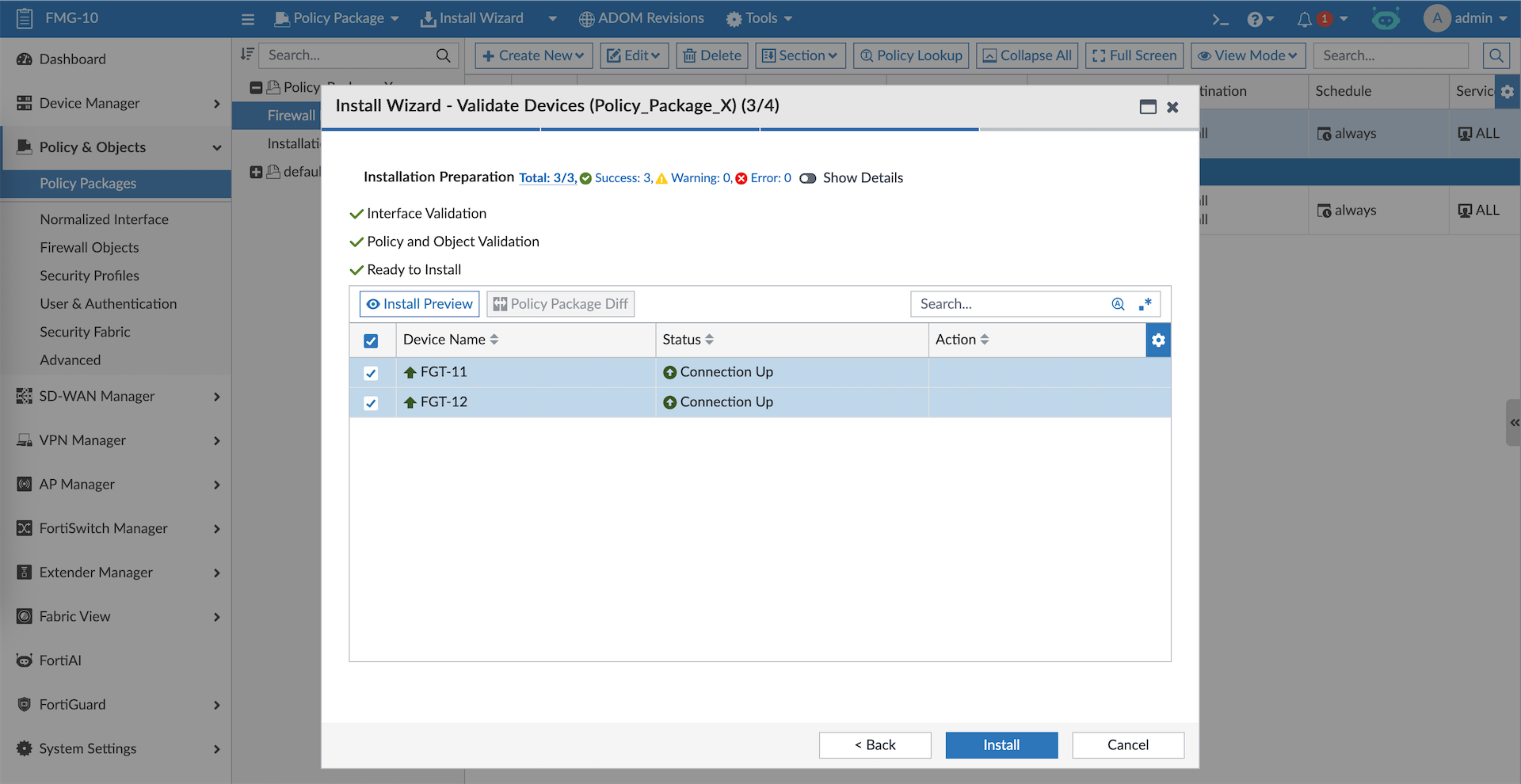
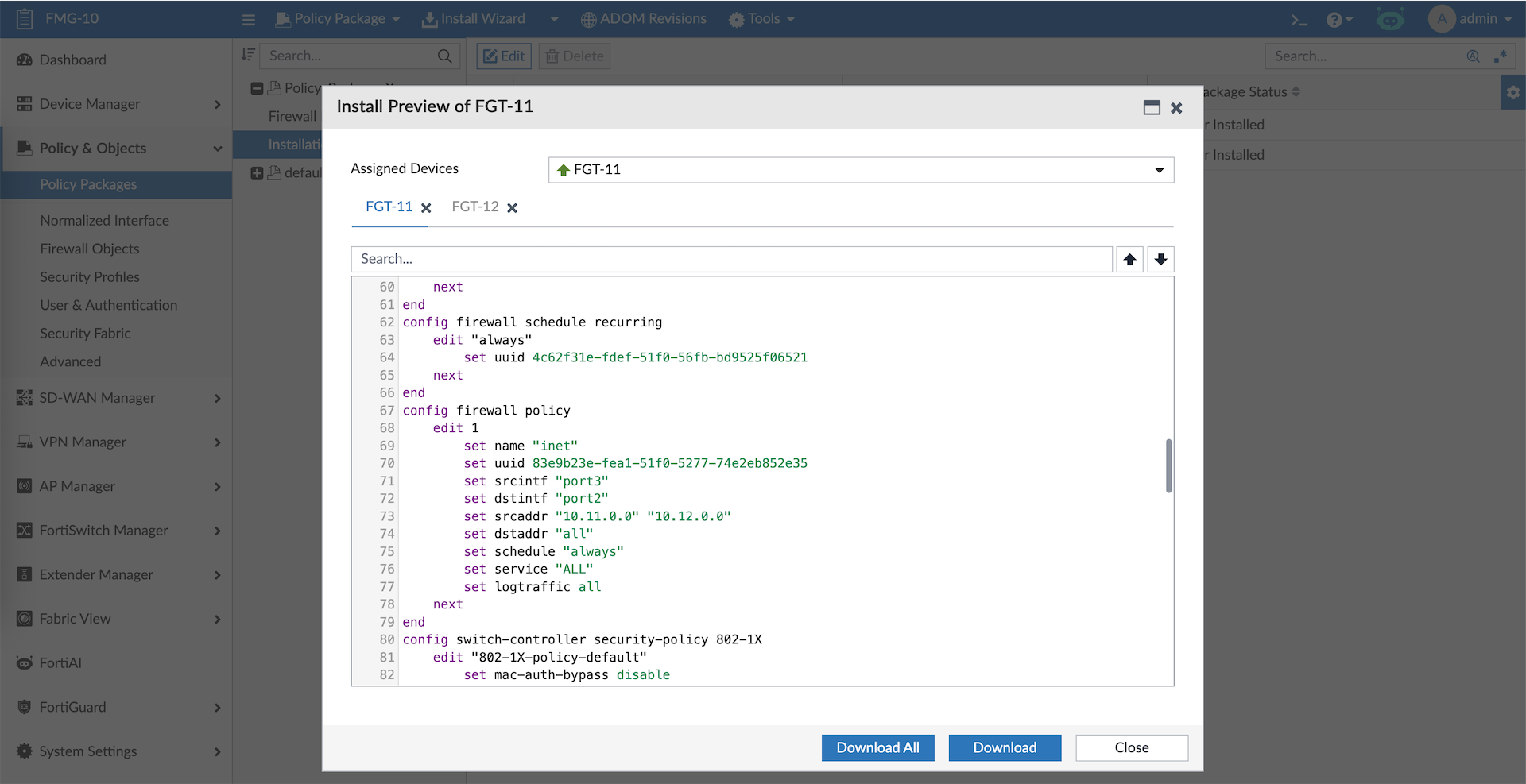
Same as before, we can preview the to be pushed policy
After all’s good, we can proceed with installation
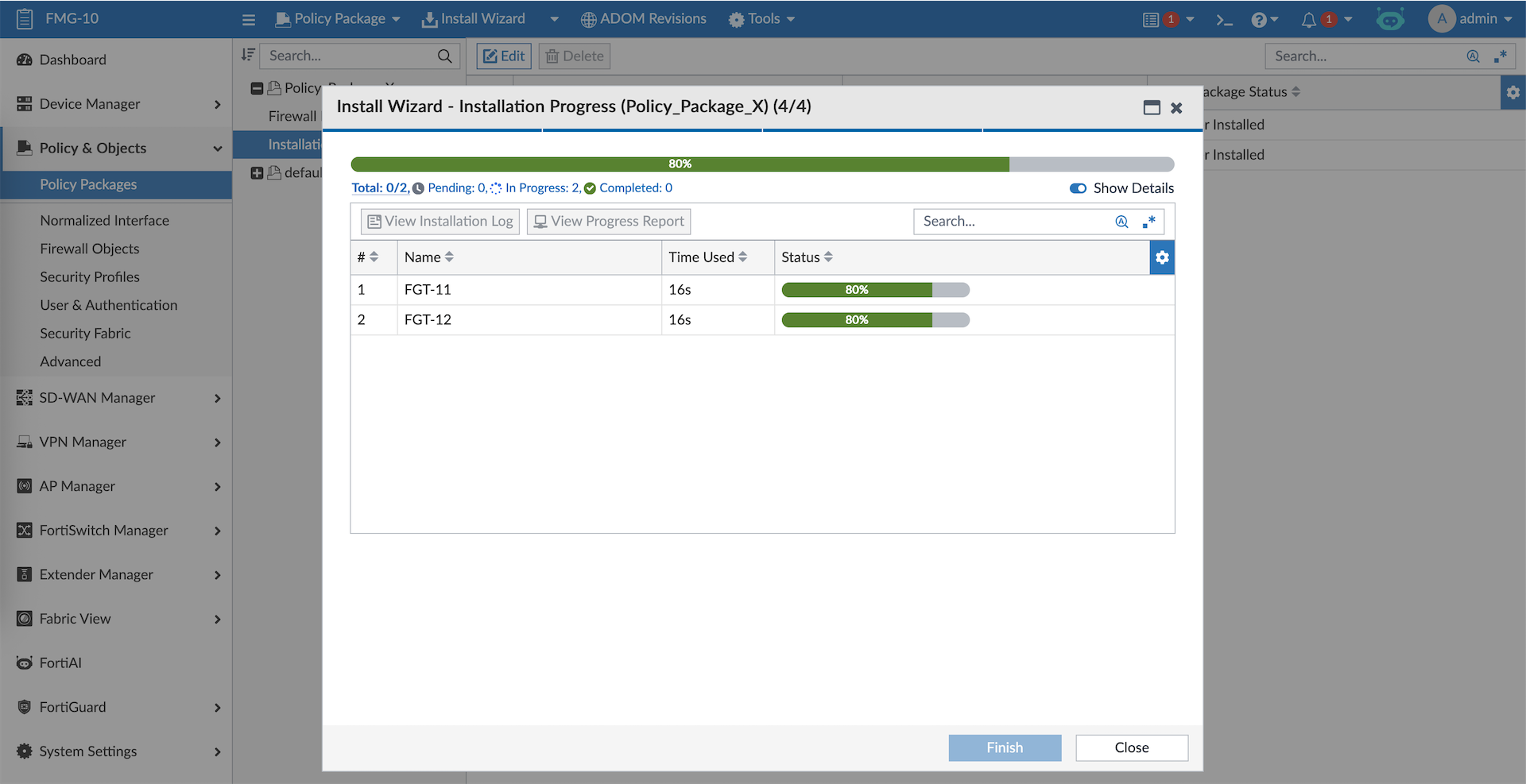
And the firewall policies along with the objects created on FMG are pushed to all target devices