FortiManager VPN & SD-WAN Manager
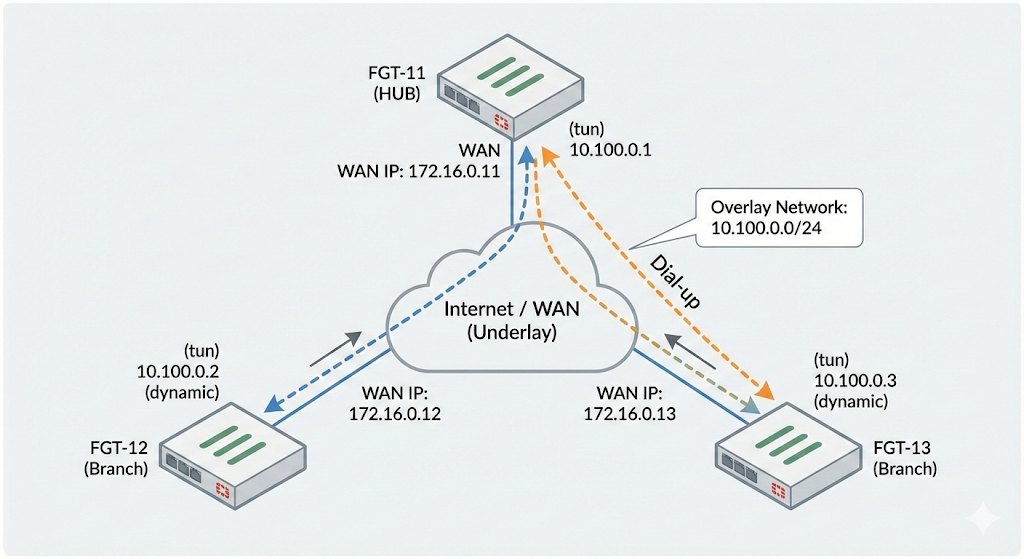
In this lab we will deploy Fortinet’s Hub-and-spokes VPN SD-WAN solution with VPN Manager and SD-WAN Manager inside the FortiManager following this topology
VPN Manager
VPN Managaer is a centralized tool in FortiManager 7.6 to design, configure, and deploy IPsec and SSL VPNs across multiple FortiGate devices using templates and topology-based workflows.
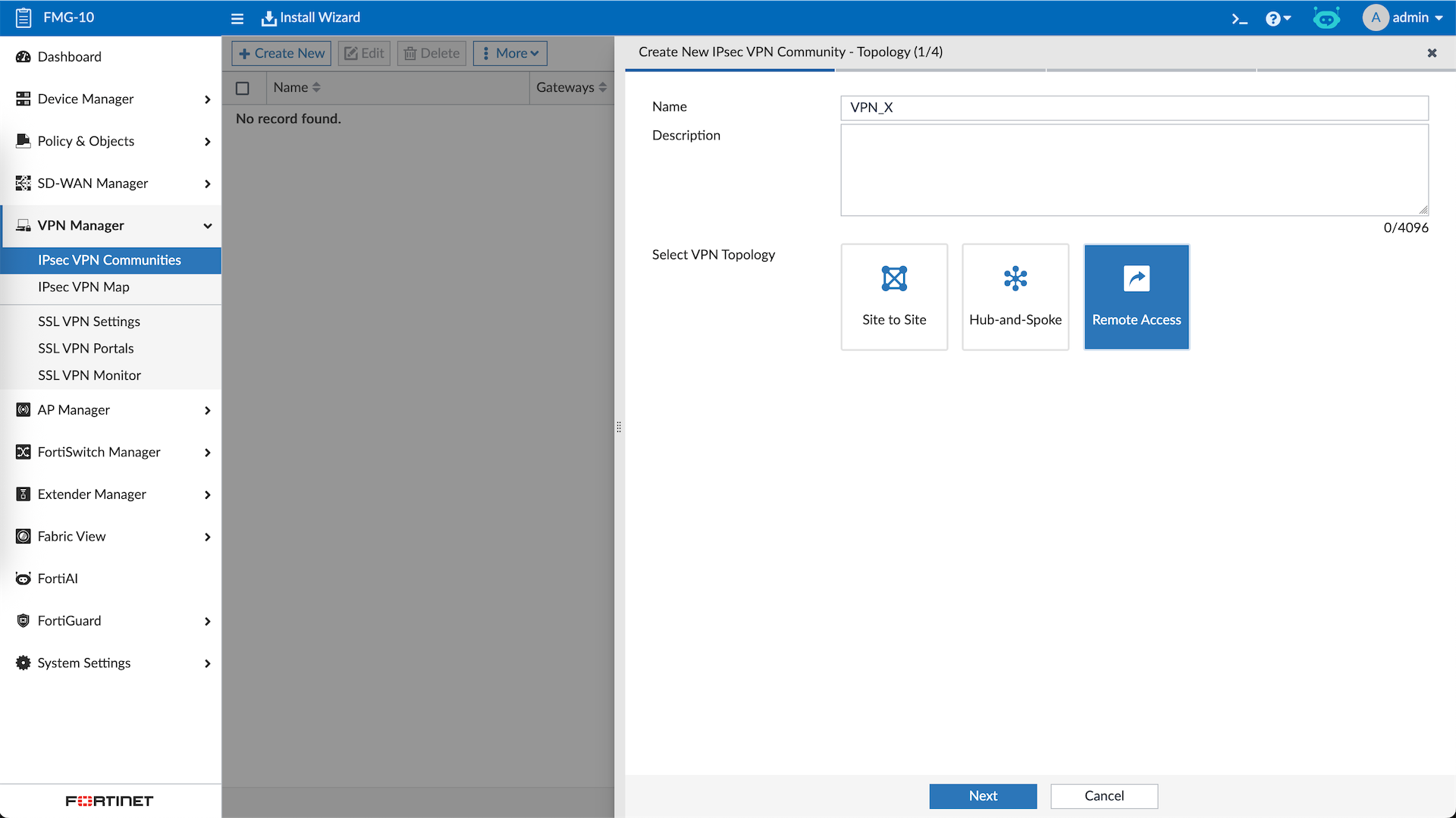
First we will create a VPN Community with Remote Access type for Dial-Up VPN.
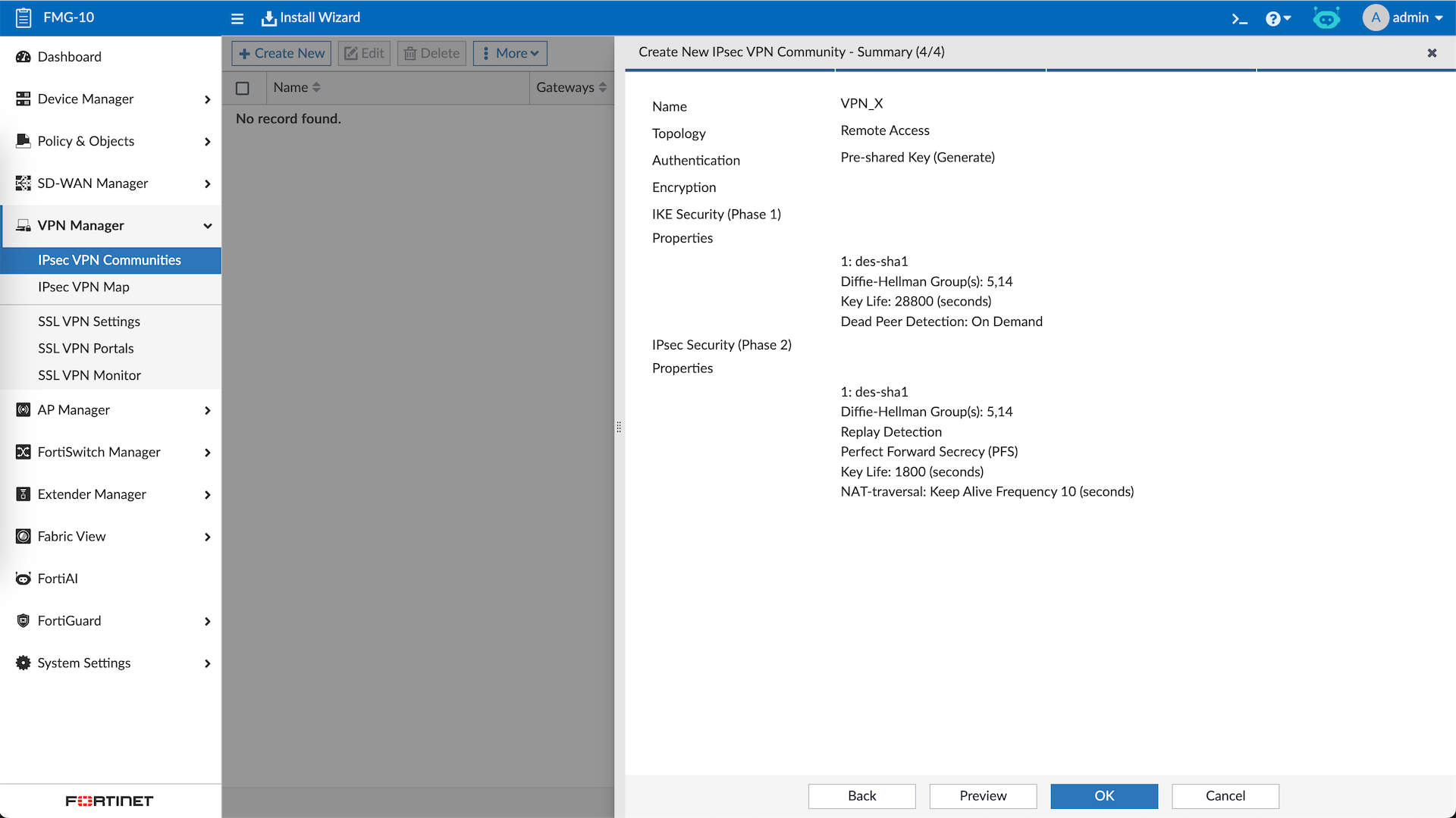
Then we configure the Phase 1 and Phase 2
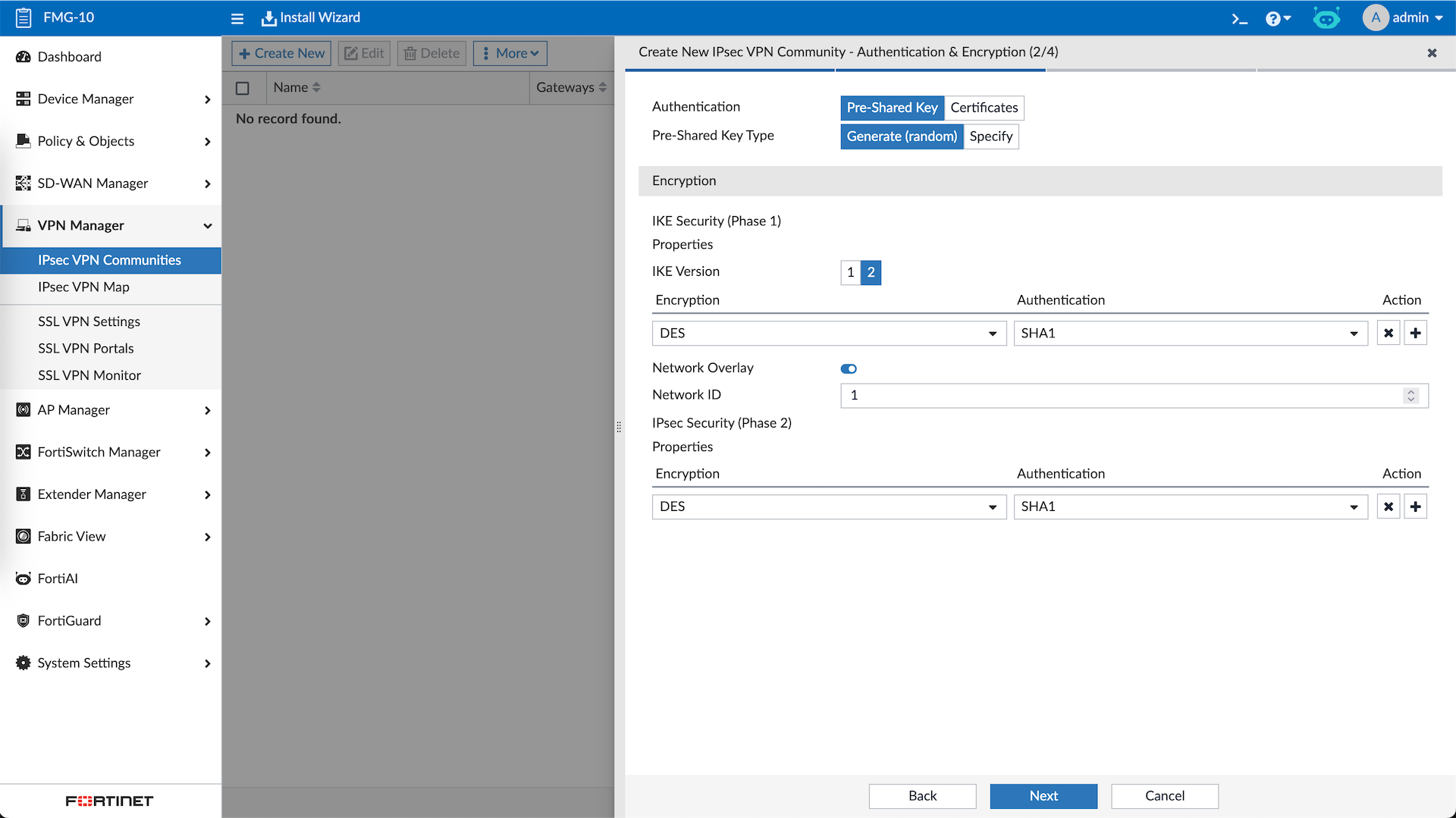
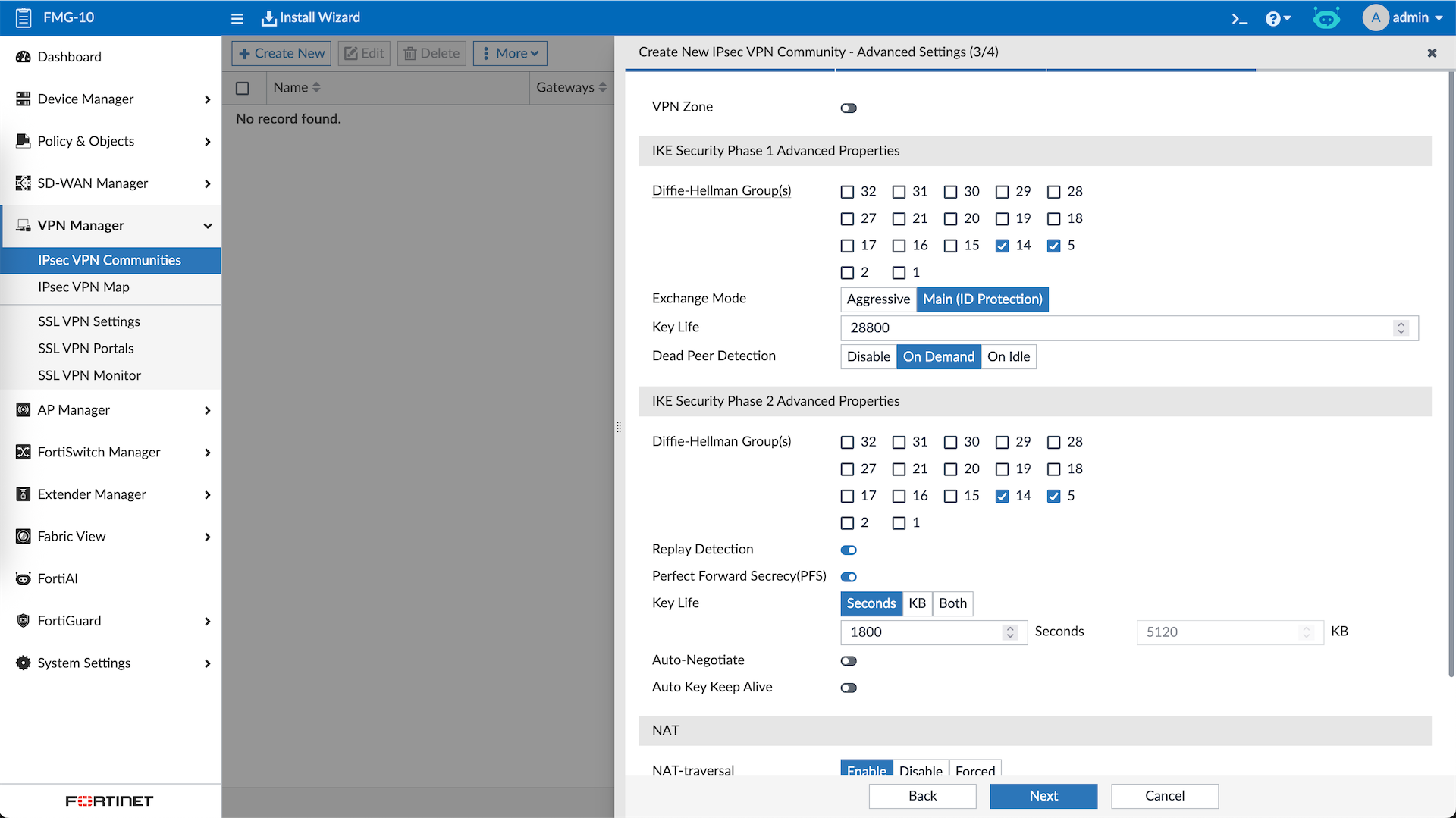
Review the configs and hit OK
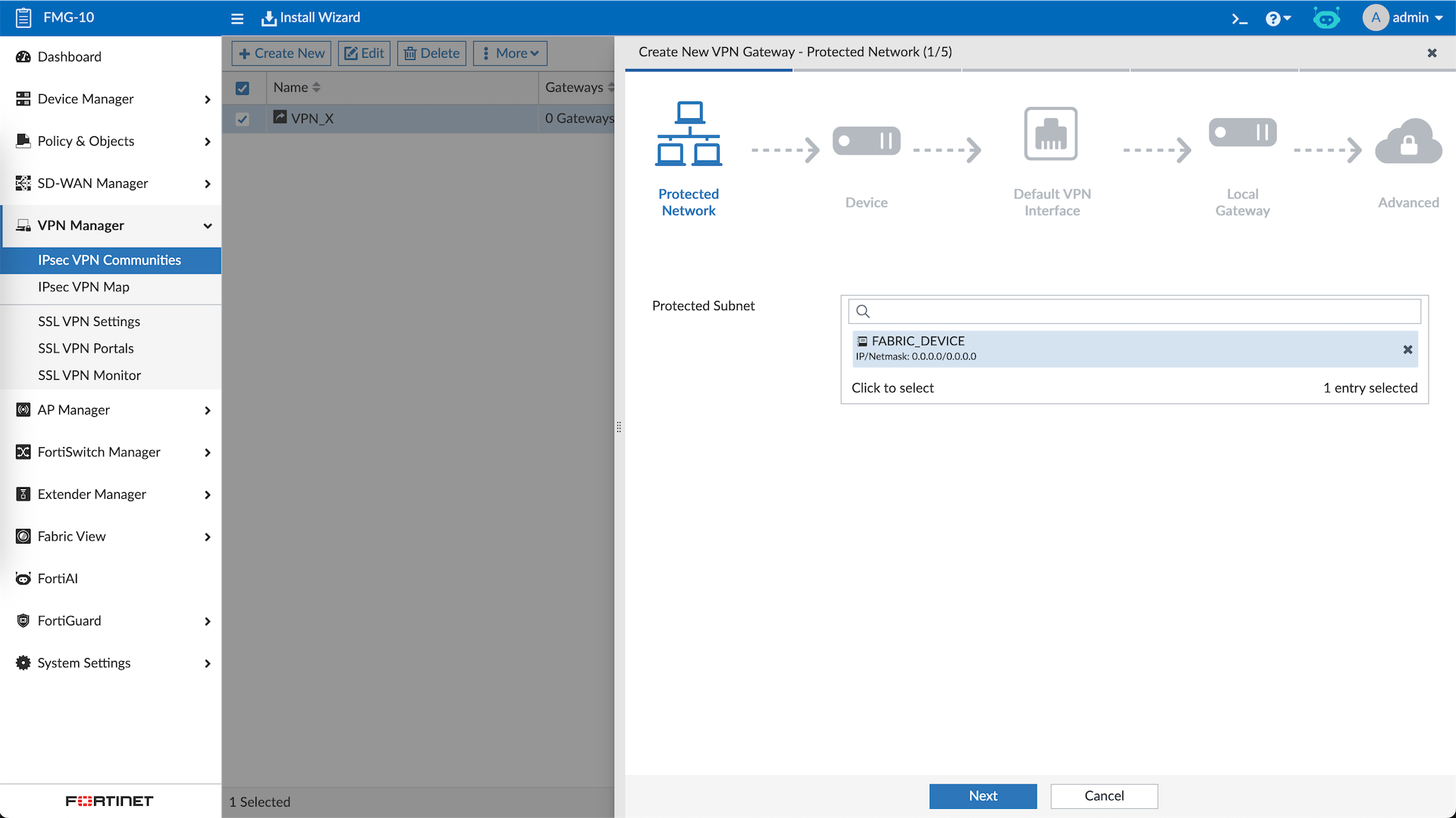
Next right click on the community and select Add Managed Gateway, here we will add the first device which is our HUB
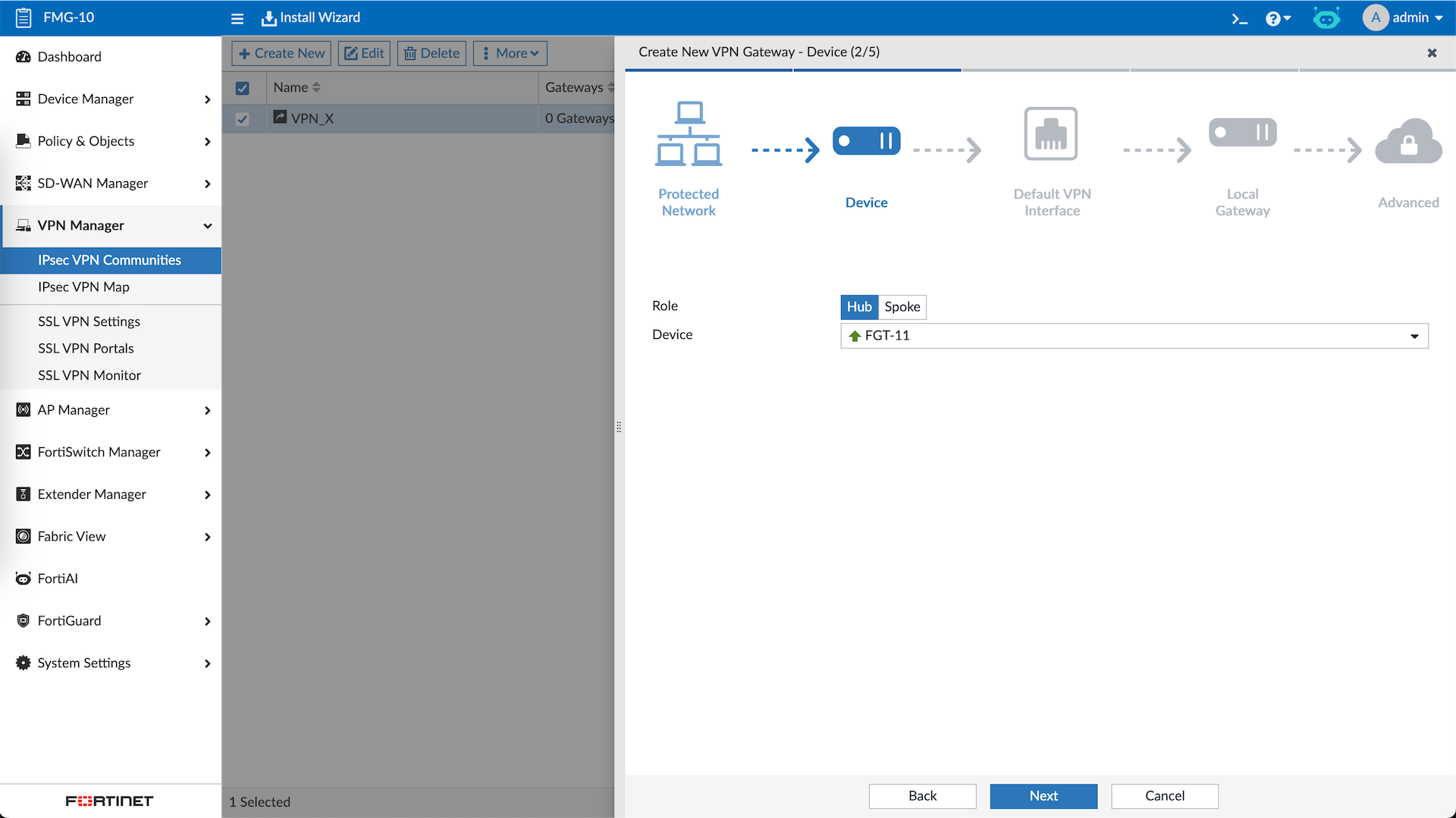
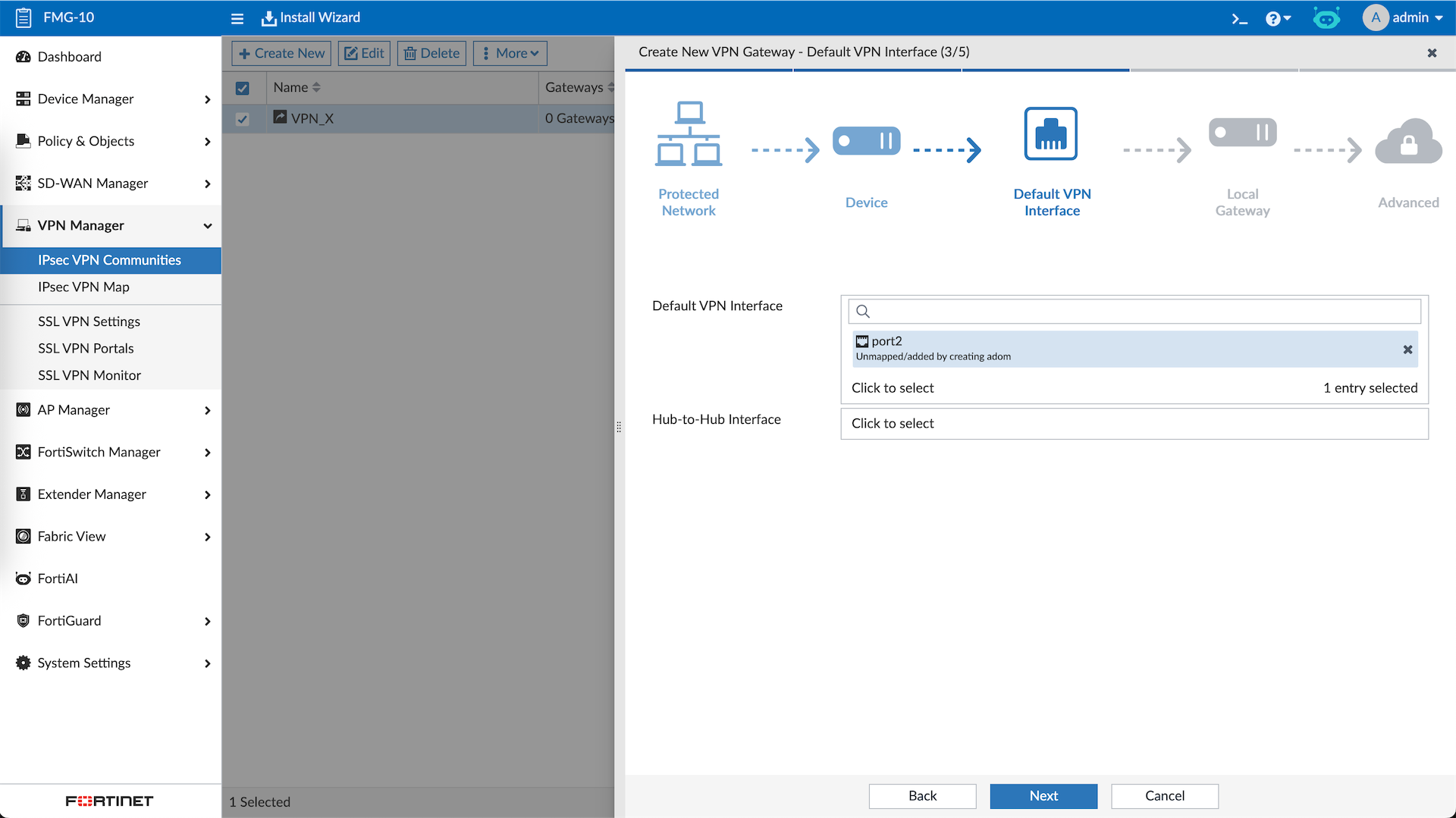
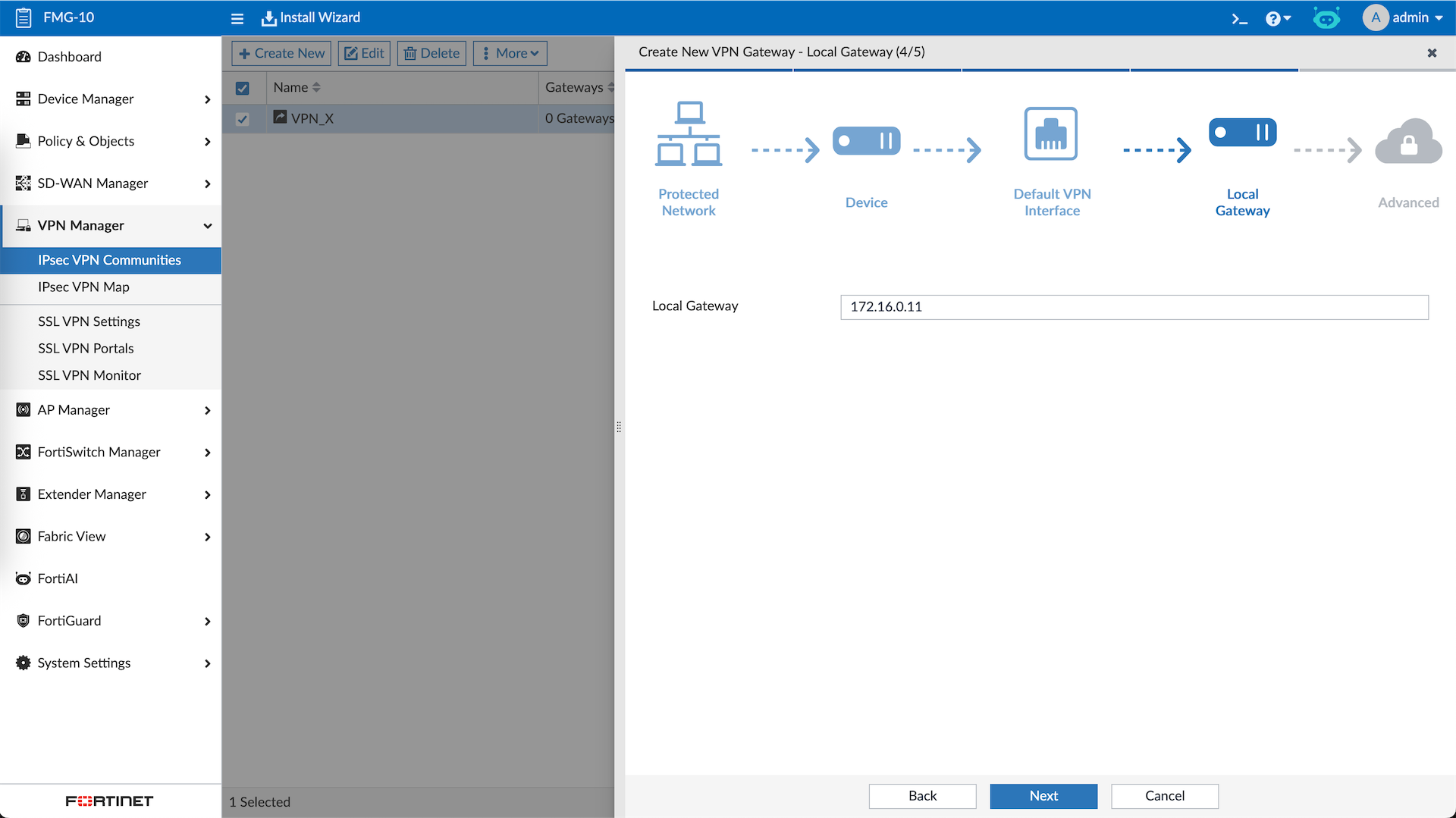
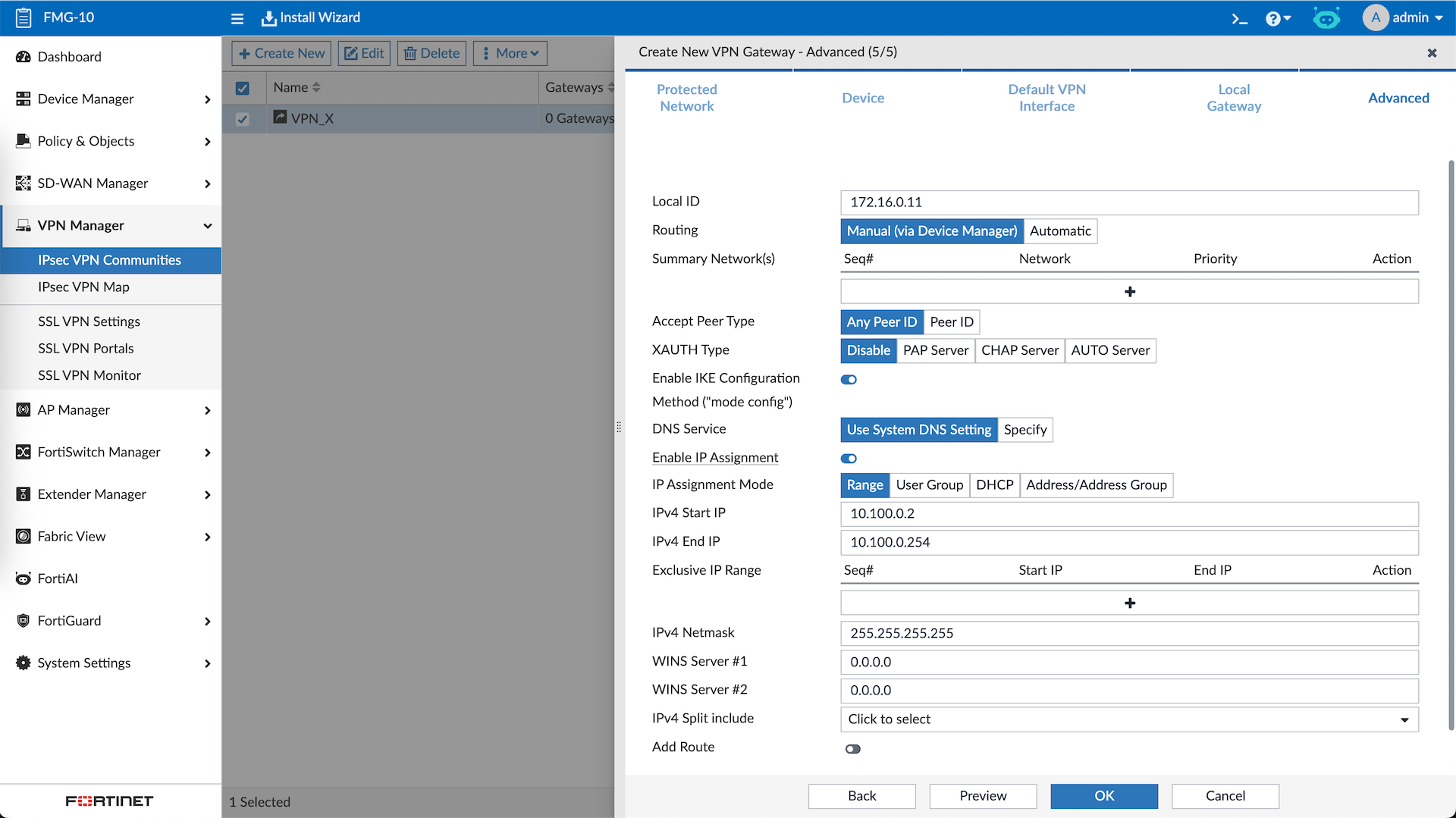
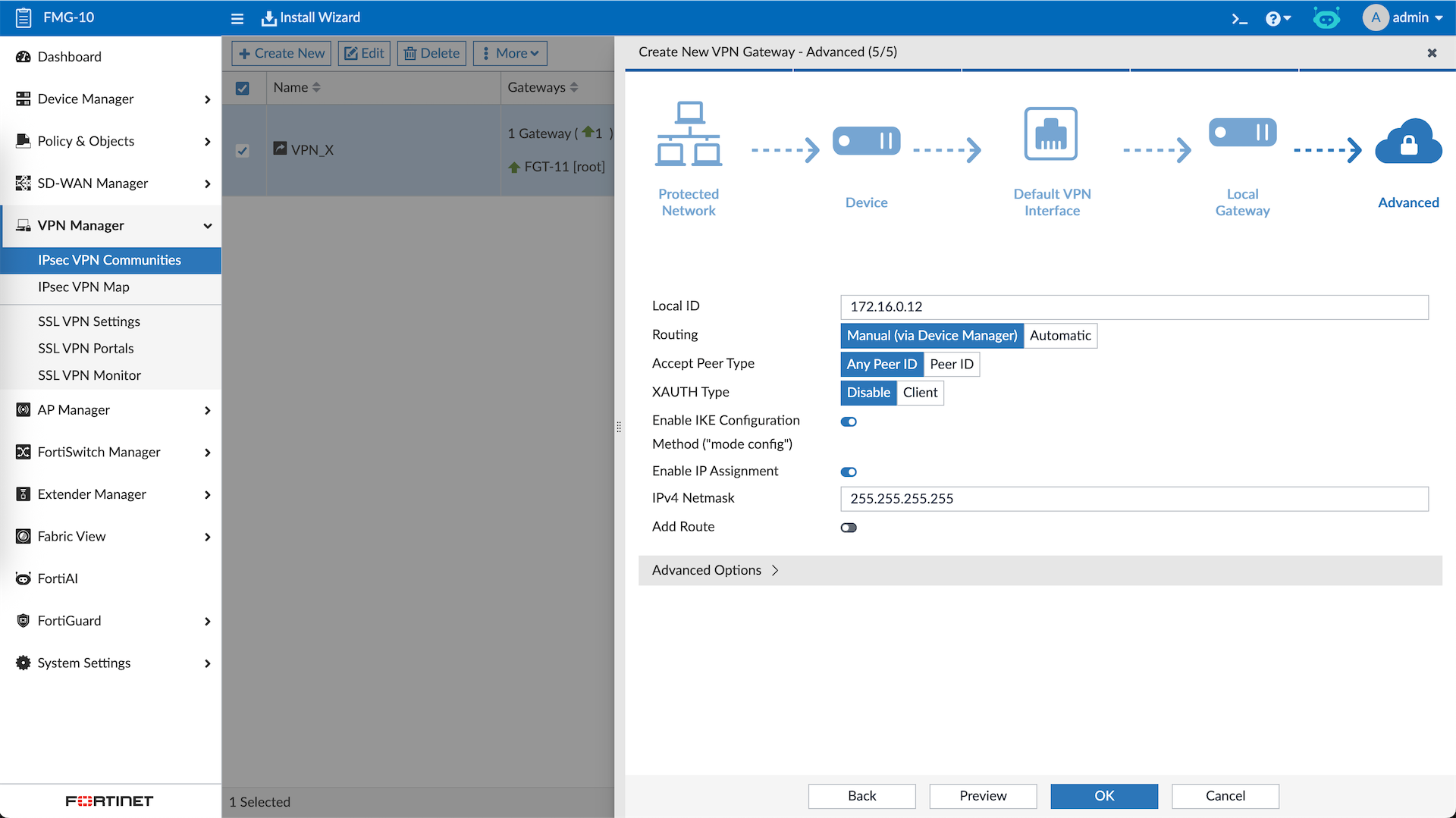
On the last step, here we configure so branches that connect to this VPN will be automatically assigned Overlay IP Address
Next we will add the Branch
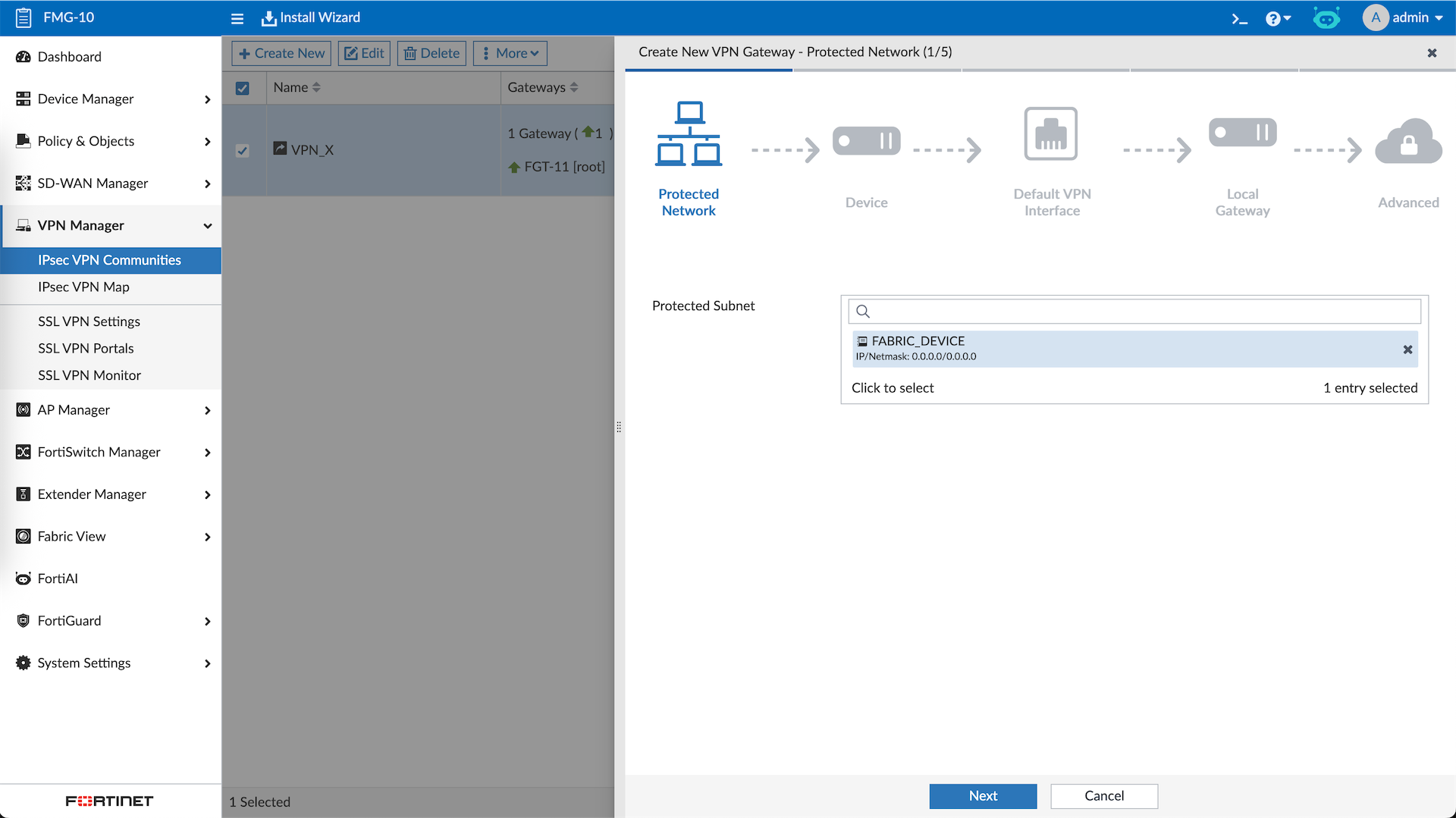
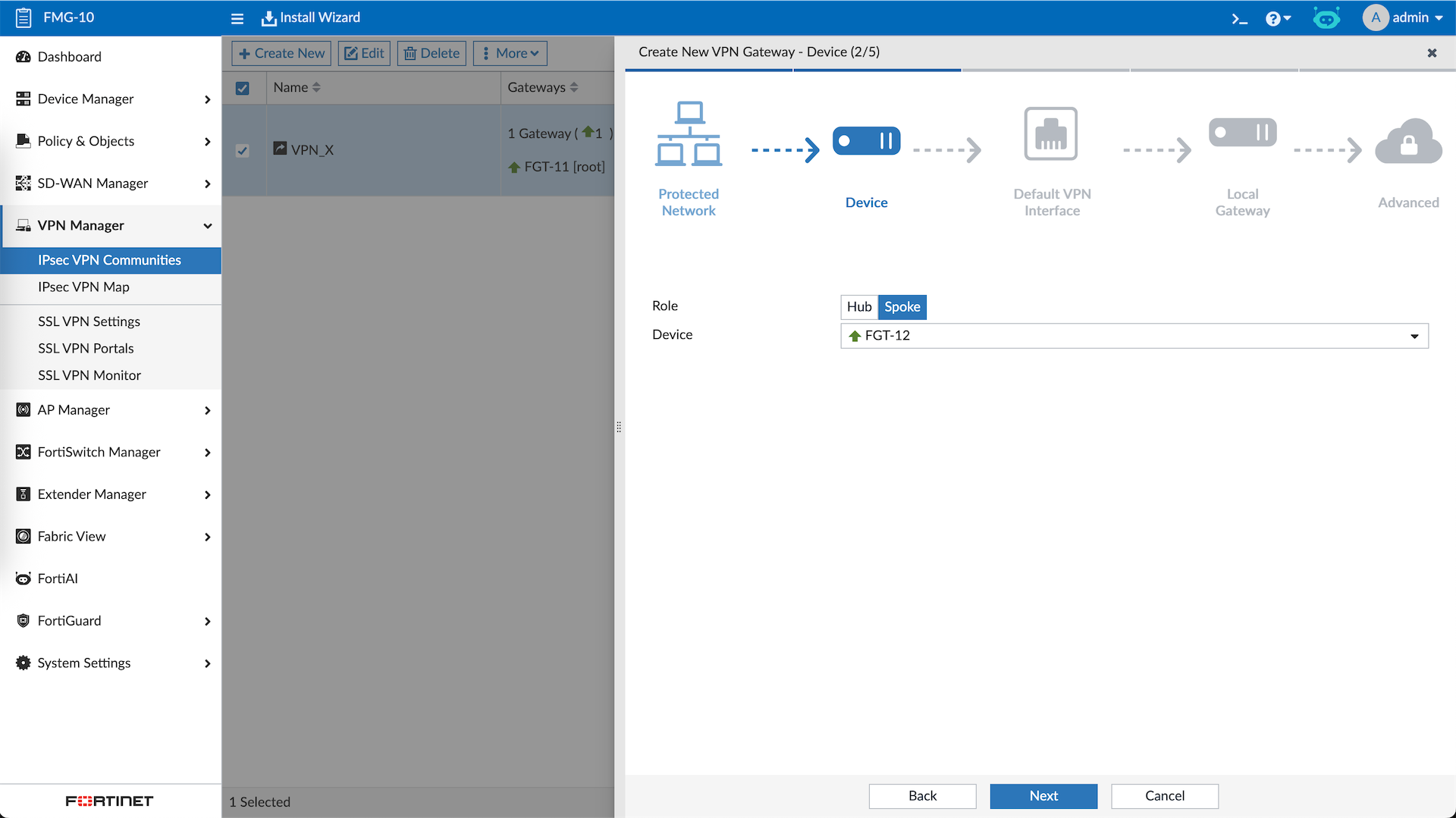
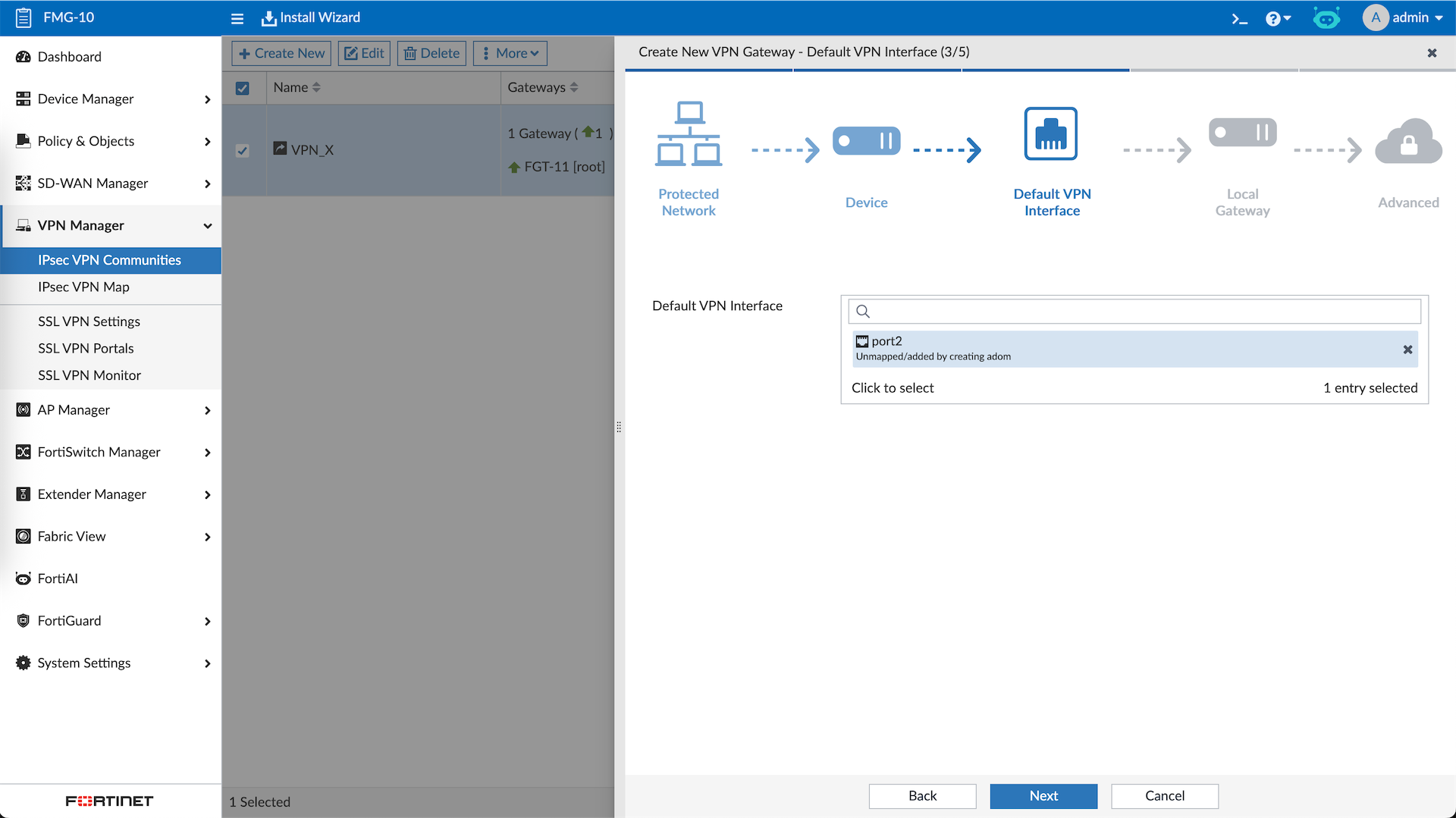
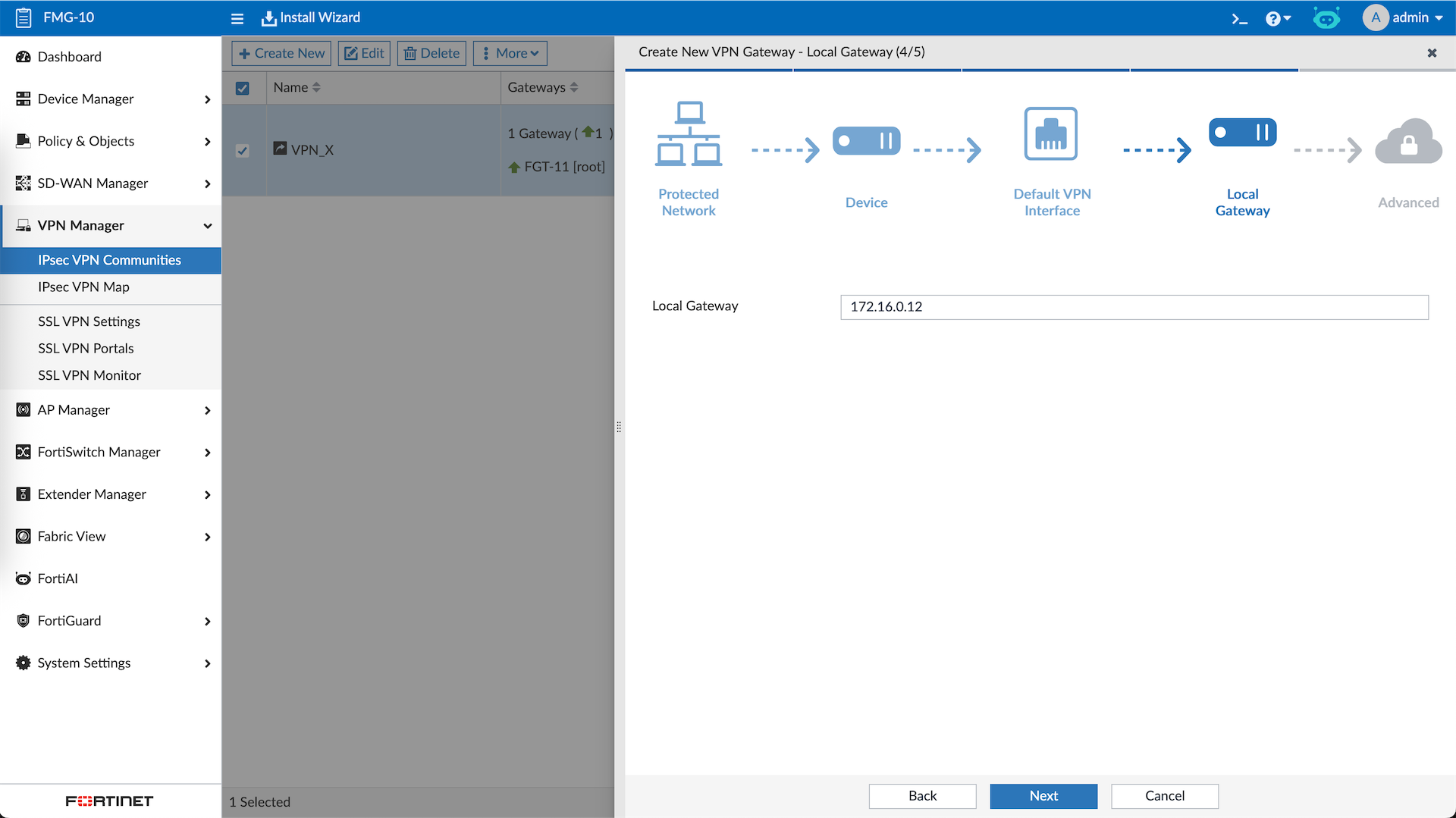
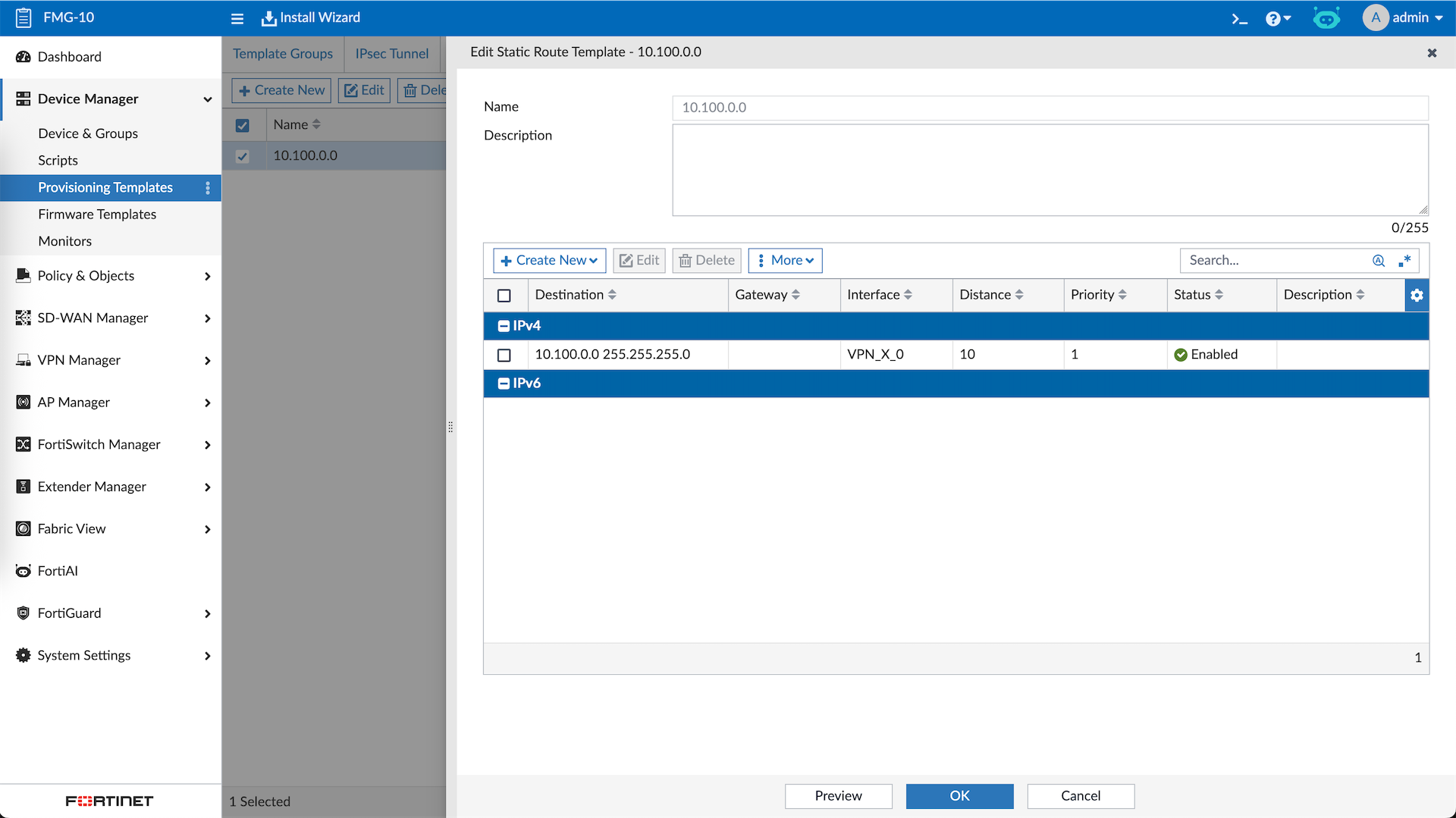
We will also use the Provisioning Template to help up configure some additional settings, first one is the static route for the Overlay subnets on the VPN Interface
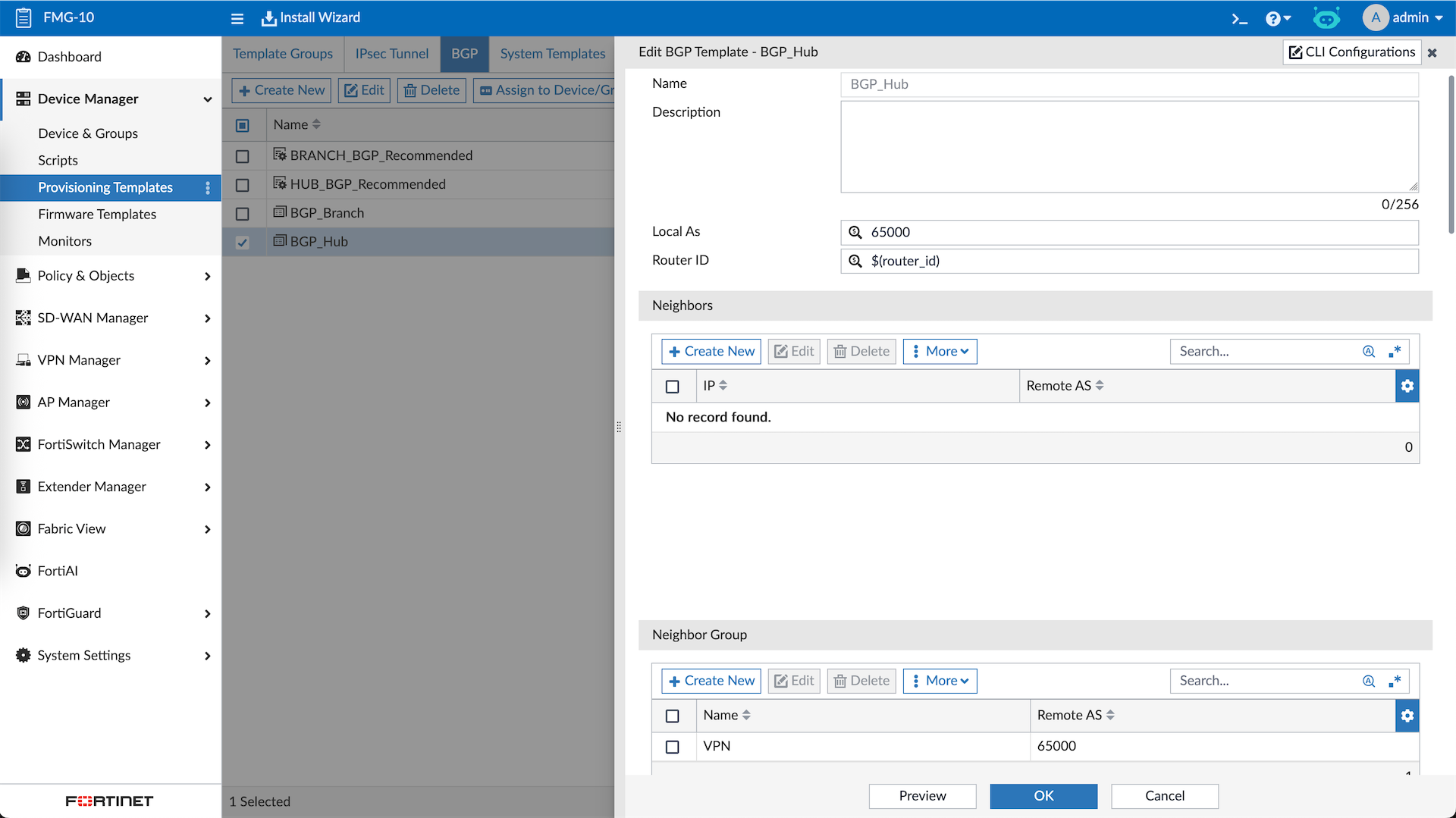
Then we also need the BGP configurations for Hub
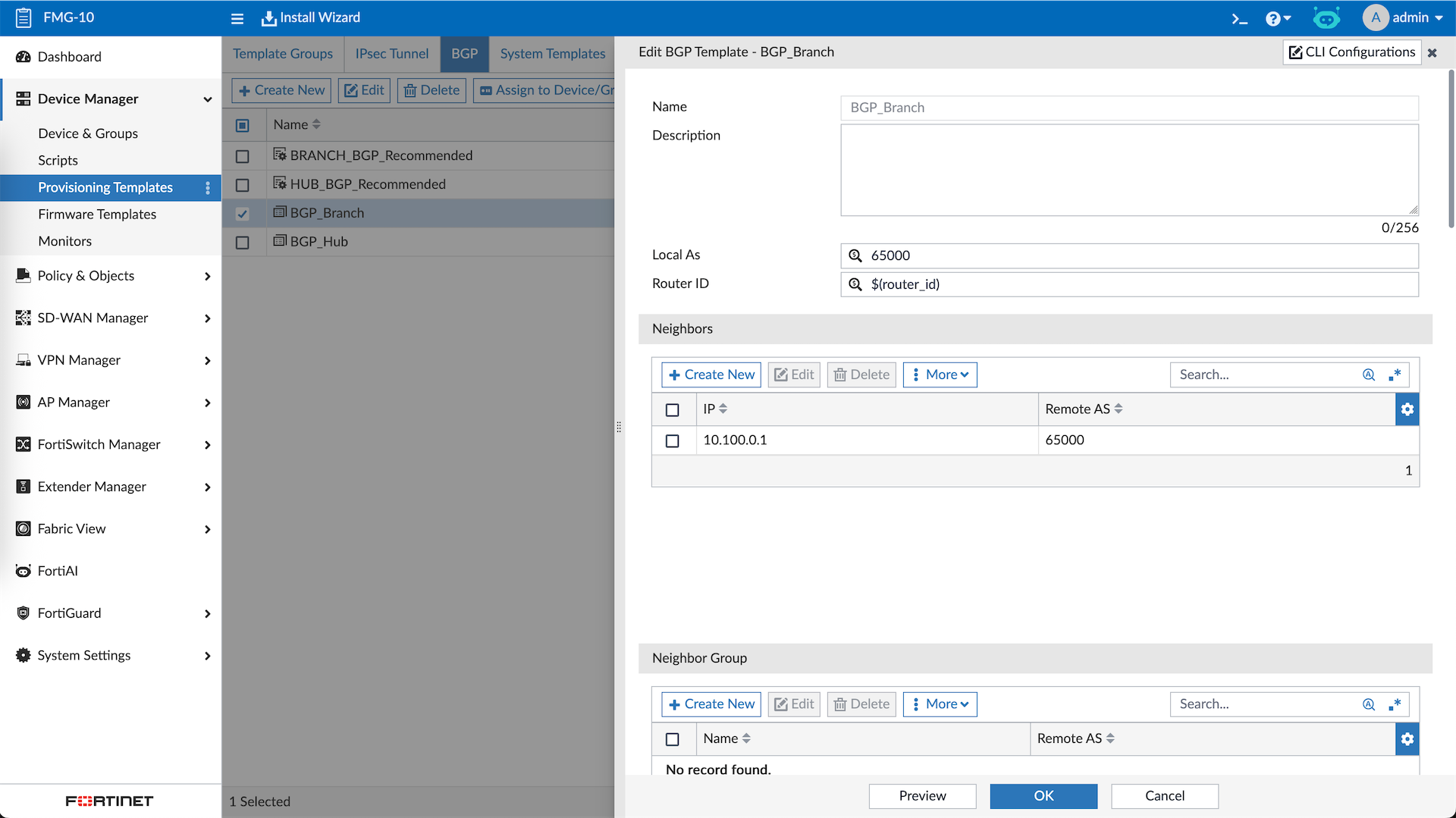
And also the spokes
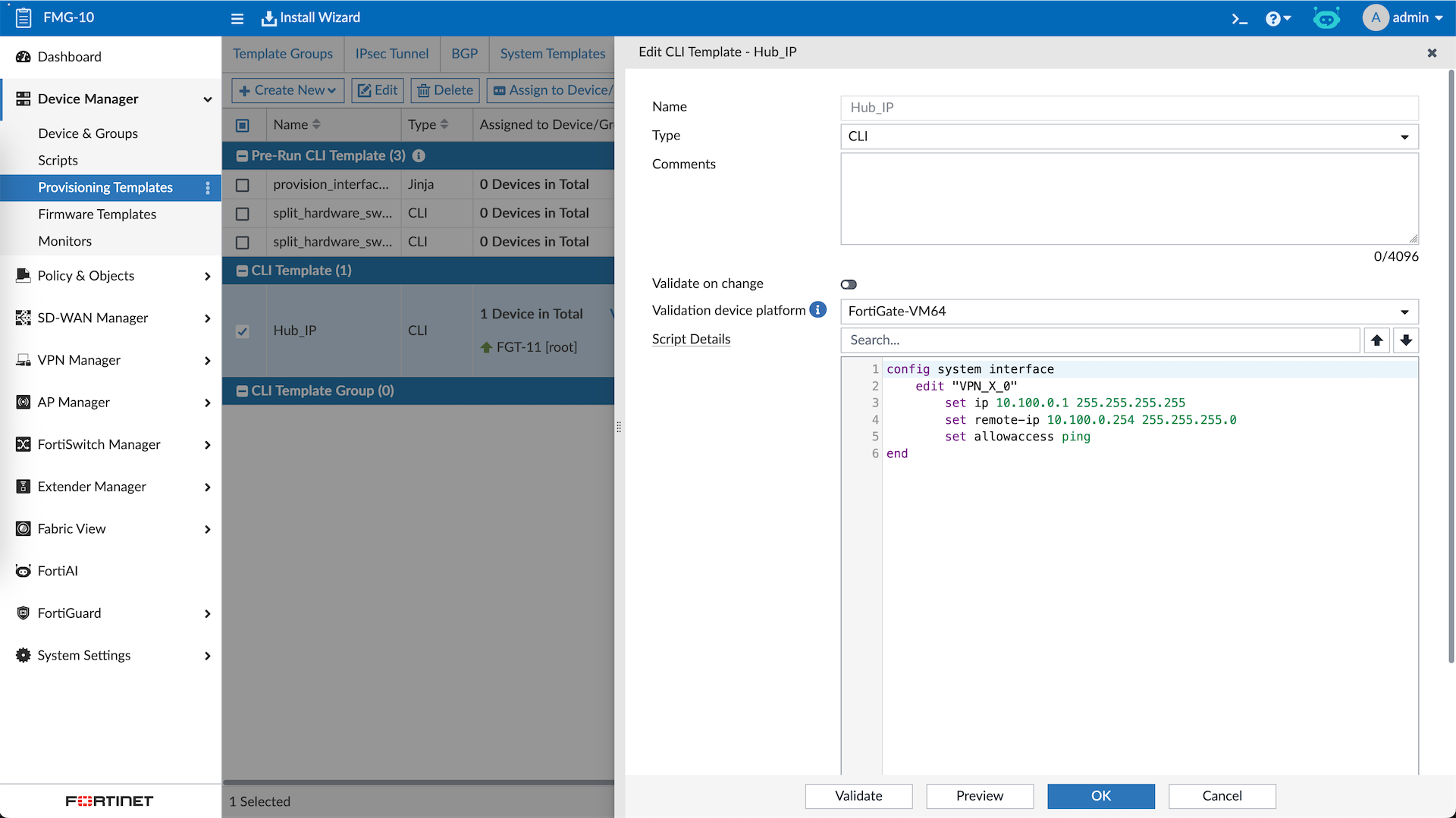
Hub’s VPN Interface will not get IP from DHCP, so having a CLI Template to configure that automatically is a nice thing to have
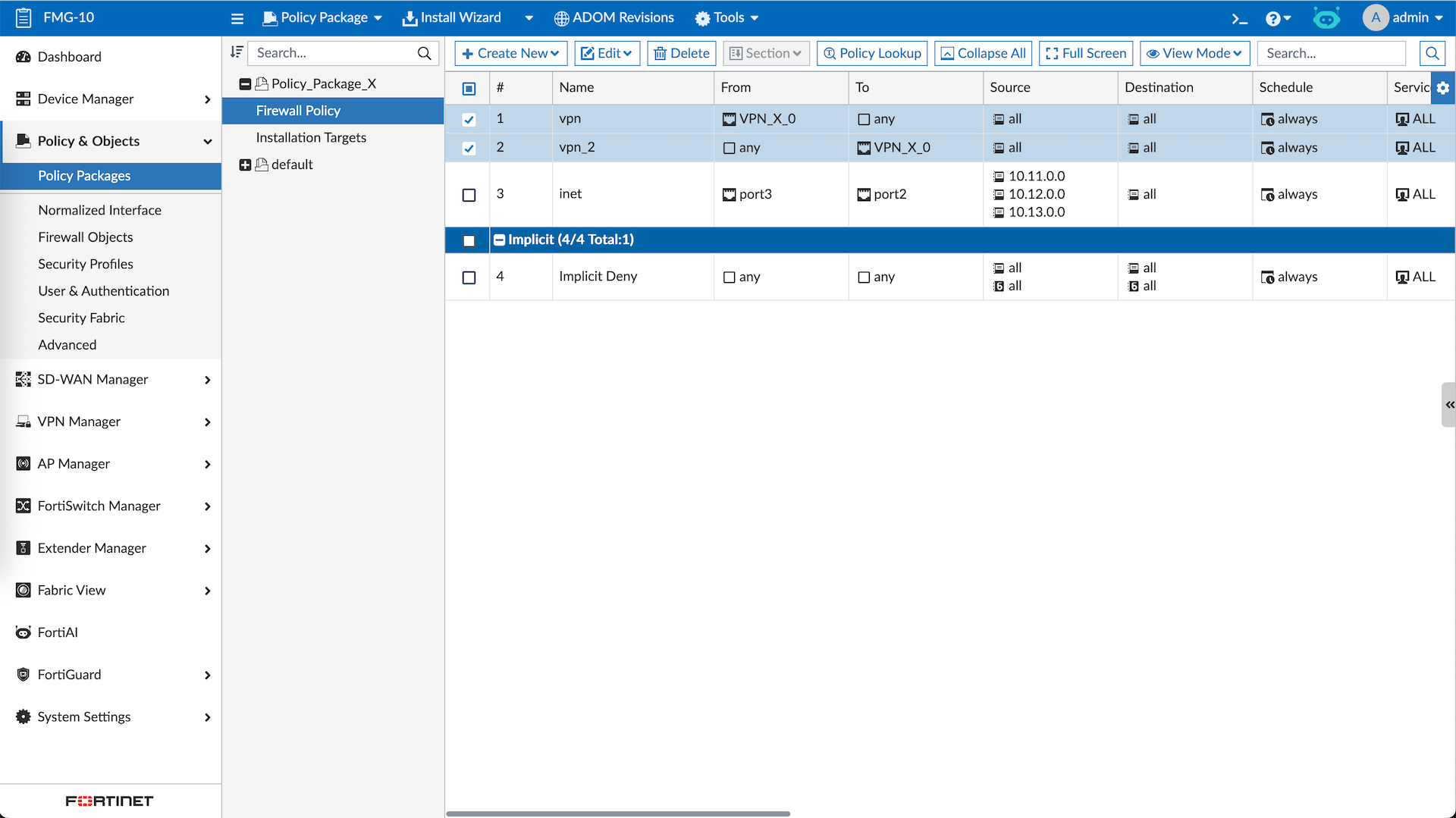
While we’re at it, lets also add some firewall policies using Policy Package
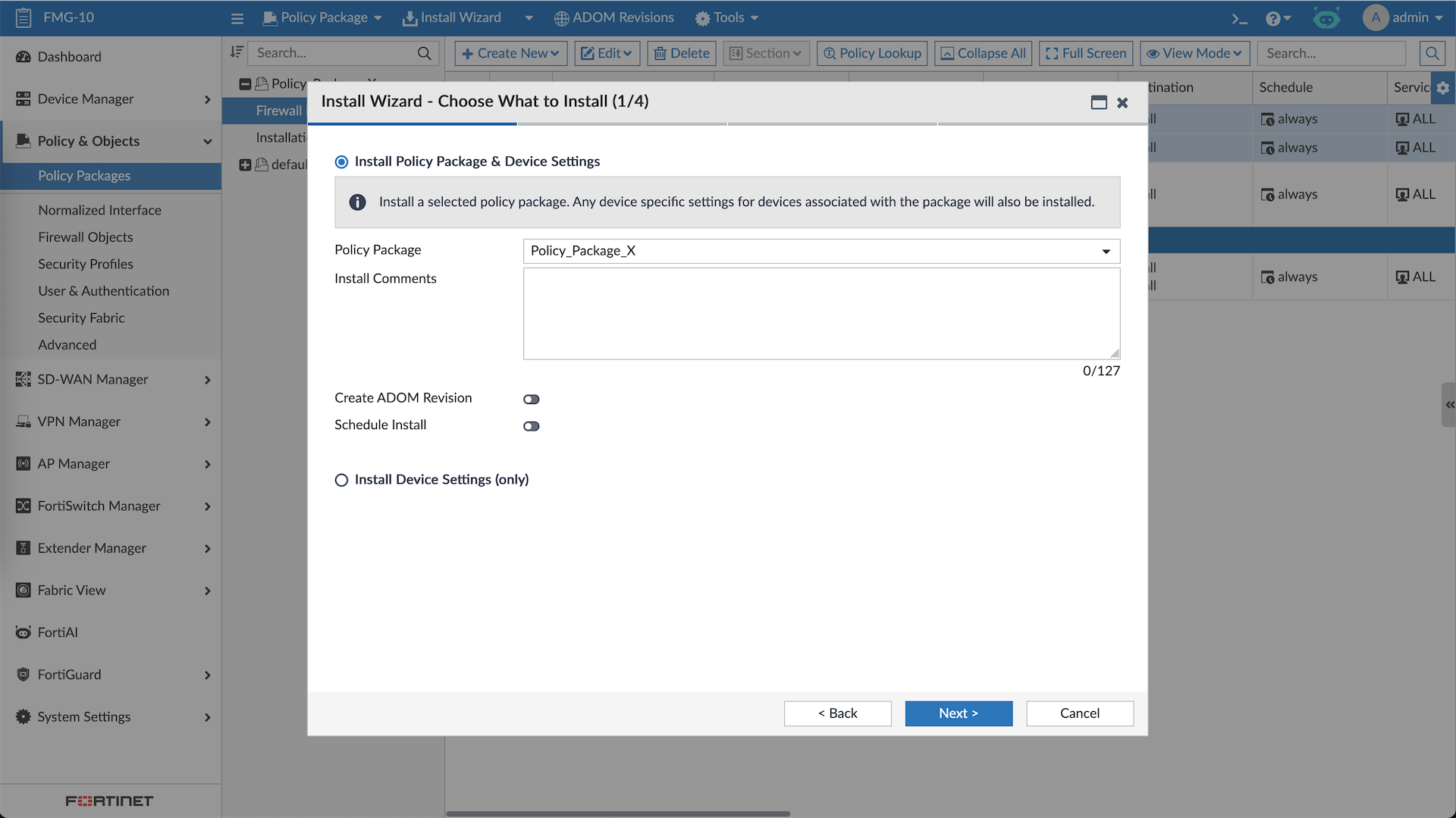
After all’s done, now we can push the configurations
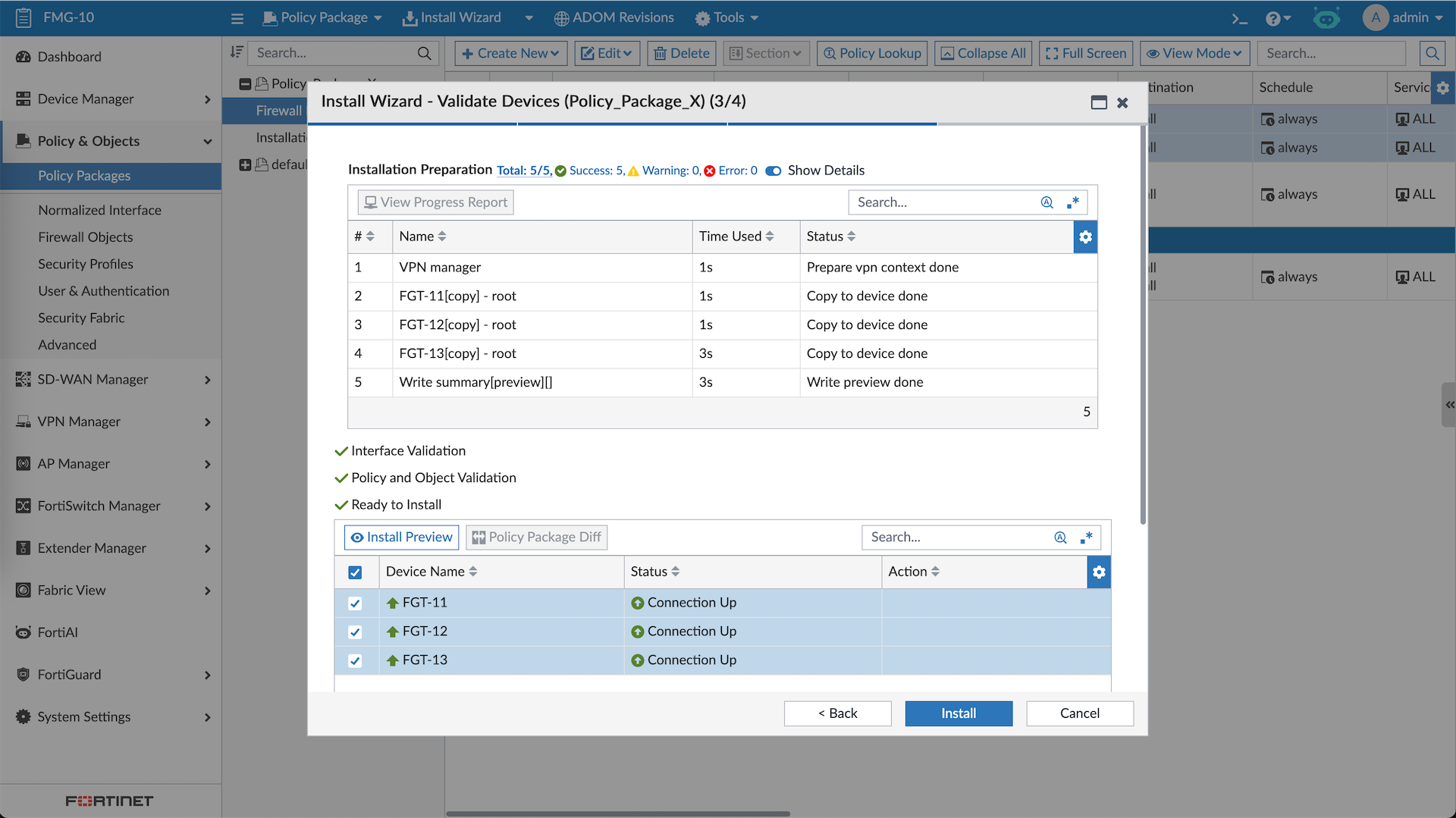
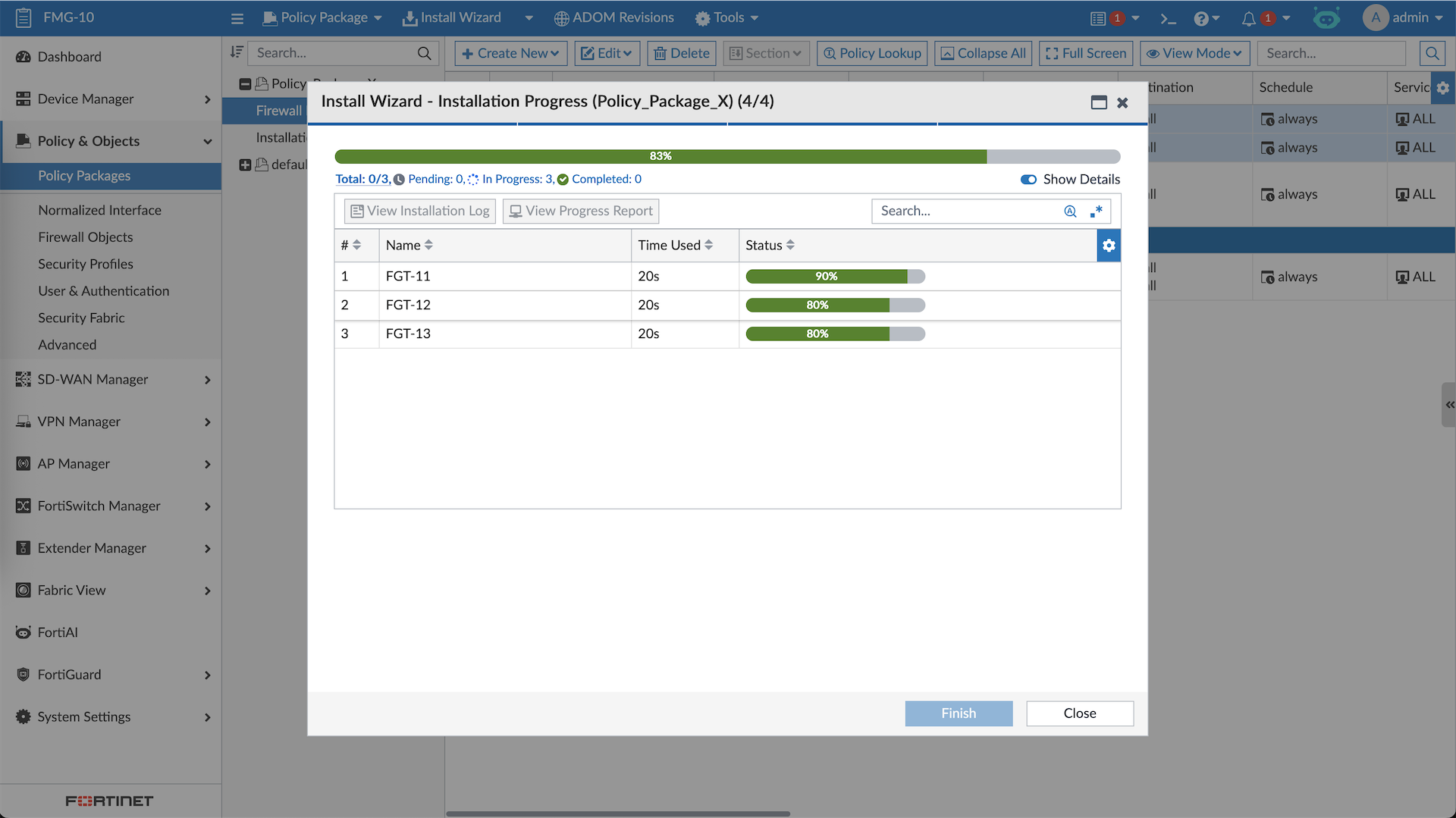
And just like that, now we have a working Hub-and-spokes Dial-up VPN for all of our managed devices
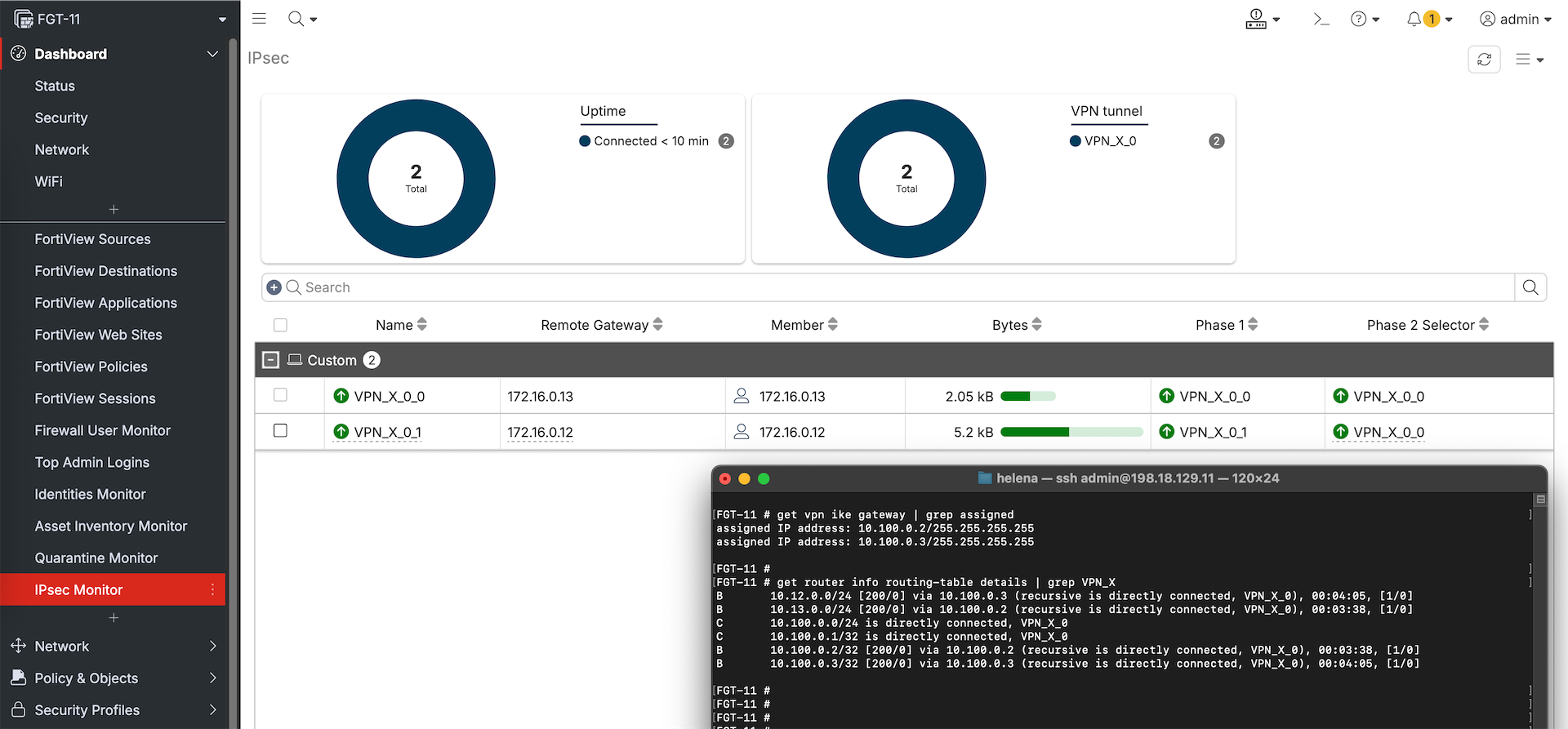
SD-WAN Manager
While VPN Manager focuses only VPN (hence the name), if we want to create a complete SD-WAN solution its better to use the SD-WAN Manager.
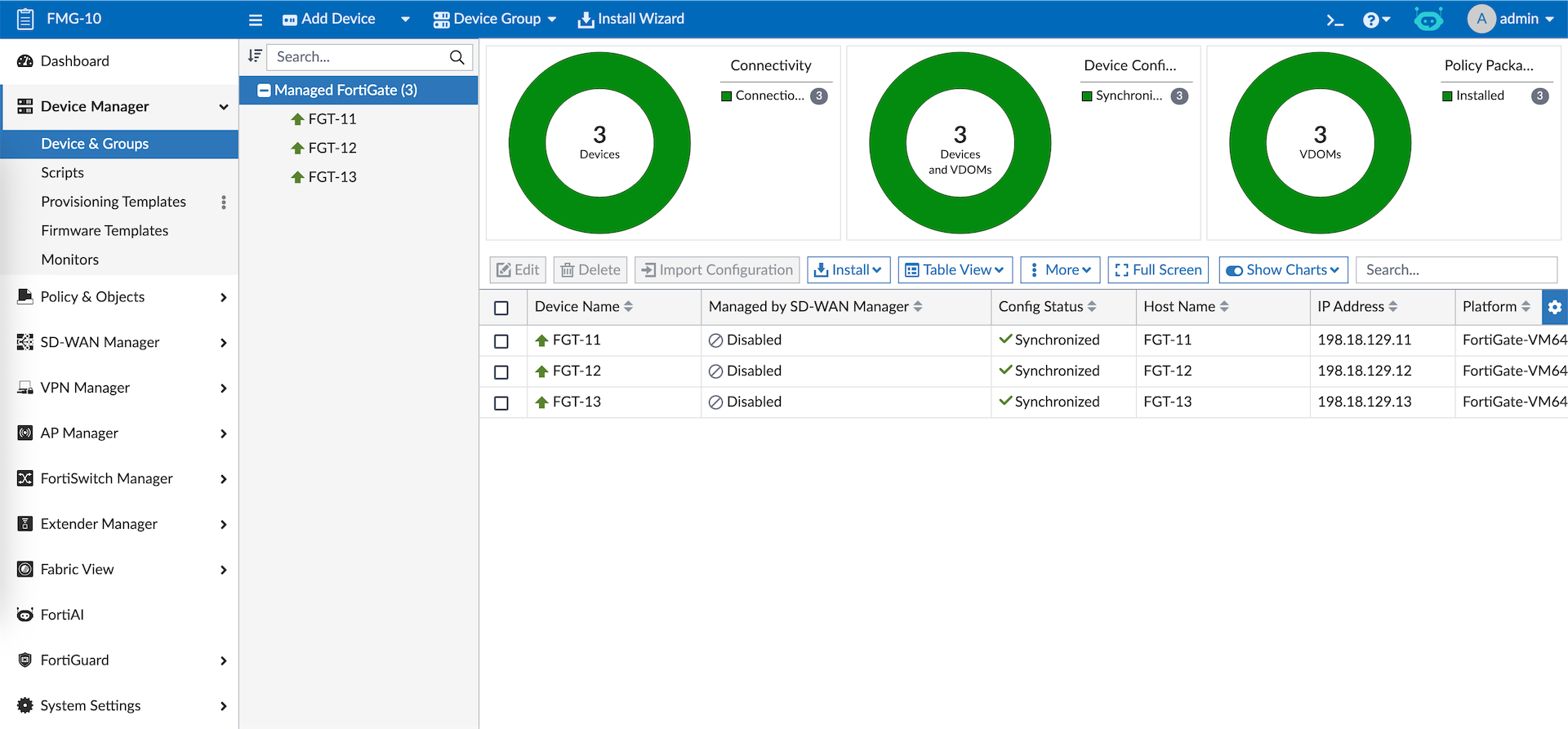
To use it, we first need to enable Managed by SD-WAN Manager toggle for our devices. This option makes devices no longer configurable though Device Manager.
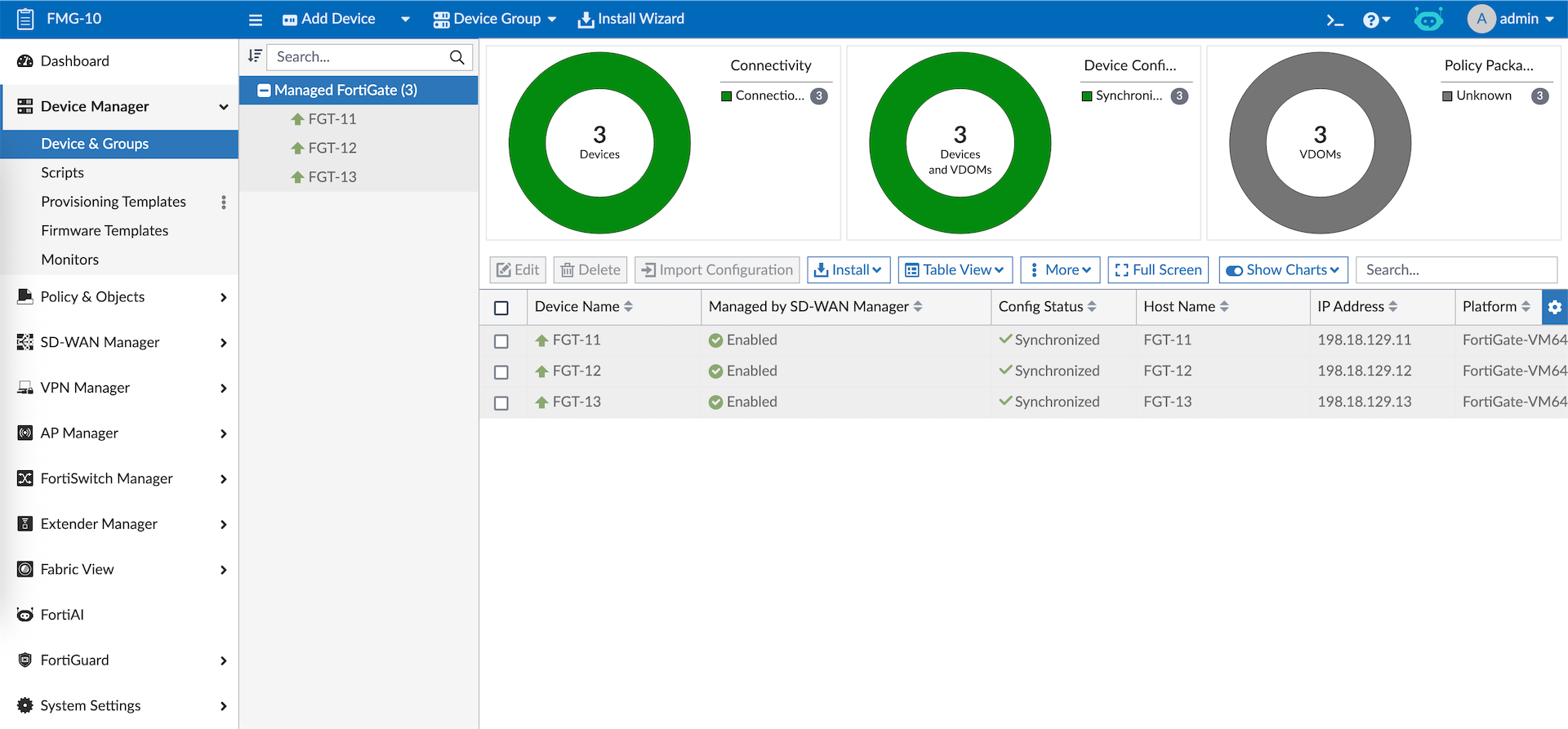
Instead we now manage our devices using SD-WAN Manager
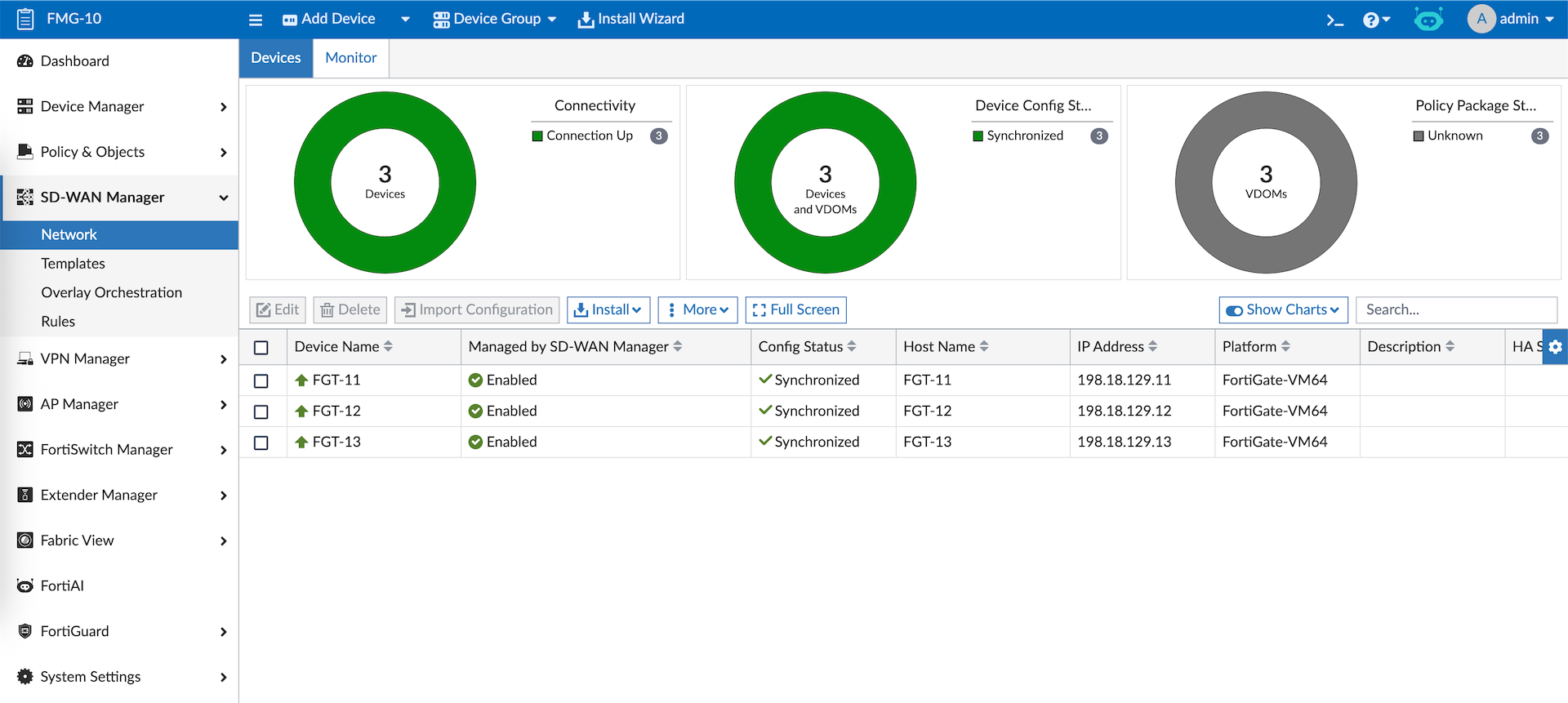
We are required to put our branches devices into its own group so lets configure that first
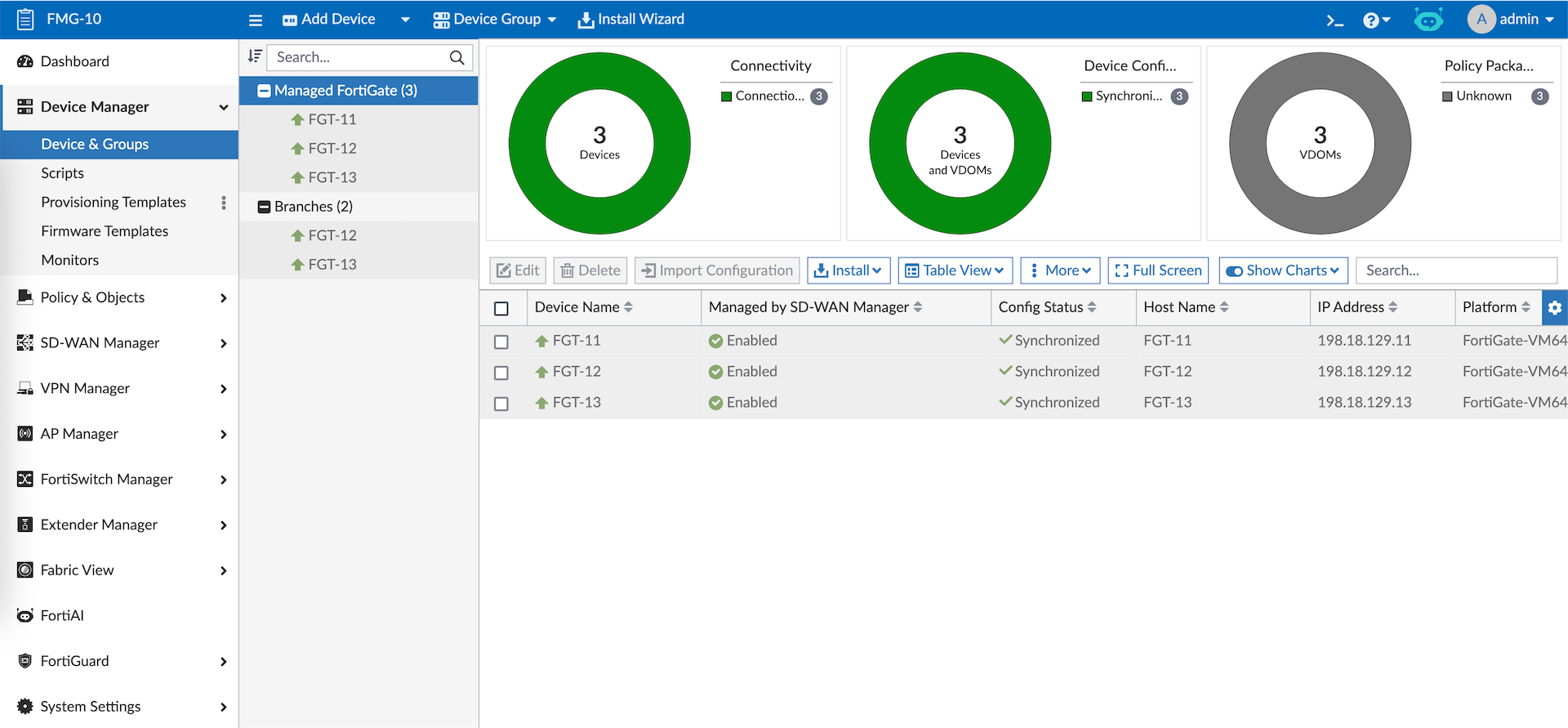
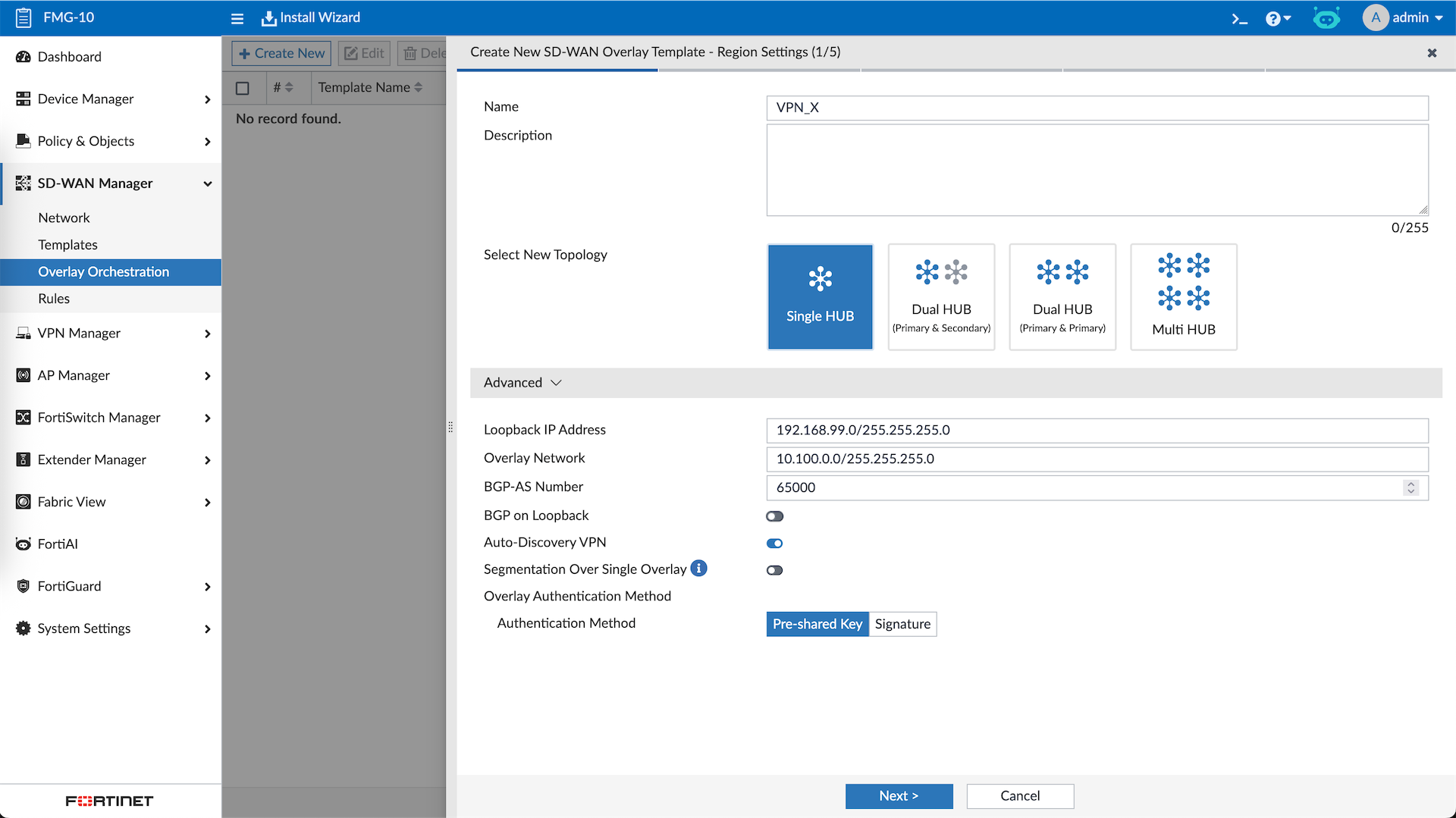
Now we will make a Provisioning Template that’s tailored specifically for SD-WAN deployment. To do that we will use the Overlay Orchestration and create a new template.
We select the 1 Hub type, enter the Loopback and Overlay networks
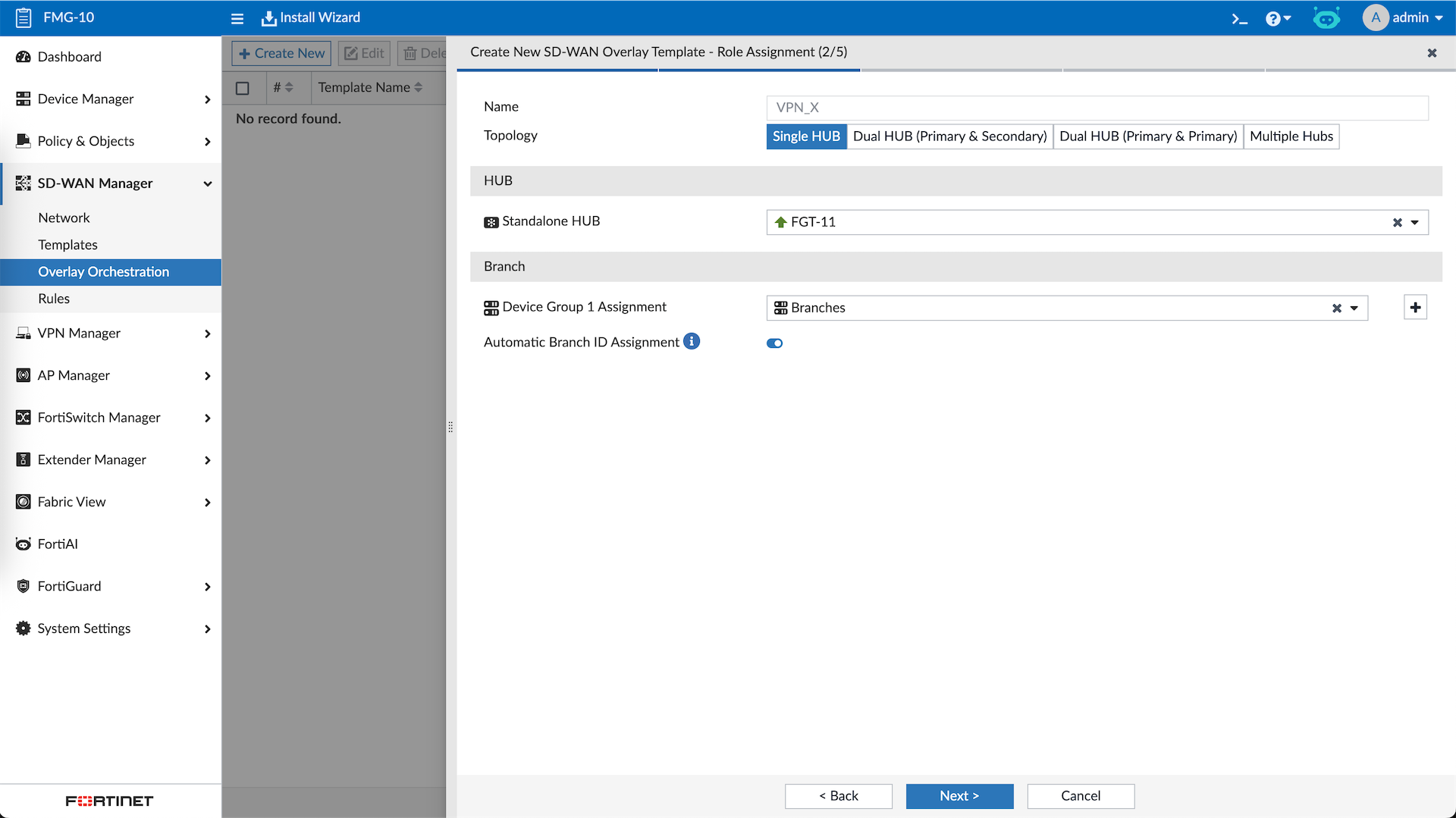
Then we select the devices that will become Hub and Spokes
Then we assign the interfaces for the VPN Tunnel and for the Inside Network for each site
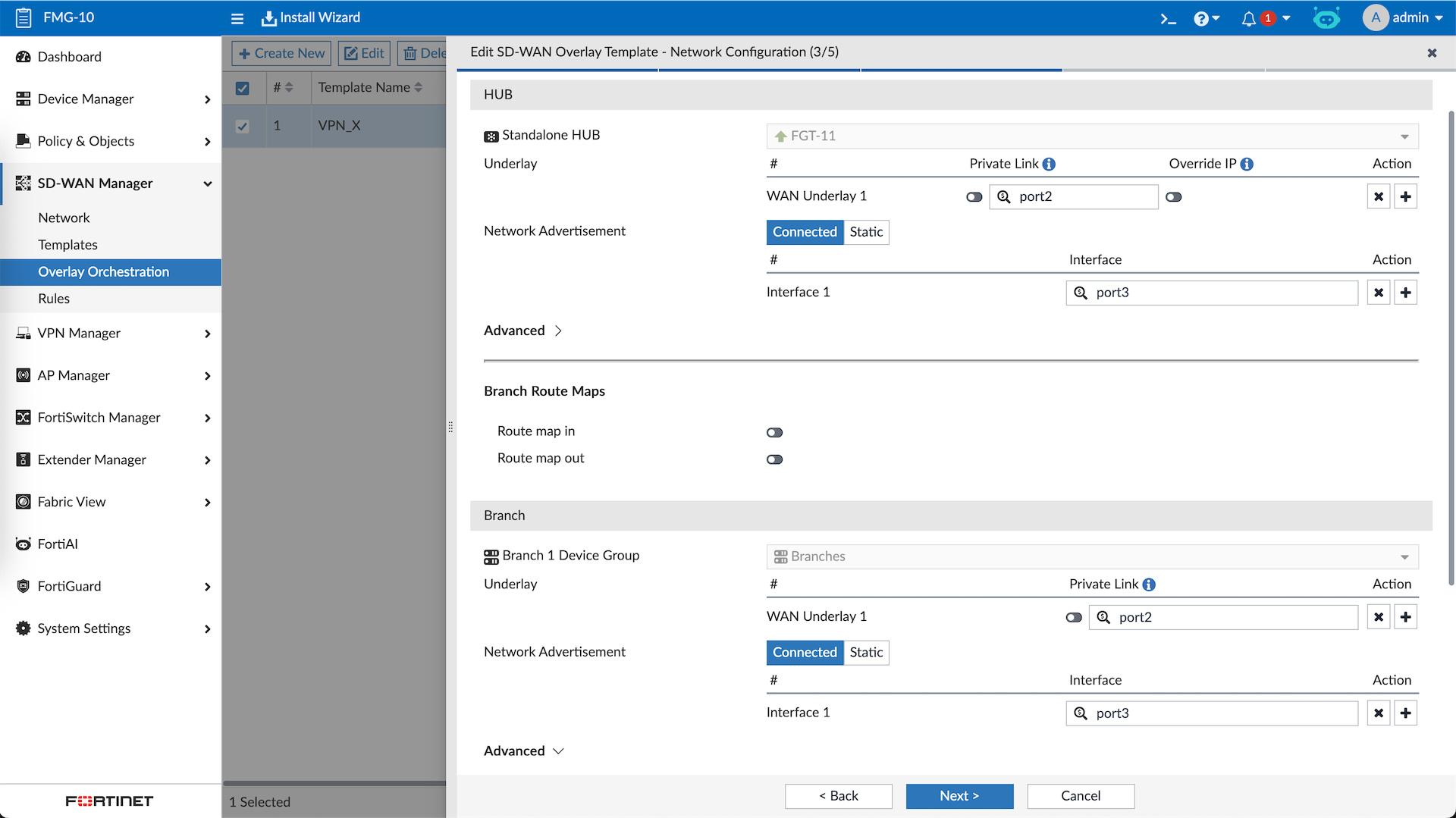
Crucially here we add the static route for Overlay Networks so all Hub and Spokes can reach each other through the VPN
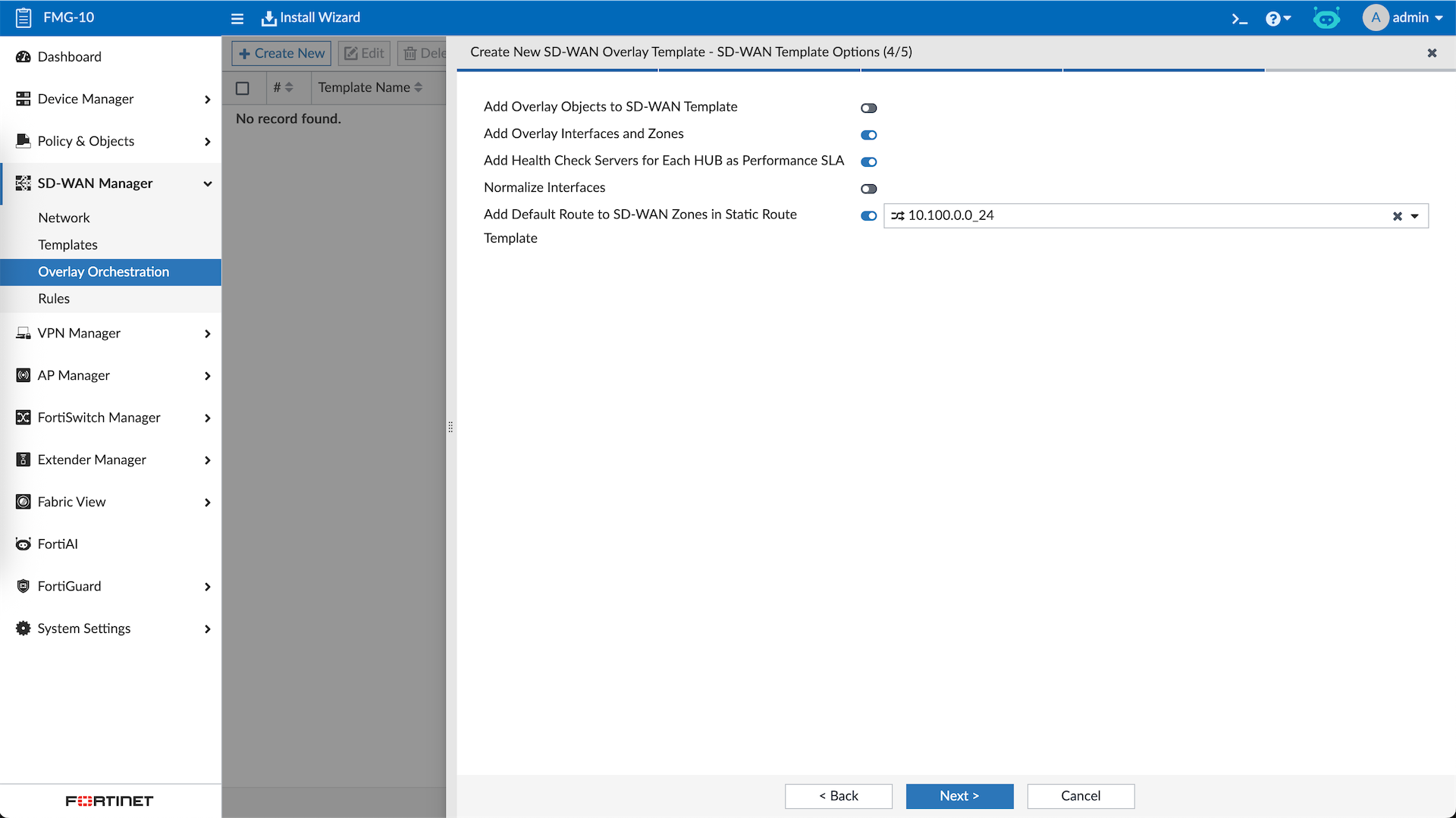
Review and hit Finish
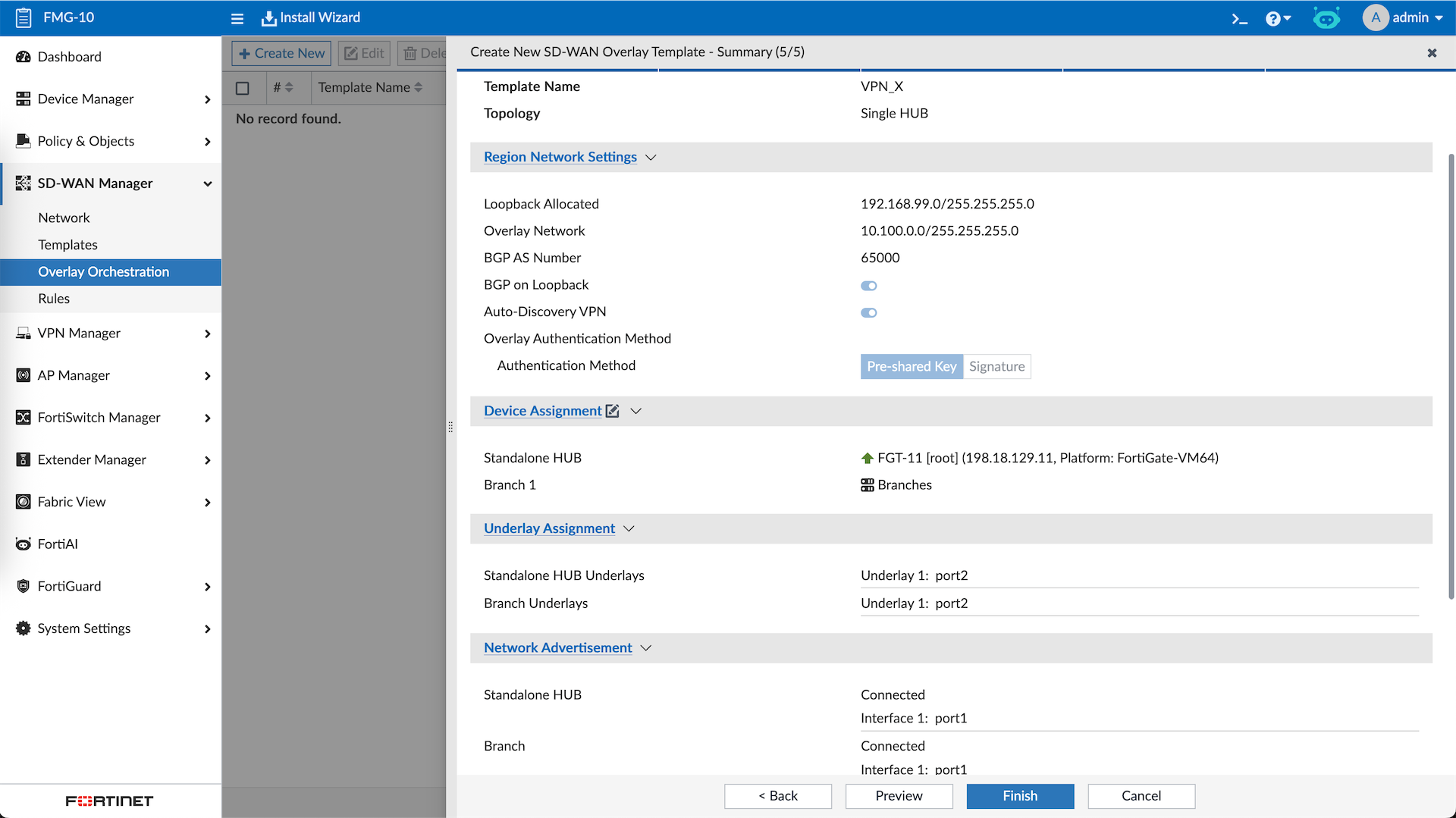
Now we have the Provisioning Templates for Hub and Spokes that will configure the VPN, Static Route, and BGP
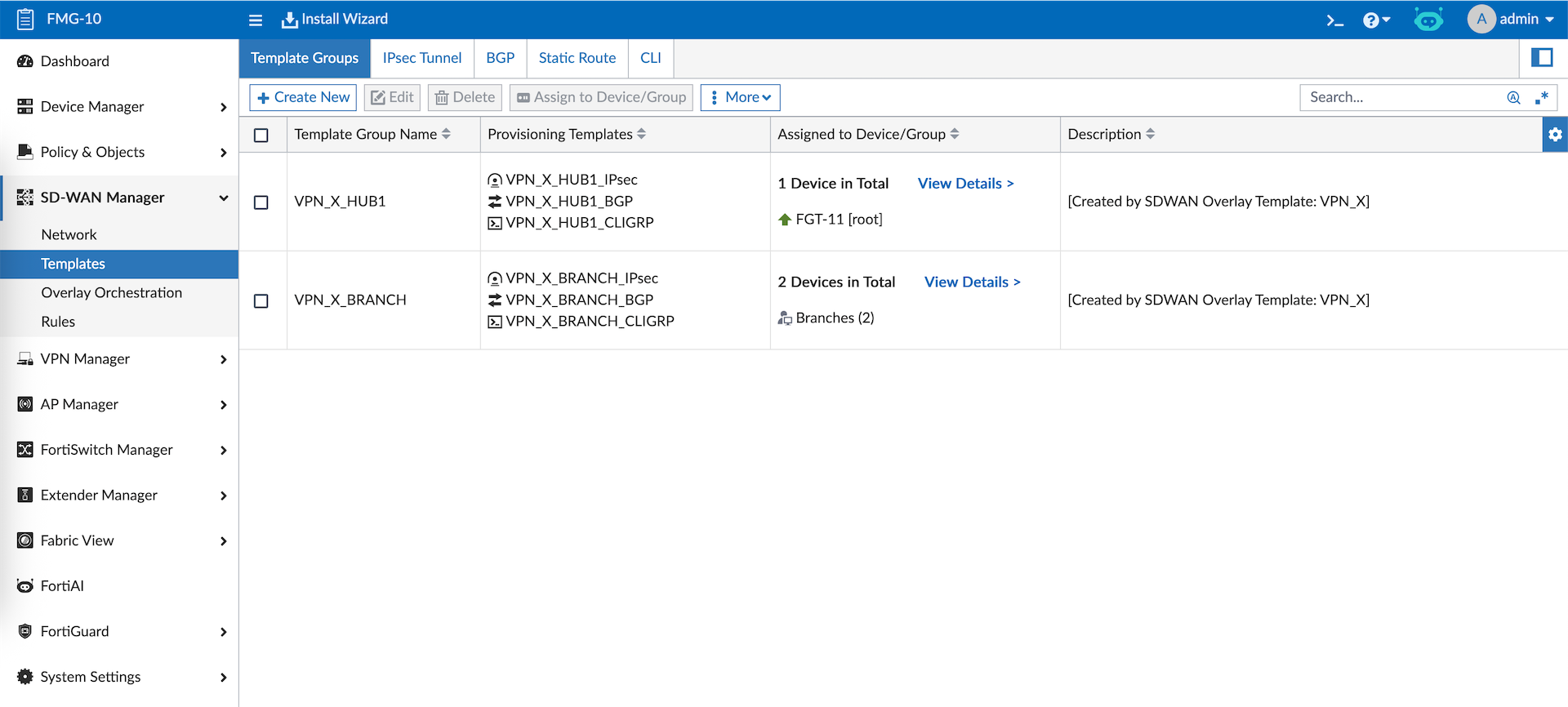
Lets push the configs
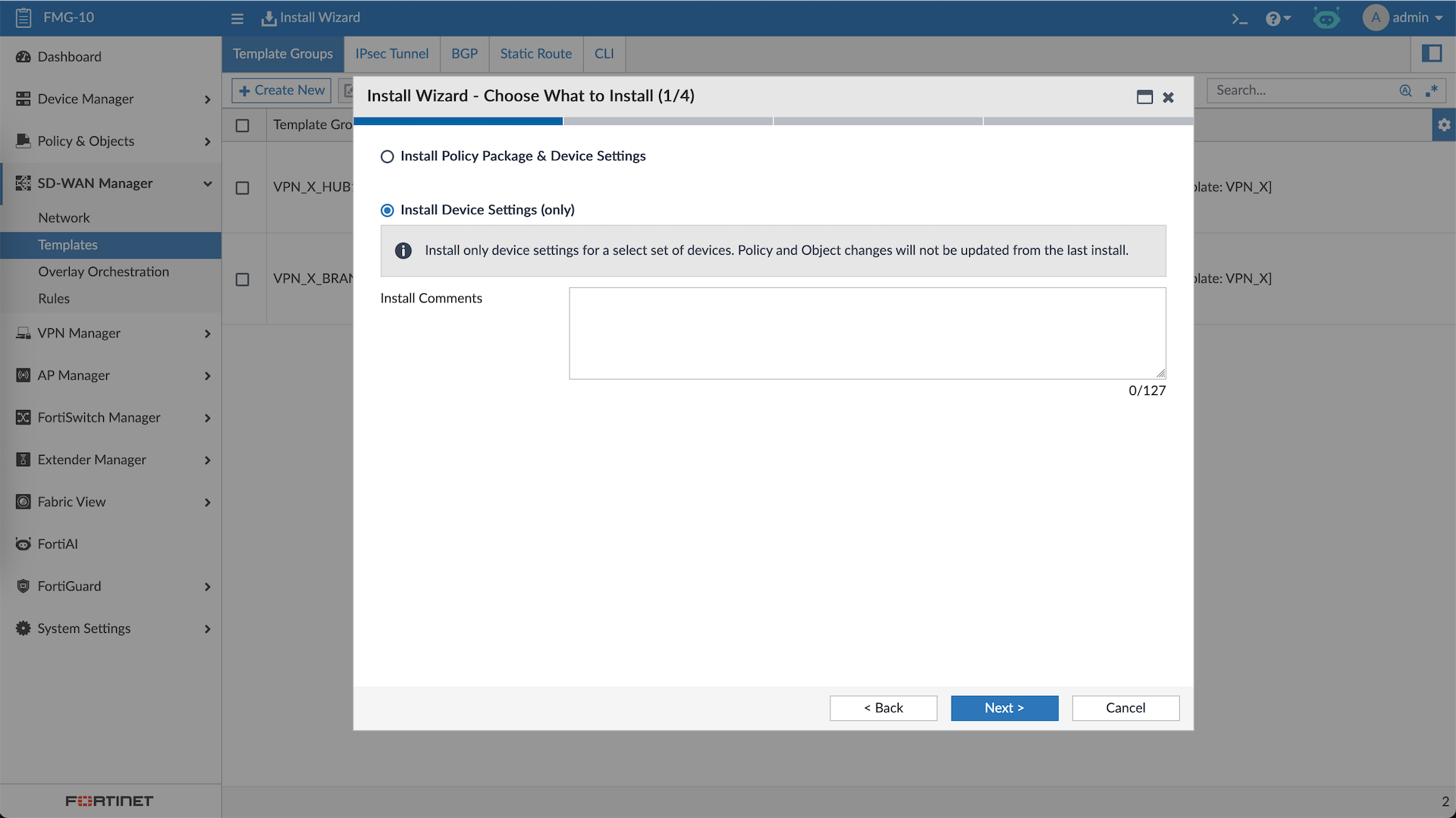
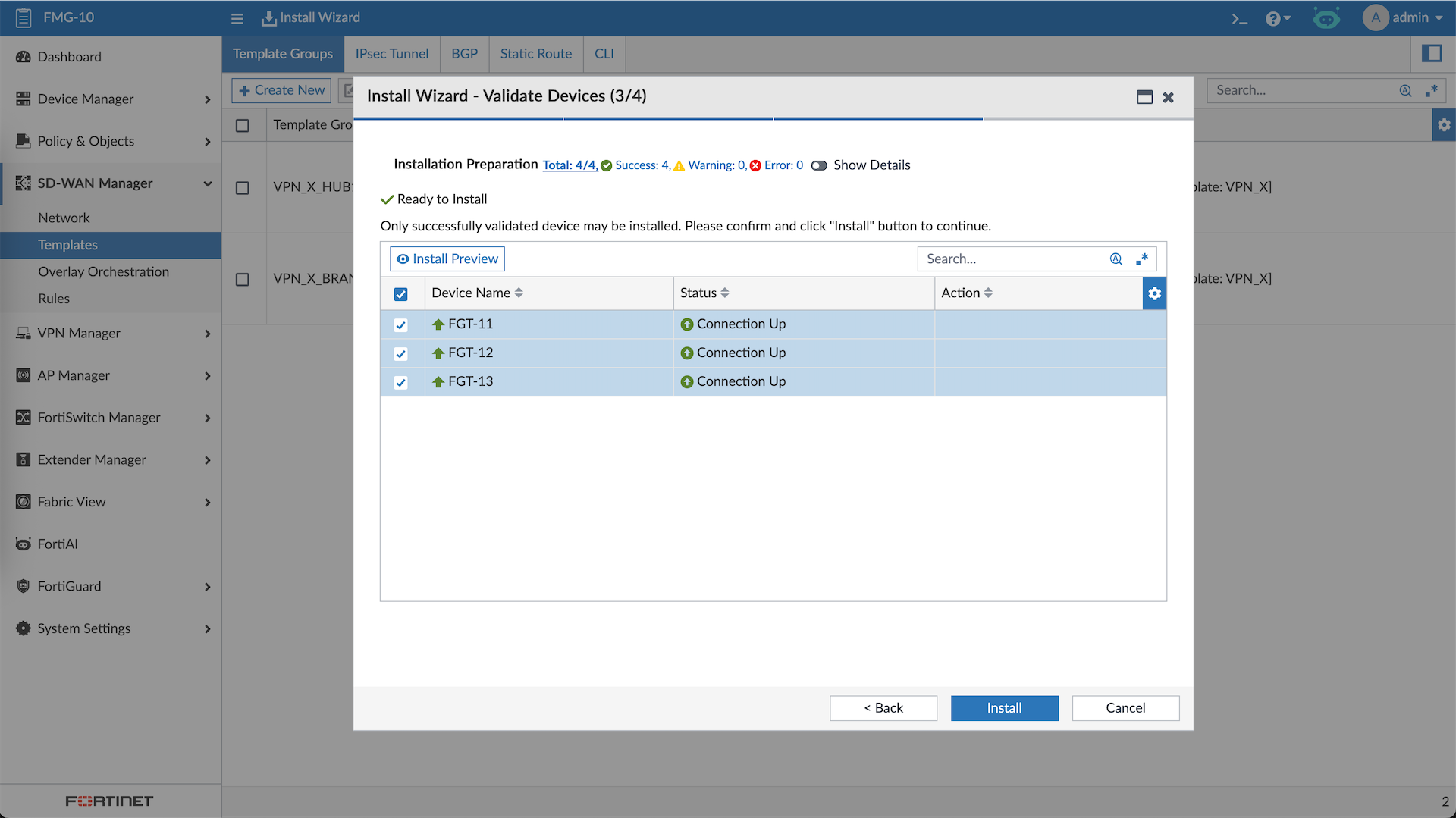
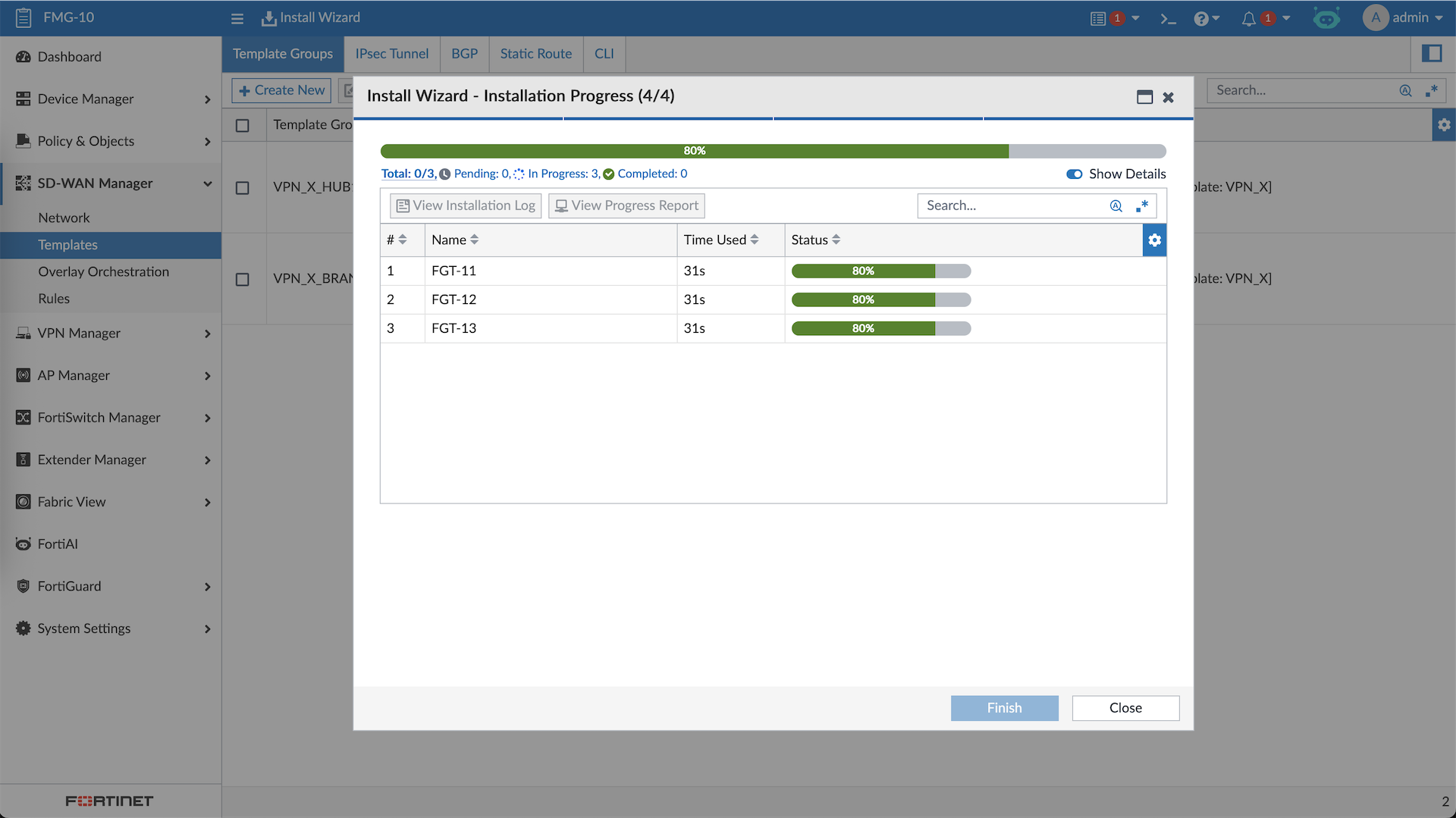
And just like that now we have a working Hub-and-spoke Dial-up VPN with internal BGP
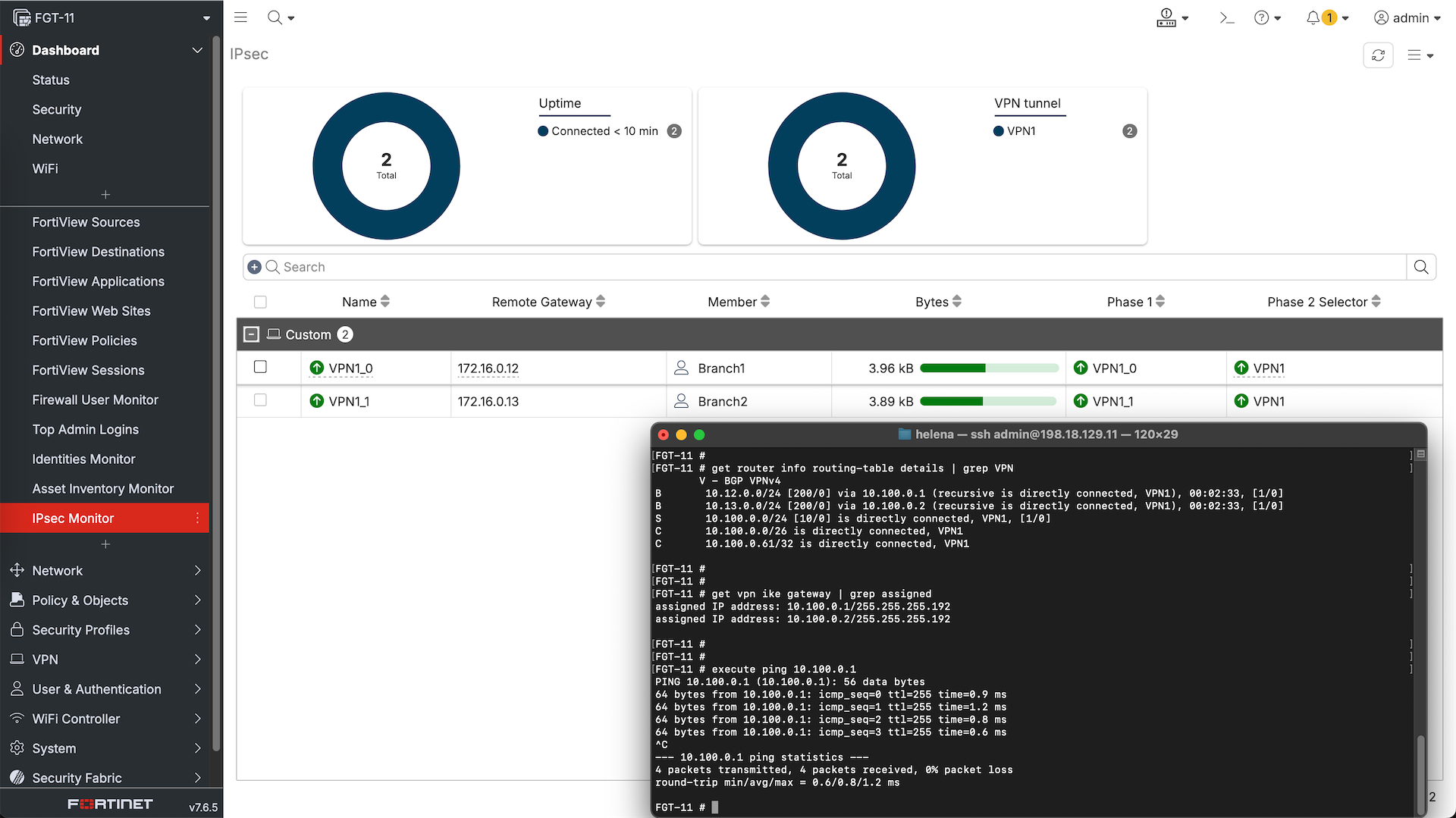
One this is still missing, which is the SD-WAN configuration. Here we will create a new SD-WAN Template for Hub and Spokes
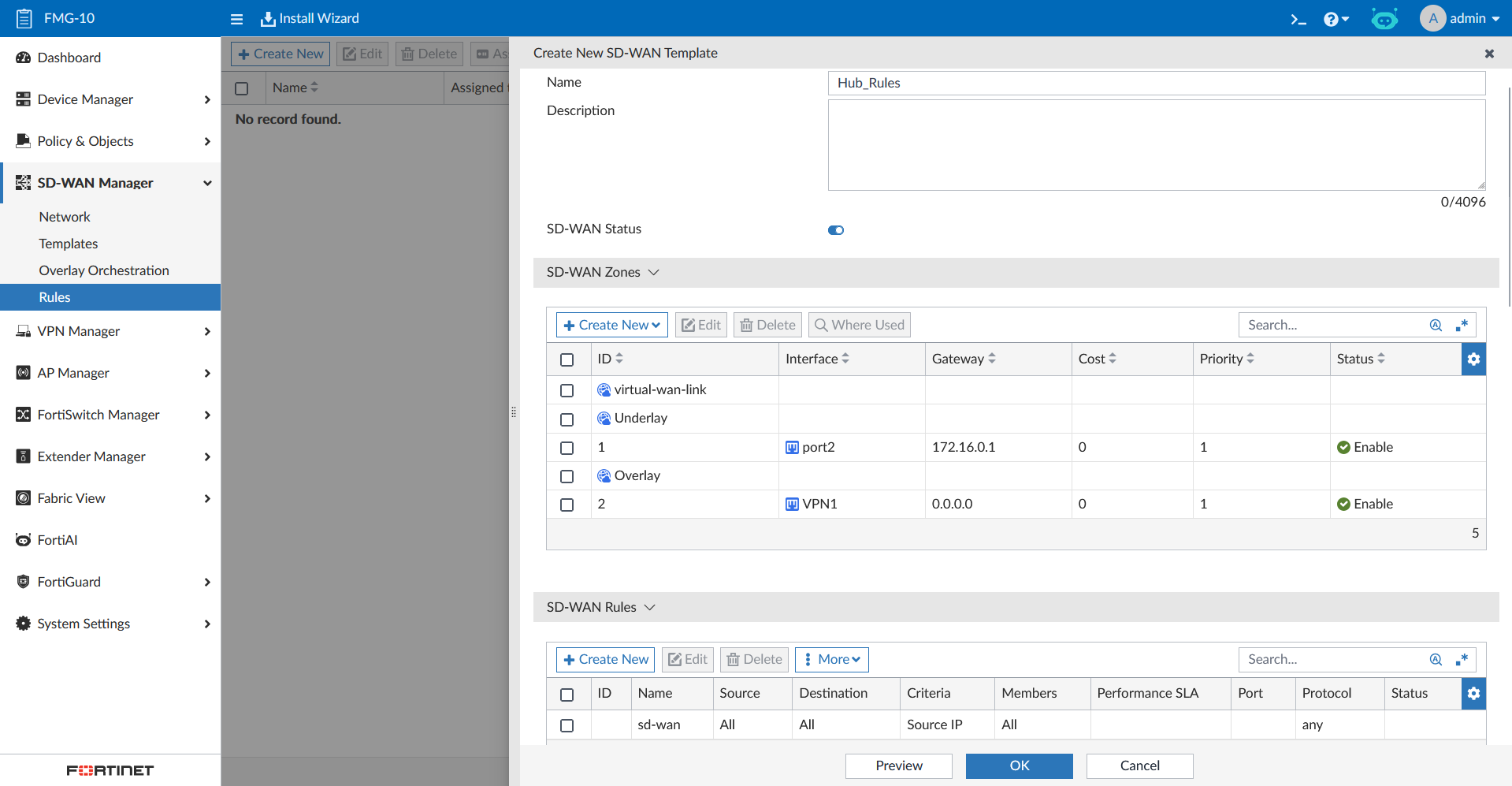
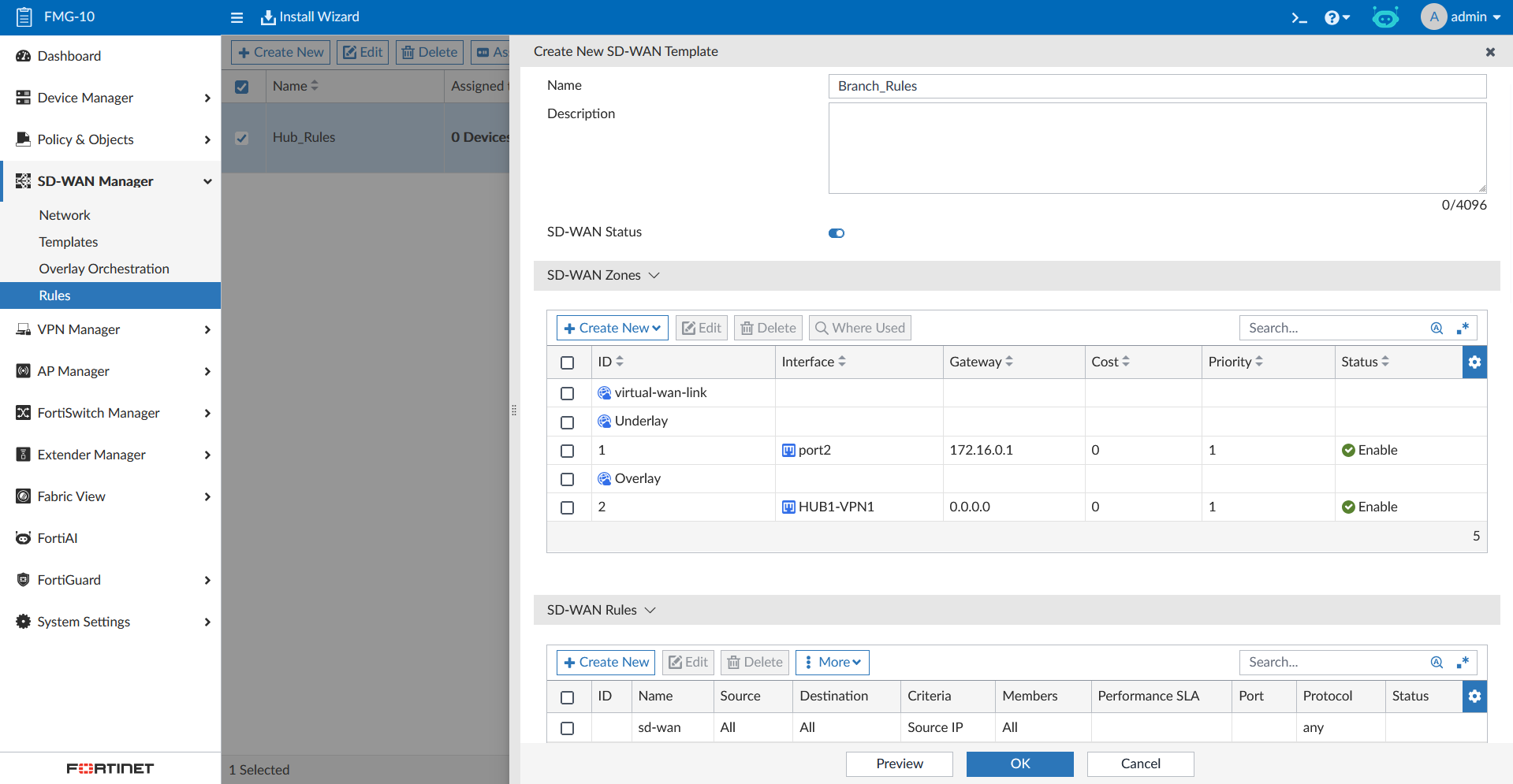
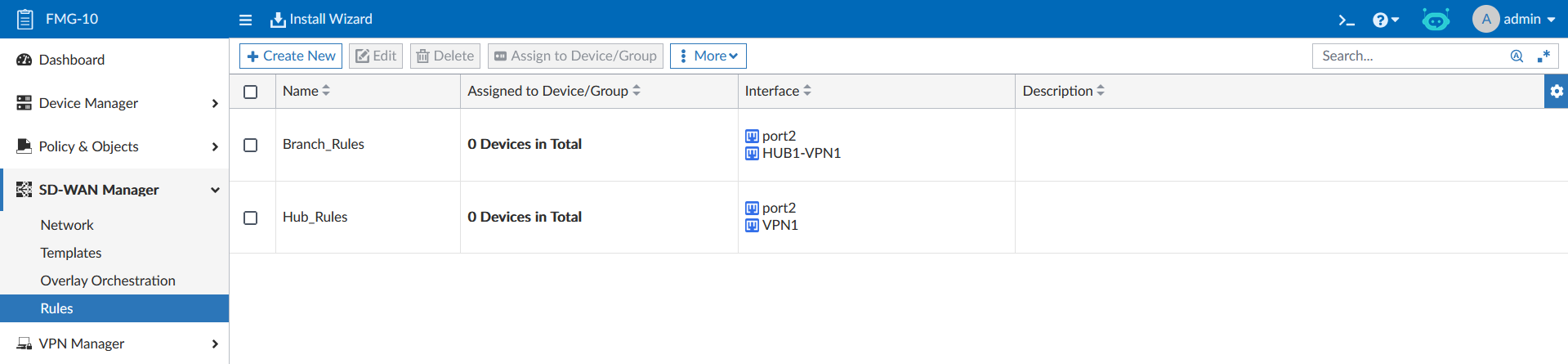
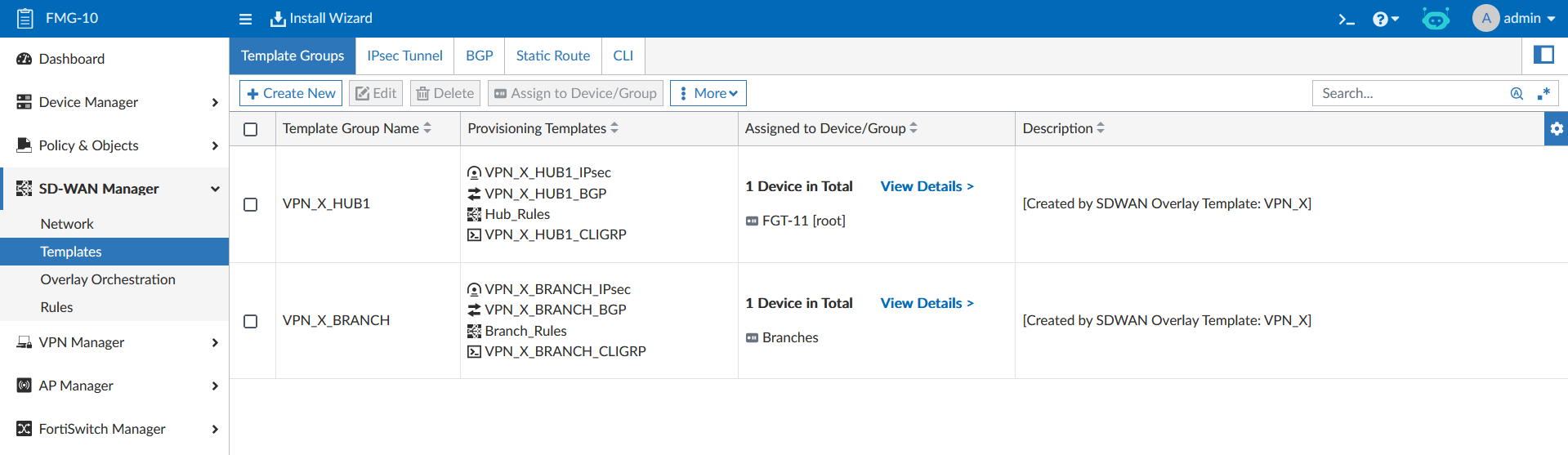
Now we can add the SD-WAN templates into our Template Groups as well, completing the SD-WAN solution configuration
Next we push the configs
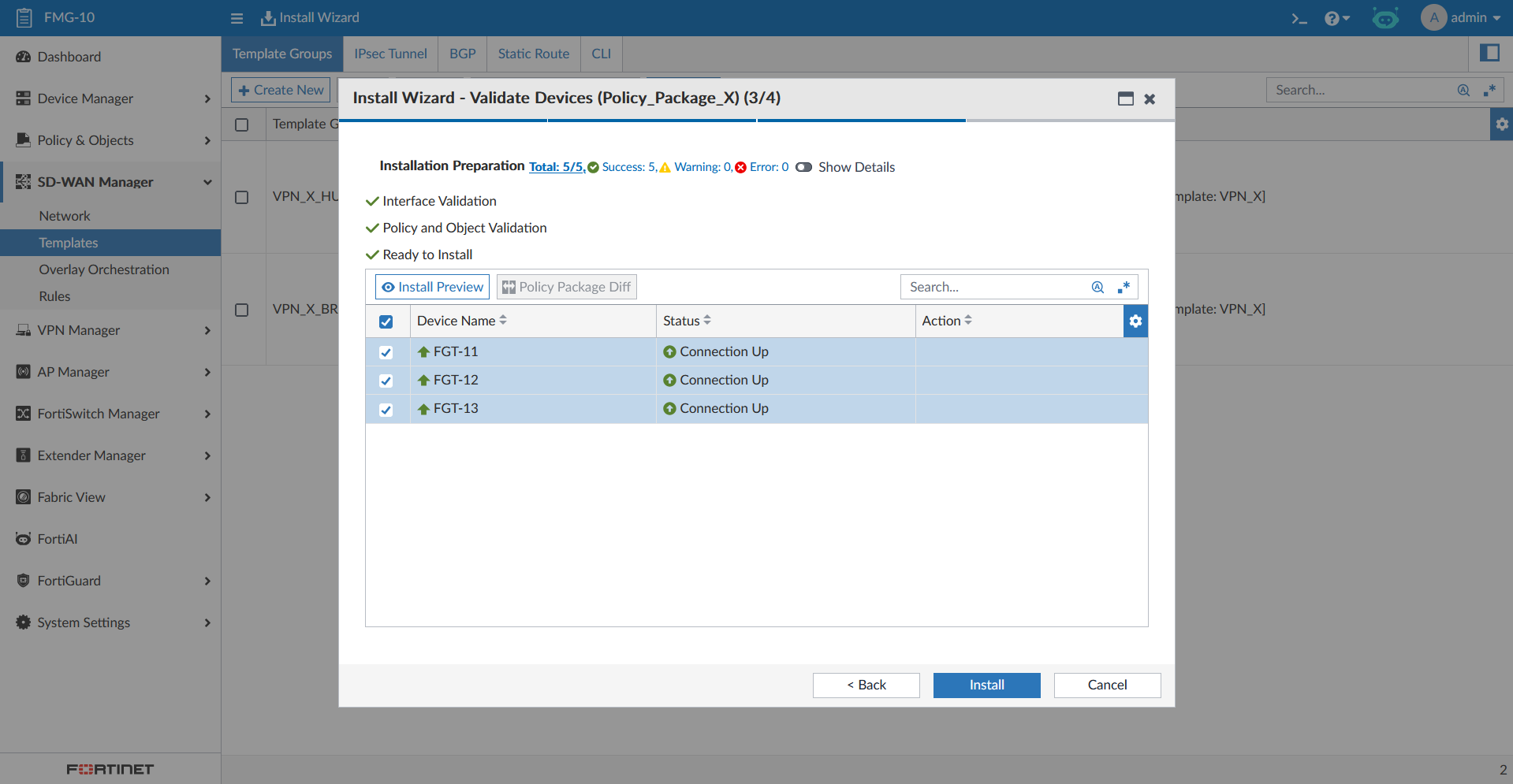
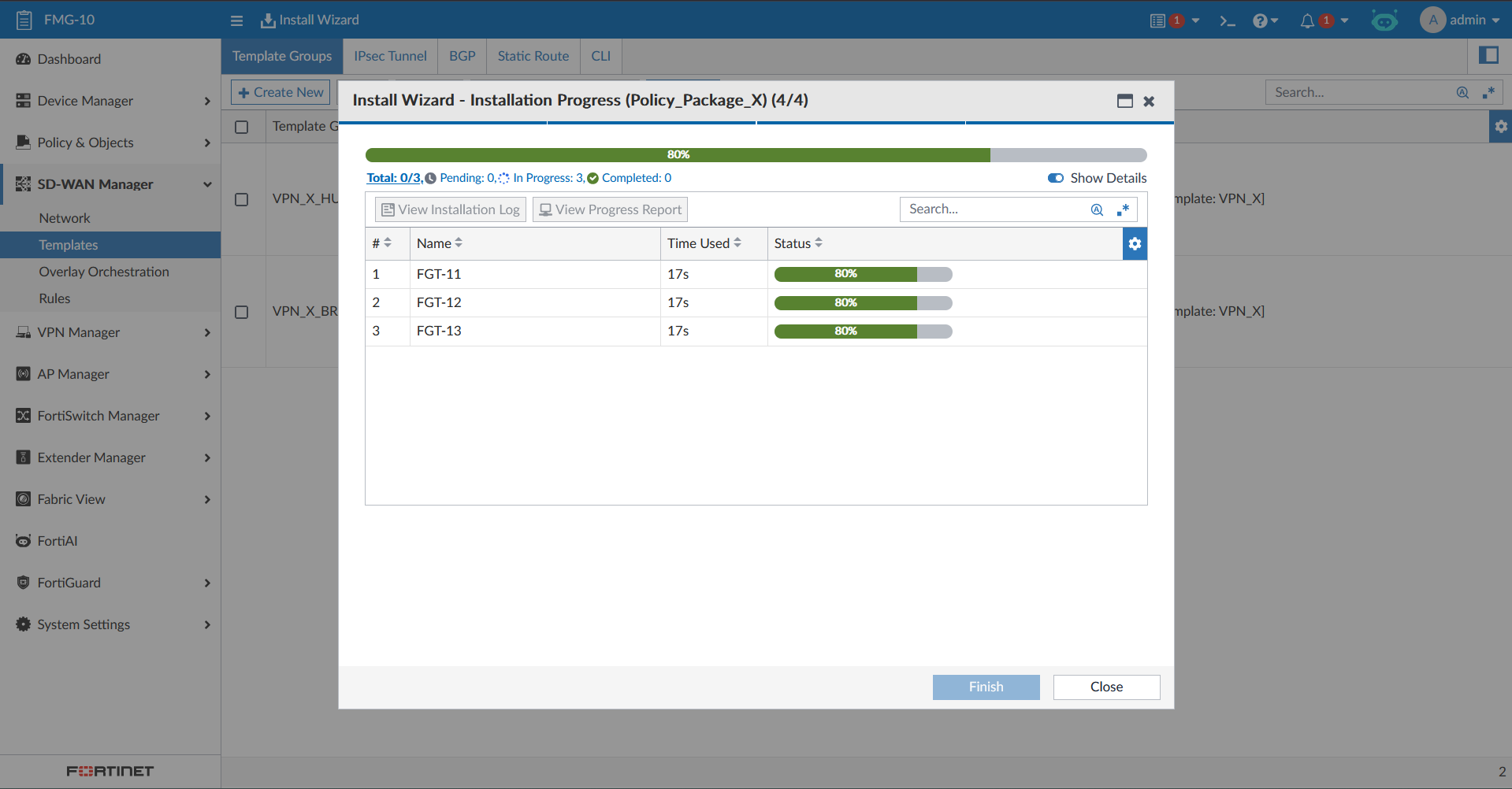
And lastly we now also have the SD-WAN configuration up and running on all of our managed devices
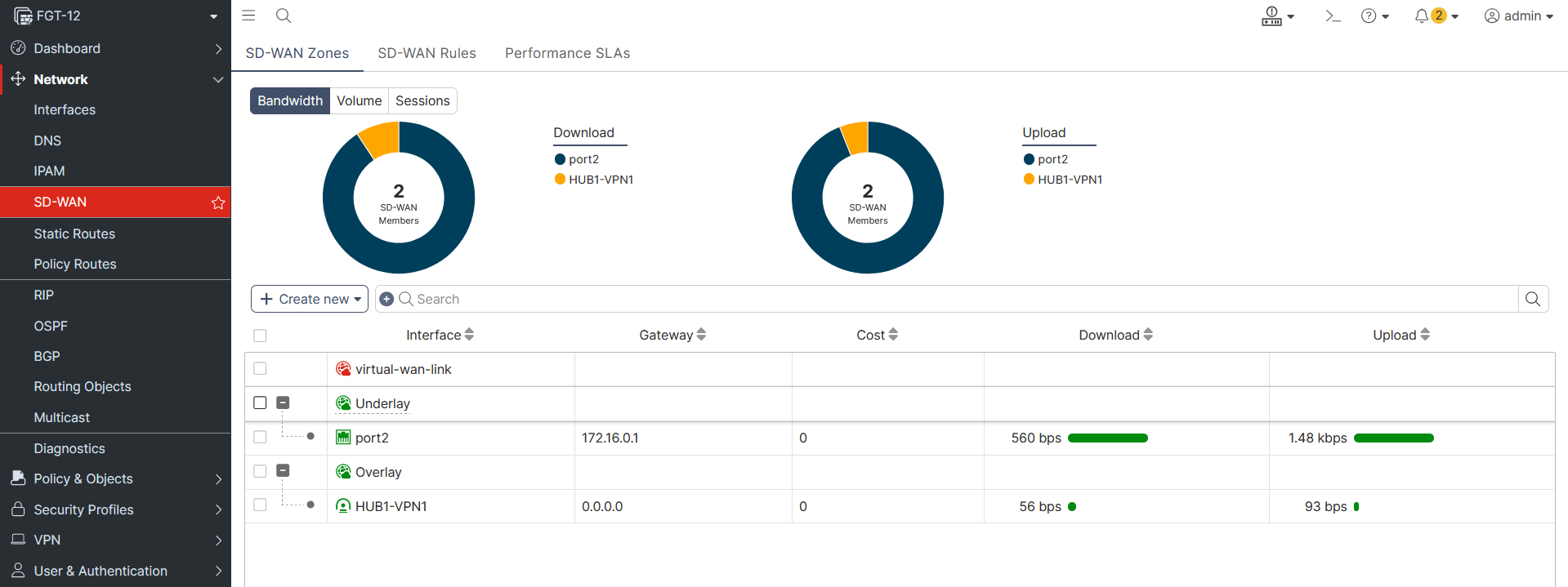
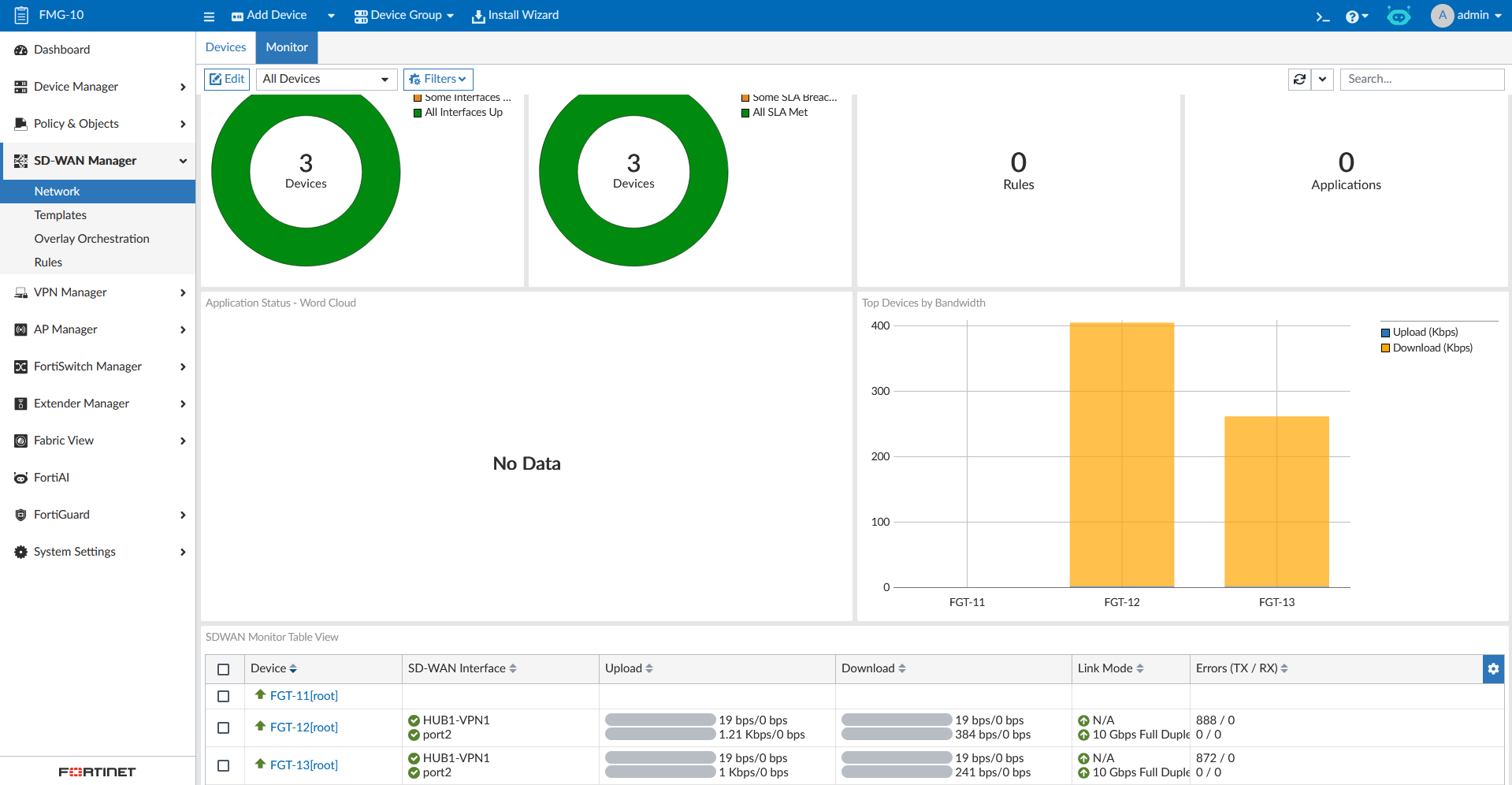
That concludes our SD-WAN configuration using SD-WAN Manager