Fortinet Security Fabric
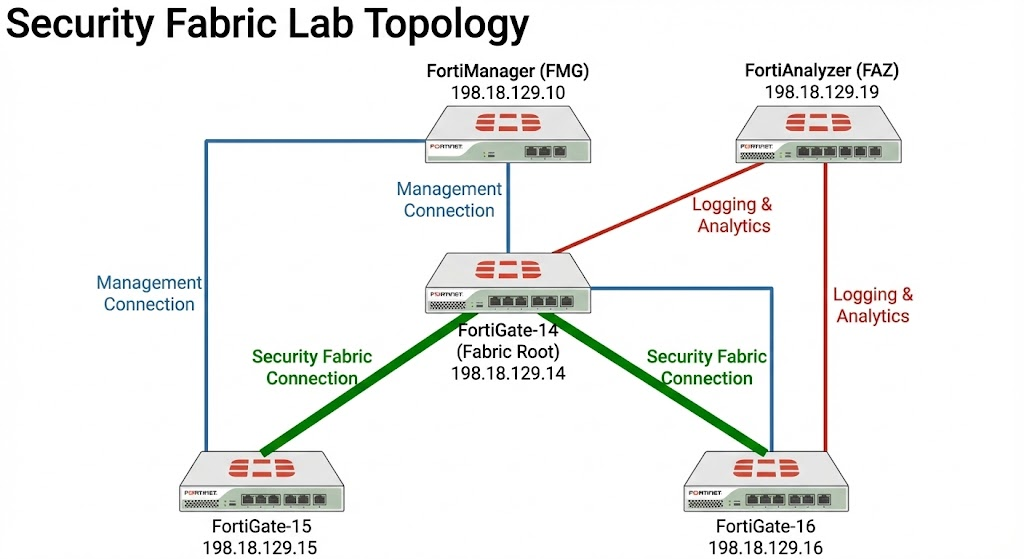
The Fortinet Security Fabric is an integrated architecture that enables multiple security devices to share telemetry and coordinate a unified response to threats. This lab demonstrates the seamless integration of FortiGates with FortiManager and FortiAnalyzer, consolidating individual appliances into a unified, centrally managed security ecosystem
Security Fabric
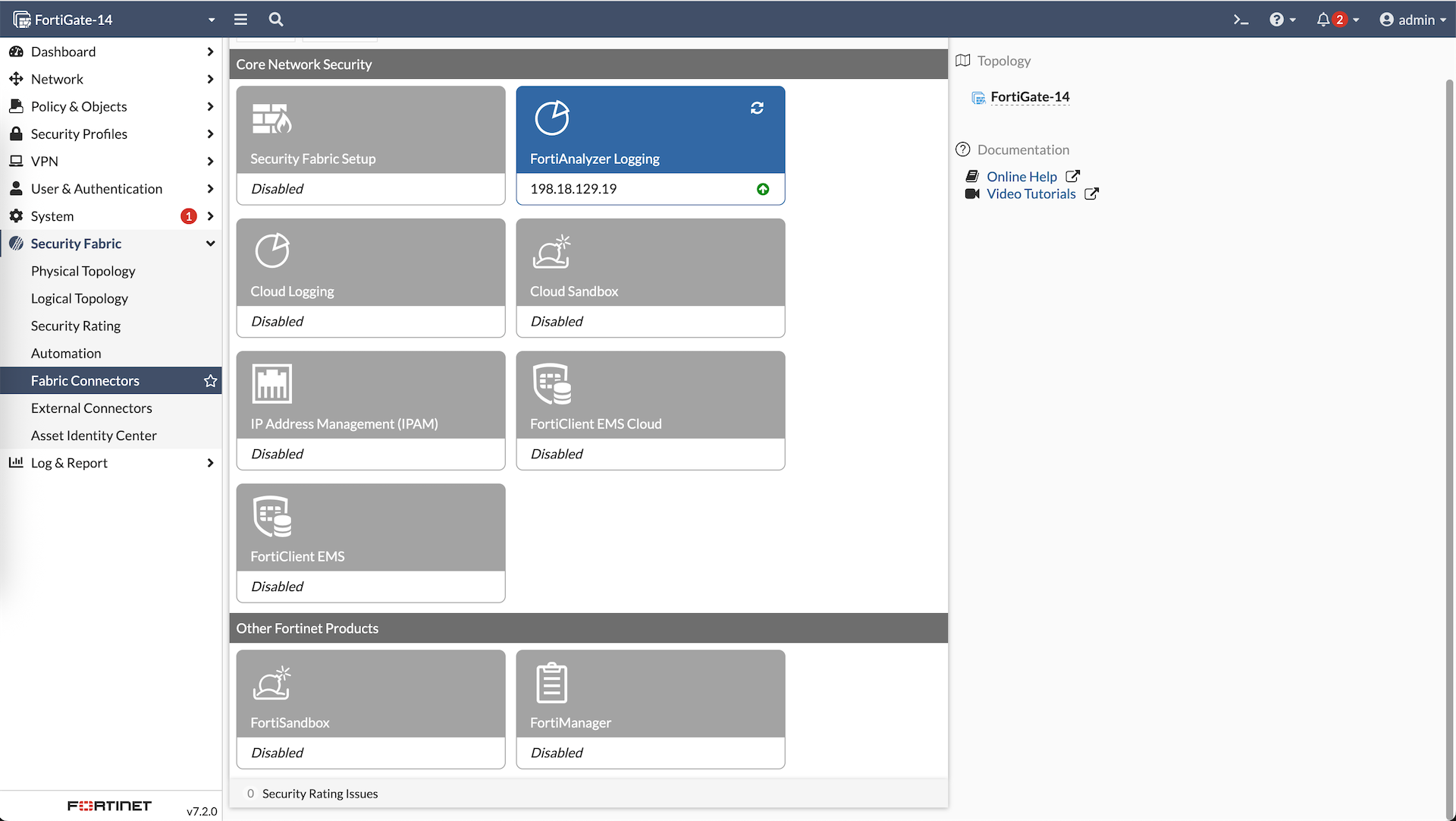
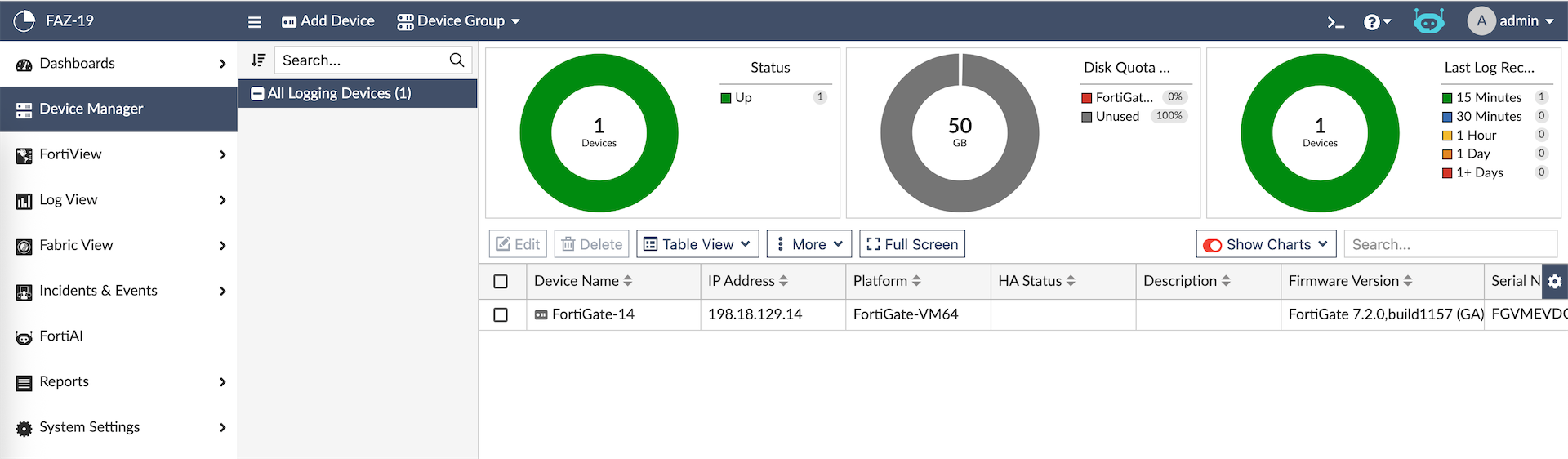
Here we have Fortigate-14 which will act as our Fabric Root that already has connection to Fortianalyzer
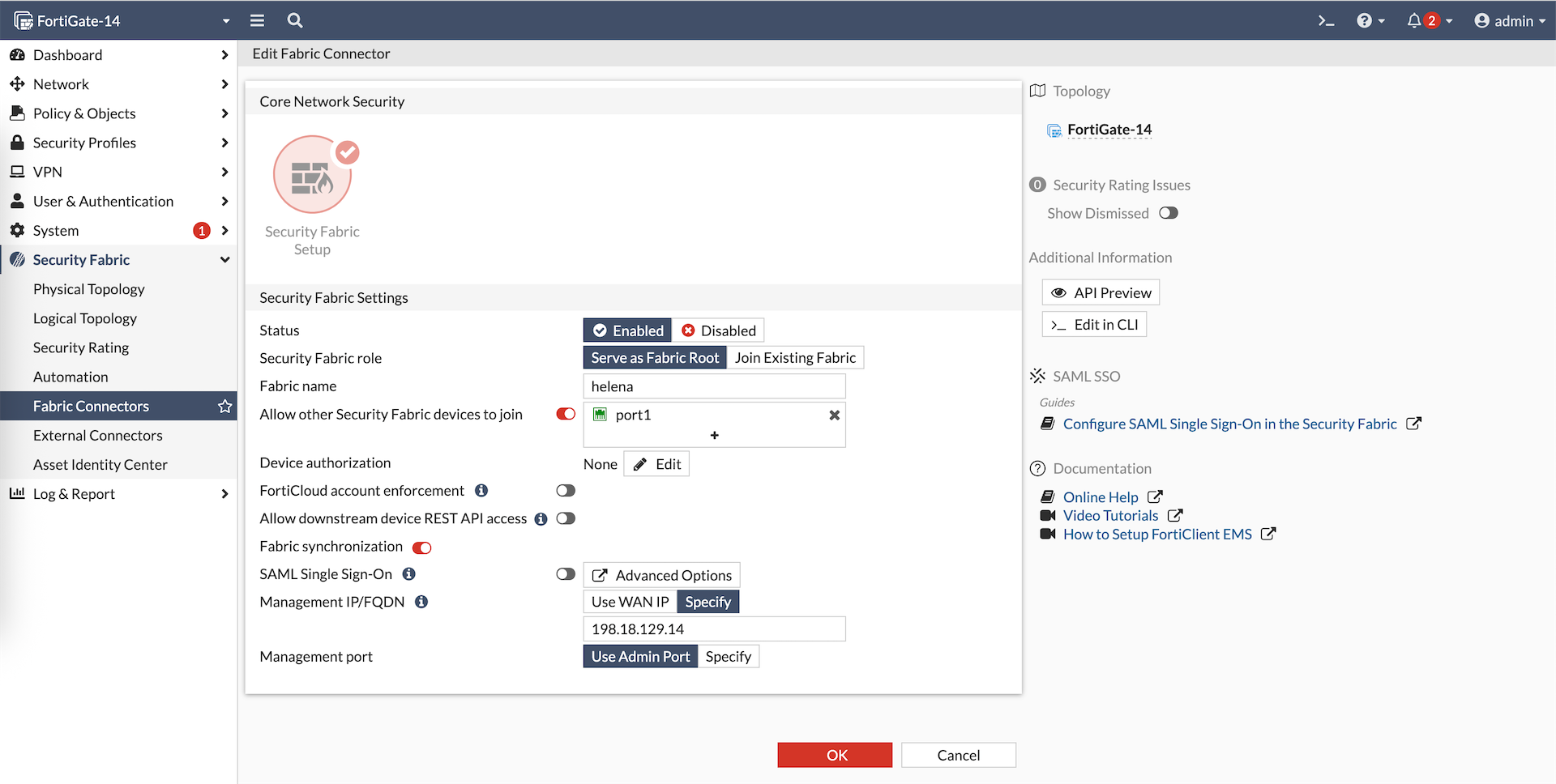
Here we enable Security Fabric as Root
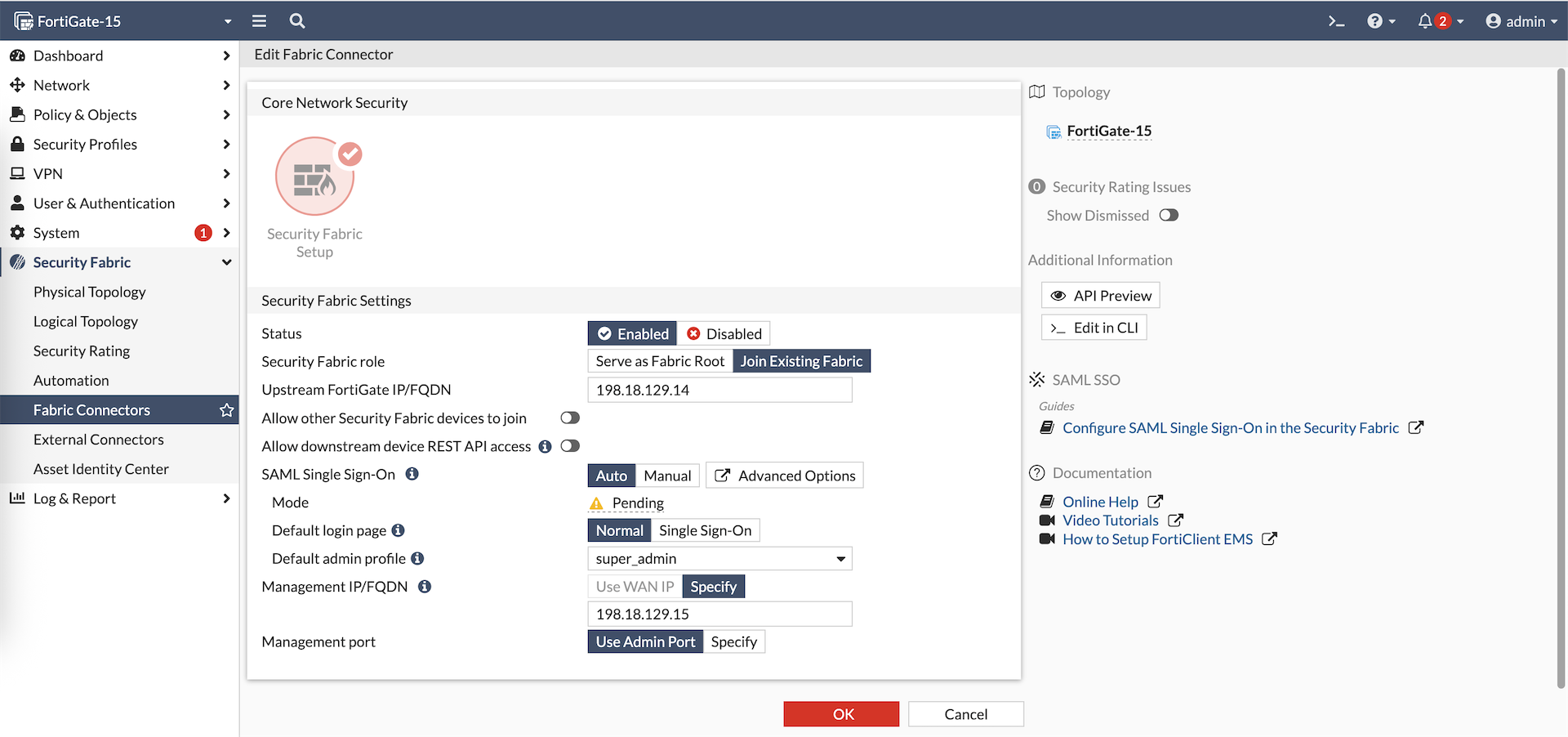
After that we can move to our members, in this case is the Fortigate-15. Here we also enable Security Fabric as a member
Do the same for Fortigate-16, and now we have both members show up on Fabric Root pending authorization
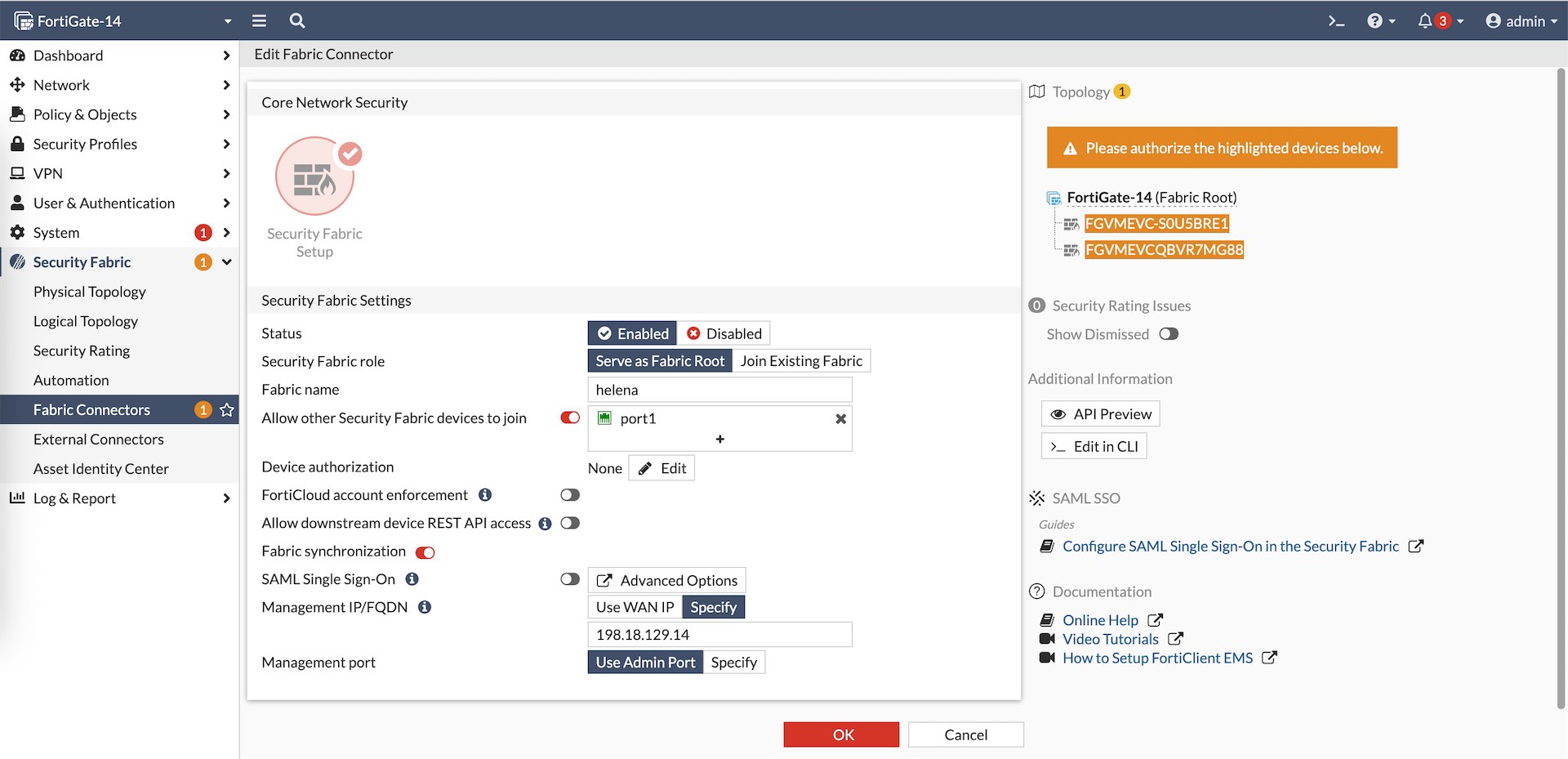
Authorize both members
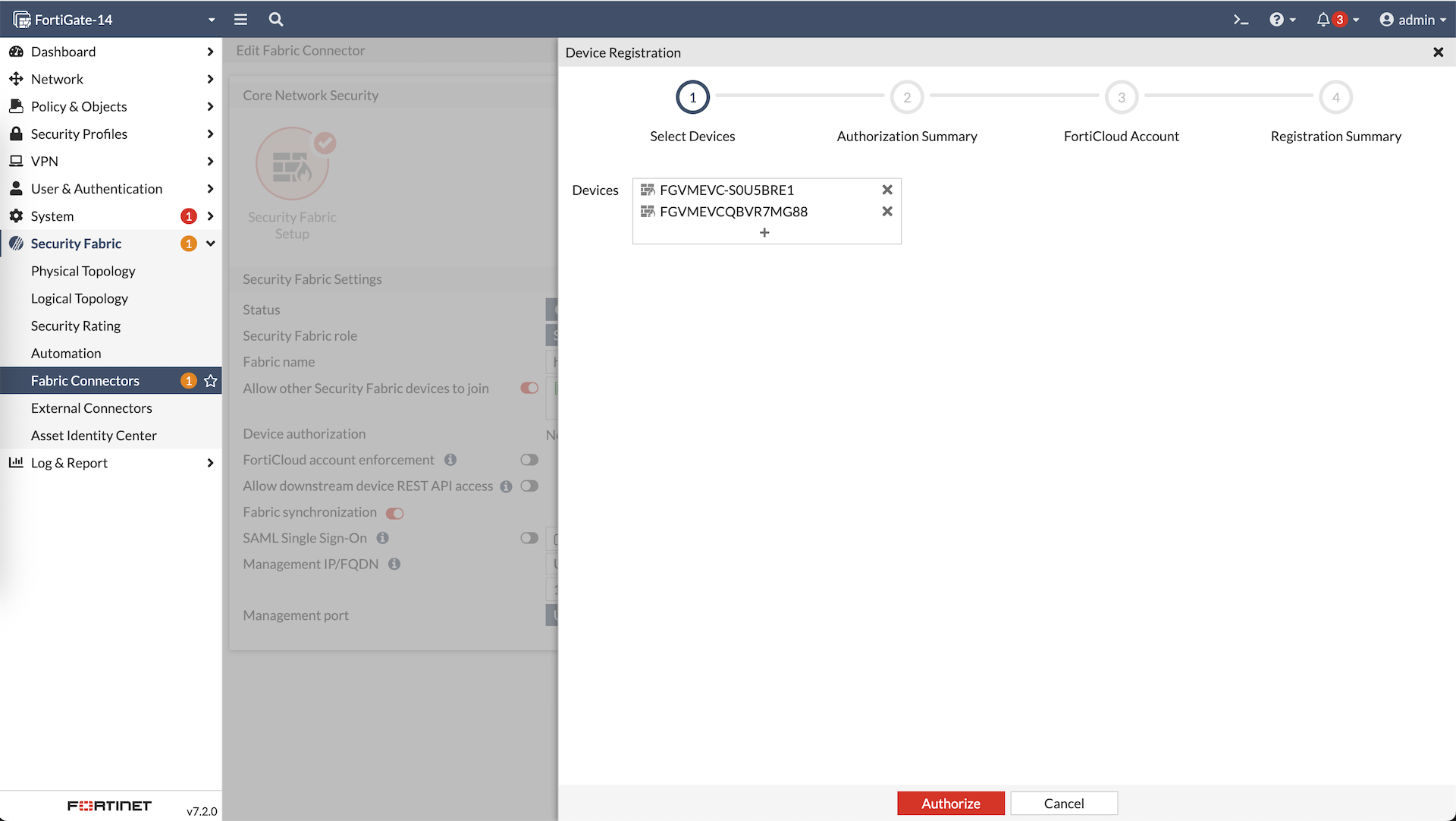
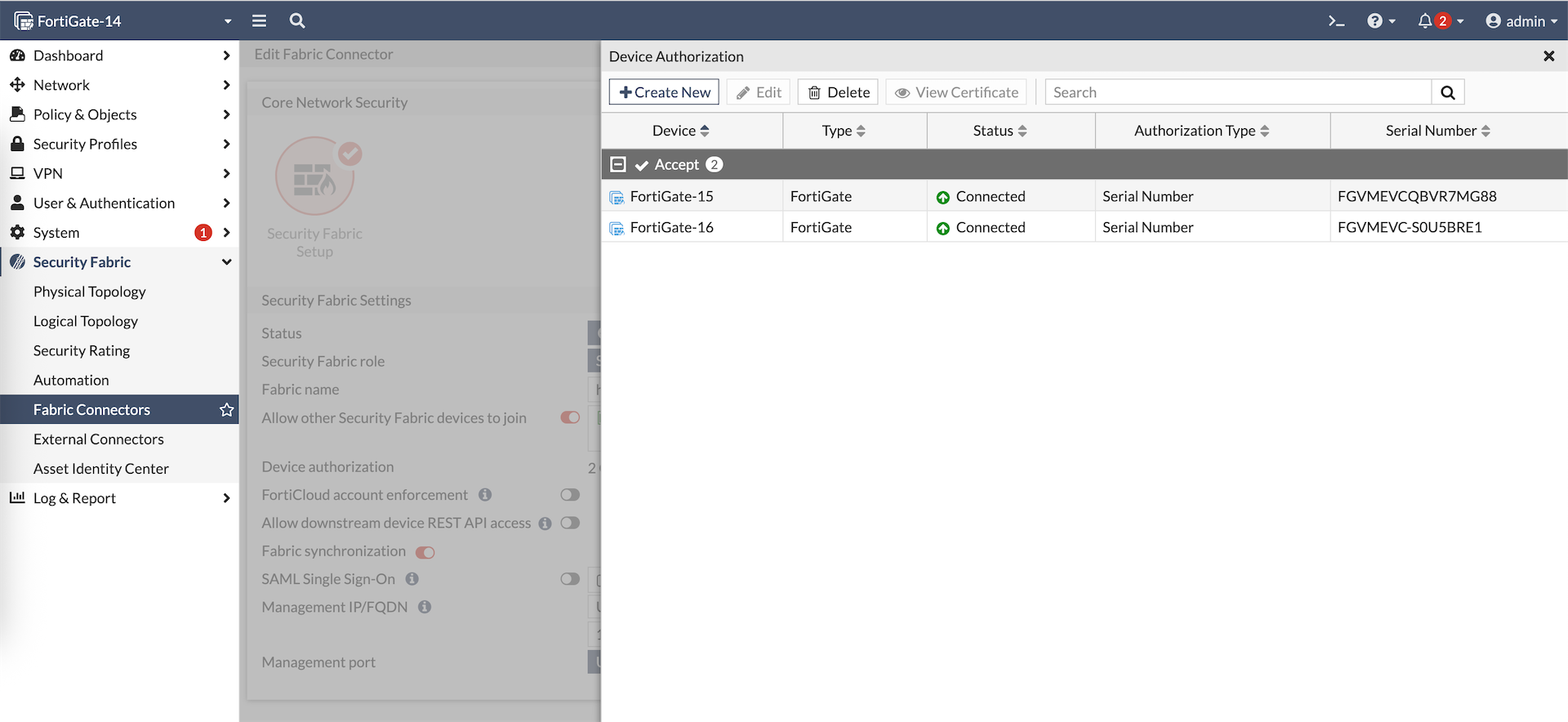
And now we have both members as part of the Security Fabric
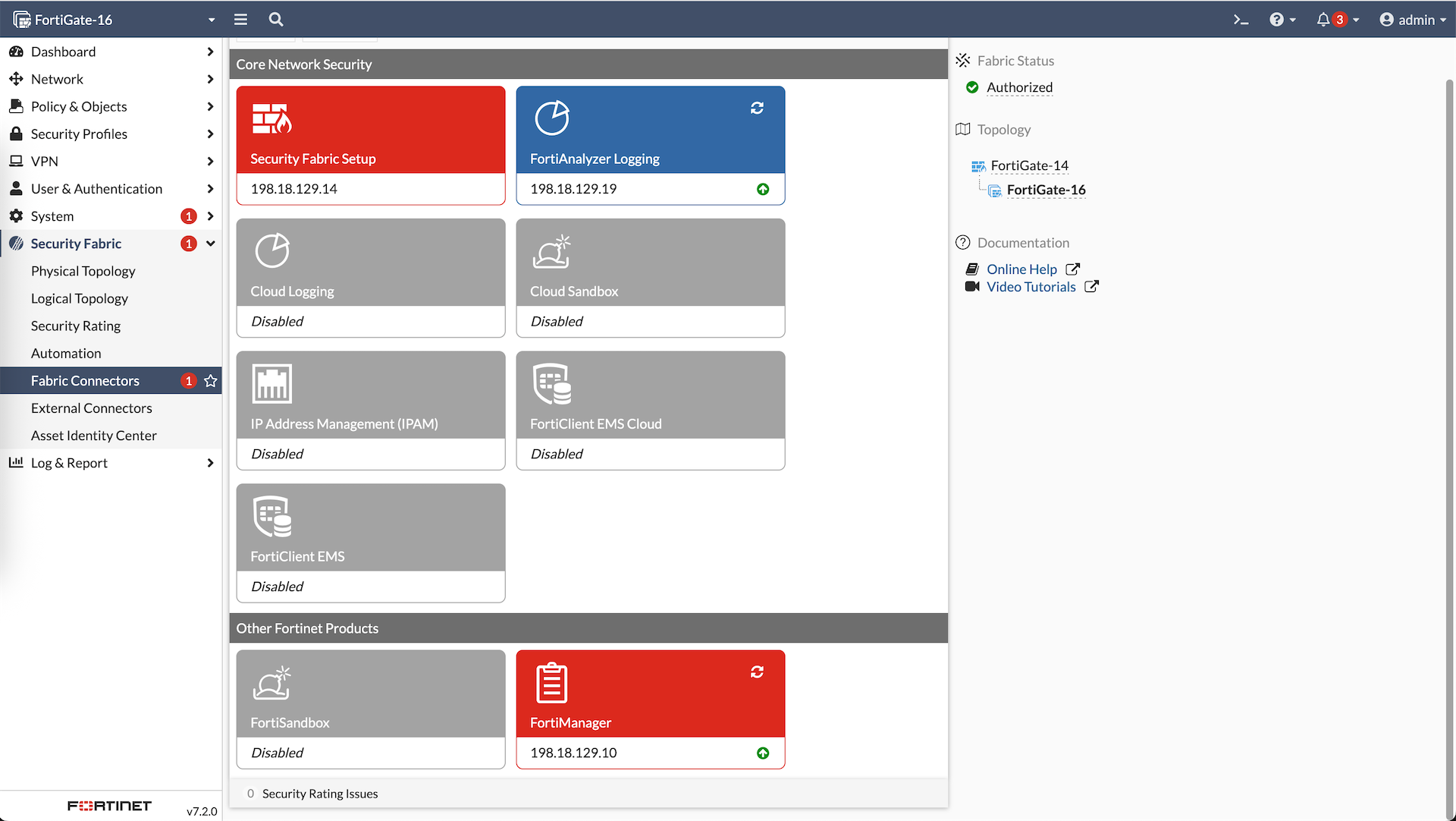
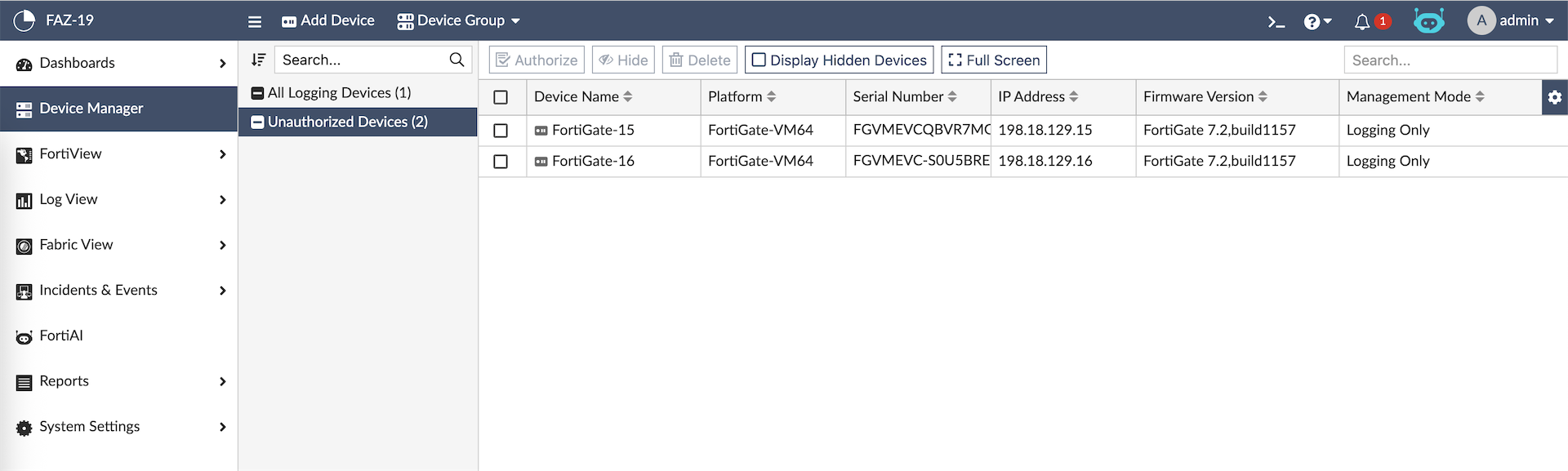
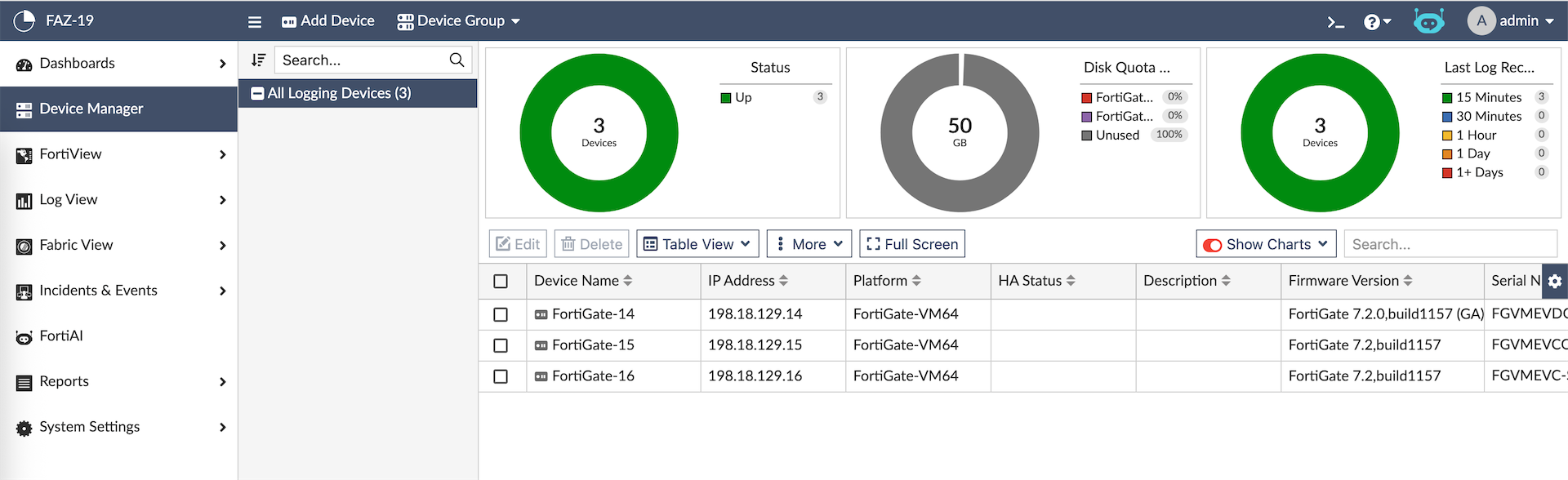
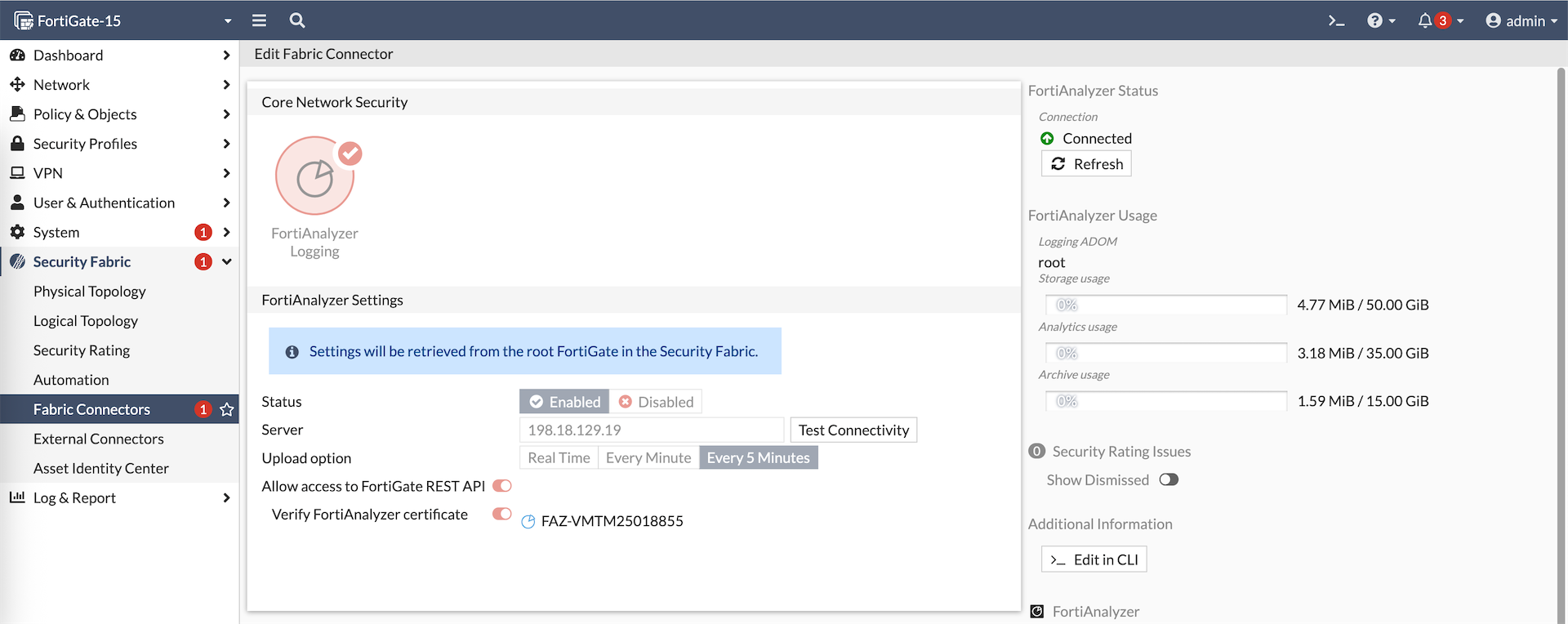
Because Fortigate-14 alread has Fortianalyzer configured, this configuration will be synced to the downstream members, automatically adding them to the same FAZ. All members now show up on FAZ as Unauthorized Devices which we just need to authorize
Here’s how the FAZ config looks on the downstream member, we can’t modify the config because it’s synced from the fabric root
Object Synchronization
One of the cool things about Security Fabric is we can create a firewall object on the Fabric Root and it will be autmatically propagated to all downstream members
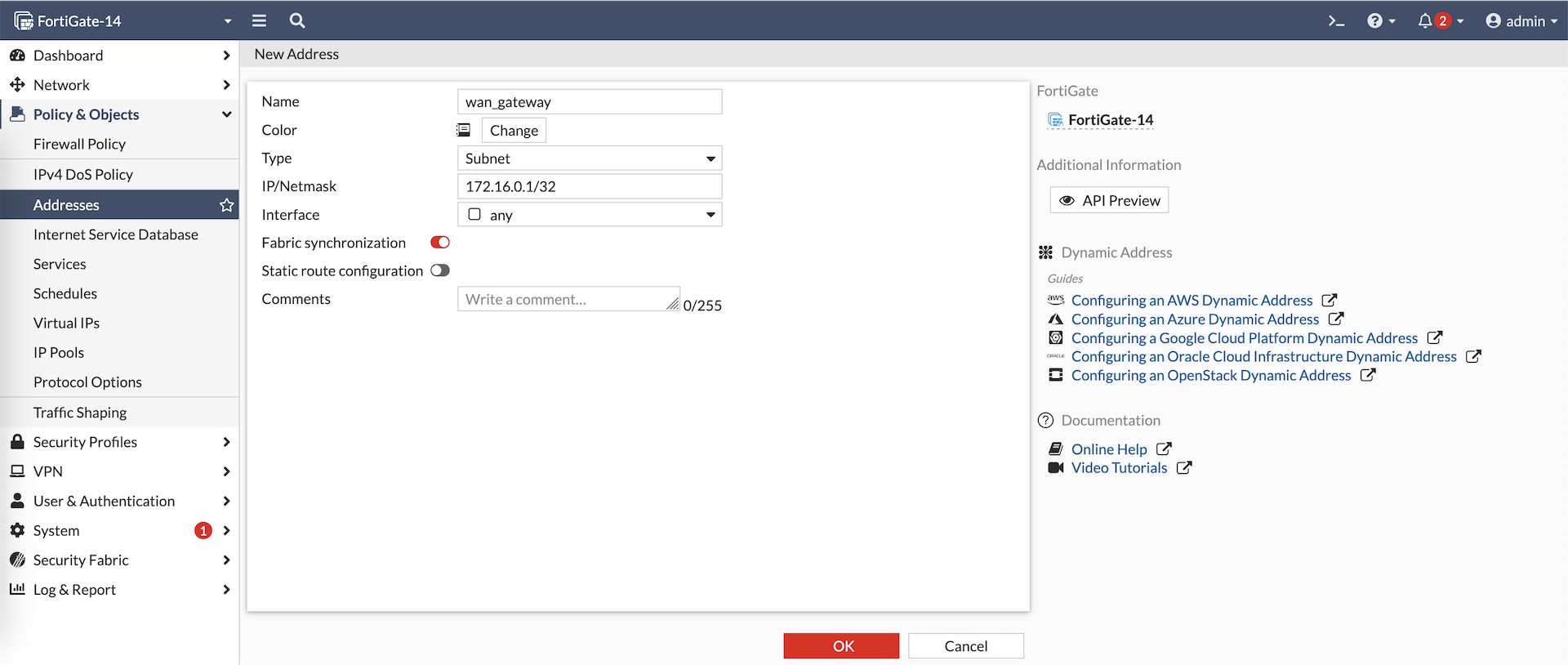
Object on Fortigate-14
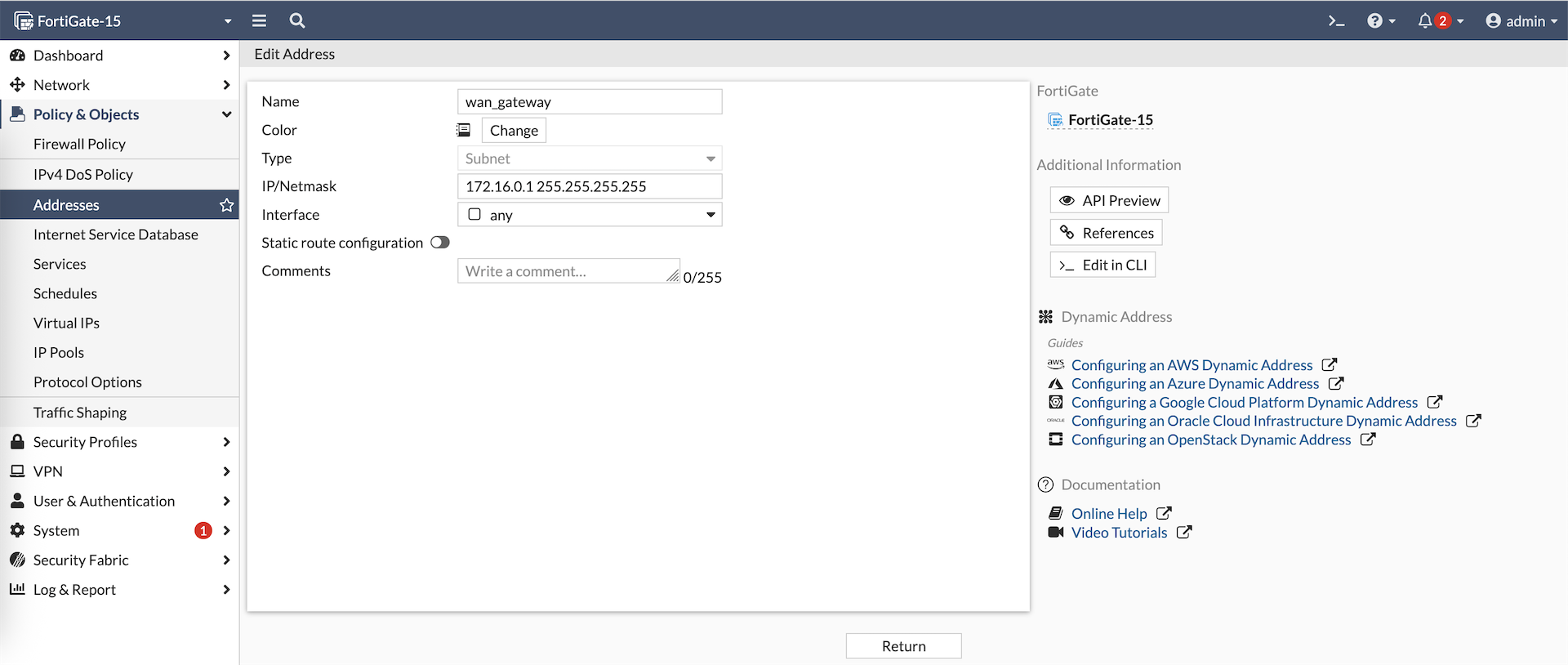
Object on Fortigate-15
FortiManager
Next let’s add the Fortigate-14 to FMG
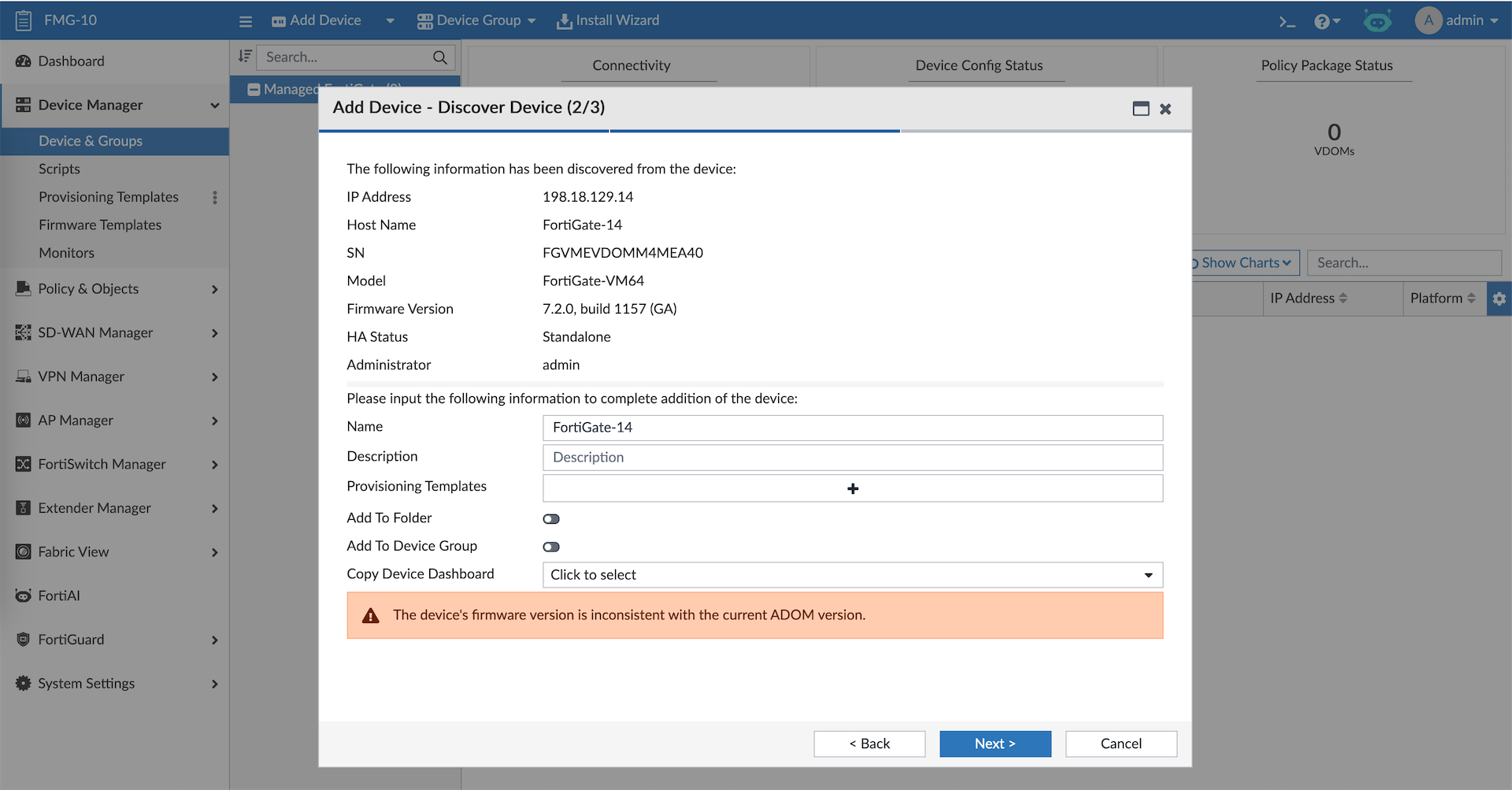
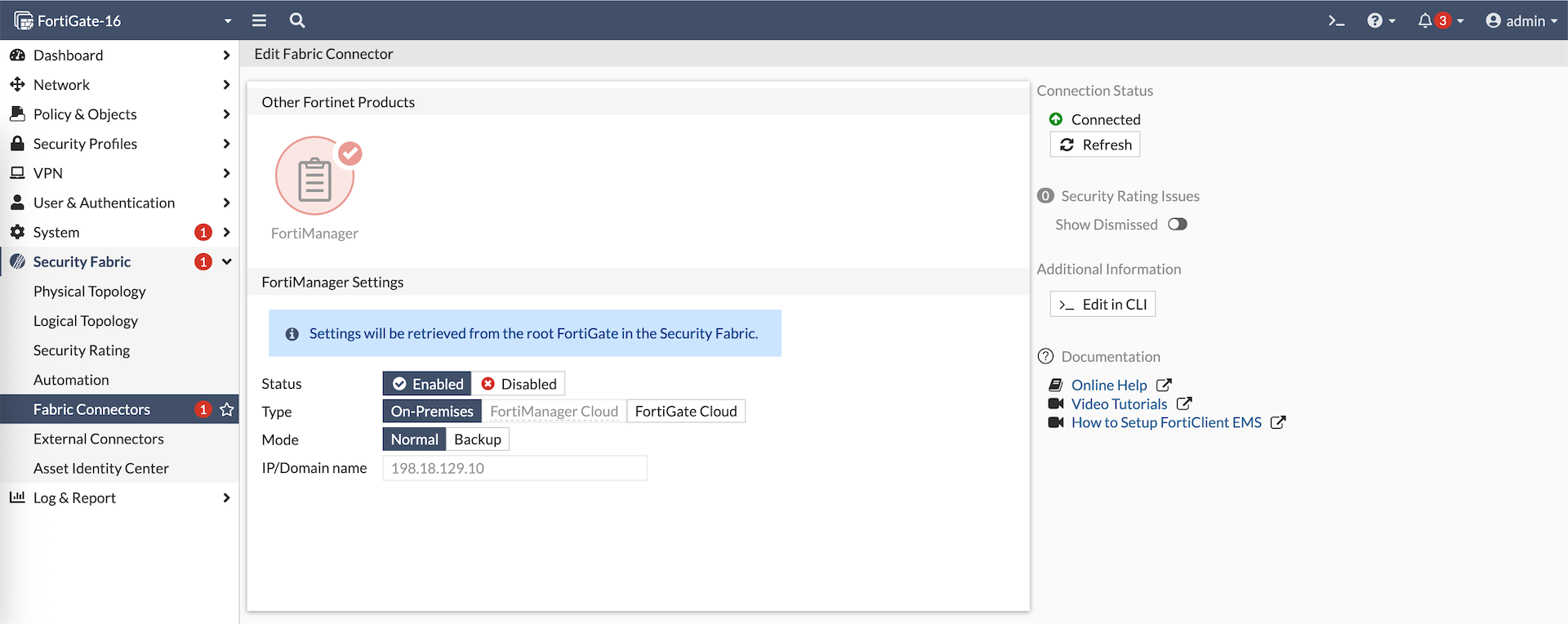
Once the Fabric Root is registered, all members will also show up on FMG as Unauthorized
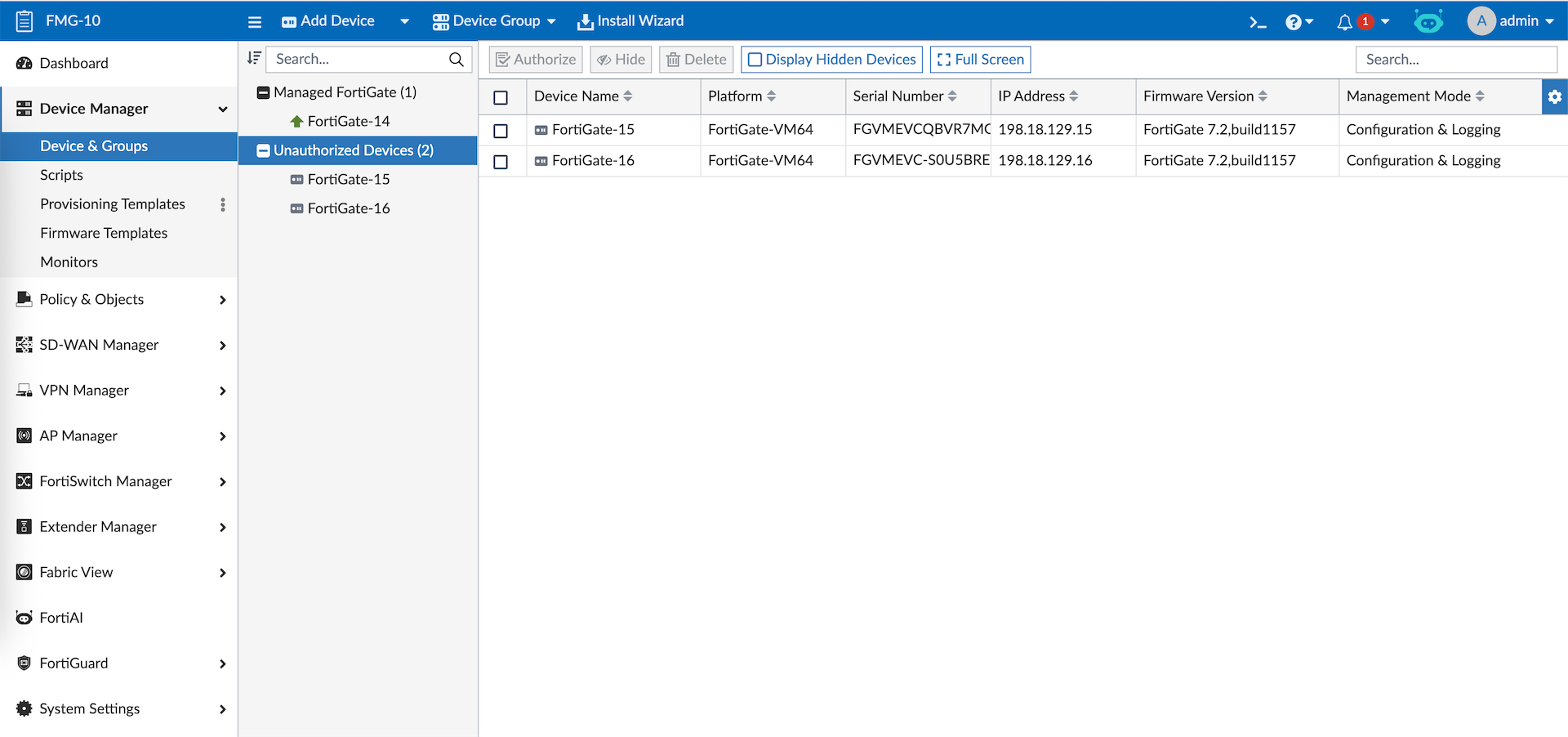
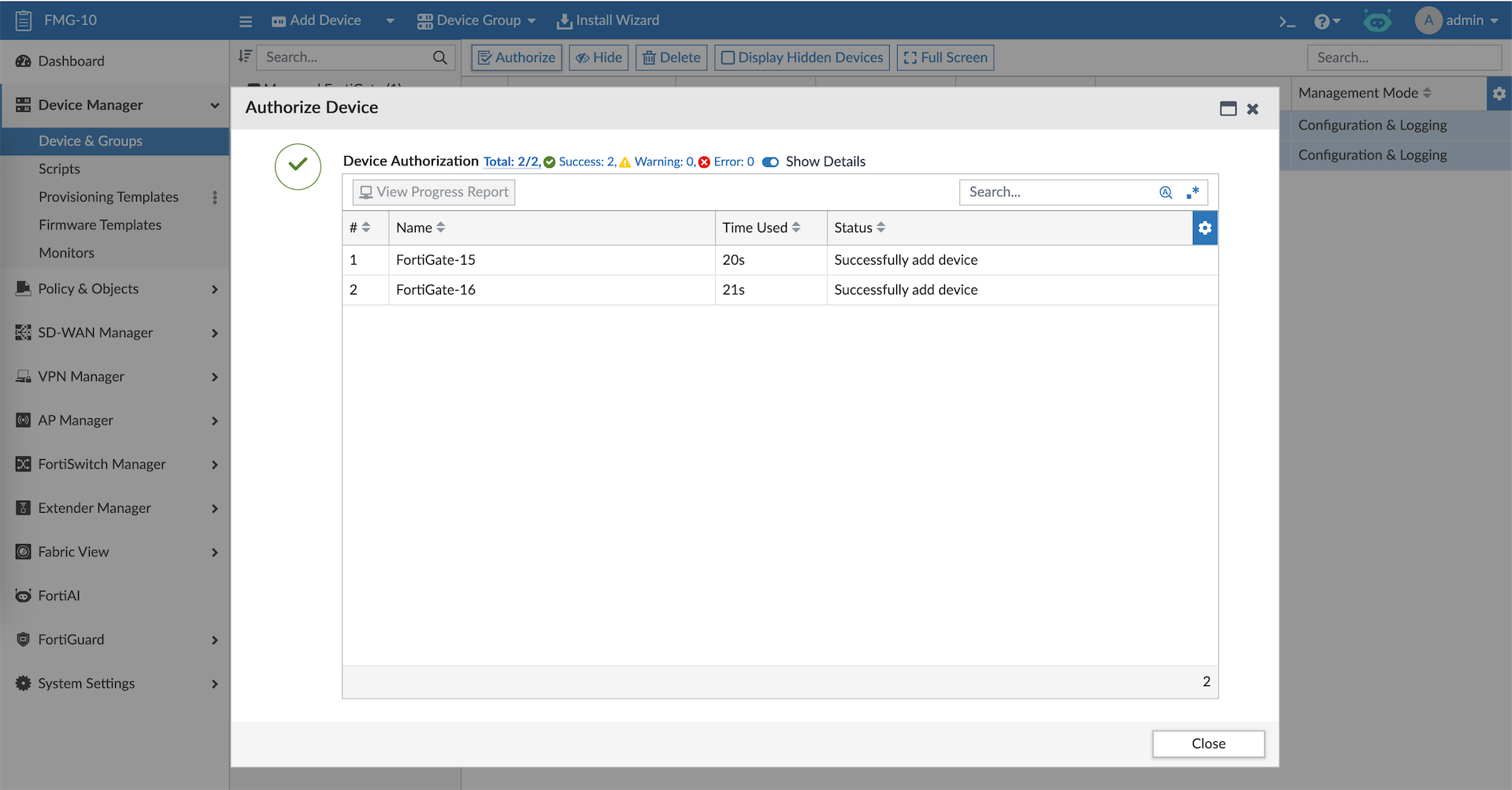
Lets authorize the devices
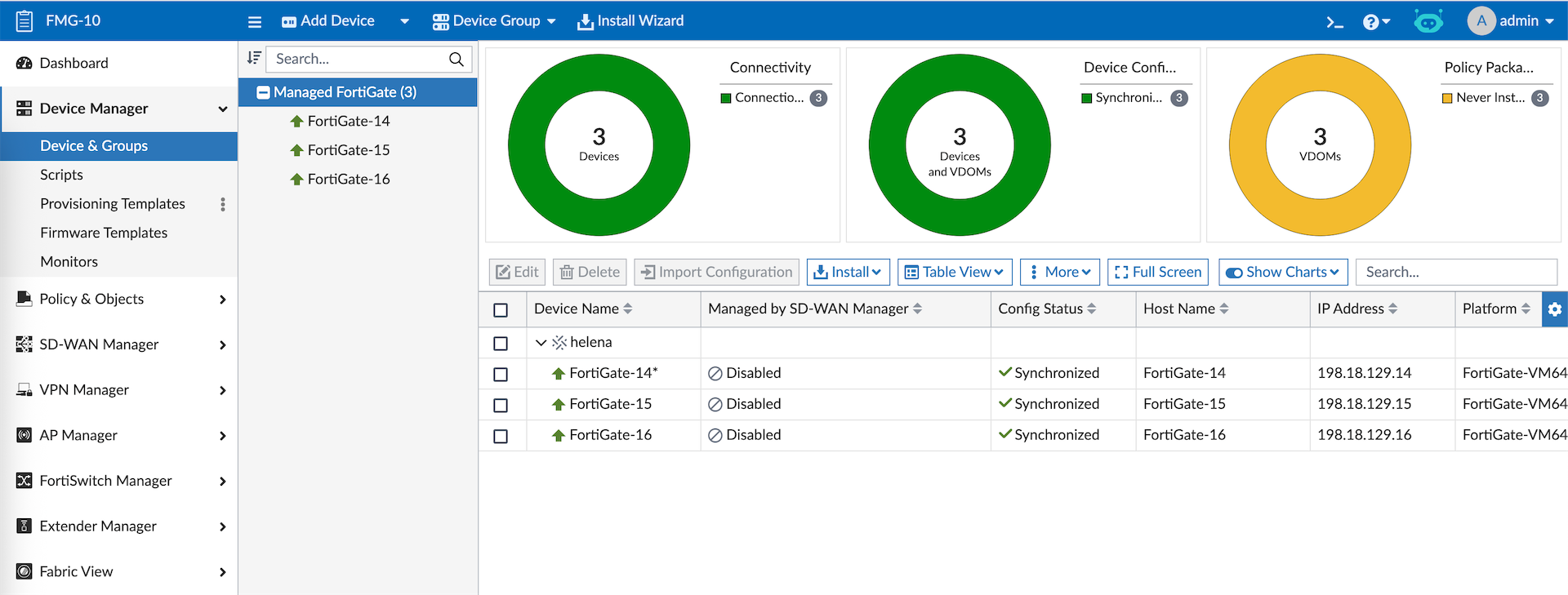
On the member, we can see the FMG configuration is synced from the Fabric Root